
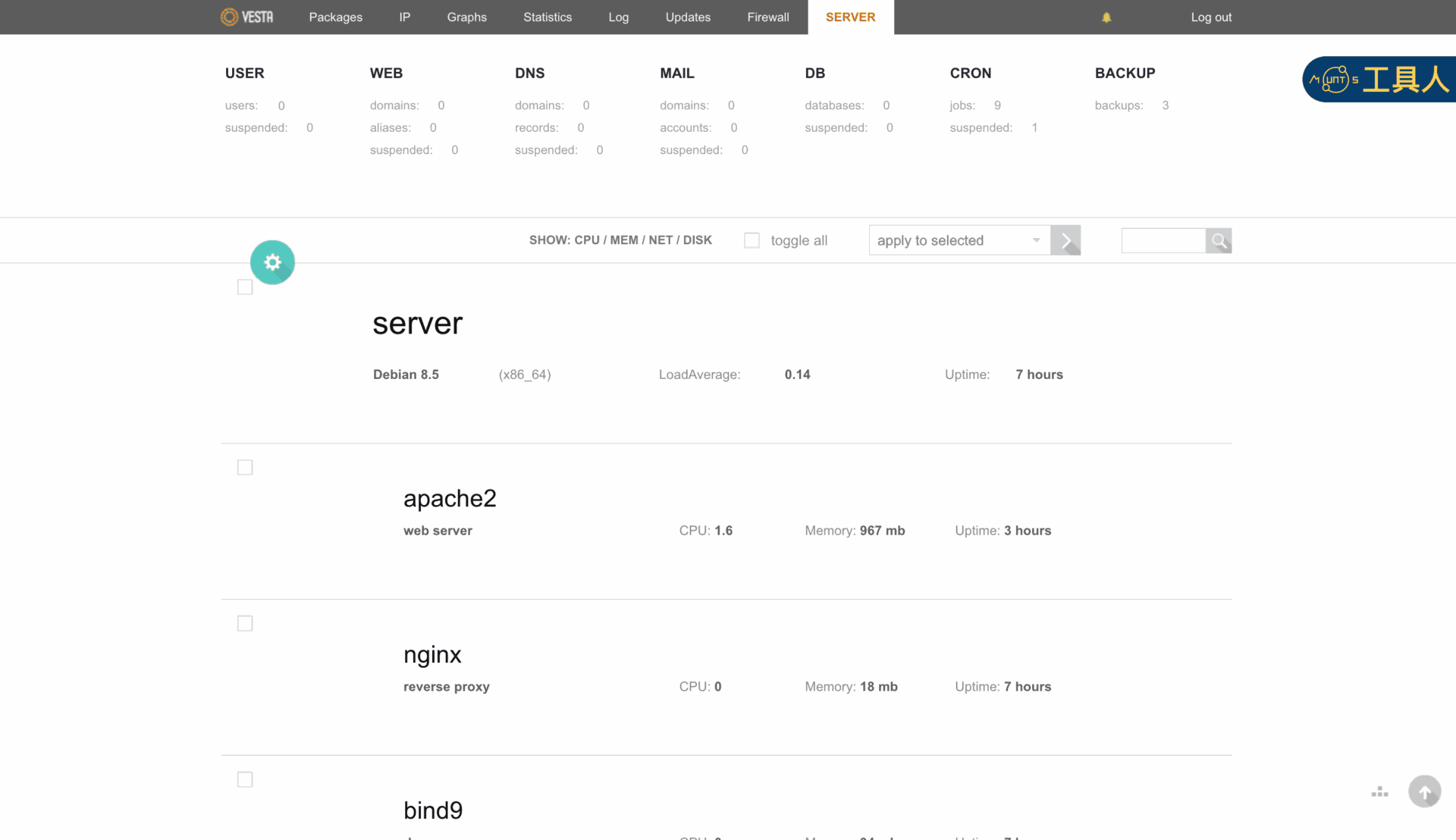
When managing a server [2] with the Vesta Control Panel (VestaCP) [1], if you encounter “Error: named restart failed” and find that Apache 2 or Nginx refuses to start, follow this practical solution from The Fixer.
Before getting started, first inspect the system.log and error.log files located under /usr/local/vesta/log.
Linux command:
sudo nano /usr/local/vesta/log/error.logLocate the most recent error messages in the log file, which will generally indicate a relevant error code [3]. By reviewing the failed steps alongside the error code, you can deduce the underlying cause (though some basic server administration experience helps).
In The Fixer’s case, the failure of Apache and Nginx to launch occurred after repeatedly creating and deleting multiple users and domains in rapid succession. Under these circumstances, the cleanest and simplest fix is to rebuild the user configurations.
As illustrated in Figure 1, navigate to the User Management interface in VestaCP. Check the box next to the user account you wish to rebuild (for example, mountos). Next, select “rebuild web” from the “apply to selected” dropdown menu, and click the execution arrow button on the right. This prompts VestaCP to recompile and regenerate all initial configuration files for that user. In most scenarios, this immediately resolves web server restart hang-ups.
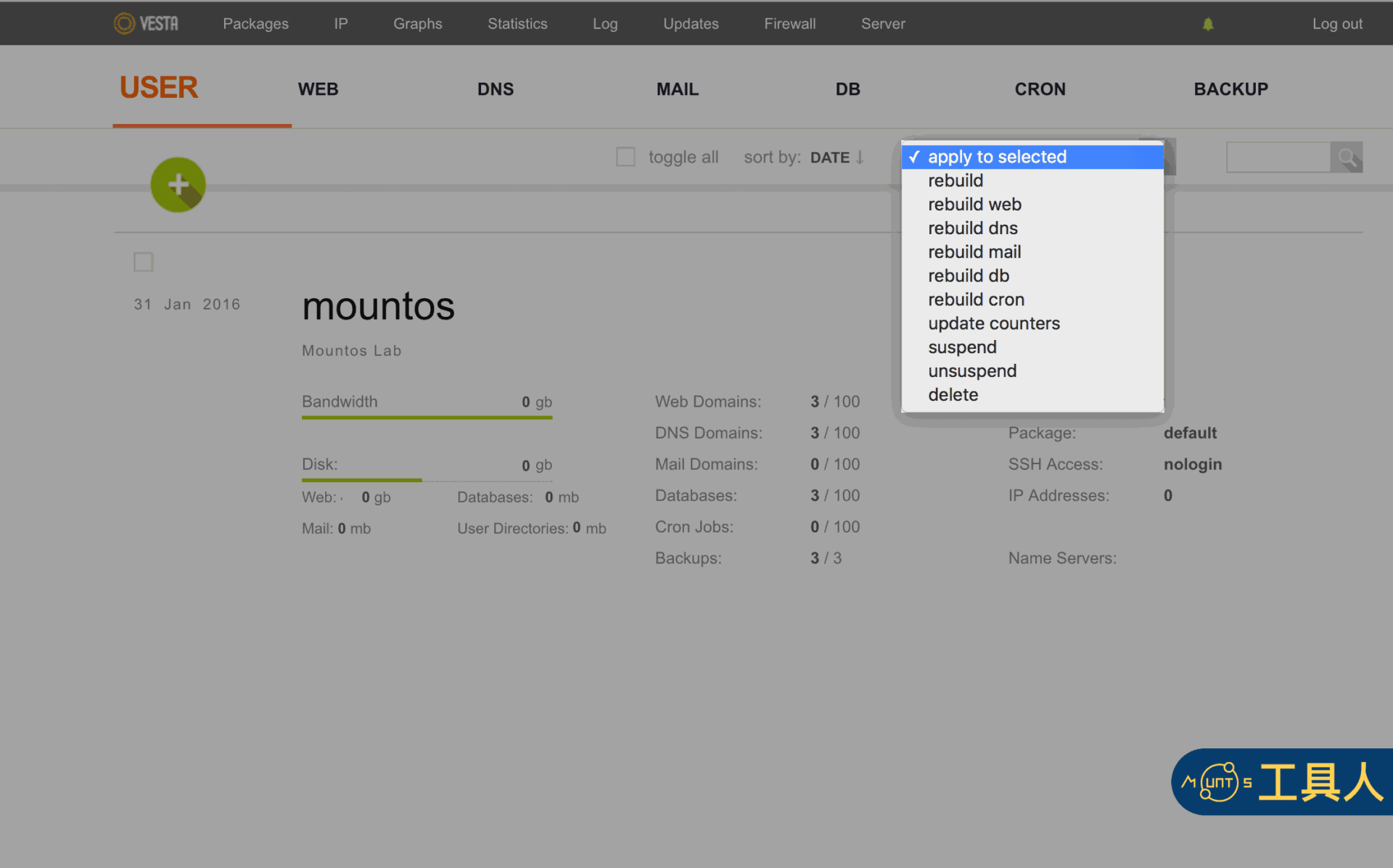
The primary advantage of this rebuild method is that it does not delete or overwrite your actual website files and databases on the server. You can execute it with peace of mind without worrying about disrupting primary website data. The Fixer recommends attempting this straightforward step first whenever diagnosing stubborn server restart errors.
Support Independent Perspectives & In-Depth Insights
Every thoughtful analysis and candid critique comes from our dedication to truth and quality. We choose not to follow sensational algorithms or clickbait headlines.
Sustaining independent research requires reader support. Make a one-time or monthly contribution, securely processed by Google.
Payments secured by Google · Manage or cancel anytime in your Google Account


Comments