
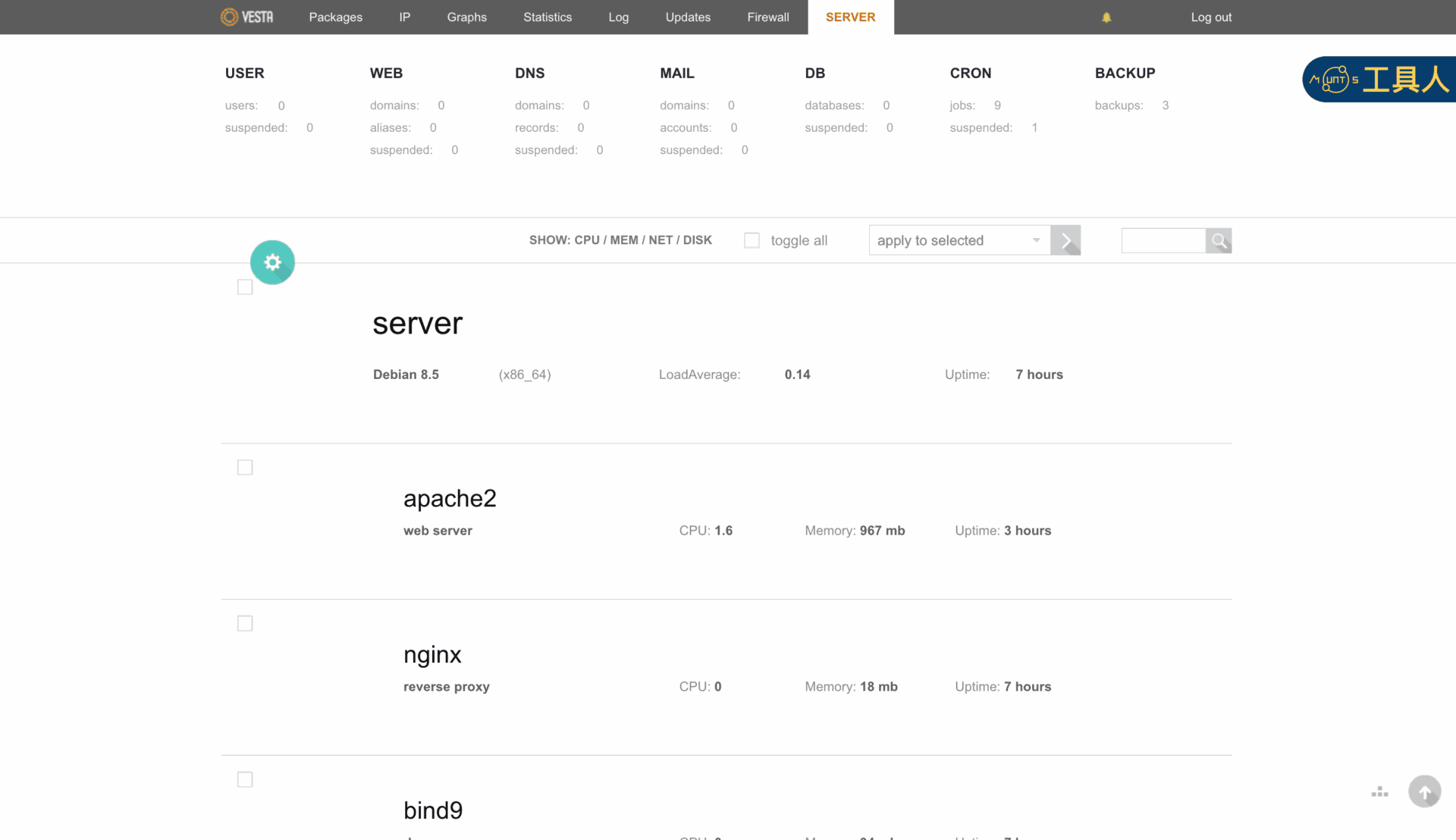
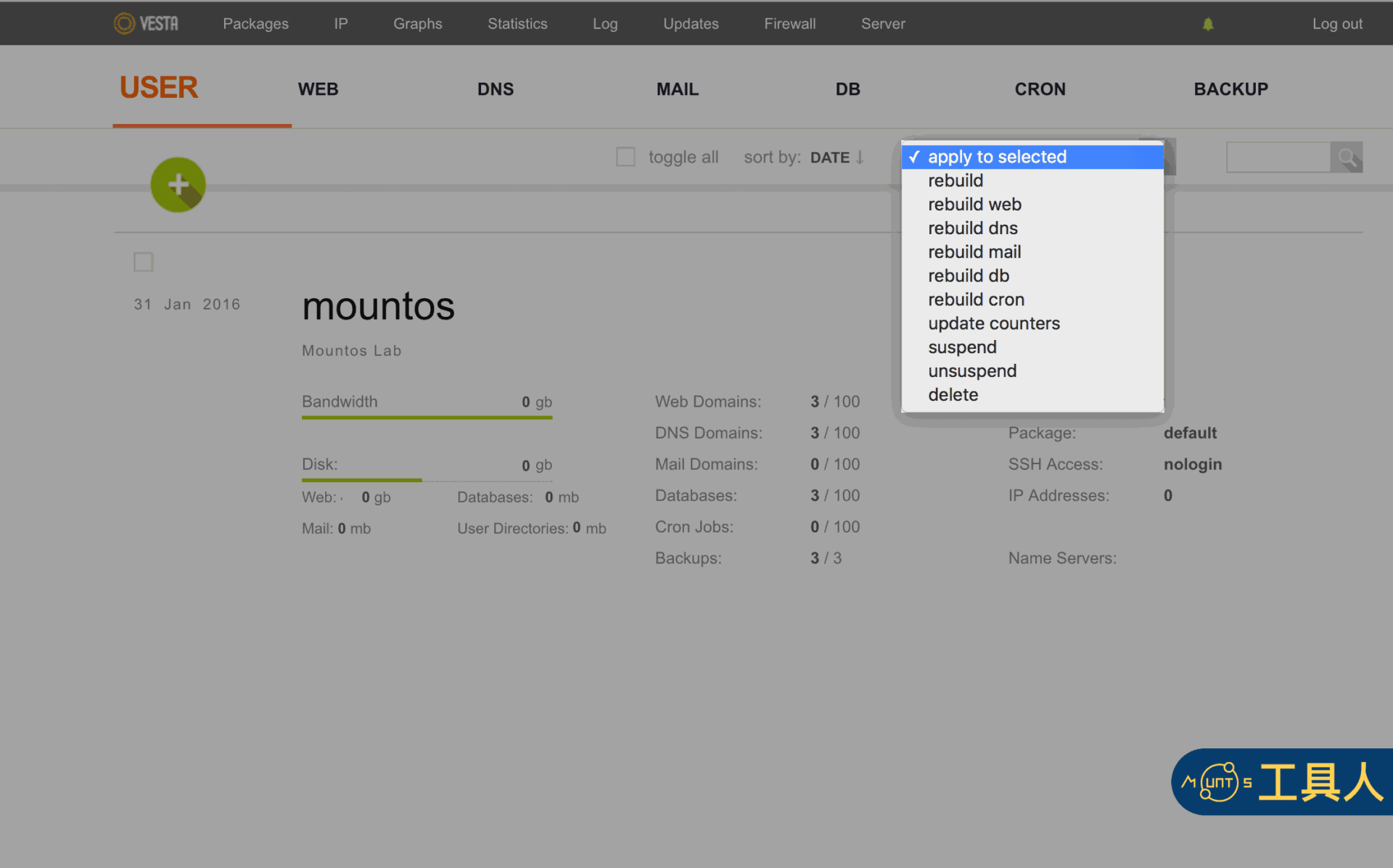
VestaCP is a dedicated open-source web hosting control panel that provides a convenient browser-based interface to manage websites, proxies, email services, DNS zones, and MySQL databases. If you are leasing dedicated servers or VPS instances from providers such as Bluehost or Namecheap, VestaCP is an excellent free solution highly recommended by The Fixer (while cPanel holds the top market share, its licensing fees can be substantial).
Below is a breakdown of the system error codes reported when issues arise in VestaCP. Reviewing these codes helps identify underlying server issues quickly during preliminary troubleshooting.
VestaCP Error Codes
| Error Code | Identifier | Error Code | Identifier |
|---|---|---|---|
| 0 | OK | 11 | DISABLED |
| 1 | ARGS | 12 | PARSING |
| 2 | INVALID | 13 | DISK |
| 3 | NOTEXIST | 14 | LA (Load Average) |
| 4 | EXISTS | 15 | CONNECT |
| 5 | SUSPENDED | 16 | FTP |
| 6 | UNSUSPENDED | 17 | DB |
| 7 | INUSE | 18 | RRD |
| 8 | LIMIT | 19 | UPDATE |
| 9 | PASSWORD | 20 | RESTART |
| 10 | FORBIDDEN |
How to Check Error Codes
After installing VestaCP, whenever you need to diagnose system issues, examine the log files located in /usr/local/vesta/log—specifically system.log and error.log. You can inspect the error log on Linux using:
sudo nano /usr/local/vesta/log/error.logSupport Independent Perspectives & In-Depth Insights
Every thoughtful analysis and candid critique comes from our dedication to truth and quality. We choose not to follow sensational algorithms or clickbait headlines.
Sustaining independent research requires reader support. Make a one-time or monthly contribution, securely processed by Google.
Payments secured by Google · Manage or cancel anytime in your Google Account



Comments