

Today I’d like to introduce two mind mapping software tools. One is FreeMind, which I have used for a long time; the other is MindMeister, a newer discovery of mine that supports cloud collaboration across devices like Android, iPhone, iPad, and Chrome.
Before we dive in, let’s briefly look at what a mind map actually is.
Definition of a Mind Map
A mind map is a visual thinking tool and a graphical technique used to express ideas and organize thoughts. It typically revolves around a central concept or keyword from which ideas branch out in a radial fashion, visually connecting related words, thoughts, tasks, or items. It can depict ideas in various ways—such as topical outlines, visual representations, structured systems, or categorical taxonomies. It is widely used in research, organizational planning, problem-solving, and policy making.
In simpler terms, a mind map is essentially an associative diagram with infinite room for expansion.
A convenient and effective mind mapping software is an exceptionally efficient utility for brainstorming creative ideas or taking lecture notes and summaries (whether this leads to better grades is a whole other matter beyond our scope today).
Mind Mapping Software on MS Windows
FreeMind
FreeMind is a well-established mind mapping program. Its feature set isn’t the most overwhelming, its interface isn’t visually stunning, and community reviews are rather modest.
Yet that simplicity is exactly what I love about it!
What matters most to me is ease of operation and a clean, uncluttered interface. After all, flashy visual effects impose unnecessary cognitive load on the brain, whereas drawing mind maps demands deep, focused cerebral effort.

FreeMind Logo
FreeMind is a desktop-only application that runs on MS Windows, Mac OS X, and Linux. It does not currently offer cloud storage capabilities, nor does it have mobile or tablet apps. Its native file extension is *.mm.
While FreeMind is a tool I genuinely appreciate, it comes with one notable drawback: its system requirements demand installing “Java Runtime Environment 1.6 or later (Sun’s Java Download Site)”. For someone with software installation cleanliness habits like me, this felt like a thorn in the side. Consequently, after upgrading my PC to Windows 8.x, I stopped using this software.
Official FreeMind Download Page: FreeMind Software Freeware Download Site
MindMeister
I first came across MindMeister when looking for a mobile solution to conduct brainstorming sessions anywhere, anytime on my phone.

MindMeister Logo
After testing several mobile mind mapping applications, I settled on MindMeister for the time being.
The primary reason is that its free tier allows you to seamlessly open and view your created mind maps on a desktop computer via Google Drive cloud storage integration.
In other words, MindMeister links directly with your Google account, allowing smooth and hassle-free logins.
MindMeister Official Website: MindMeister.com
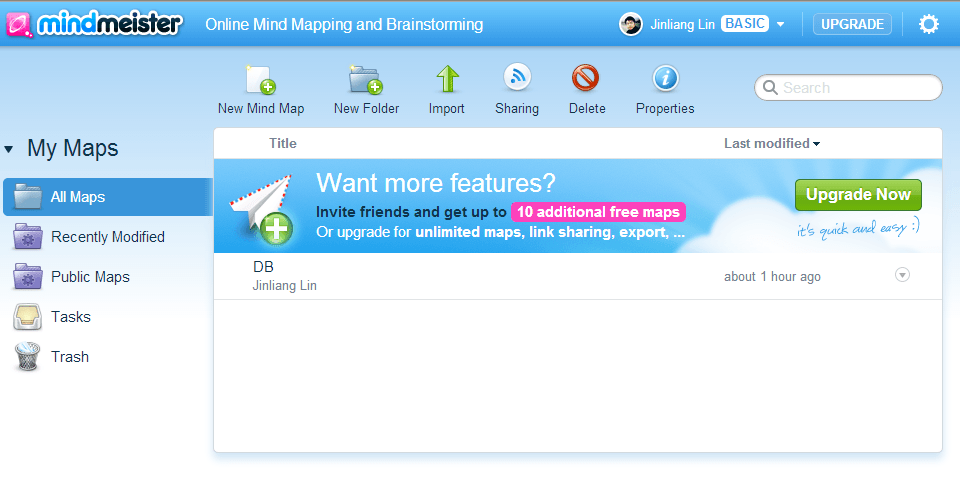
MindMeister Logged-in Home Screen
Furthermore, if you want to use MindMeister on a desktop or laptop, while the company does not offer a standalone desktop client, you can simply install the web app through Google Chrome via the Google Play / Chrome Web Store (Google Play Link).
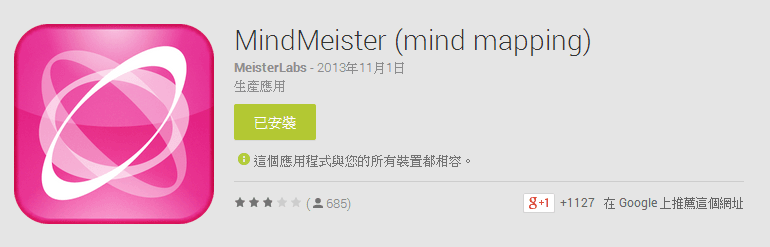
MindMeister in Google Play
Once installed, MindMeister appears conveniently within your Google Chrome apps dashboard.
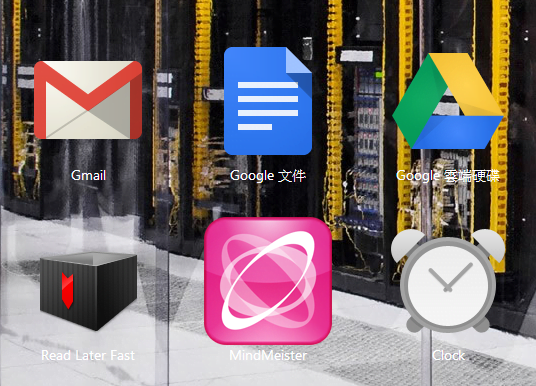
MindMeister in Google Chrome
MindMeister is also available on mobile phones. Simply search for “MindMeister” on Google Play to download and install it. The app footprint is quite lightweight and runs smoothly.
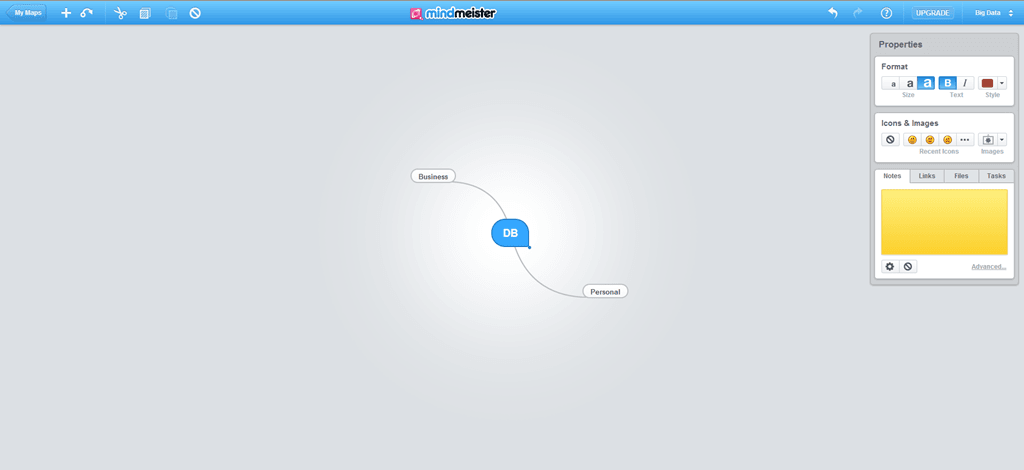
Example of Mind Mapping in Google Chrome with MindMeister
As seen in the screenshot below, the mobile version of MindMeister displays identical content to the desktop browser version, confirming that synchronization functions properly.
In practical testing, edits made on the desktop browser version update in real time. On the mobile version, however, changes may not refresh automatically unless you exit the diagram and reopen it, which is something to keep in mind.
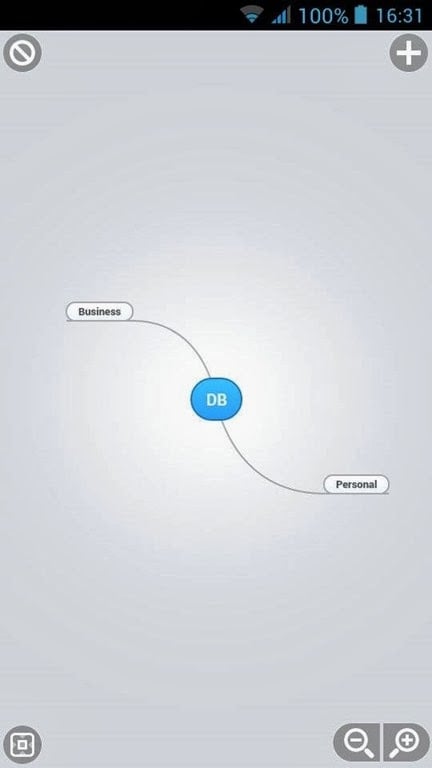
MindMeister Mobile Mind Mapping Interface
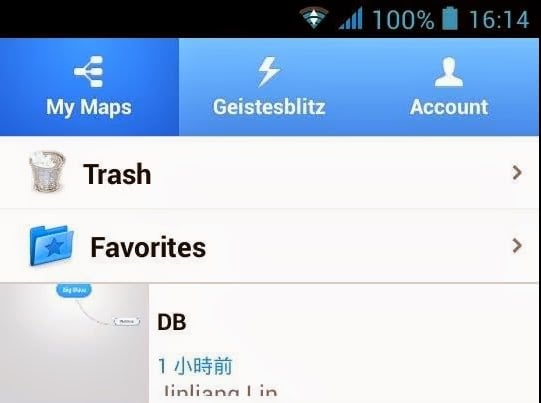
MindMeister Android Folder Screen
Finally, a quick cautionary note: if you edit the exact same mind map simultaneously on both your mobile device (such as the Android app folder view) and a desktop browser, the mobile version and desktop version might diverge into two detached, conflicting copies.
This appears to be an edge-case bug in MindMeister. Since the desktop version edits diagrams via the official web interface using cloud-synced files, it should theoretically maintain parity with the mobile view. Yet in my testing, the two instances behaved independently without any merge conflict warning.
⚠️ Interestingly, when I deleted the file on mobile, it disappeared from the desktop browser view as well! Therefore, it is best to edit sequentially and carefully avoid concurrent modifications across devices.
Support Independent Perspectives & In-Depth Insights
Every thoughtful analysis and candid critique comes from our dedication to truth and quality. We choose not to follow sensational algorithms or clickbait headlines.
Sustaining independent research requires reader support. Make a one-time or monthly contribution, securely processed by Google.
Payments secured by Google · Manage or cancel anytime in your Google Account


Comments