
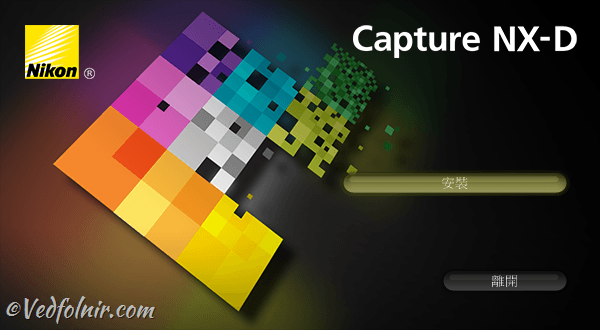
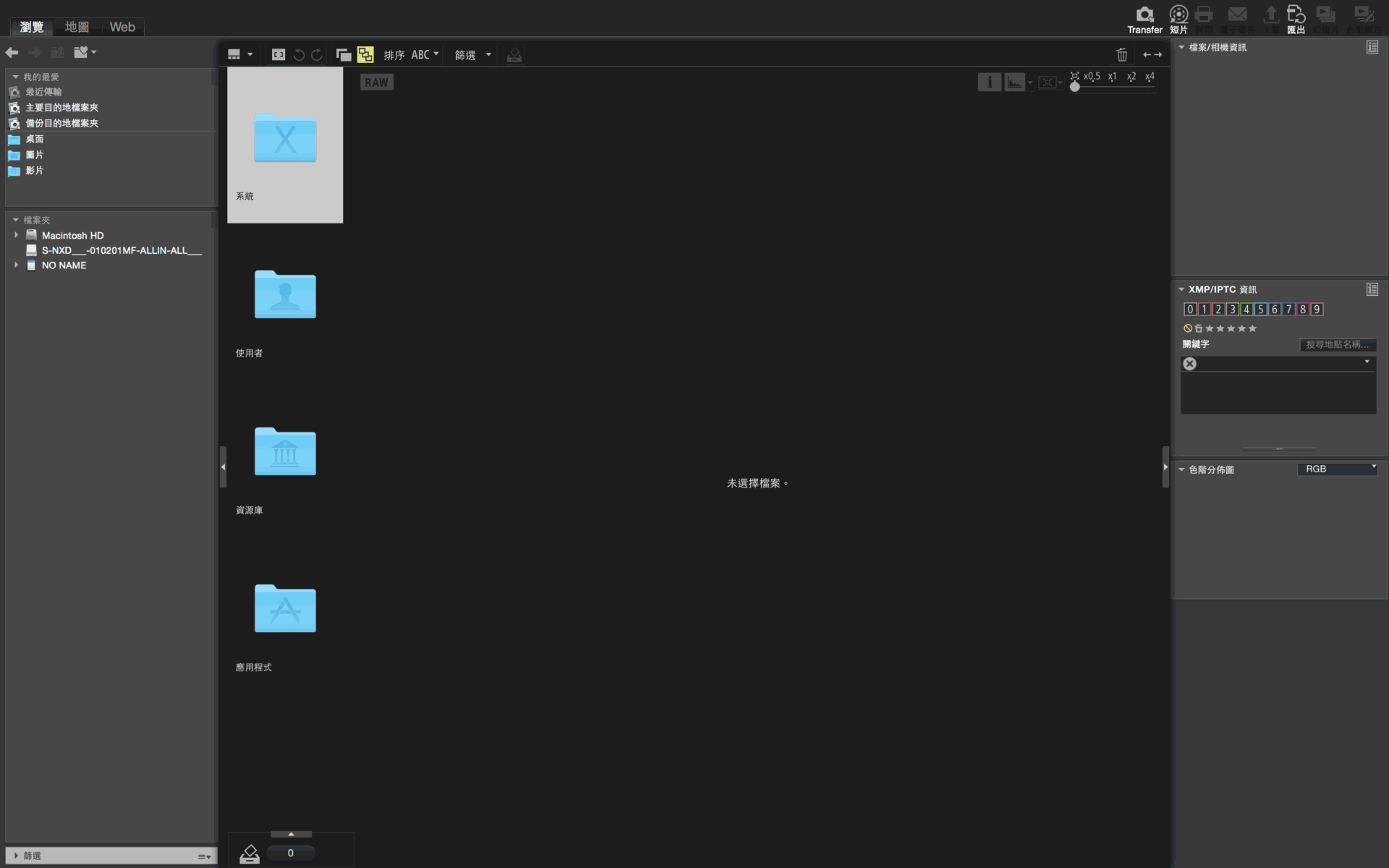
World-renowned optical manufacturer Nikon not only produces cameras and lenses of outstanding build and optical quality, but their proprietary image management program ViewNX-i and modern RAW converter Capture NX-D are also among the finest digital darkroom tools on the market.
Because ViewNX-i1 and Capture NX-D2 only support Nikon cameras’ proprietary RAW format (“NEF”), users of other camera brands cannot take advantage of them. Consequently, their mainstream popularity lags behind general-purpose suites like Adobe Lightroom, ACDSee, and PhotoImpact.
However, using Nikon ViewNX-i and Nikon Transfer 2 to manage Nikon digital camera files provides distinct advantages that other image editing and cataloging software3 simply cannot match.
Aside from being completely free for Nikon owners, proprietary in-camera color reproduction and picture controls are trade secrets closely guarded by manufacturers. (The most famous example is Leica and Panasonic: even when sharing nearly identical camera hardware designed and produced jointly, their exported color rendition and tone curves differ noticeably). While third-party software can decode and edit NEF raw files, slight color and luminance shifts often occur. Using Nikon’s first-party software completely circumvents this issue.
Although ViewNX-i and Capture NX-D come equipped with most standard editing and cataloging tools, and even surpass third-party tools in color fidelity, three key areas still leave them behind Lightroom and Photoshop:
First, Lightroom and Photoshop offer independent local adjustment tools such as the “Adjustment Brush.” By brushing over specific areas, you can selectively tweak shadows, highlights, exposure, and saturation. In contrast, ViewNX-i and Capture NX-D only permit global adjustments across the entire frame.
Second, building on the above, beyond standard digital darkroom exposure and color adjustments, Photoshop allows sophisticated multi-layer compositing to craft highly imaginative, creative imagery.
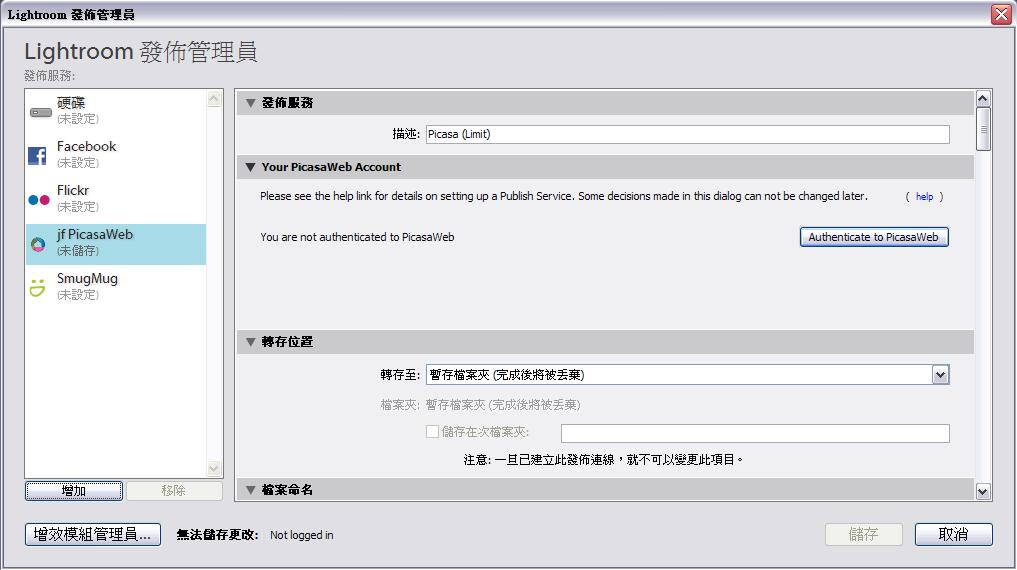
Third, Lightroom and Photoshop enjoy massive third-party plugin ecosystems! Most notably, the renowned “Nik Collection” is a brilliant suite that many photographers consider indispensable. When Google initially acquired the Nik Collection and made it temporarily free, it was an absolute must-have plugin bundle that enabled creators to craft stunning visuals quickly.
Whether these three differences qualify as true “shortcomings” of ViewNX-i / Capture NX-D depends entirely on the photographer’s goals.
For instance, many photography competitions strictly prohibit digital compositing and manipulative cloning. This is because photography contests evaluate not just subject matter, but also authentic shooting technique and on-site capture discipline.
Footnotes
-
Nikon ViewNX-i Official Download Page. ↩
-
Nikon Capture NX-D Official Download Page. ↩
-
Beginner’s Warning: Apple Photos Library Precautions and Usage Guide (iMac, Mac, Mac mini, MacBook Air, Pro). ↩
Support Independent Perspectives & In-Depth Insights
Every thoughtful analysis and candid critique comes from our dedication to truth and quality. We choose not to follow sensational algorithms or clickbait headlines.
Sustaining independent research requires reader support. Make a one-time or monthly contribution, securely processed by Google.
Payments secured by Google · Manage or cancel anytime in your Google Account

Comments