

Because camera manufacturers hold the most accurate proprietary sensor profiles and raw parameters—along with providing free support—many Nikon camera owners insist on using Nikon’s official image processing software suite, “ViewNX-i & Capture NX-D.”
However, for some unknown reason, starting at least six months ago, Nikon’s dedicated file transfer utility, “Nikon Transfer 2,” ceased to function properly on Apple’s macOS.
Even Nikon’s official announcement stated that Nikon Transfer 2 currently cannot be used in macOS Sierra to transfer images from a card reader or memory card slot.
When attempting to run this photo transfer service on an Apple Mac computer, the following error message pops up, blocking you from opening the app as soon as it detects your macOS version:
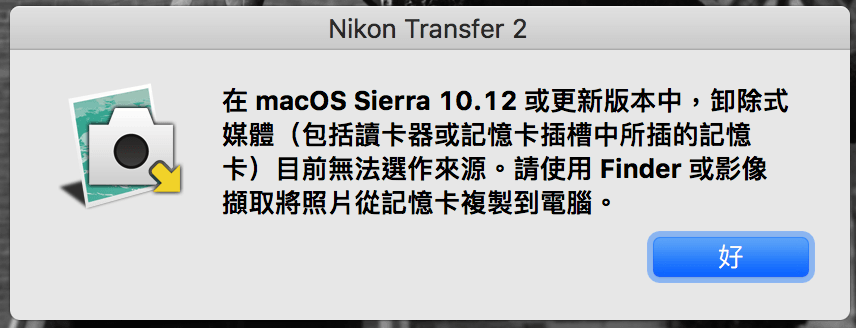 Nikon Transfer 2 error prompt.
Nikon’s current advice to Apple users was essentially: “Just don’t use it for now.”
Seriously?!
April 2018 Update: Nikon Transfer has now been updated and functions normally on Apple macOS.
If you find this frustrating, you could follow Apple’s official recommendation: use the built-in “Image Capture” utility on Apple macOS to import photos to your computer (as shown below); or use “Finder” to manually copy or move image files directly from the memory card onto your local hard drive.
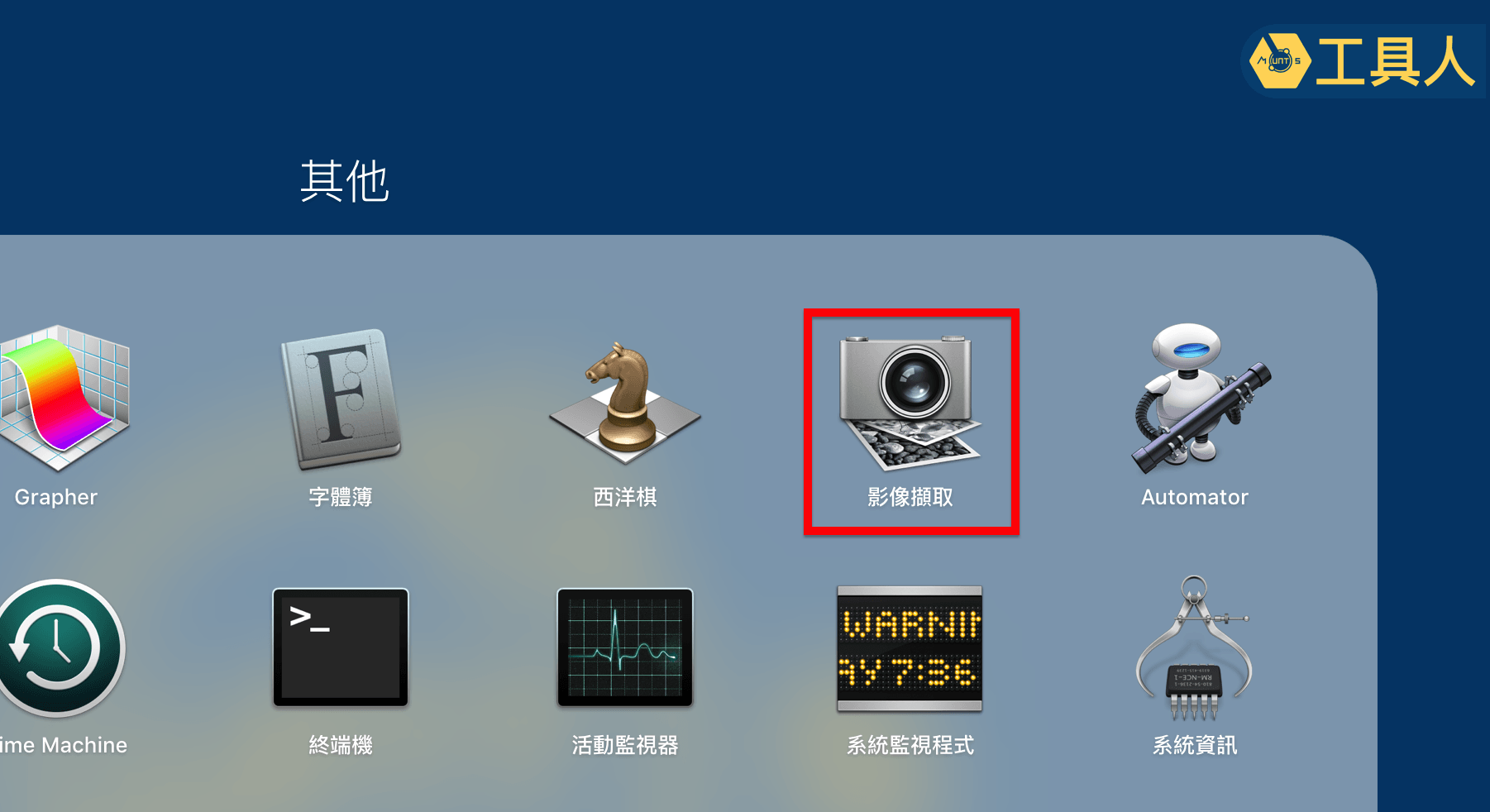 “Image Capture” application.
While both of these alternatives seem simple on the surface, subsequent photo management becomes an absolute headache and adds uncertainty to file transfers.
In the past, we were accustomed to quickly sorting photos by shooting date. With the two alternatives above, however, Image Capture simply dumps all photos from the memory card into a designated folder (such as Pictures), sometimes even ignoring certain important files, leaving photographers feeling uneasy. On the other hand, using Finder requires manually naming folders; if you want to categorize by date, you have to sort and drag images into new folders yourself. Neither approach is particularly smart.
We previously introduced in “Beginner’s Warning: Apple Photos Library Precautions and Usage Guide (iMac, Mac, Mac mini, MacBook Air, Pro)” that Apple’s “Photos Library” is a cumbersome tool for professional image management, and we recommended several third-party file management solutions (such as Adobe Bridge / Lightroom).
Today, our recommendation remains similar: if you don’t want to spend money on an Adobe Creative Cloud subscription, simply download the standalone “Adobe Bridge.” Bridge allows you to ingest, transfer, and organize photos and videos directly from memory cards, and it is one of the few free standalone utilities offered by Adobe.
In short, safely and efficiently storing your image files on your hard drive first, and then using Capture NX-D to process them, yields the exact same post-processing quality.
There is another major reason we recommend Adobe Bridge: during image transfer, photographers often need to embed XMP/IPTC copyright metadata. This is something neither Image Capture nor Finder can do. Even if you ingest files first and batch-edit metadata later, it turns into an unnecessary, tedious task.
Nikon Transfer 2 originally handled this seamlessly. With it broken, switching to Bridge (or your preferred file management tool) is a viable workaround.
Some might argue that ViewNX-i & Capture NX-D are not nearly as feature-rich as Adobe Lightroom or Photoshop. For tethered shooting, you still have to buy Nikon Camera Control Pro separately, whereas Lightroom has built-in tethering support and endless adjustment sliders. Furthermore, Adobe’s Photography Plan is only around NT$320 per month—hardly an exorbitant cost.
Capture One, released by high-end camera maker Phase One, is just as powerful as Lightroom and offers robust tethered shooting (even connecting to an iPad over Wi-Fi), making it a favorite among professional photographers worldwide.
Yet, as mentioned at the beginning, proprietary camera sensor profiles are closely guarded trade secrets. Adobe can only approximate raw demosaicing and color reproduction via software emulation. In the eyes of particular, demanding photographers, using the manufacturer’s first-party RAW software feels like an absolute necessity.
Besides, no matter how inexpensive Adobe’s subscription is, Nikon ViewNX-i & Capture NX-D are completely free!
Some photographers even feel that while Capture NX-D has fewer granular sliders than Lightroom, it encourages a mindset of “not needing heavy post-processing,” staying true to the essence of pure photography, which makes them cherish Nikon’s official software even more.
A quiet whisper: Honestly, I’m not quite as obsessive as our lead photographer. A good cat catches mice regardless of its color. I still wholeheartedly recommend the cost-effective and powerful Adobe Lightroom to everyone (laughs).
References
- Adobe Official Website: Photography Plan (includes Adobe Lightroom and Photoshop).
- The latest Nikon ViewNX-i version at the time of writing is “ViewNX-i & Capture NX-D version 1.17.010.”
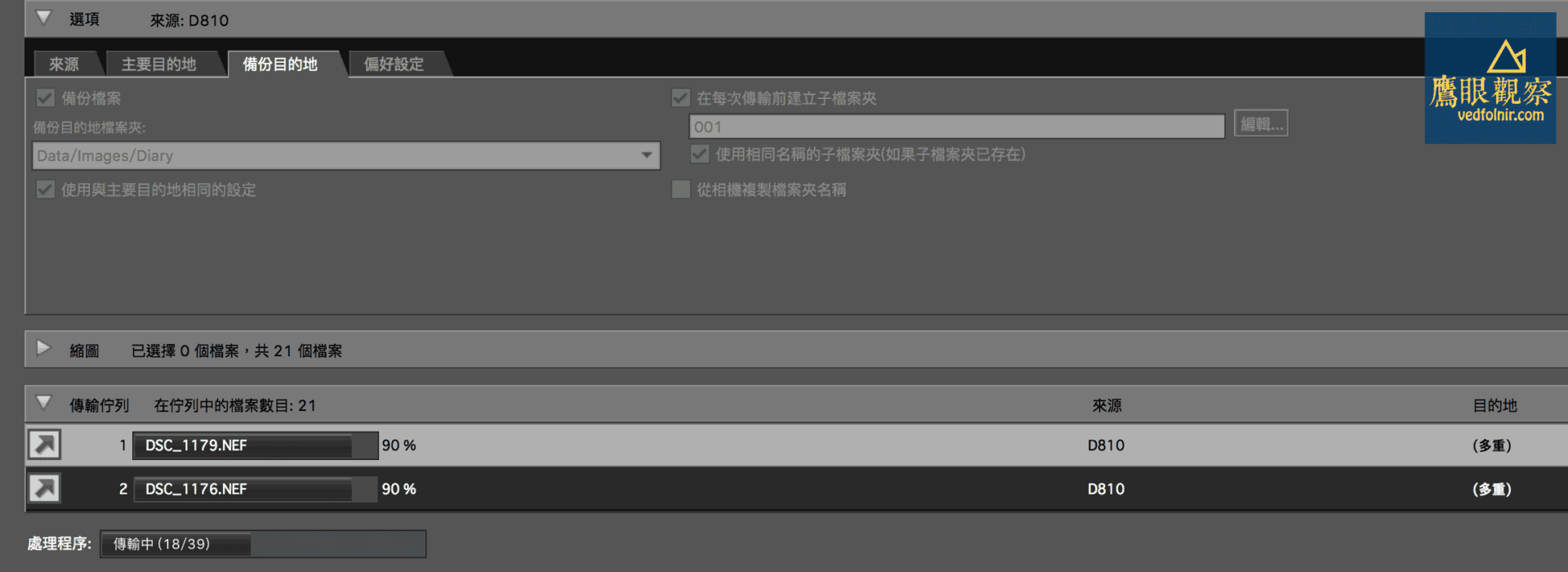
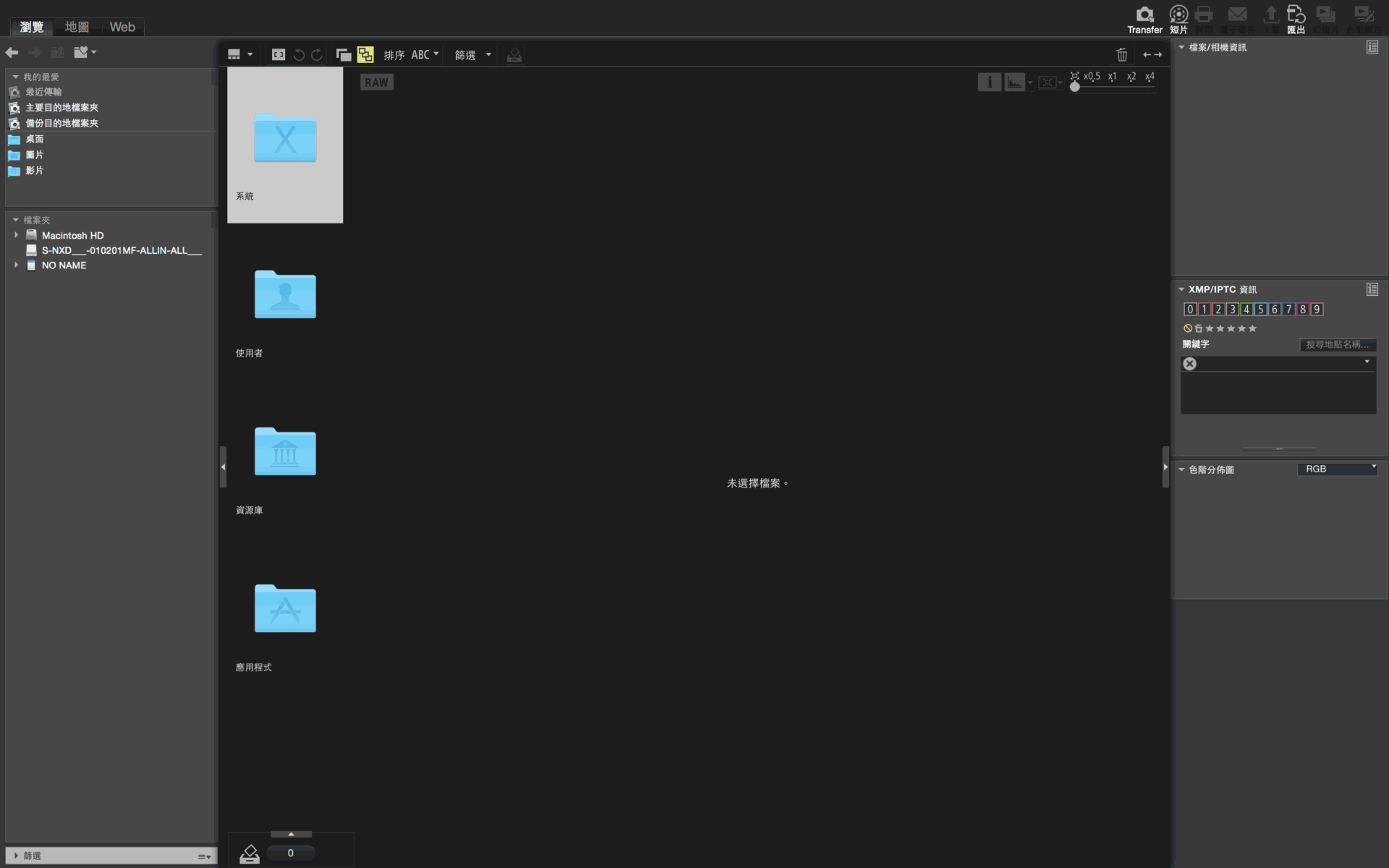
- Nikon ViewNX-i Image Management & Nikon Transfer 2 Primary Destination & Backup Applications
Support Independent Perspectives & In-Depth Insights
Every thoughtful analysis and candid critique comes from our dedication to truth and quality. We choose not to follow sensational algorithms or clickbait headlines.
Sustaining independent research requires reader support. Make a one-time or monthly contribution, securely processed by Google.
Payments secured by Google · Manage or cancel anytime in your Google Account

Comments