
On Facebook business fan pages, the native star rating and customer review system is designed to showcase genuine customer feedback. However, during contentious public controversies or coordinated trolling campaigns, malicious netizen brigades frequently weaponize the review tab, mass-spamming one-star negative reviews to depress a brand’s public rating.
To safeguard your brand reputation against targeted online harassment, you can temporarily disable and hide the Reviews tab in page settings.
Step-by-Step Guide to Turning Off Facebook Reviews
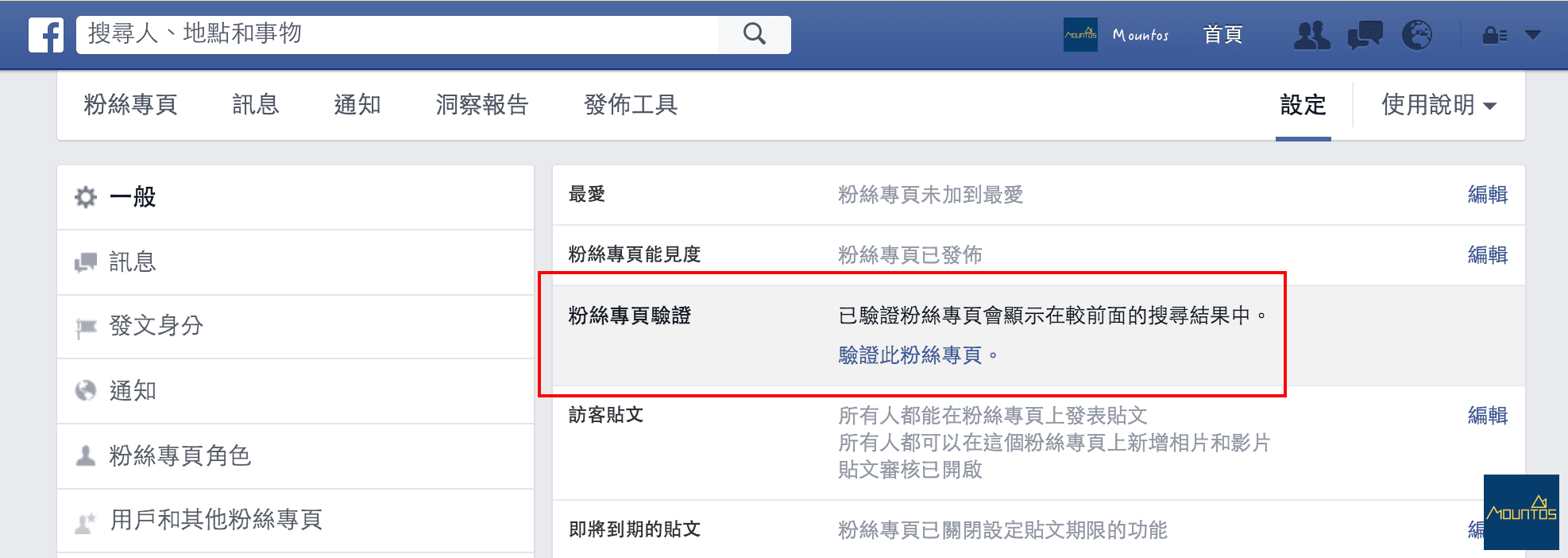
- Navigate to Page Settings: Log in to Facebook with page administrator privileges. From your business page dashboard, click “Settings” in the top management menu.
- Access Templates and Tabs: In the left sidebar menu, select “Templates and Tabs” (範本和頁籤).
- Configure the Reviews Tab: Scroll down the list of page tabs to find “Reviews” (評論). Click the “Settings” button located on the right.
- Toggle ‘Show Reviews’ to OFF: Switch the toggle for “Show Reviews” (顯示評論) from On to Off, then click “Save”.
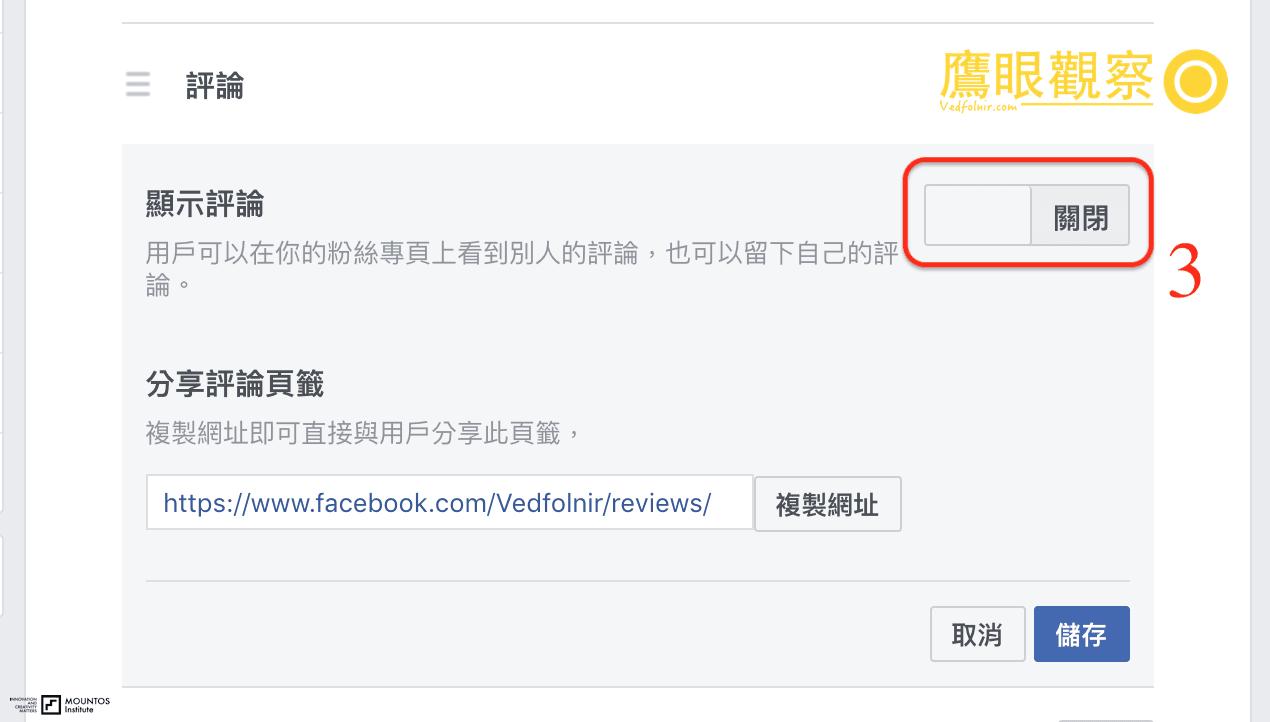
Once toggled off, the entire Reviews section and cumulative star rating vanish from your public Facebook Page. Users will be unable to leave ratings, completely nullifying malicious coordinated review bombing. Once public controversy dissipates, you can re-enable the tab to restore past legitimate ratings.
Of course, long-term brand success relies on high-quality customer service rather than superficial metrics—yet knowing how to shield your digital presence remains an essential crisis management skill.
Support Independent Perspectives & In-Depth Insights
Every thoughtful analysis and candid critique comes from our dedication to truth and quality. We choose not to follow sensational algorithms or clickbait headlines.
Sustaining independent research requires reader support. Make a one-time or monthly contribution, securely processed by Google.
Payments secured by Google · Manage or cancel anytime in your Google Account


Comments