

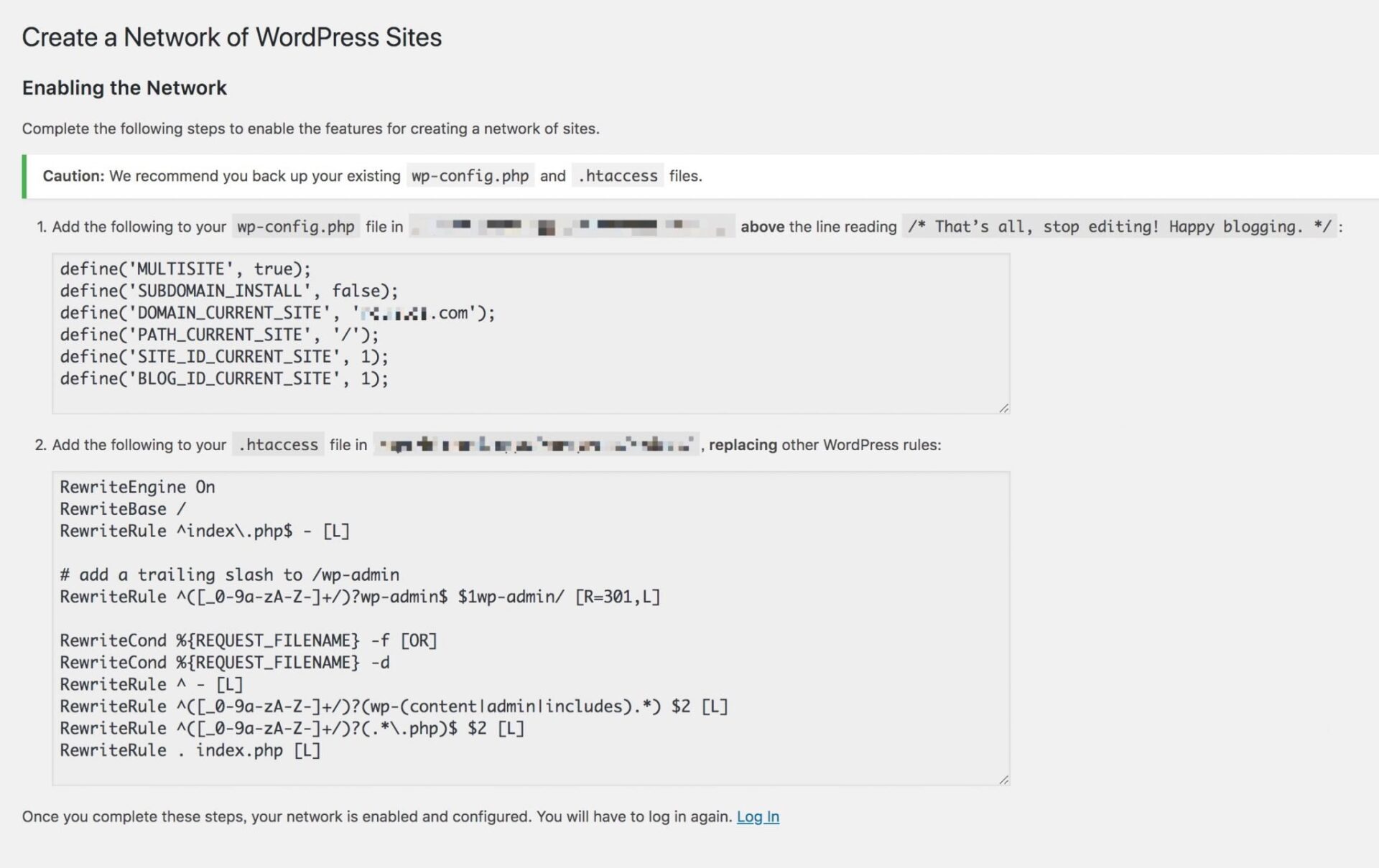
During a fresh WordPress installation, after modifying core site URLs, or when converting a site into a Multisite Network, administrators can sometimes find themselves locked in a frustrating login loop—unable to access the wp-admin dashboard.
Generally, being locked out of the WordPress administrative area falls into two distinct categories:
- No Page Response (HTTP 500 Internal Server Error): If the site throws a white screen of death or 500 server error, refer to our troubleshooting guide on server-side repairs.
- Login Loop and Redirect: The login form loads normally, but after submitting the correct username and password, the browser simply refreshes back to the login screen or bounces back to the homepage without displaying any error message.
If your site suffers from scenario 1, follow the self-diagnostic steps in “8 Solutions to Fix and Repair WordPress HTTP 500 Internal Server Error”.
If your site exhibits scenario 2, you will typically observe a long redirect string in the browser address bar resembling:
https://www.Vedfolnir.com/wp-login.php?redirect_to=https%3A%2F%2Fwww.Vedfolnir.com%2Fwp-admin%2F&reauth=1This error usually stems from discrepancies between WordPress database records and the active server request protocol. Aside from inspecting syntax in wp-config.php and .htaccess, you must verify and update the options in your WordPress MySQL database.
As illustrated below, the wp_options table stores two fundamental settings: siteurl and home. When switching a site to HTTPS via SSL certificates or changing network domains, failing to update these database values simultaneously causes authentication cookies to mismatch the request domain, triggering an endless login redirect loop.
Updating both database fields to match the exact protocol and URL format (https://www.example.com) resolves the issue immediately.
 WordPress Database Site and Home URL Settings
In rare cases, poorly coded third-party themes or security plugins updated recently may also trigger redirect anomalies by incorrectly hooking authentication filters. Temporarily reverting to a default theme via FTP/SSH can verify if a theme conflict is at fault.
References
Support Independent Perspectives & In-Depth Insights
Every thoughtful analysis and candid critique comes from our dedication to truth and quality. We choose not to follow sensational algorithms or clickbait headlines.
Sustaining independent research requires reader support. Make a one-time or monthly contribution, securely processed by Google.
Payments secured by Google · Manage or cancel anytime in your Google Account


Comments