
In an Apache web server environment, .htaccess (short for Hypertext Access) is the most powerful directory-level configuration file. It allows webmasters to customize access rules, path redirection, and secure access permissions for a specific folder and all its subdirectories without directly modifying the server’s global core configuration file (such as httpd.conf).
The “dot (.)” at the beginning of the file name indicates that it is a hidden file in Unix/Linux systems. Any WordPress site running on Apache must rely on a correct and sound .htaccess for its permalinks to resolve properly.
However, beyond the most basic page redirection, a good .htaccess is also a key secret weapon for strengthening a site’s security defenses, resisting malicious probing, and enabling browser static caching to greatly boost your Google PageSpeed score. This article compiles commonly used and powerful configuration examples below for WordPress webmasters and operations staff to reference and use directly.
1. WordPress Official Standard Core Rewrite Rules (mod_rewrite)
This is the essential basic core skeleton for every fresh WordPress installation. Its main function is to automatically rewrite all requests for files or directories that don’t physically exist to the root directory’s index.php, to achieve custom semantic permalinks:
# BEGIN WordPress
<IfModule mod_rewrite.c>
RewriteEngine On
RewriteBase /
RewriteRule ^index\.php$ - [L]
RewriteCond %{REQUEST_FILENAME} !-f
RewriteCond %{REQUEST_FILENAME} !-d
RewriteRule . /index.php [L]
</IfModule>
# END WordPress
2. Force HTTP Traffic to 301 Permanently Redirect to HTTPS
Once your site has an SSL security certificate installed, be sure to add the following rule at the very top of .htaccess, ensuring that all visitors and search engine crawlers entering http:// are automatically redirected to the encrypted https:// secure address:
# Force HTTP to HTTPS (301 Redirect)
<IfModule mod_rewrite.c>
RewriteEngine On
RewriteCond %{HTTPS} off
RewriteRule ^(.*)$ https://%{HTTP_HOST}%{REQUEST_URI} [L,R=301]
</IfModule>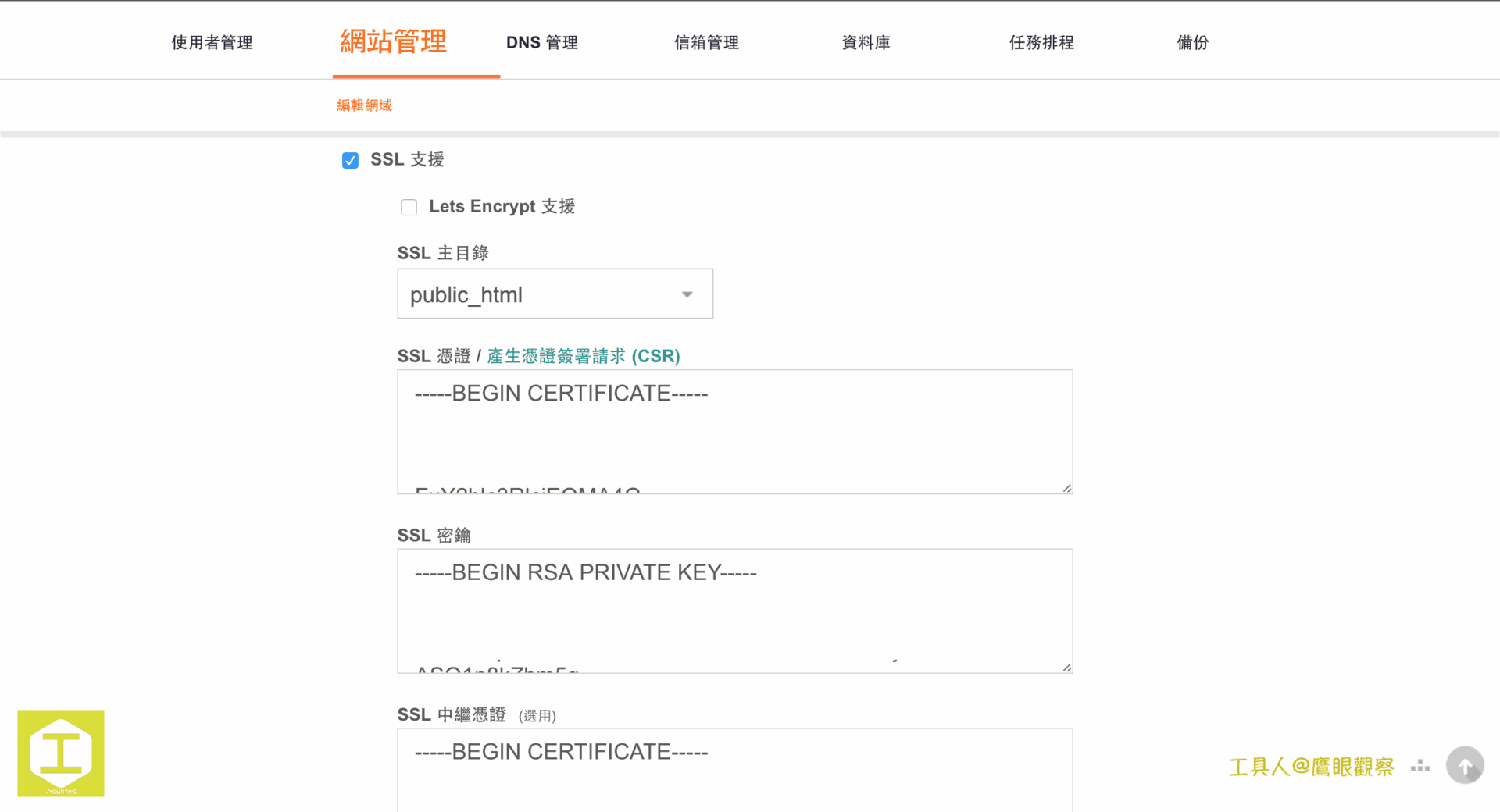
3. Site Security Hardening: Block Sensitive File Access and Firewall Rules
Black-hat hackers often use automated scanning scripts to probe your server configuration files or try to bypass PHP security restrictions. Through .htaccess, Apache can intercept and reject requests directly before they reach PHP.
1. Block external access to the PHP initialization file (.user.ini) and Wordfence WAF
The well-known security plugin Wordfence creates .user.ini in the system for firewall preloading, and external visitors must be strictly forbidden from downloading it directly:
# BEGIN Wordfence WAF
<Files ".user.ini">
    <IfModule mod_authz_core.c>
        Require all denied
    </IfModule>
    <IfModule !mod_authz_core.c>
        Order deny,allow
        Deny from all
    </IfModule>
</Files>
# END Wordfence WAF
2. Block external direct execution of malicious scripts in plugin directories (using Akismet as an example)
Hackers often use unauthorized PHP scripts in plugin directories to escalate privileges or plant trojans. We can set a whitelist in a specific plugin directory (or globally in wp-content/plugins), allowing browsers to read only CSS, JS, and images, and completely blocking the direct execution of any PHP file:
# Allow access only to public front-end static resources, forbid execution of other dangerous scripts
<IfModule !mod_...Support Independent Perspectives & In-Depth Insights
Every thoughtful analysis and candid critique comes from our dedication to truth and quality. We choose not to follow sensational algorithms or clickbait headlines.
Sustaining independent research requires reader support. Make a one-time or monthly contribution, securely processed by Google.
Payments secured by Google · Manage or cancel anytime in your Google Account




Comments