
In mobile image processing, Google’s Snapseed has long represented the benchmark balancing professional depth with intuitive control. Arriving in 2026 with version 4.0.0, the app expands beyond corrective adjustments into cinematic rendering.
This major release refreshes the operational workflow while introducing two flagship optical tools that redefine mobile aesthetics.
Efficiency Revolution: Streamlined UI and Customizable Workspace
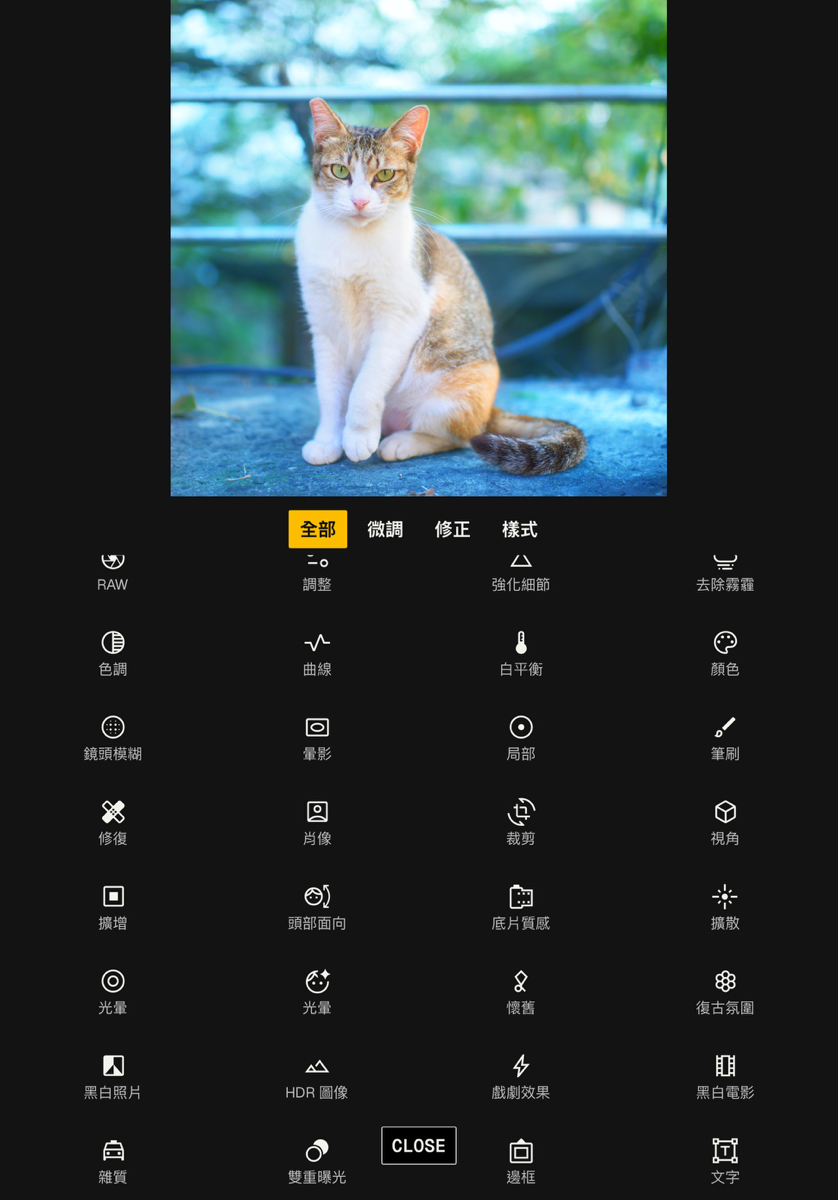
Snapseed 4.0.0 revamps user interface architecture to maximize operational fluidity.
- Refreshed Visual Hierarchy: A modern visual design minimizes nested panels, offering an immersive canvas.
- Expanded Favorites: Pin frequently used tools to prime interface slots, eliminating menu hunting.
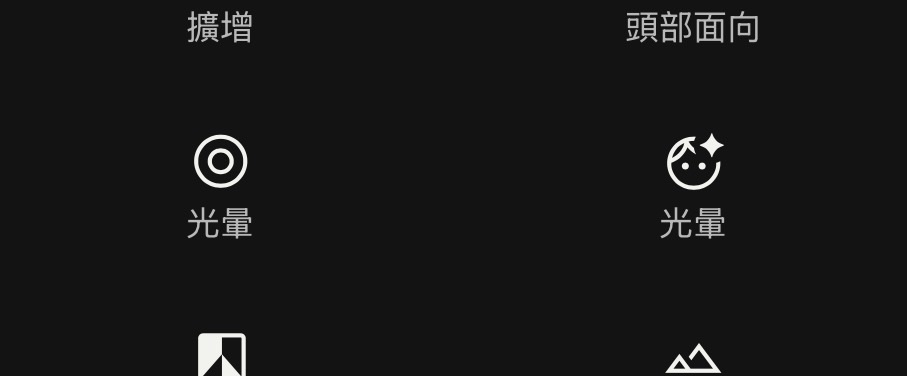
Cinematic Character: The Optical Magic of Bloom and Halation
The centerpiece of version 4.0.0 is the addition of analog optical emulations.
1. Dreamy Luminance: Bloom Tool
Bloom emulates vintage diffusion mist filters rather than applying generic blurring.
- Strength: Regulates the density of optical glow.
- Size: Dictates the spatial radius of light dispersion.
- Range: Pinpoints target luminance thresholds to prevent blown-out highlights.
2. Authentic Film Warmth: Halation Tool
Halation faithfully recreates the reddish-orange fringe generated when intense light reflects off the chemical backing layer of analog film emulsions.
- Threshold: Calibrates the highlight intensity required to trigger bleeding.
- Strength: Adjusts chromatic saturation and dispersal intensity.
The Professional Moat: Mastering the Selective Masking Engine
While new tools turn heads, Snapseed’s enduring supremacy rests on its non-destructive masking architecture.
Using “View Edits,” creators apply brush-based selective masks to restrict Bloom or Halation to precise regions:
- Localized Diffusion: Confining Bloom to window highlights behind a portrait while retaining crisp eyelash detail.
- Flawless Retouching: Pairing the Healing tool with brush masking for seamless object removal.
Because masking applies modularly across nearly all adjustments, editors enjoy desktop-grade precision on mobile devices.
AI-Powered Retouching: Portrait and Head Pose
Snapseed continues refining its generative AI toolset:
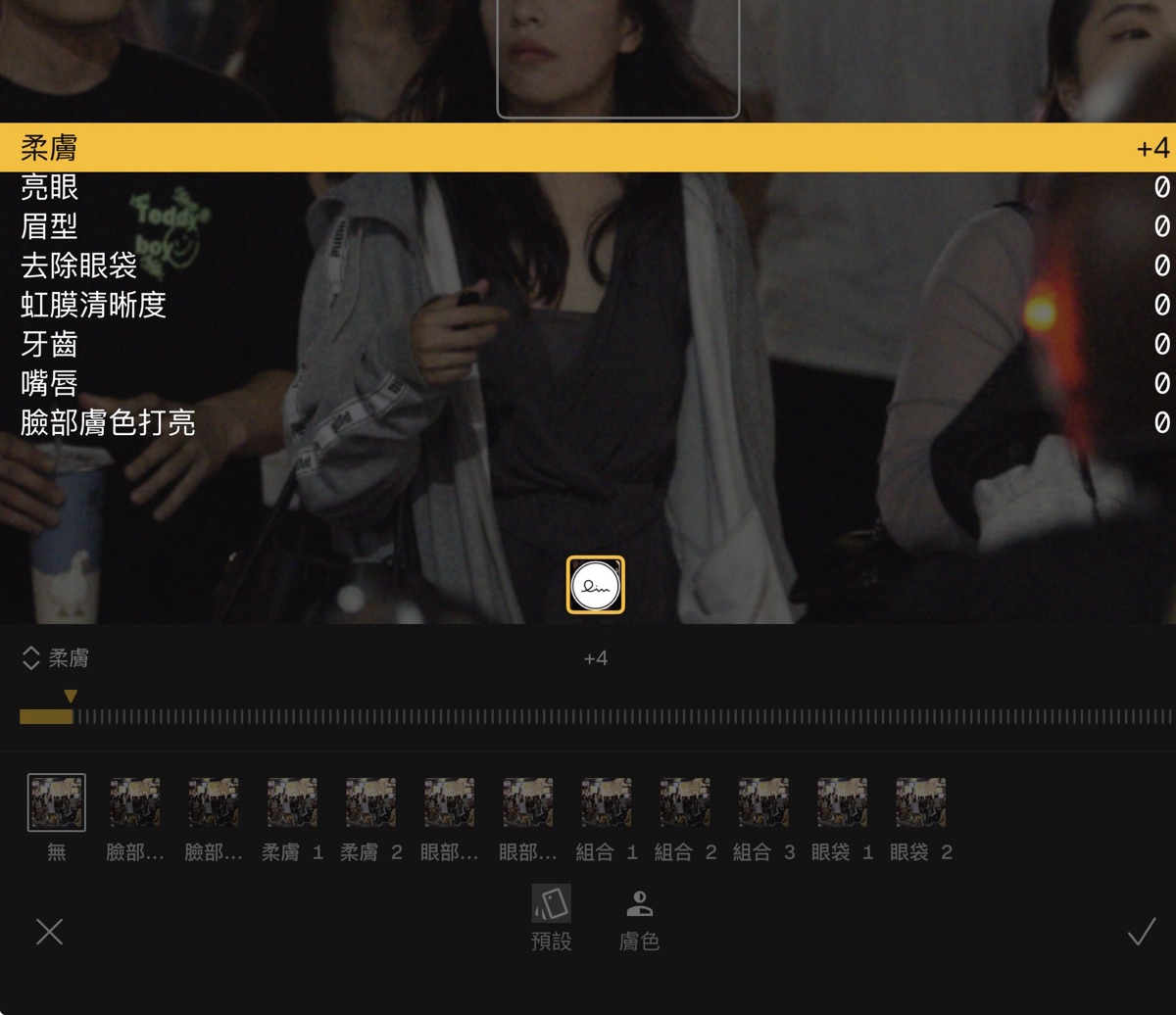
- Portrait: Automatic facial feature detection delivering localized skin smoothing and eye clarity.
- Head Pose: 3D mesh modeling enabling subtle tilt adjustments to subject angles in post.
- Expand: Generative outpainting filling image borders to resolve tight crops.
The Final Missing Piece
Snapseed 4.0.0 represents a triumphant update. Bloom and Halation bring emotional cinematic texture to smartphone photography, underpinned by the rigor of selective masking.
Yet one omission remains on photographers’ wish lists: native watermark stamping. While workarounds via Text or Double Exposure exist, a dedicated one-tap logo overlay would cement Snapseed as the undisputed master of mobile editing suites.
Support Independent Perspectives & In-Depth Insights
Every thoughtful analysis and candid critique comes from our dedication to truth and quality. We choose not to follow sensational algorithms or clickbait headlines.
Sustaining independent research requires reader support. Make a one-time or monthly contribution, securely processed by Google.
Payments secured by Google · Manage or cancel anytime in your Google Account



Comments