
Following the Windows 8 Consumer Preview released earlier this year, Microsoft has finally rolled out the Windows 8 Release Preview for public download today. Both software stability and app completeness are reportedly much improved compared to earlier builds. Personally, I am particularly looking forward to improvements in Start Apps, as the Start App experience in the previous Consumer Preview was frankly half-baked.
Based on past experience, the Release Preview supports direct in-place upgrade installations from Windows XP, Windows Vista, and Windows 7, as well as upgrading directly from the earlier Consumer Preview (W8CP).
Windows 8 Release Preview Download Guide
Please refer to the Microsoft official download link in the Related Reading section at the end of this article.
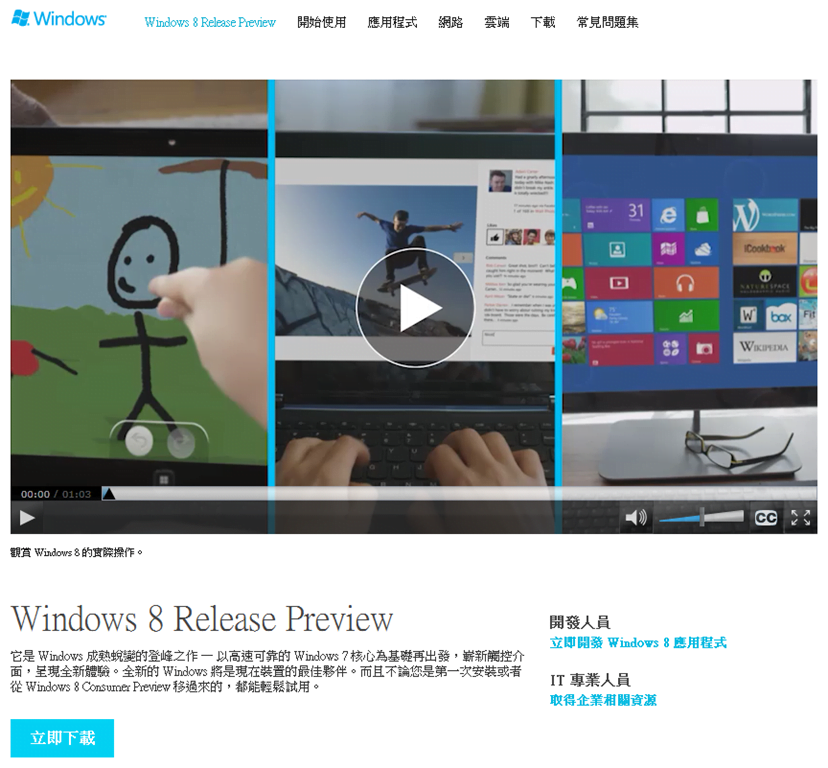 Official Download Page
Microsoft officially stressed in this release that different upgrade paths may result in loss of files, apps, or settings during the installation process, so please be sure to back up your critical data beforehand.
Actually, downloading large software over a cellular broadband dongle has always been a painful experience.
Even though I wanted to download it immediately, server demand seems exceptionally high. Downloading via my 3.5G USB modem resulted in frequent connection dropouts.
By the time I finished writing this post, not even a meager 5.1 MB had finished downloading. Therefore, I’ll provide an introductory overview here first; once the download and installation are officially complete, we will take a closer look at whether it offers real improvements over the previous W8CP build.
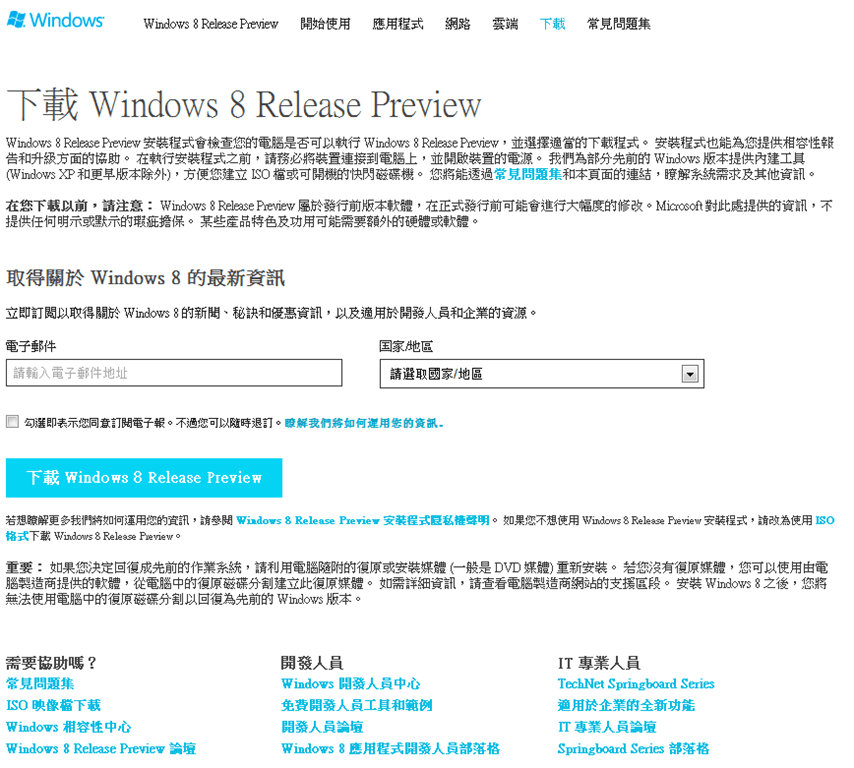 Operating System Download Button
Basic Hardware Requirements:
- RAM: 1 GB (32-bit) / 2 GB (64-bit) or more.
- Processor: 1 GHz or faster.
- Graphics Card: Microsoft DirectX 9 graphics device with WDDM driver.
- Hard Disk Space: 16 GB (32-bit) / 20 GB (64-bit) or more.
Highlighted New Features and Apps:
- Social media sharing integration
- Cloud data storage access
- Hotmail App
- SkyDrive App
- Messenger App
- Windows Store online marketplace
- Family Safety parental controls
- Bing Travel
- Zune music service
Related Reading:
- Microsoft Official Page: Download URL.
- Windows 8 RP Hands-On Experience and Overview.
- Microsoft Windows 8 Consumer Preview Review.
- What!? Windows 8 is Here! Let’s Try It Out.
- Troubleshooting: Fix Windows 8 System Audio Not Playing (Error 1297).
- Tech Perspective: A Brief Discussion on Microsoft Windows 8 Metro UI.
Support Independent Perspectives & In-Depth Insights
Every thoughtful analysis and candid critique comes from our dedication to truth and quality. We choose not to follow sensational algorithms or clickbait headlines.
Sustaining independent research requires reader support. Make a one-time or monthly contribution, securely processed by Google.
Payments secured by Google · Manage or cancel anytime in your Google Account

Comments