
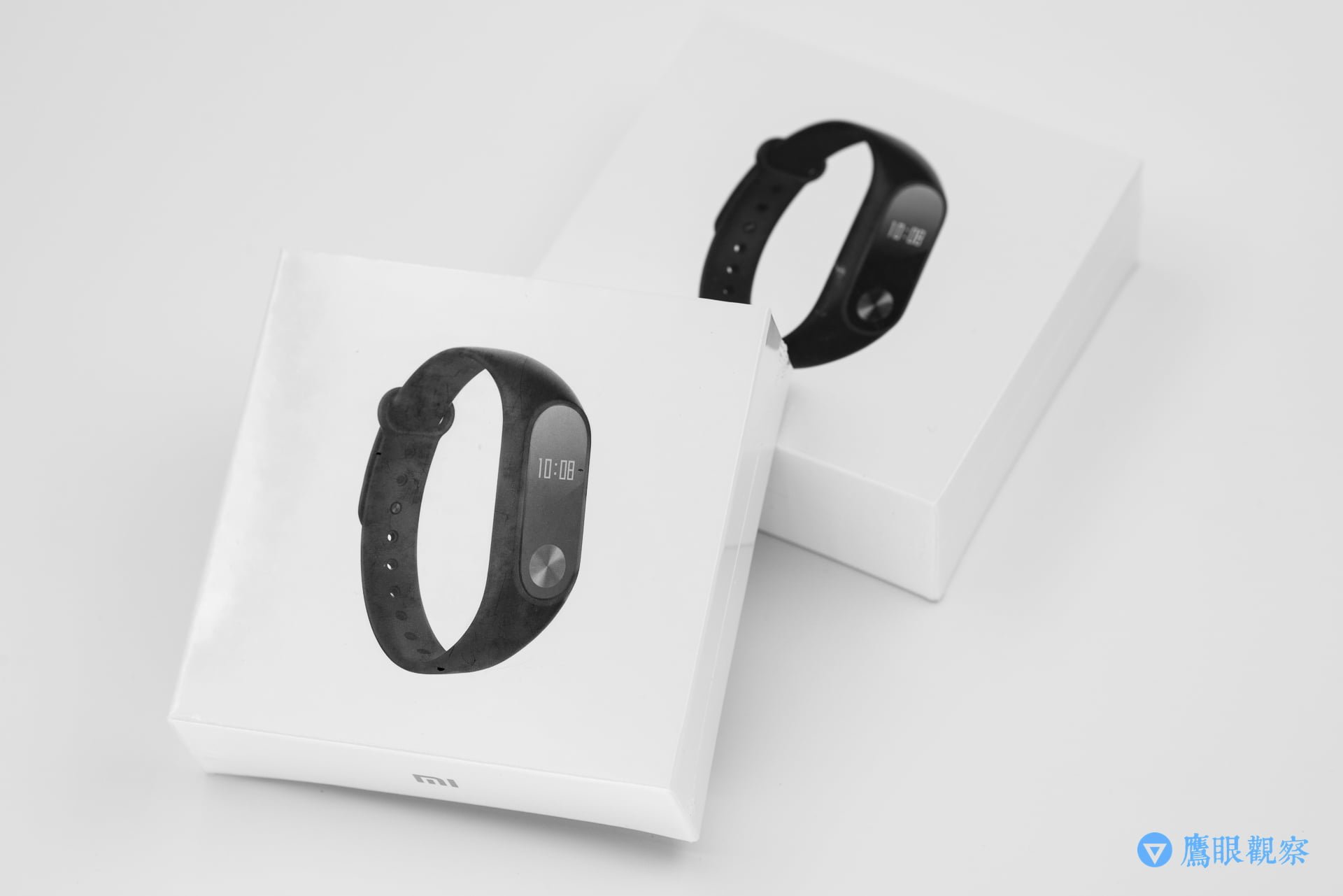
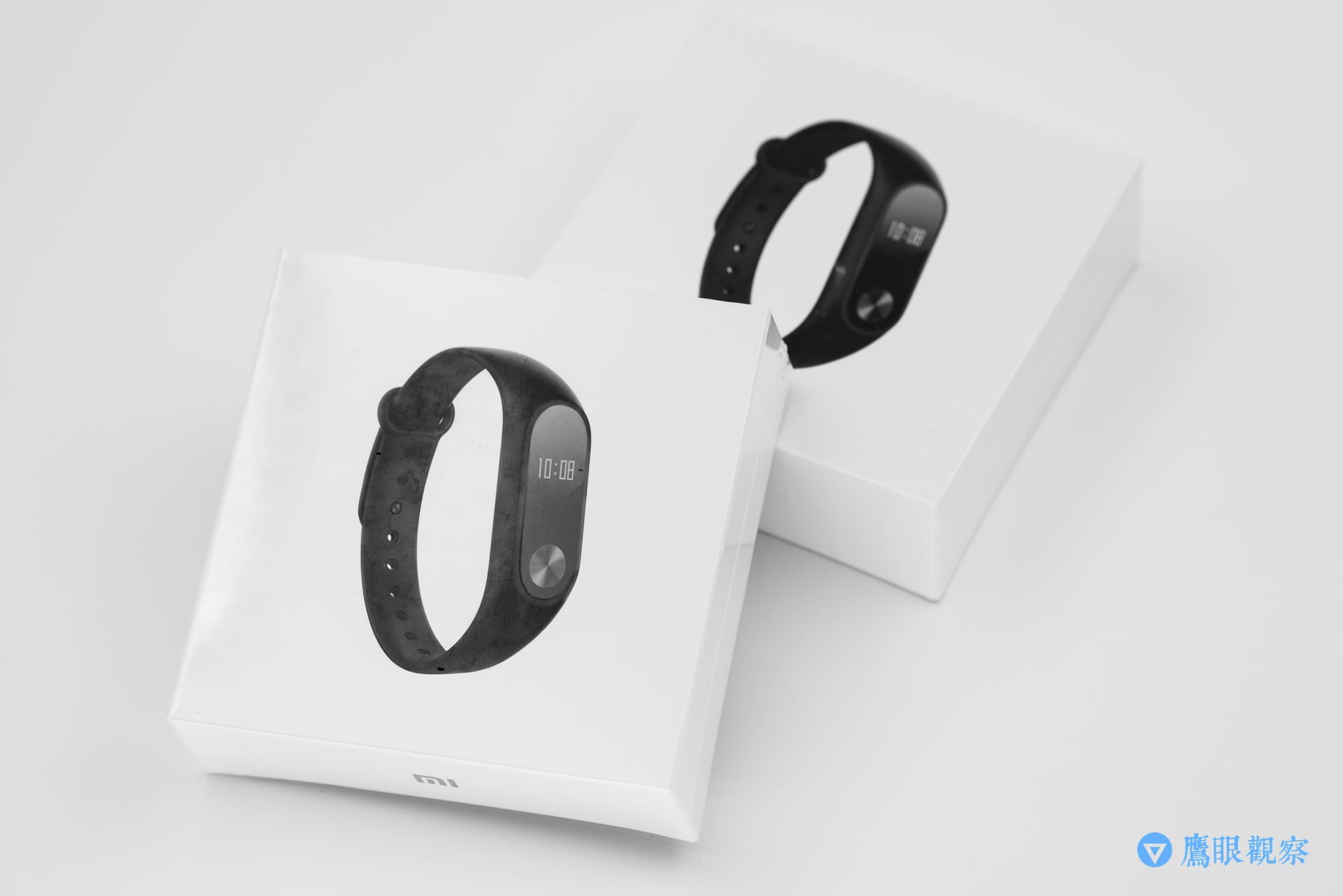
Whether the Xiaomi Mi Band[i] can be reset (rebooted) troubled me for quite some time. After thoroughly scouring official documents and community forums, the answers remained ambiguous.
Strictly speaking, the Mi Band cannot be reset by users themselves; it typically has to be returned to Xiaomi’s official service center for processing. However, some users have managed to reset the band system using third-party unlocking tools.
Cracking tools carry security risks and often conceal computer viruses and Trojans, so I will not elaborate on them here. In practical tests on Apple iOS, most such utilities are ineffective. If you are using Google Android, you could test the app “Fix-it for Mi Band 2”, though I make no guarantees.
A while ago, I gave a Mi Band 2 purchased from mainland China’s Taobao[ii] to an elder in my family. Shortly after, a bunch of relatives and friends came asking for help, noting that items on Taobao were much cheaper than purchasing locally in Taiwan, and asked me to proxy-buy for them from the mainland.
During that period alone, I bought no fewer than ten Mi Bands, quickly exhausting my annual customs duty-free quota.
Under current regional warranty policies, Xiaomi Taiwan does not seem to provide repairs for Mi Bands bought from mainland China. While buying from Taobao is cheaper than in Taiwan, servicing is more difficult, so please decide for yourself whether to buy (although these small gadgets are rarely repaired anyway).
However, the band that ran into trouble first was, ironically, the one I originally bought for personal use and subsequently gifted to my elder.
When I first got the Mi Band, I immediately paired it with the “Mi Fit”[iii],[v] app on my smartphone. But after handing the band over to the elder, I simply uninstalled the app—and that single action turned the Mi Band into a virtually unusable gadget.
Originally, besides the touch key for cycling through screens, the Mi Band has no other input mechanisms. All internal settings must first be bound via “Mi Fit”, which then configures features like heart-rate monitoring, alarms, time synchronization, and call vibration alerts.
Unfortunately, each Mi Band can only be paired with one mobile phone or tablet at any given time, and this pairing record is stored on Xiaomi’s cloud servers.
Therefore, without first completing the “Unbind” action, if you directly delete the “Mi Fit” app containing the binding authentication credentials, those tokens are lost. Even if you reinstall “Mi Fit” later, you will no longer be able to pair with the band, leaving it an abandoned electronic orphan. At that point, unless you find a way to crack/reset the band or send it to Xiaomi’s service center, there is no way to re-pair it.
This cumbersome binding architecture should really be considered a major design bug. There are clearly better ways to handle authentication, but until the official policy changes, users have no choice but to follow these strict rules.
To sellers: Before handing over your Mi Band to someone else or resetting your phone or tablet, make sure to unbind the band in the original “Mi Fit” app first. This allows the buyer or a new device to bind it cleanly.
To buyers: If you plan to purchase a second-hand Xiaomi Mi Band, check whether the device can pair with the app while inspecting the item with the seller. If it cannot pair, ask the seller to unbind it on the spot. If they are unable to do so, I advise you to walk away immediately and not buy it!
Further Reading / Reference Appendix:
- Online Shopping in Taiwan: Mi Band 2.
- Recommended Taobao Purchase: Mi Band 2.
- Google Android App Store: Mi Fit.
- Apple iOS App Store: Mi Fit.
- Key Differences Between Mi Band 4 and Mi Band 3.
Support Independent Perspectives & In-Depth Insights
Every thoughtful analysis and candid critique comes from our dedication to truth and quality. We choose not to follow sensational algorithms or clickbait headlines.
Sustaining independent research requires reader support. Make a one-time or monthly contribution, securely processed by Google.
Payments secured by Google · Manage or cancel anytime in your Google Account


Comments