

Mautic is a fairly popular free and open-source marketing automation platform. If you encounter the problem of being unable to upload Assets files when setting up a Mautic website on cloud computing platforms such as Google Cloud Platform (GCP) or AWS, below is one solution to this problem.
Please refer to the image below. When I created a new Asset, I found the error message “File upload failed.”
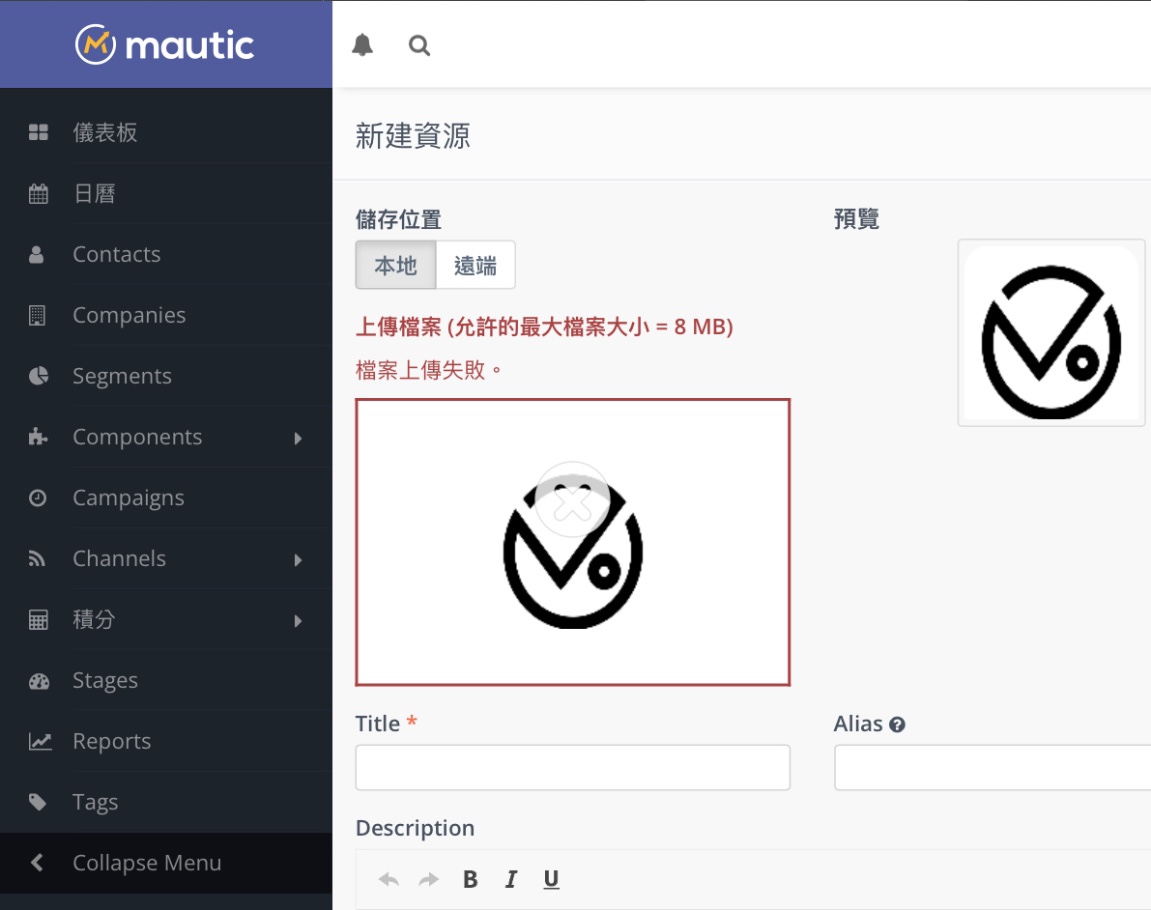
Mautic Assets file upload failed
First, we check the error log and find the error message “MIME type [application/x-httpd-php] for suffix ‘.php’ does not allow serving as static file, access denied!” We suspect it is related to the server’s PHP settings.
Next, let’s check the PHP.INI settings. If you are a user of the CyberPanel website management interface, you can go to the ”../managephp/editPHPConfigs” page.
In PHP.INI, look for the “file_uploads” parameter. This parameter is used to set whether the server accepts file uploads. If it is OFF, it means we cannot upload files on the website, which is the reason for the file upload failure above.
Therefore, after changing file_uploads to ON, you can upload file assets in Mautic normally!
Support Independent Perspectives & In-Depth Insights
Every thoughtful analysis and candid critique comes from our dedication to truth and quality. We choose not to follow sensational algorithms or clickbait headlines.
Sustaining independent research requires reader support. Make a one-time or monthly contribution, securely processed by Google.
Payments secured by Google · Manage or cancel anytime in your Google Account




Comments