
Many professional photographers and visual content creators routinely rely on Apple MacBook Pro laptops (or high-end Windows laptops) for post-processing massive batches of RAW photos and 4K video footage, as well as file backups. In everyday workflows, the most convenient method is inserting the camera’s SD memory card directly into the laptop’s built-in SD card slot.
However, plenty of photographers still insist on purchasing external card readers to transfer files. Aside from supporting a wider array of card formats (such as CF, CFast, or dedicated microSD slots), there is also a widespread belief: “External card readers transfer data faster than laptop built-in card readers!”
Does the laptop’s built-in card reader or an external USB 3.0 reader win out in transfer speed? What hidden hardware specifications lie tucked inside internal bus channels? Today, The Fixer provides an in-depth hardware benchmark and comparative analysis!
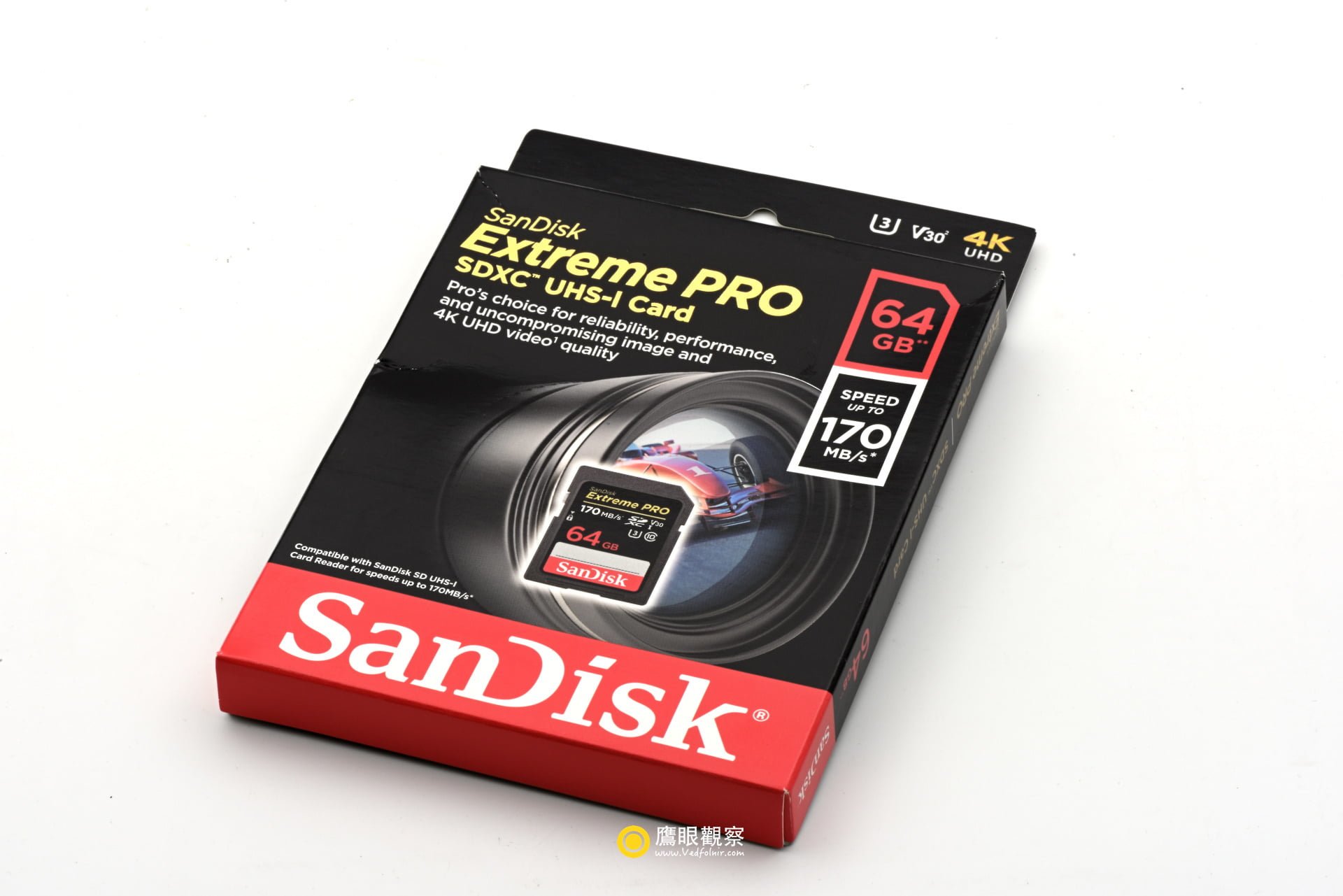
1. Before Comparing Speeds, Understand USB Generational Bandwidth
Before assessing which reader is faster, we must understand the baseline concepts of underlying USB transmission protocols.
According to USB-IF official specifications and technical whitepapers, theoretical maximum bandwidths and real-world transfer figures across USB generations are as follows:
| USB Interface Specification | Official Rated Bandwidth | Theoretical Data Limit | Typical Real-World Speed |
|---|---|---|---|
| USB 1.1 | 12 Mbps | ~1.5 MB/s | ~1 MB/s |
| USB 2.0 | 480 Mbps | ~60 MB/s | ~35–42 MB/s (Bottleneck ceiling) |
| USB 3.0 (USB 3.1 Gen 1) | 5 Gbps | ~625 MB/s | ~400–450 MB/s |
| USB 3.1 Gen 2 | 10 Gbps | ~1,250 MB/s | ~900–1,000 MB/s |
From these numbers, it is evident: USB 3.0 transfer bandwidth is more than tenfold that of USB 2.0!
Consequently, whether a card reader runs fast does not depend fundamentally on whether it is internal or external, but rather on:
- What specification is your computer’s USB port?
- Which internal transmission bus does the laptop’s built-in card slot actually route through?
2. Dissecting System Information: Internal vs. External Bus Architecture
Checking our studio’s Apple MacBook Pro (2015 model with Retina display), navigating to “About This Mac ➔ System Report ➔ Hardware ➔ USB” reveals how internal controllers are allocated:
- Internal Memory Card Reader: Mounted on the USB 3.0 Hi-Speed Bus, with an upper speed limit of 5 Gb/s.
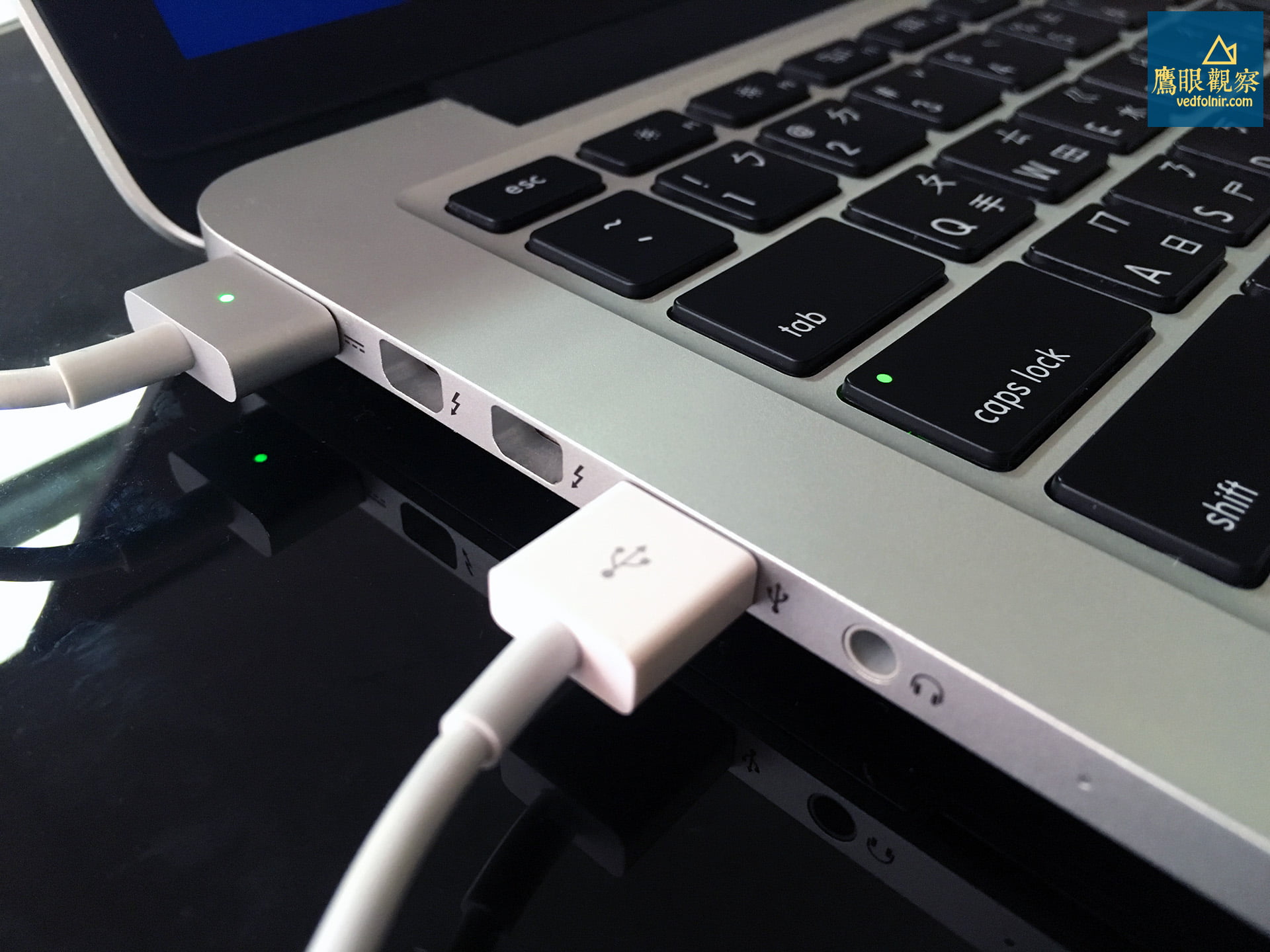
- External Card Reader (USB 3.0 Storage): Plugged into the laptop’s side USB 3.0 port, running on the USB 3.0 Bus, with an upper speed limit of 5 Gb/s.
From this configuration, both paths stand on equal footing in motherboard hardware bandwidth, theoretically capable of fully unleashing the read limits of mainstream UHS-I memory cards (~95 MB/s to 170 MB/s).
Hidden Trap: Watch Out for Cost-Cutting Designs Downgrading Built-in Readers to USB 2.0!
However, readers should check their own laptops carefully. Across many older Macs or budget-to-midrange Windows notebooks, an unexpected cost-cutting compromise frequently appeared:
If your computer unfortunately features this architecture, even if you invest heavily in a top-tier SanDisk Extreme PRO SDXC memory card rated for 170 MB/s reads, the moment it is inserted into the built-in slot, transfer speeds will be forcibly throttled by the internal USB 2.0 bus down to 35–40 MB/s, wasting the high-speed card’s true capabilities!
Even Apple’s official support documentation long stated: “Mac notebooks use the USB bus to communicate with the SD card slot and have a maximum speed of up to 480 Mbit/s.” This was actually outdated copy dating back to the USB 2.0 era that had not been promptly revised for newer models, causing widespread confusion among buyers.
3. Real-World Speed Benchmark and Performance Analysis
Using professional disk benchmark utilities (Blackmagic Disk Speed Test and AJA System Test), we conducted write and read tests on identical high-speed UHS-I SD cards:
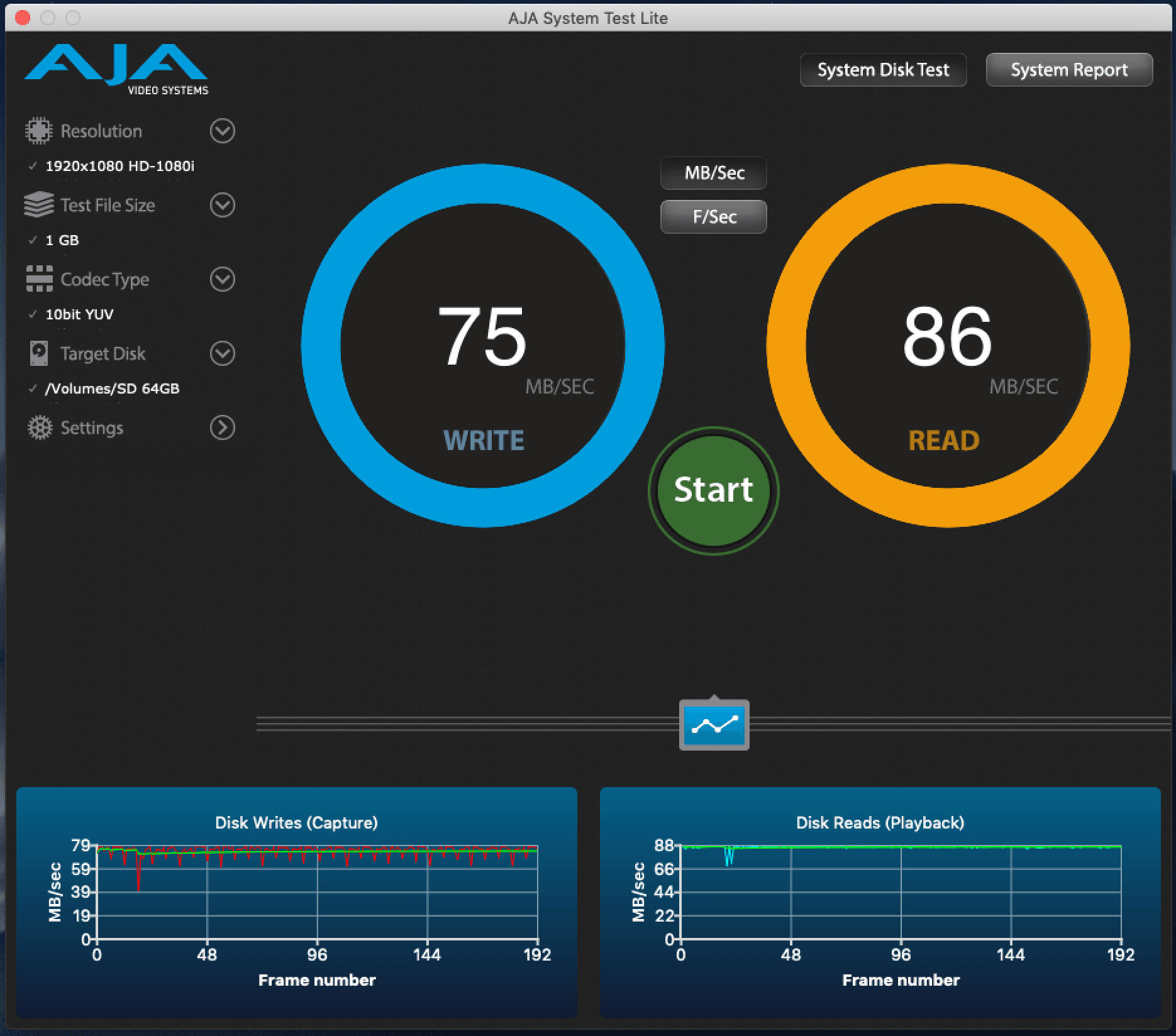
The real-world testing findings:
1. When the built-in reader is USB 2.0 and the laptop has USB 3.0 ports:
- Built-in Reader: Read speeds bottleneck at an upper limit of 38 MB/s.
- USB 3.0 External Reader: Read speeds effortlessly reach 90–95 MB/s!
- Conclusion: Transfer performance improves by over 2.5x! Importing 64GB of RAW files drops from a grueling 30 minutes down to under 10 minutes, making an external reader an indispensable photography accessory.
2. When both built-in and external readers route through USB 3.0:
- Built-in Reader: Measured sequential read speeds reach ~92.4 MB/s.
- USB 3.0 External Reader: Measured sequential read speeds reach ~93.1 MB/s.
- Conclusion: Performance is virtually identical, with differences within a margin of 1%–2%. The true bottleneck is the physical limit of the memory card itself (standard UHS-I tops out around 104 MB/s unless paired with proprietary protocol readers to reach 170 MB/s).
4. Buying and Usage Advice for External Card Readers
If you determine that your setup benefits from an external card reader, keep the following rules in mind when shopping:
- Stick to First-Tier Storage Brands: Prioritize established storage manufacturers such as SanDisk, Kingston, Transcend, Sony, or ProGrade, which provide reliable quality and compatibility guarantees.
- Check for UHS-II Pin Support: If your camera uses high-speed UHS-II cards featuring dual rows of metallic contact pins, ensure your reader specifically supports UHS-II so you can achieve blazing transfer rates of 250–300 MB/s.
Conclusion: Verify Hardware Specs to Streamline Your Workflow
Should you rely on the built-in slot or an external card reader? The answer hinges entirely on your computer’s hardware configuration:
- Check System Information First: If your built-in card slot runs over USB 2.0, switch immediately to a USB 3.0 external card reader to save significant ingestion time.
- If Built-in Runs Over USB 3.0 (or PCIe): When traveling and shooting on the go, utilizing the built-in slot is the most streamlined, lightweight setup. When returning to the studio for multi-card batch dumps or specialized formats, connect your external reader.
Taking three minutes to clarify your laptop’s underlying hardware bus will ensure your digital workflow operates at peak efficiency!
Support Independent Perspectives & In-Depth Insights
Every thoughtful analysis and candid critique comes from our dedication to truth and quality. We choose not to follow sensational algorithms or clickbait headlines.
Sustaining independent research requires reader support. Make a one-time or monthly contribution, securely processed by Google.
Payments secured by Google · Manage or cancel anytime in your Google Account


Comments