

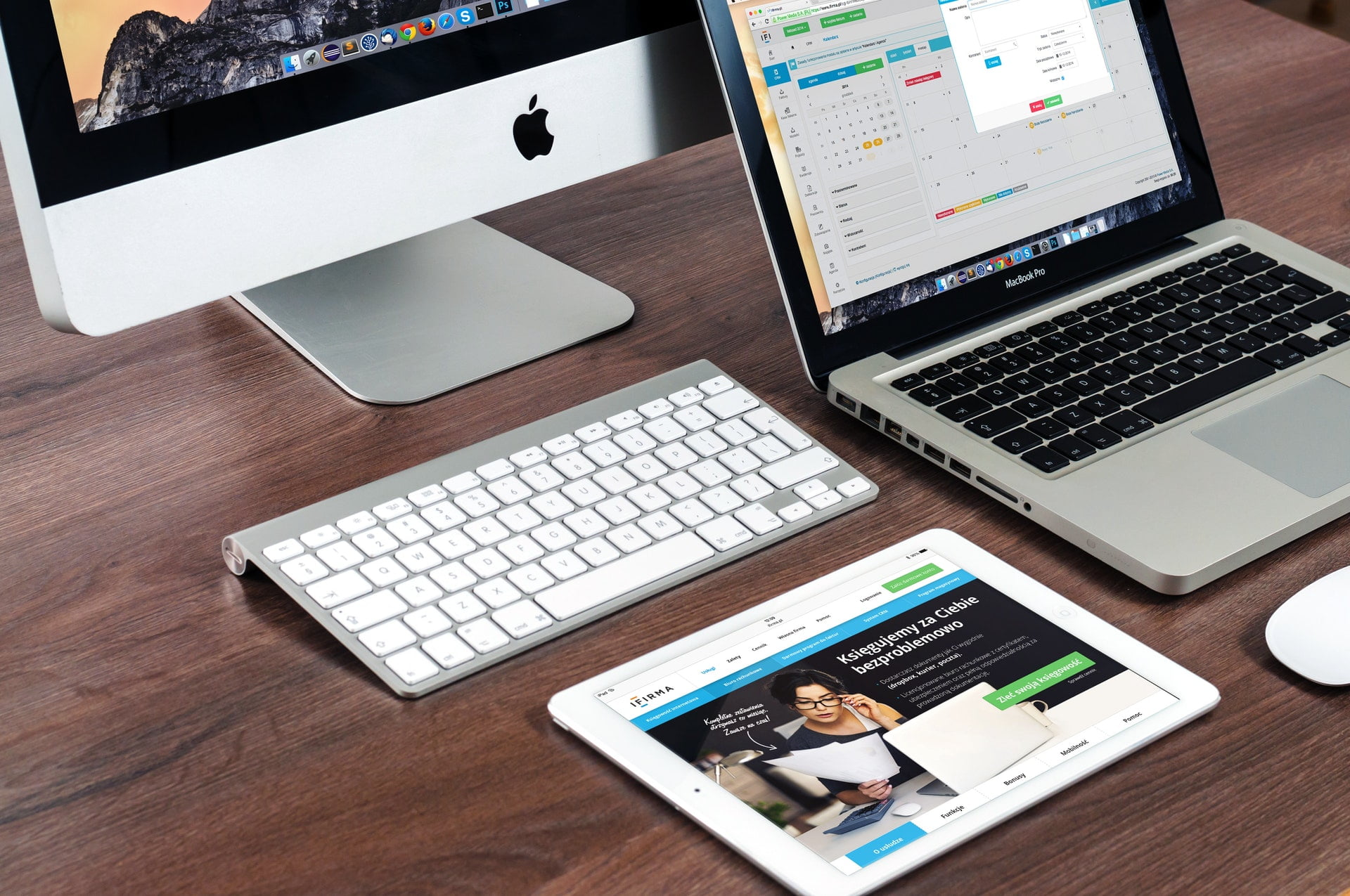
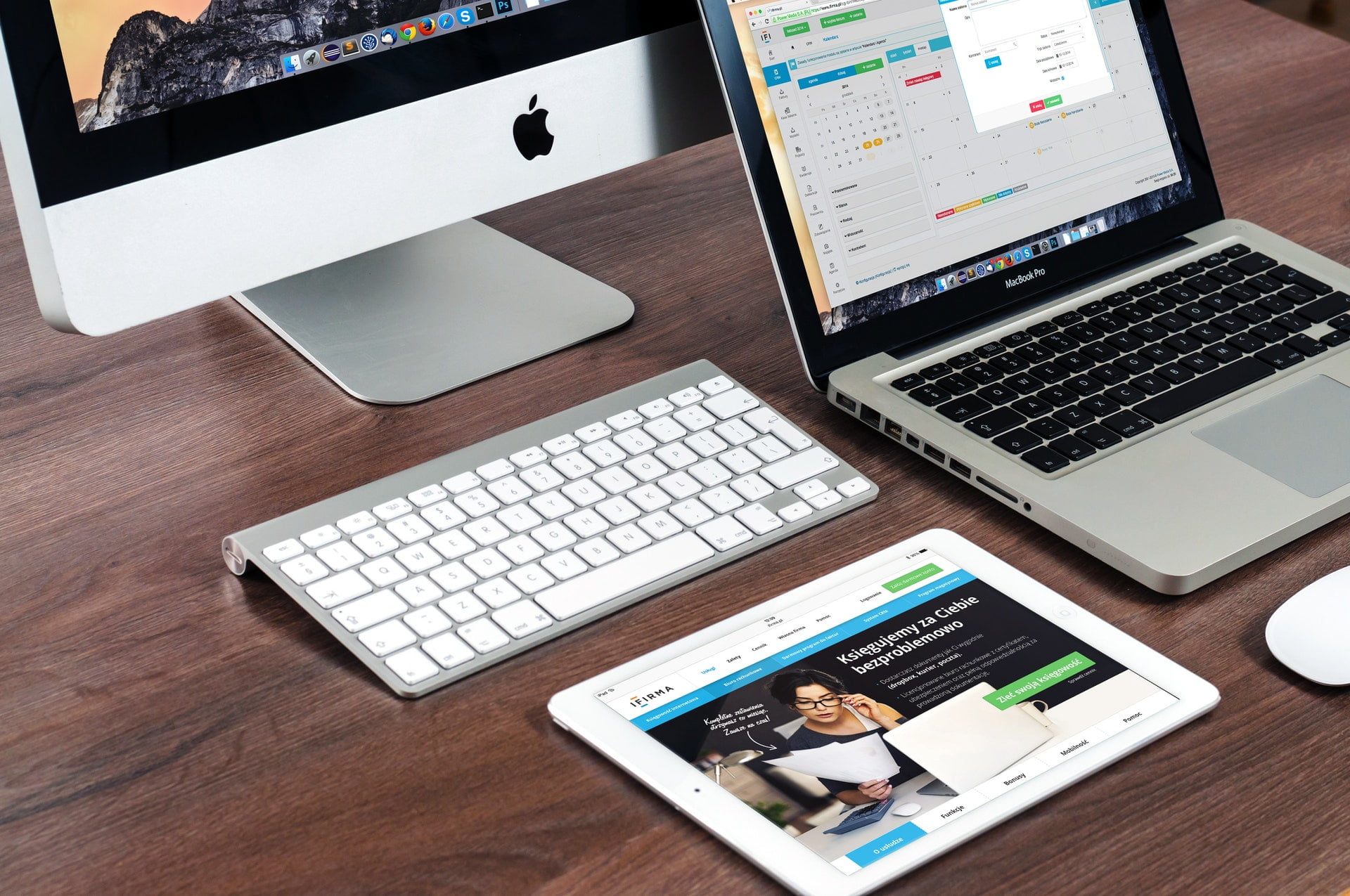
In recent years, tablets can be said to be 3C products that reach an extremely high level of completion within a single product generation. It seems that beyond spec upgrades, it is hard to imagine any major revolution. It is precisely such products that have led many people to consider whether a tablet can already replace a computer for life and work.
Writers: Slower, but Unmatched in Mobility
Let’s start with the profession most likely to face this dilemma—writers, including authors, editors, copywriters, and news reporters.
Based on my actual experience writing drafts, the real working speed of a tablet is indeed slower than a desktop or laptop, and the convenience of looking up information and taking notes is not as multitasking-friendly as a computer. However, being able to work anytime and anywhere is something a personal computer cannot match—even a portable laptop cannot, since at least I can’t take a laptop into the bathroom.
As for the most important part, text input, the feedback and smoothness of a virtual keyboard are indeed not as good as a physical keyboard. Moreover, for experts accustomed to hot-key control, it feels as awkward as losing your hands and feet.
However, as long as you get used to voice input (I personally recommend China’s iFlytek), you can input text in large quantities. The only trouble is that Chinese dictation recognition is generally poor, resulting in many typos that need correcting.
Political Operatives and Social Media Editors: Canva Is the King of Meme-Making
Incidentally, if you are a political operative or social media editor who needs to produce large amounts of text and graphics, although you cannot use professional image editing and layout software such as Adobe Photoshop, Illustrator, or CorelDraw on a tablet, there is one app that surpasses the aforementioned software and can be called the king in the field of rumor and meme creation—that is “Canva”. I sincerely suggest it is well worth the investment for political operatives.
Vector Graphics: Vectornator and CorelDraw’s Tablet Integration
In the area of vector graphics, there is an app on the Apple iPad called “Vectornator” that rivals Illustrator and CorelDraw. It also has an auto-trace tool that is easy for a drawing novice like me to pick up (though the output quality cannot match C.D. or even A.I.). Combined with the Apple Pencil, it can greatly increase your workload.
Incidentally, CorelDraw is the vector software I have recommended as number one for many years, and last year it also released an Apple iOS version, “coreldraw.app”, which can be used for collaborative design with the desktop version—a joint working model that integrates tablet and personal computer.
Here I have mainly focused on text and image processing. If you work in other professions, of course you should still base your choice on your work software. Currently, many software companies have not converted all their programs to be usable on iOS, so I will not go into further detail.
A Touchscreen Cannot Fully Replace a Mouse
Actually, tablets are not that perfect. For example, if you ask whether a touchscreen can completely replace a mouse or trackpad, the answer is definitely no.
The operating speed simply cannot be compared. Your finger would have to rub against the optical glass until it catches fire just to keep up—I feel like my fingerprints are almost worn flat.
Tablet vs. Personal Computer Quick Comparison
| Aspect | Tablet (iPad) | Personal Computer (Desktop/Laptop) |
|---|---|---|
| Text input speed | Slower, poor virtual keyboard feedback | Fast, complete physical keyboard and hot keys |
| Mobility | Extremely high, can work anytime, anywhere | Laptop is portable, but still limited by location |
| Professional image software | Cannot use PS, AI, CorelDraw | Full support |
| Graphics alternatives | Canva, Vectornator | Complete professional software |
| Pointer operation | Touchscreen, slow | Mouse/trackpad, precise and fast |
| Voice input | Can input in large quantities, but poor Chinese recognition | Requires external device or software support |
Mizuc’s Conclusion
Can a tablet replace a personal computer? The answer is “it depends on your profession.”
For writers, a tablet reinforces “mobility” rather than replacing “productivity”; for political operatives and editors who center their graphics work on Canva, a tablet may even be handier than a computer; but for professions that require professional image software and precise pointer operation, a tablet still cannot fully measure up at this stage.
The most practical approach is to treat the tablet as a “second work device”—use the computer for heavy work and the tablet for mobile and lightweight tasks. The two complement each other, and that is the most comfortable working model at this stage.
Reader FAQ Q&A
1. Can an iPad really completely replace a laptop? (Readers A-Hong, Xiao-Qing)
Mizuc’s Spoiler Alert: If your work relies heavily on professional desktop software (such as Photoshop, Illustrator, CorelDraw), an iPad still cannot completely replace a laptop at this stage.
Mizuc’s Sharp Analysis: The iPad’s adv…
Support Independent Perspectives & In-Depth Insights
Every thoughtful analysis and candid critique comes from our dedication to truth and quality. We choose not to follow sensational algorithms or clickbait headlines.
Sustaining independent research requires reader support. Make a one-time or monthly contribution, securely processed by Google.
Payments secured by Google · Manage or cancel anytime in your Google Account


Comments