
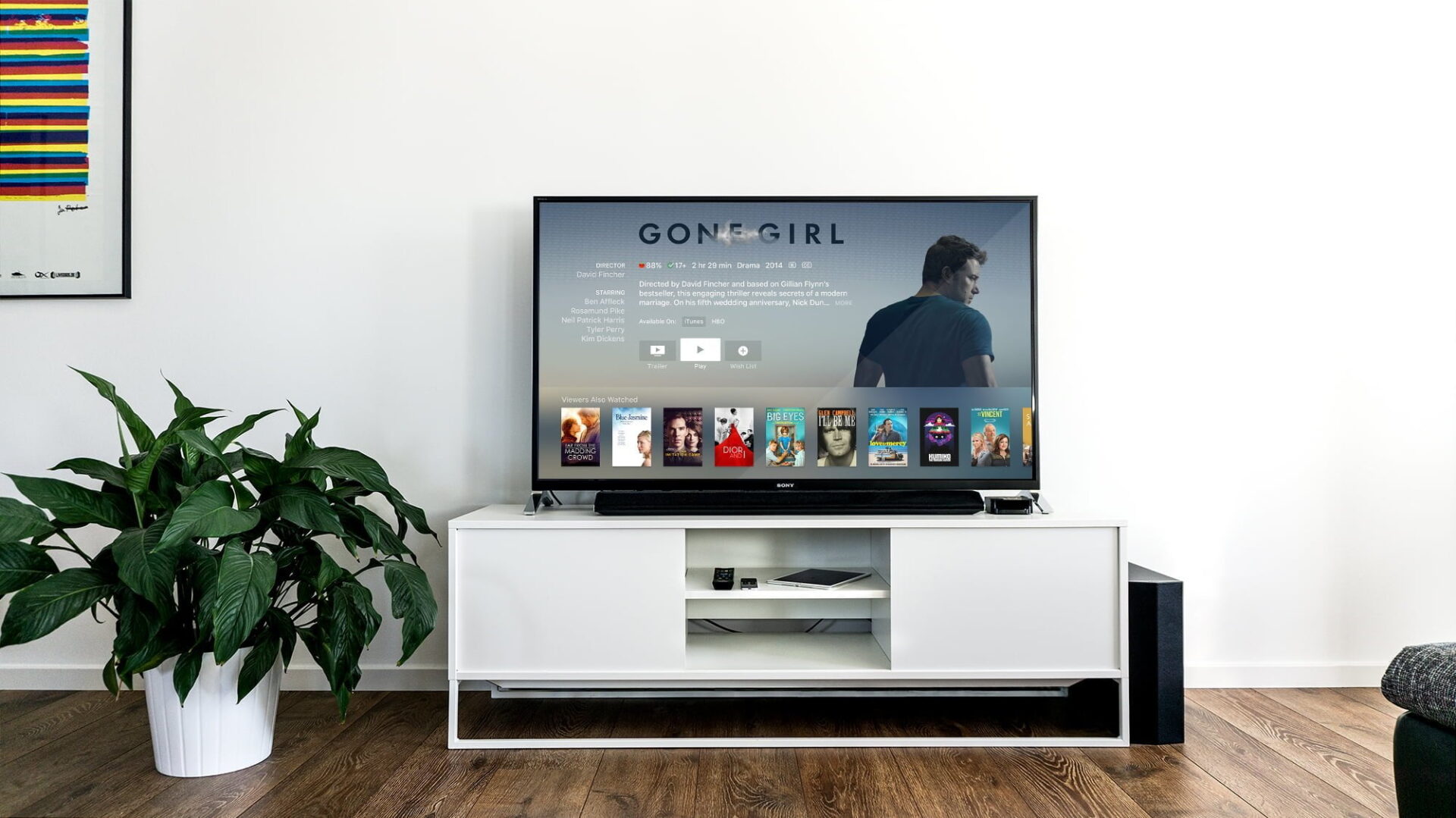
If you want to enjoy movies and TV drama series on your large living room TV or home theater projector—whether playing video files downloaded from the web or streaming YouTube content—here is an overview of the most practical playback setups along with their respective advantages and disadvantages, covering USB drives, DVD players, and media streaming devices like Apple TV and Google Chromecast.
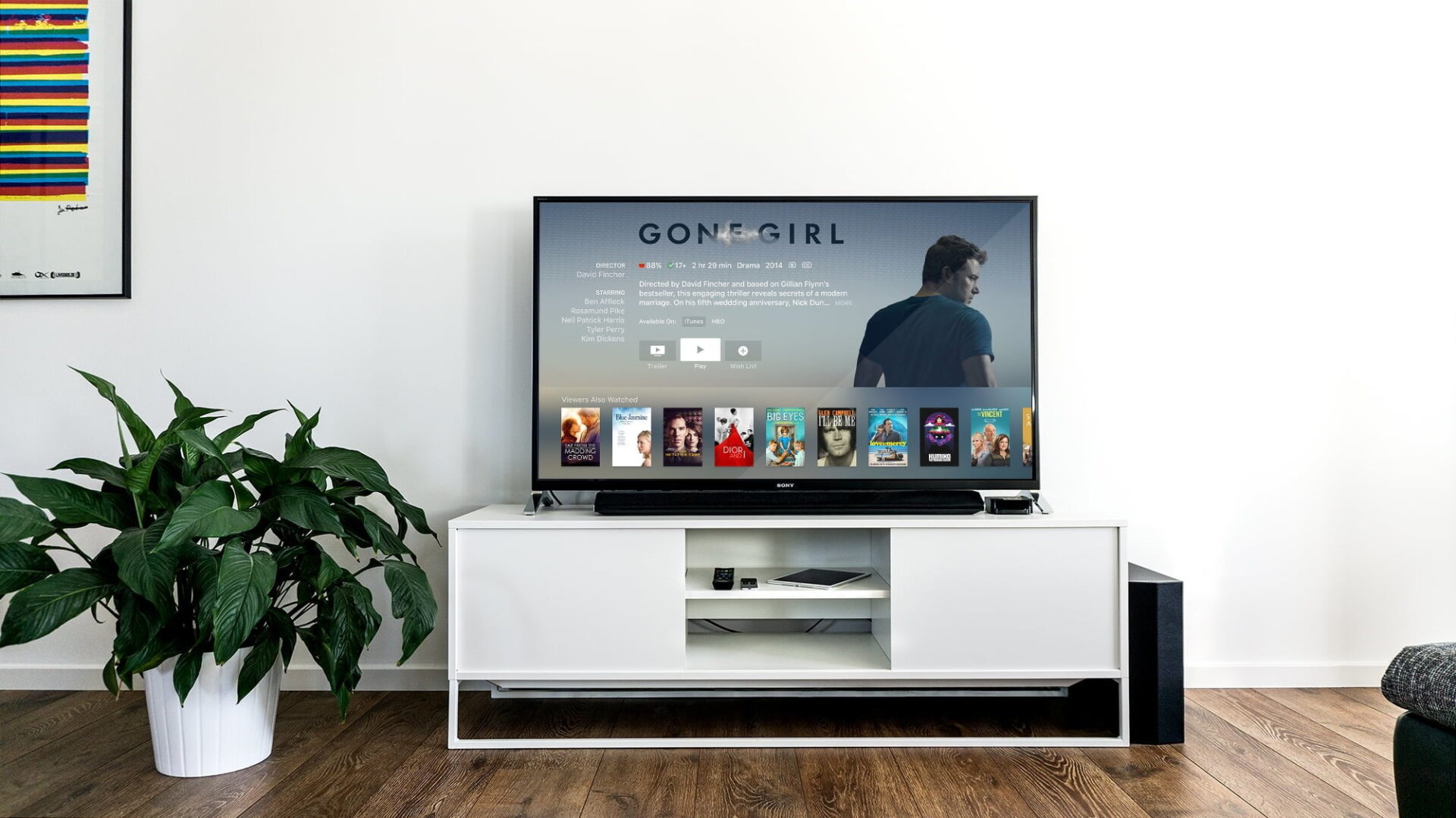 Smart connected TVs keep interior design minimal and clutter-free.
Option 1: Smart TVs with Built-in Connectivity
Before diving into add-on hardware, it is worth noting that modern flat-panel displays often feature built-in internet connectivity.
Leading models from global brands like Samsung and Panasonic, or domestic makers like BenQ, come pre-equipped with smart OS features. They connect directly over Wi-Fi and support native browsers and dedicated streaming apps.
While smart TVs command a higher price tag upfront, having an all-in-one screen eliminates tangled cords and peripheral boxes. It delivers clean aesthetics, convenience, and a straightforward interface for non-technical users.
However, if you plan to keep your existing television or want a significantly more cost-effective upgrade, the options below are for you.
Option 2: Media Streaming Players
If you are comfortable learning basic smart gadgets, purchasing a dedicated "**media streaming device**" is by far the most versatile, budget-friendly route.
Currently, the top choices on the market include the Google Chromecast streaming dongle, the Apple Apple TV set-top box, and Xiaomi’s Mi Box—all outstanding streaming units.
Whether you choose Chromecast, Apple TV, or Mi Box, the core concept remains similar: the streamer connects directly to your home Wi-Fi network, allowing you to control playback on the big screen wirelessly from your smartphone, tablet, or laptop. For instance, you can use your phone over local Wi-Fi to cast a specific YouTube video to your TV via Chromecast, or mirror entire browser tabs directly from Google Chrome to the television screen.
Update (2017.12.29): Google Chrome now includes native casting support. Simply click the three-dot menu in the upper right corner and select
"**Cast...**".
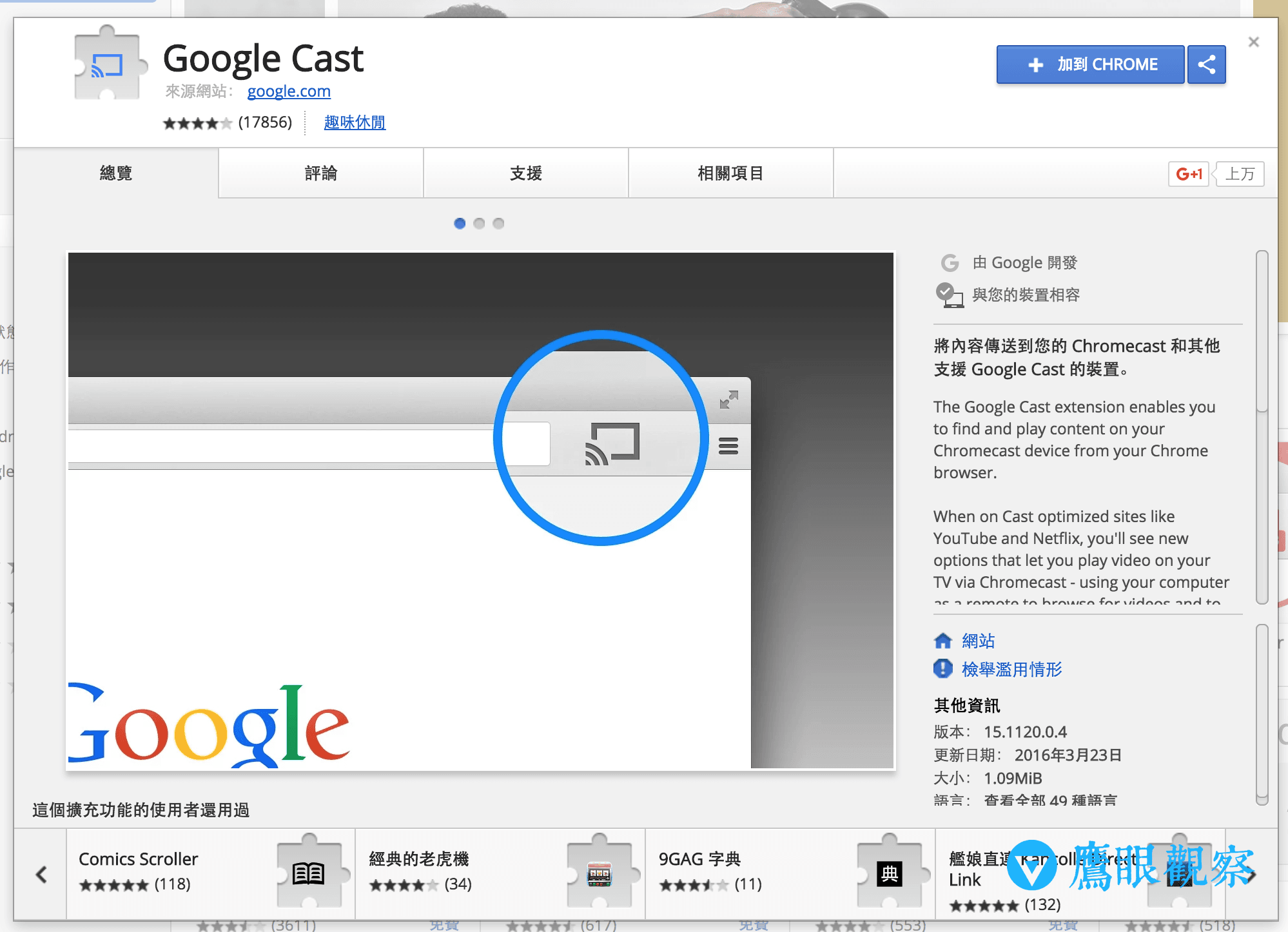 Google Cast
Even if your streamer’s operating system differs from your smartphone’s OS, desktop and laptop Chrome browsers can cast directly, freeing you from vendor lock-in. Furthermore, mobile app stores offer cross-platform companion tools:
- Apple iOS (iPhone & iPad): supports Chromecast via the
"**Google Home**"app. - Google Android: supports Apple TV streaming via tools like
"**AllConnect - Play & Stream**".
Option 3: Traditional Online Rentals, Downloads, or Physical Discs
While tech-savvy users adapt quickly to streaming dongles, older relatives often face a steeper learning curve and may resist learning digital interfaces. If grandparents prefer simply inserting a physical disc into a DVD tray to watch shows, purchasing licensed optical discs remains the most reliable, fuss-free option.
Domestically, you can buy movies, concerts, and TV drama box sets on DVD/Blu-ray through online retailers like Momo Shopping or Books.com.tw.
Alternatively, if domestic selections are limited, you can rent or buy digital films through mainland China’s Amazon store or Apple’s iTunes Store. Of course, purchasing digital video licenses might still require a streaming box from Option 2. Another approach is downloading video files to your computer, burning them onto DVD media, or transferring them to a USB flash drive for playback via multimedia-enabled CD/DVD players or TV USB ports.
 Traditional DVD video burning.
Option 4: The DIY Maker Approach
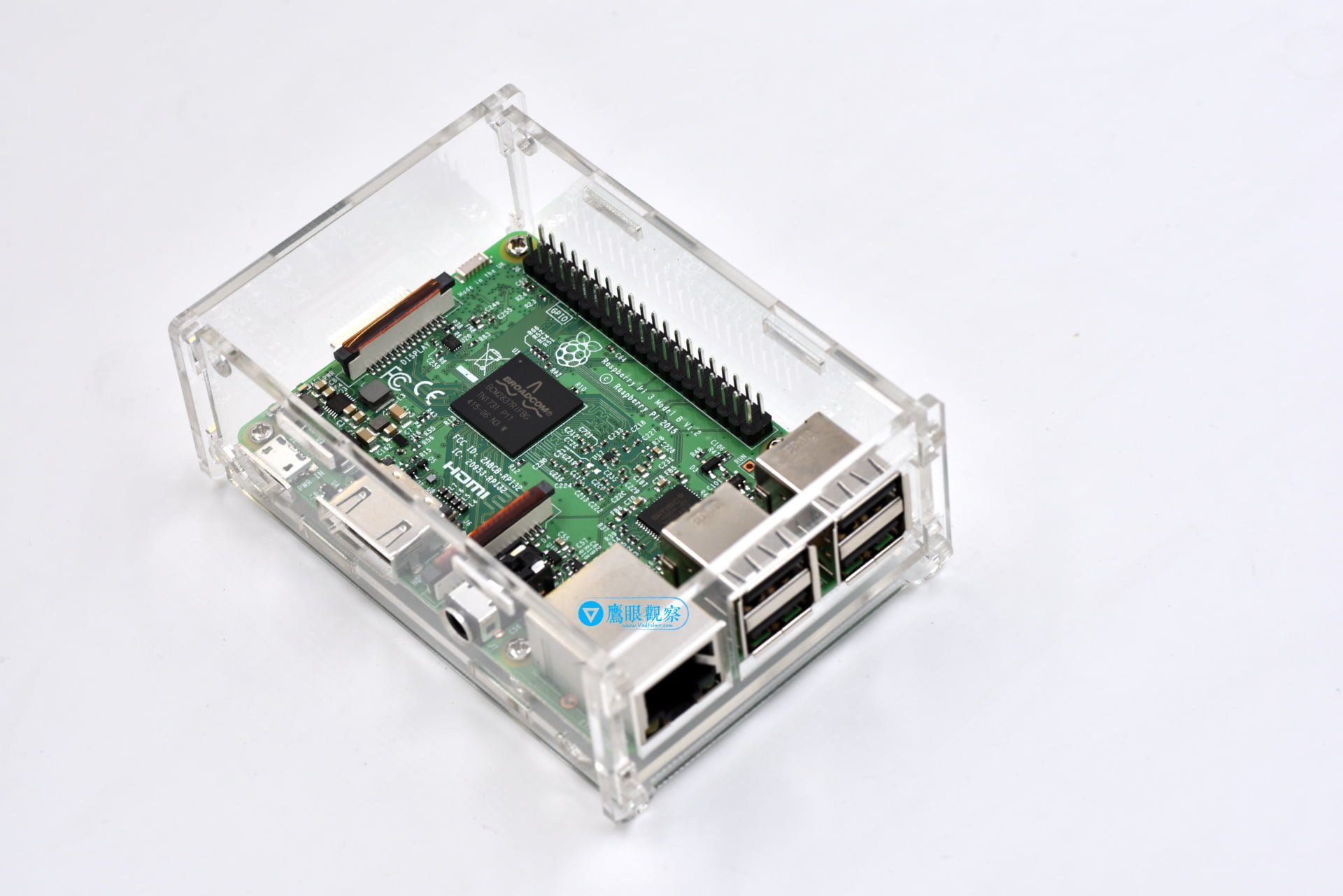
Finally, if you are a hands-on DIY enthusiast or maker, picking up a Raspberry Pi single-board computer and building a custom media streaming box running Kodi/LibreELEC is the quintessential tech hobbyist path. While it demands the most time and configuration effort, the sense of accomplishment once it’s up and running makes it a deeply rewarding weekend project!
Support Independent Perspectives & In-Depth Insights
Every thoughtful analysis and candid critique comes from our dedication to truth and quality. We choose not to follow sensational algorithms or clickbait headlines.
Sustaining independent research requires reader support. Make a one-time or monthly contribution, securely processed by Google.
Payments secured by Google · Manage or cancel anytime in your Google Account

Comments