
Over a year ago, we bought a printer that offered unbeatable value at the time: the Fuji Xerox DocuPrint M215 b monochrome laser multifunction printer. Although this model has now been discontinued, getting both a scanner and laser printing for around NT$3,000 made it an easy recommendation, especially for students and SOHO studios with light-to-moderate printing needs.
However, after an operating system update on our Apple MacBook Pro, even though connecting the printer detected the M215b model normally in menus, it completely failed to output print jobs or scan documents, repeatedly throwing a yellow exclamation mark warning. Discovering this issue—right when urgent travel documents needed to be printed—sent us scrambling to the official Fuji Xerox website, where no immediate solution was posted, an issue widely discussed on international hardware forums at the time.
Fortunately, after dragging their feet for quite a while, Fuji Xerox released an updated driver: “Mac OS X 10.7–10.11 driver[1]”. Users simply need to download this package, extract, and run the installer. The M215b will then be correctly recognized as fully functional under the “Printers & Scanners” panel in OS X System Preferences, as shown below.
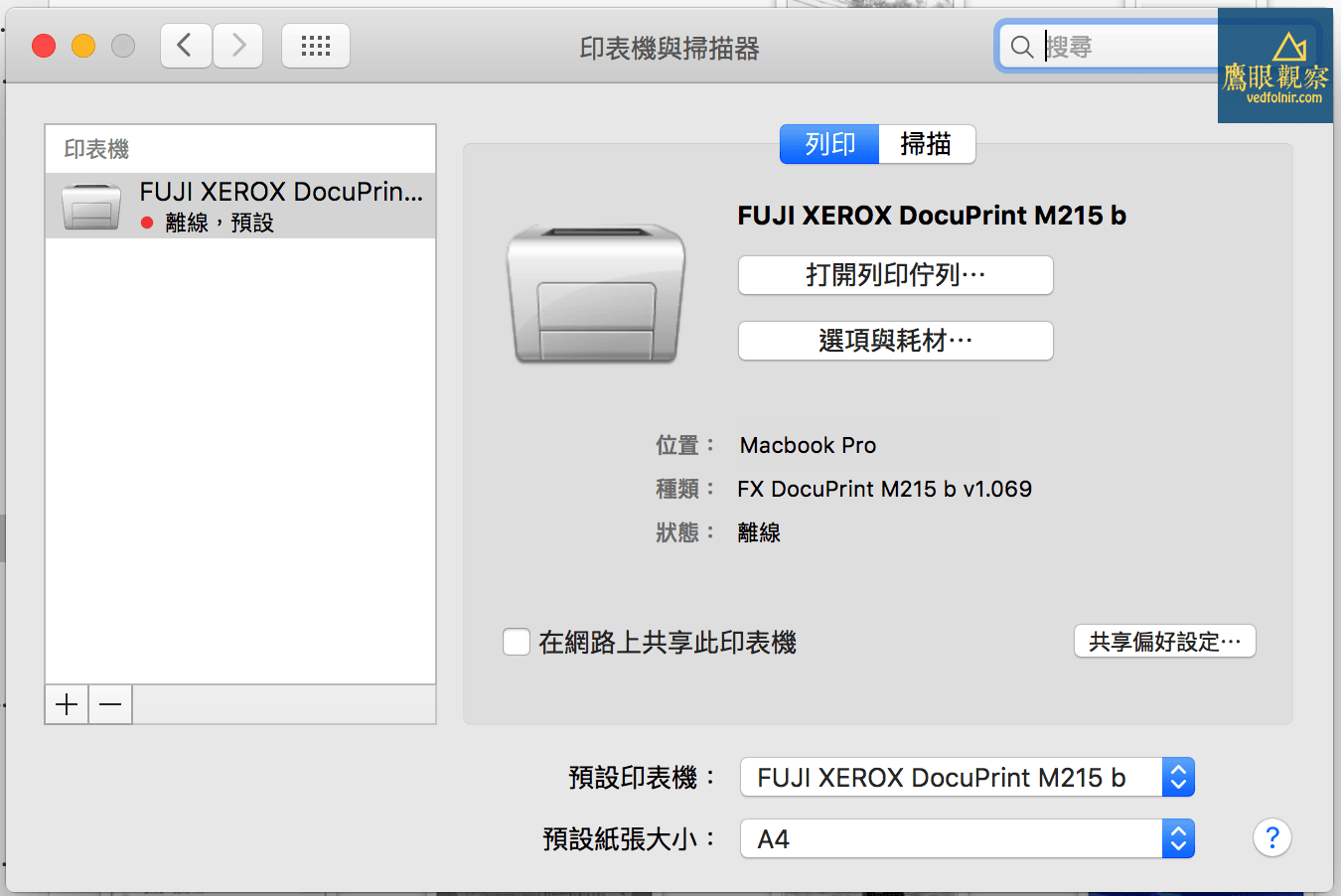
[1] Official Fuji Xerox M215b printer and multifunction driver.
[2] December 2016 Note: The M215b has been discontinued; its successor is the M225dw, which is also well worth adding to your shopping shortlist.
Support Independent Perspectives & In-Depth Insights
Every thoughtful analysis and candid critique comes from our dedication to truth and quality. We choose not to follow sensational algorithms or clickbait headlines.
Sustaining independent research requires reader support. Make a one-time or monthly contribution, securely processed by Google.
Payments secured by Google · Manage or cancel anytime in your Google Account


Comments