

In observance of Safer Internet Day on February 10 [1], Google is running a special promotion: simply complete a brief “Security Checkup” task [2], and Google will credit 2GB of free extra cloud storage to your Google Drive account. The entire process takes less than two minutes.
Google Drive’s free tier originally offers 15GB of storage space [3]. Adding this 2GB bonus gives you 17GB of permanent free storage. As cloud storage needs keep climbing (especially with Google+‘s aggressive auto-backup for photos), this is a handy perk worth claiming right away.
Google Drive Security Checkup Walkthrough
After navigating to Google Security Checkup, Google will prompt you to verify your identity by signing in again.
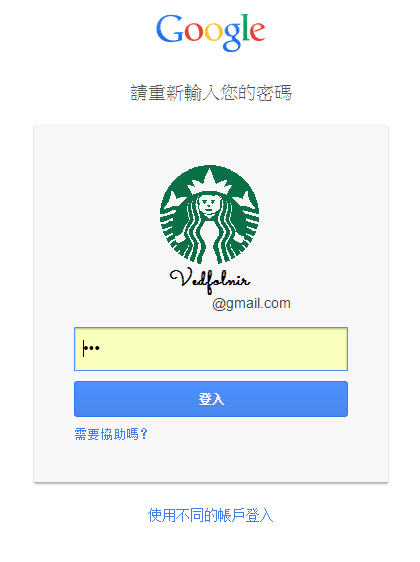 Figure 1: Login window.
Once verified, the page automatically redirects to the Security Checkup section under your Google Account settings.
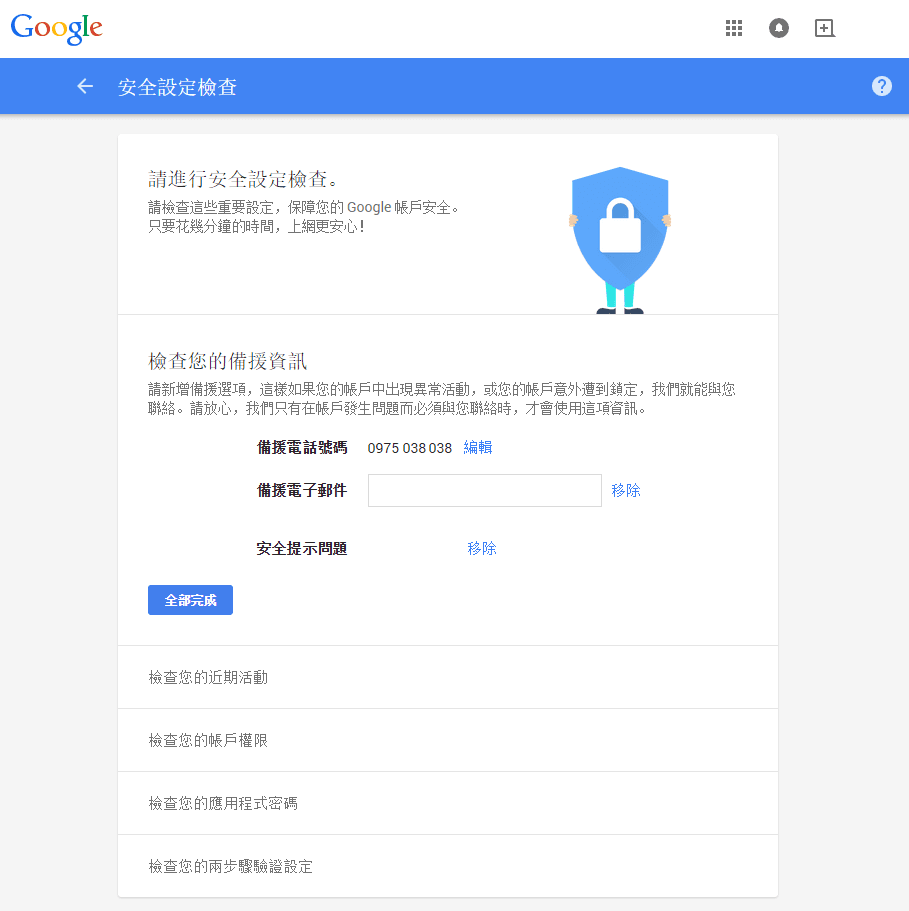 Figure 2: Security checkup page.
The goal of this task is to complete the security review outlined in Figure 2, which includes:
- Check Account Recovery Information: Verify and confirm valid recovery phone numbers, backup email addresses, and security questions.
- Review Recent Activity: Inspect account logins, active devices, and approximate locations to ensure there are no unrecognized sessions.
- Review Account Permissions: Audit permissions granted to third-party apps and services; revoke access for any unfamiliar or obsolete integrations [5].
- Check App Passwords: Visible if two-step verification is enabled; review dedicated passwords generated for legacy apps that do not natively support 2FA [6].
- Review 2-Step Verification Settings: Verify that backup phone numbers are still active and check the remaining supply of backup verification codes.
After completing these steps, Google will adjust your storage quota on February 28 and send a confirmation email. Be sure to check your inbox then to confirm your expanded storage!
Extended Reading
- Safer Internet Day.
- Google Security Checkup.
- A quick checkup and a simple thanks.
- For users requiring substantially larger storage, Google provides paid subscription plans: $1.99/month for 100GB, $9.99/month for 1TB, $99.99/month for 10TB, $199.99/month for 20TB, and $299.99/month for 30TB. If you need even more storage, enterprise agreements are available, though for storage demands of that magnitude, building your own NAS is often much more economical.
- Recommendation: Revoke permissions for all non-essential third-party apps and websites, retaining only official Google apps and services you use daily. You can easily re-authorize them whenever needed. Since account data is housed securely, revoking access won’t lose your data and substantially reduces vulnerability exposure if lesser-used third-party sites suffer breaches.
- Internet Security: Recommended Two-Step Verification Security Setup and Mobile App Support.
Support Independent Perspectives & In-Depth Insights
Every thoughtful analysis and candid critique comes from our dedication to truth and quality. We choose not to follow sensational algorithms or clickbait headlines.
Sustaining independent research requires reader support. Make a one-time or monthly contribution, securely processed by Google.
Payments secured by Google · Manage or cancel anytime in your Google Account



Comments