
The fax machine, a messaging device that once occupied every office in the world, has been replaced by email and messaging apps, but many more traditional companies and government units still stipulate that documents can only be sent and received by fax.
In Japan, more than 60% of public and corporate organizations still use fax machines heavily for communication and operations, and Japan is currently the world’s largest demand country for fax machines.
If you only send a fax occasionally, spending three or four thousand dollars to buy a fax machine[1] is just a waste. Fortunately, convenience stores such as 7-Eleven and FamilyMart have now integrated printers with fax machine functions. You only need to pay NT$15 to fax one A4 page, and can pay NT$8 to receive an incoming fax, which is really quite convenient for modern people.
But if you feel that you have to spend time going out, and sending one page still costs more than NT$15 (international faxing is even explosively expensive), then websites that specialize in providing online fax machine services may be a choice worth considering. Moving fax service to the cloud is also an option for the modern paperless office.
PamFax
We previously introduced an international fax service provider called PamFax[3]. Through a registration offer you can send a few pages of documents for free, which can be said to be the greatest blessing for people who only have a small fax need each year.
PamFax also provides Simplified and Traditional Chinese interfaces, making it more approachable for Chinese speakers.
eFax
For companies, in situations with complex departments, many staff, and relatively large fax demand, there is another larger-scale business-oriented professional fax service website abroad called “eFax.”
eFax provides a unique fax machine number that can be applied for in many countries around the world and is exclusively yours, which can be used for external business promotion (please refer to the figure below).
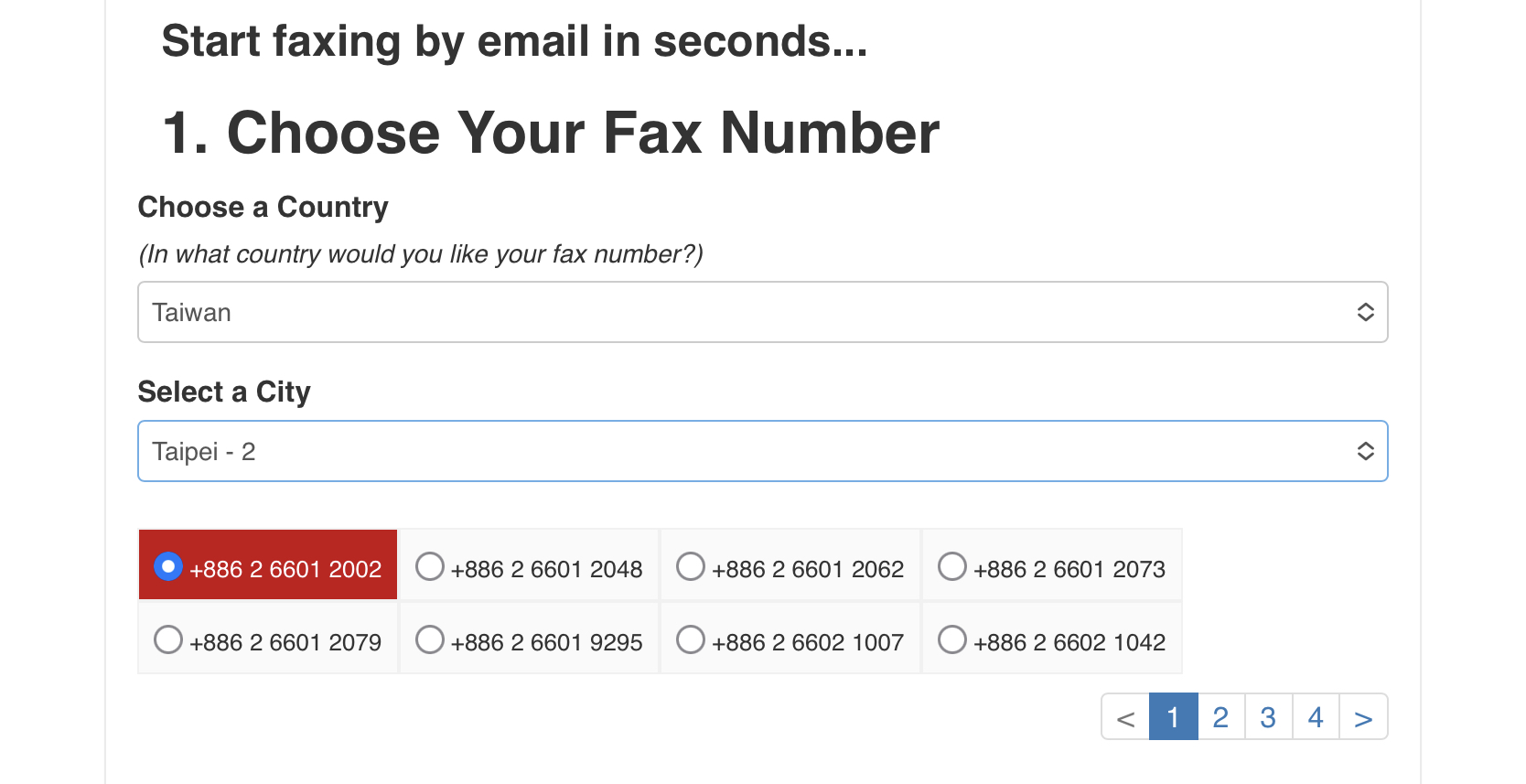
Choose your exclusive fax machine number
Besides web-based document management, the system supports multi-platform apps for mobile phones, tablets, and personal computers, making it convenient to receive and send faxes anytime and anywhere. It is a technological application that blends tradition and innovation.
Moreover, on the mobile phone and tablet apps, besides standard fax sending and receiving, it also supports the physical-plus-virtual function of handwritten signatures before sending, which is quite convenient in practical application.
eFax also provides online document management, search, and other file management tools, integrates direct sending from MS Word, online conversion to PDF files, and supports sending faxes directly through Outlook, Gmail, and Yahoo. It can be considered a service with quite sufficient support for office applications.
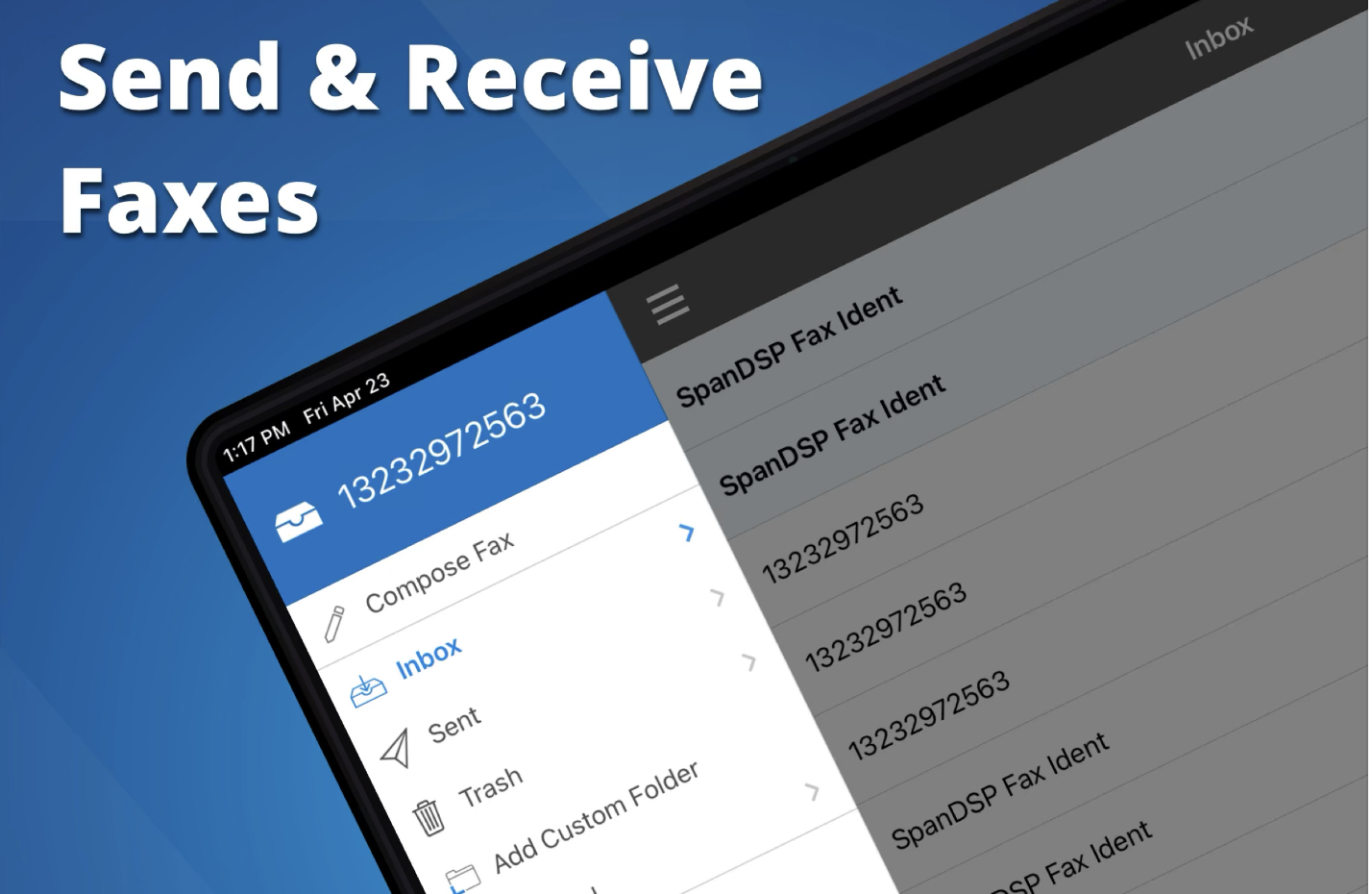
eFax - Send & Receive Faxes
eFax is a fairly complete online fax sending and receiving service, and the cost is a matter of opinion. The monthly fee is US$18.95, with a basic 200 pages each for sending and receiving. But considering it also comes with an exclusive fax number, it is equivalent to renting an exclusive phone number from Chunghwa Telecom, which is a good deal.
Of course, I think the most important point, and one of eFax’s self-promotional claims, is security. It advertises that Fortune 500 companies in the US choose their service, and even 30% of law firms that care most about information security trust its encryption security, so that fax documents will not easily leak out. This is believed to be a detail that many companies care about most.
Well, it must be admitted that any document transmitted through a third party and stored online basically cannot rule out the possibility of being hacked and stolen. So if you have truly important confidential documents, I suggest you still buy a fax machine yourself, or as a second choice, go to a convenience store to fax.
References
- Official website: eFax - Easy faxing anywhere.
- Product reference: Panasonic thermal fax machine.
- PamFax Free Fax: Web Application Tutorial for Faxing Documents to the Whole World.
Support Independent Perspectives & In-Depth Insights
Every thoughtful analysis and candid critique comes from our dedication to truth and quality. We choose not to follow sensational algorithms or clickbait headlines.
Sustaining independent research requires reader support. Make a one-time or monthly contribution, securely processed by Google.
Payments secured by Google · Manage or cancel anytime in your Google Account


Comments