
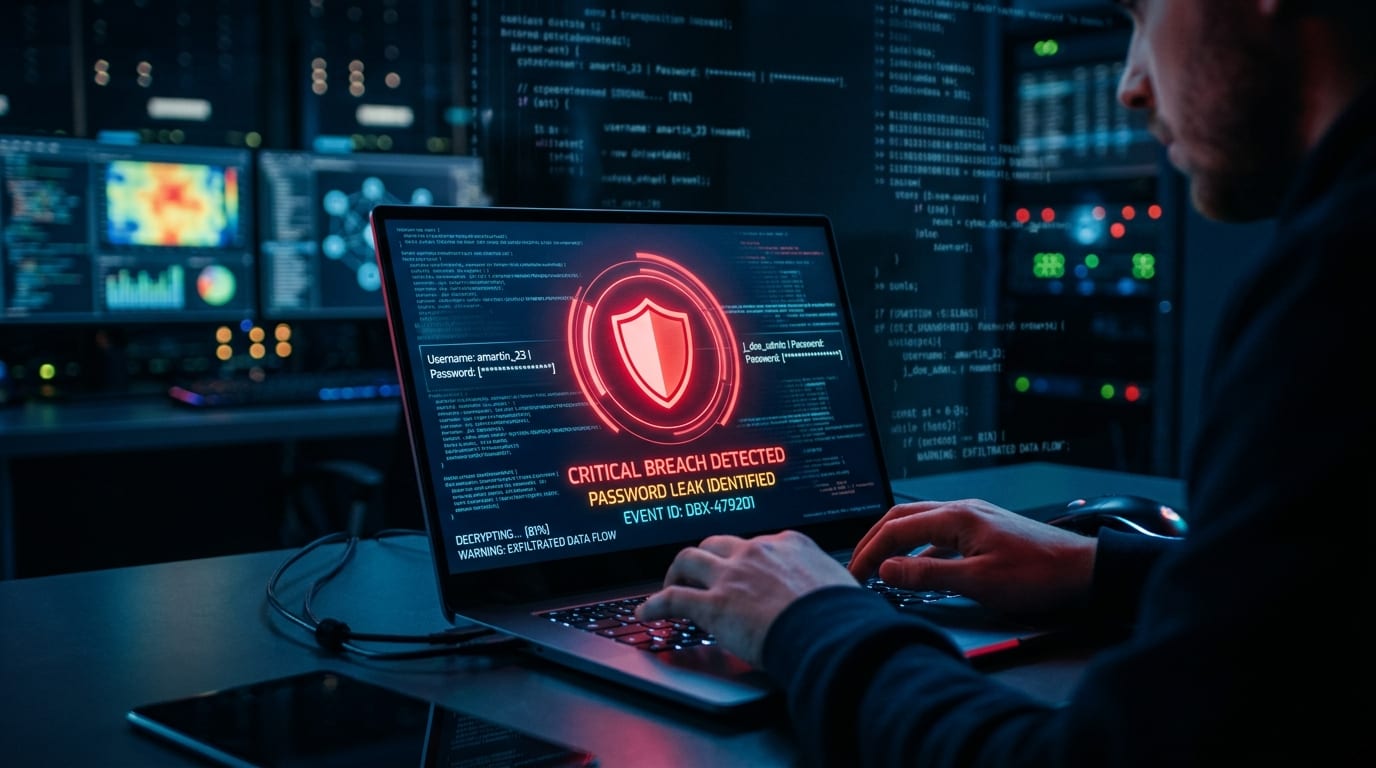
In recent years, catastrophic data breaches have regularly sent shockwaves across the global internet.
From the early days of the Sony PlayStation Network (PSN) breach compromising tens of millions of gamers’ credit cards and personal info, to Adobe losing a database of over 150 million accounts with password hints, up to massive leaks hitting cloud giant Dropbox, professional network LinkedIn, microblogging platform Tumblr, and Yahoo’s billions of compromised accounts—whenever internal servers of global tech giants are breached, the blast radius and chain reactions far exceed what ordinary users imagine.
Many people assume: “I’m not a politician or celebrity—what would hackers want with my passwords?”
That assumption is precisely the most dangerous cybersecurity blind spot for modern web users!
1. What Do Hackers Do After Acquiring Leaked Credentials?
If I were a “cracker (black-hat hacker)” who acquired tens of millions of compromised records on dark web forums, my first move would never be manually logging into your abandoned hobby forum account. Instead, I would unleash automated attack scripts to execute massive “credential stuffing” campaigns!
What Is a Credential Stuffing Attack?
To make memorization easy, most users use the exact same email and password combination across Google, Facebook, Apple ID, online banking, food delivery apps, and obscure online shopping sites (at best appending 123 or an exclamation mark !).
Crackers understand this universal human weakness. They compile leaked “username + password” combinations into dictionary attack files, feeding them into automated bots that launch high-speed brute-force login attempts against hundreds of high-value platforms (such as Amazon, PayPal, Shopee, cryptocurrency exchanges, and primary email providers).
If your password was exposed in a breach at some poorly secured niche forum, attackers can follow that breadcrumb trail to unlock your primary email or banking portal in minutes, compromising your savings, credit card limits, and sensitive privacy in one fell swoop!
2. Free Security Audit Tool: Have I Been Pwned?
Want to know whether your email, mobile number, or passwords are already circulating on the dark web? Today, The Fixer recommends the world’s most trusted, secure, and completely free breach notification platform: “’;—have i been pwned? (HIBP)”.
Official Website: https://haveibeenpwned.com/
Founder: Troy Hunt (Microsoft Regional Director, internationally acclaimed independent cybersecurity expert)
HIBP tracks, analyzes, and indexes databases publicly dumped or circulated on hacker forums. To date, the database holds tens of billions of compromised account records and updates dynamically every single day.
Why Is Searching This Site Safe?
Many users wonder: “If I enter my email or password into their search bar, won’t the site harvest it?”
- Basic Searches Only Require an Email or Username: You never submit your password during an account search. HIBP simply checks whether that email address appears within its hashed index of confirmed breach datasets.
- Password Verification Uses the “k-Anonymity” Model: HIBP’s password search uses SHA-1 cryptographic hashing. Your browser calculates the hash locally and transmits only the first 5 characters (prefix) of the SHA-1 hash to the server. The server responds with all matching hash suffixes (thousands of records), and your browser completes the match locally. Your plaintext password and full hash never leave your computer!
3. Interpreting Your Search Results
Visit the homepage, enter your most frequently used email address in the search box, and click the “pwned?” button. You will receive one of two results:
1. Green Safety Confirmation: Good news — no pwnage found!
If the page turns green, it means your email address was not found in any public data breaches currently cataloged by HIBP.
While reassuring, this does not mean you can let your guard down entirely (private black-market dumps may not yet be indexed). Maintain diligent password hygiene regardless.
2. Red High-Risk Alert: Oh no — pwned!
If the screen turns bright red with “Pwned in X data breaches”, it confirms that your email address appeared in at least X separate corporate data breaches!
Scroll down, and HIBP will provide a transparent breakdown:
- Which platforms were breached (e.g., Adobe, Dropbox, Canva, LinkedIn);
- The exact year and date of each incident;
- Compromised data categories: including Passwords, Usernames, Dates of birth, Physical addresses, and even Credit card details.
4. Discovered Your Account Was Pwned? 5 Immediate Emergency Actions
Once you confirm your account appears on a breach roster, don’t panic. Execute the following defensive checklist in order:
1. Change Your Password on the Affected Site Immediately
Log in to the compromised service right away, revoke your old password, and replace it with a strong, completely unique password.
2. Audit All Services Sharing the Same Password
This is the most critical step! Reflect honestly: did you reuse the identical password—or a minor variation of it—on Google, social media (Facebook, Instagram), messaging apps, or ecommerce stores?
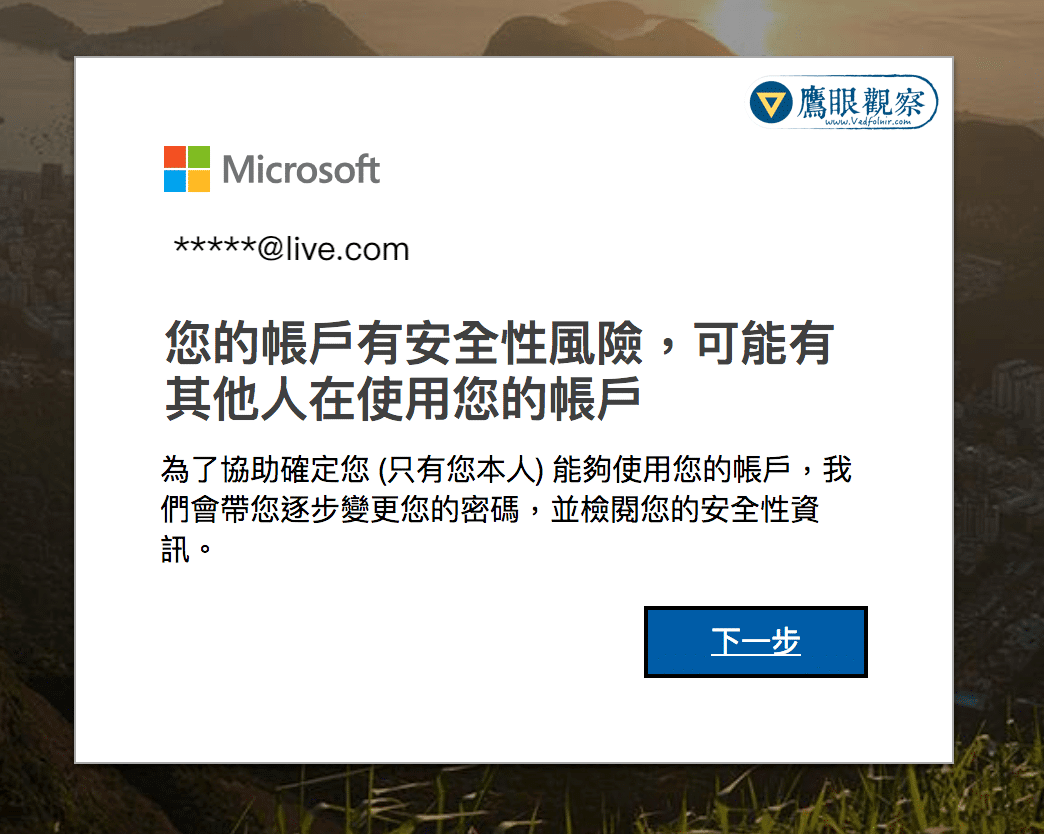
If so, update passwords across all those critical accounts immediately! Hackers already have those credentials loaded into credential stuffing bots.
3. Enable Multi-Factor Authentication (2FA / MFA) Everywhere
Static passwords alone can no longer withstand modern cyber threats. Enable multi-factor authentication across all supporting platforms (especially Google, Apple, Microsoft, and banking services):
- Prioritize Authenticator apps (such as Google Authenticator, Microsoft Authenticator) or hardware FIDO2 security keys;
- Avoid relying solely on SMS-based verification codes due to the threat of SIM swapping attacks.
4. Adopt a Dedicated Password Manager
Human memory is finite. Expecting yourself to memorize dozens of 16-character random passwords across every service is impractical.
- Leverage reputable password managers (such as Bitwarden, 1Password, Proton Pass, or built-in Apple Keychain / Google Password Manager).
- Let the software generate
16+ character, unpredictable random passwords with mixed case, numbers, and symbols. You only need to remember one single, master passphrase to achieve true isolation—where a breach on one website never endangers any other account!
5. Watch Out for Follow-up Spear-Phishing Emails
Once crackers possess your real email, name, and services you frequent, they often impersonate customer support with convincing fake “Password Reset Requests” or “Suspicious Login Alerts”, attempting to trick you into entering your new password on bogus pages. When receiving any such email, never click links inside the email—navigate to the official website manually in your browser!
Conclusion: Take Cybersecurity Seriously and Upgrade Your Passwords Today!
In an era where our digital footprints span the cloud, data breaches are no longer a matter of “if”, but “when and how severely”.
Regularly auditing your account health with tools like HIBP, eradicating password reuse, and pairing unique credentials with robust multi-factor authentication are the foundational defenses for safeguarding your privacy and digital assets.
Want to learn how to craft ultra-secure, memorable passwords effortlessly? Check out our in-depth guide:
👉 Cybersecurity: How to Create Strong Passwords to Protect Your Privacy and Security
Support Independent Perspectives & In-Depth Insights
Every thoughtful analysis and candid critique comes from our dedication to truth and quality. We choose not to follow sensational algorithms or clickbait headlines.
Sustaining independent research requires reader support. Make a one-time or monthly contribution, securely processed by Google.
Payments secured by Google · Manage or cancel anytime in your Google Account

Comments