
Last week, I took my ASUS smartphone along on a trip to Japan. It wasn’t the phone’s first trip abroad, but to my utter dismay, its entire connectivity suite—both 3G/4G LTE mobile data and Wi-Fi—died completely right in front of the Japanese shop clerk helping me install a local SIM card. Seeing her blush with embarrassment and scramble in confusion made me want to crawl into a hole. Who would have thought that Taiwan’s famed ASUS could deliver this kind of quality?
After apologizing and leaving the shop, I performed a hardware reboot [1]. Fortunately, Wi-Fi connectivity returned after rebooting, allowing me to embrace the nostalgic days of traveling off-the-grid without constant smartphone reliance.
Yet once I returned to Taiwan and popped in my Chunghwa Telecom 3G SIM card, the cellular connection failed to register at all, and soon Wi-Fi stopped working again too. No amount of restarting brought it back to life. At this point, the only recourse was sending it back to ASUS for repairs.
You might wonder: is there someone silly enough to have bought a 14-inch ASUS laptop years ago, had to hunt down replacement parts from third-party suppliers in Neihu to fix it himself [2], swore never to buy from ASUS again, got burned again by an Eee PC, and now tripped up on their smartphone? Guilty as charged.
Thankfully, this time around, I didn’t have to visit the legendary “Royal Club” service center in person.
ASUS now provides a handy “Courier Repair Service” for laptops, desktops, phones, and tablets. In partnership with 7-Eleven convenience stores, you can drop off defective devices free of charge for dispatch to ASUS’s service center. Once repaired, the device is delivered straight back to your doorstep via courier (handled by Hsinchu Logistics). Isn’t that remarkably convenient? [3]
How to Use ASUS’s Courier Repair Service
The courier drop-off service cannot be booked online directly. You must call ASUS customer service first [4] to report your device category, serial number, and failure symptoms. Once the representative verifies your warranty status, they will issue two reference numbers: a work order number starting with “TWPD64509?” and a shipping authorization code starting with “Z???617000959?” (masked for privacy).
The “TWPD” code is ASUS’s internal repair ticket, while the “Z???” code is the parcel shipping tracking number. Make sure to write both numbers clearly on the outside of your package.
Because ASUS partners with 7-Eleven, you register the shipment using the in-store ibon kiosk.
Drop-off Step-by-Step
- Step 1: On the ibon touchscreen, tap “Shopping & Shipping” (購物、寄貨).
- Step 2: Select “Yamato Transport (Black Cat / 黑貓宅急便)”.
- Step 3: Tap “RCat Corporate Pickup Platform” (RCat 企業收件平台).
- Step 4: Select “ASUS”.
- Step 5: Key in the numeric digits following “Z???” using the on-screen keyboard.
- Step 6: Confirm the details and wait for the adjacent printer to print the full-sheet A4 shipping waybill.
- Step 7: Hand the waybill and your boxed phone to the store clerk, and collect your stamped customer receipt.
I dropped off the packaged phone at 7-Eleven on a Wednesday and received the repaired unit by Saturday afternoon. After inserting a SIM card, cellular data and Wi-Fi connected smoothly.
As shown below, I had simply wrapped the original phone box inside a shipping plastic bag. ASUS’s authorized repair partner (Arcoa) packaged it securely inside a much larger cardboard box for the return journey, providing welcome peace of mind.
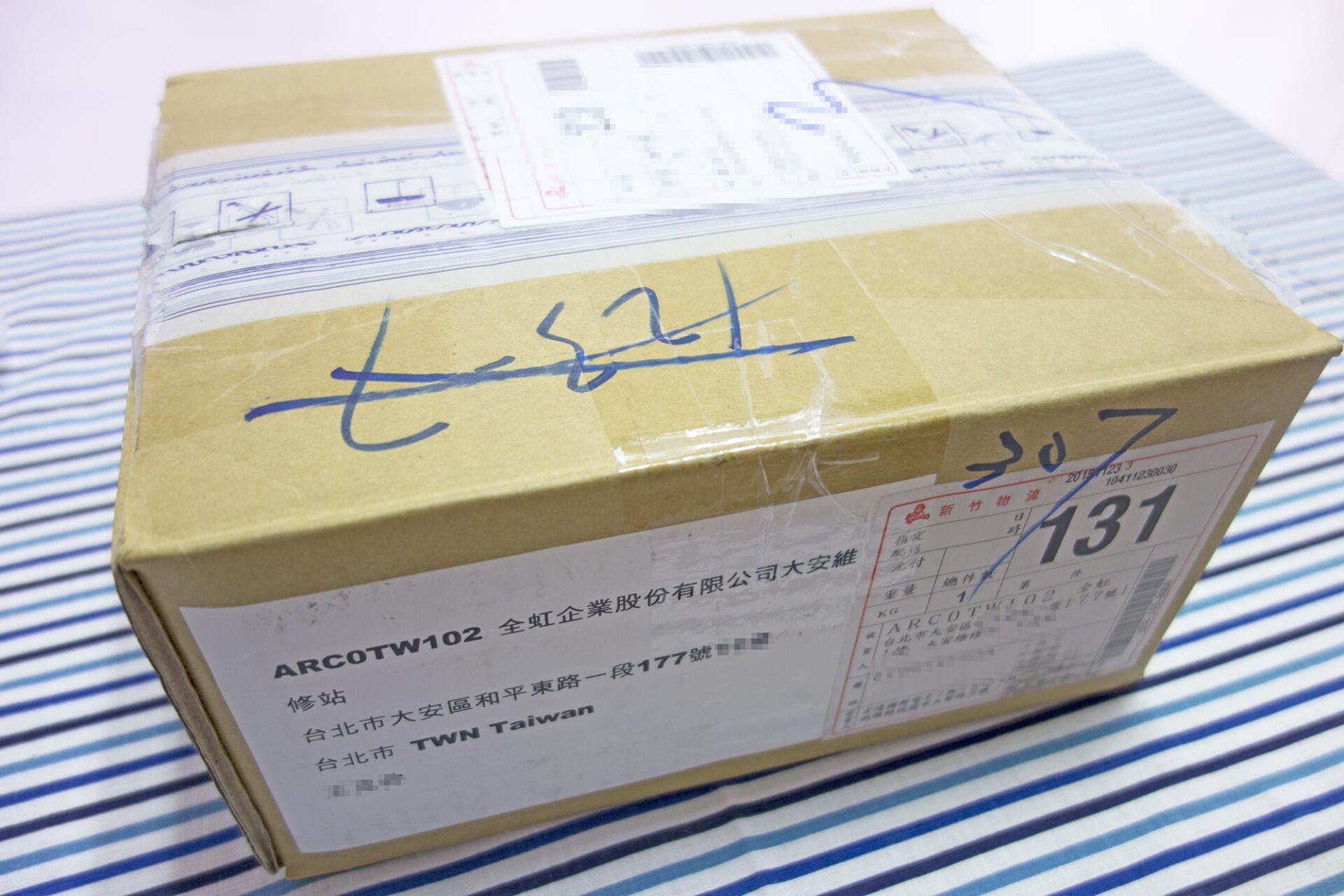
Opening the box revealed generous amounts of shock-absorbing cushioning.
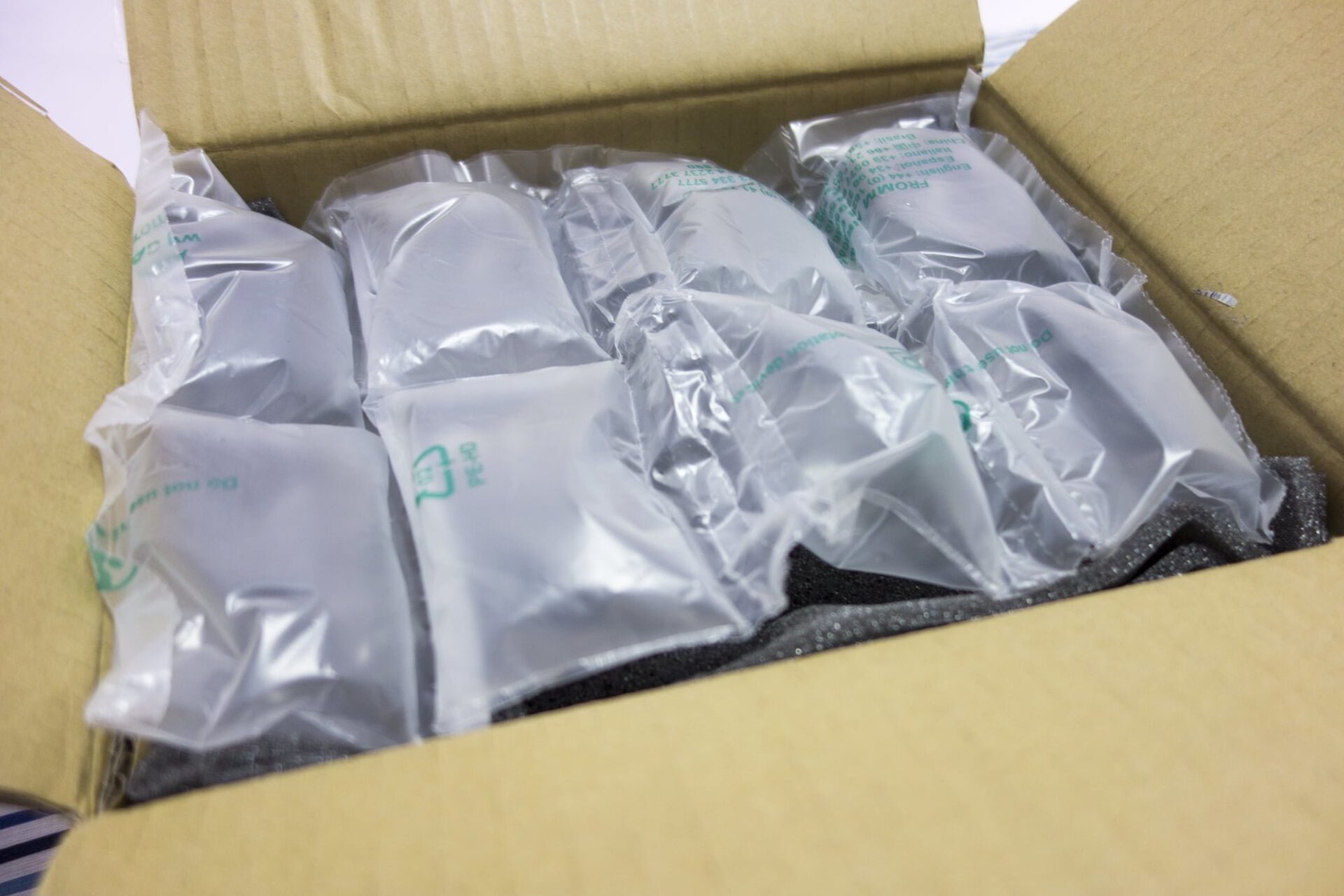
Compared to the large shipping box, the original retail phone package looked miniature.
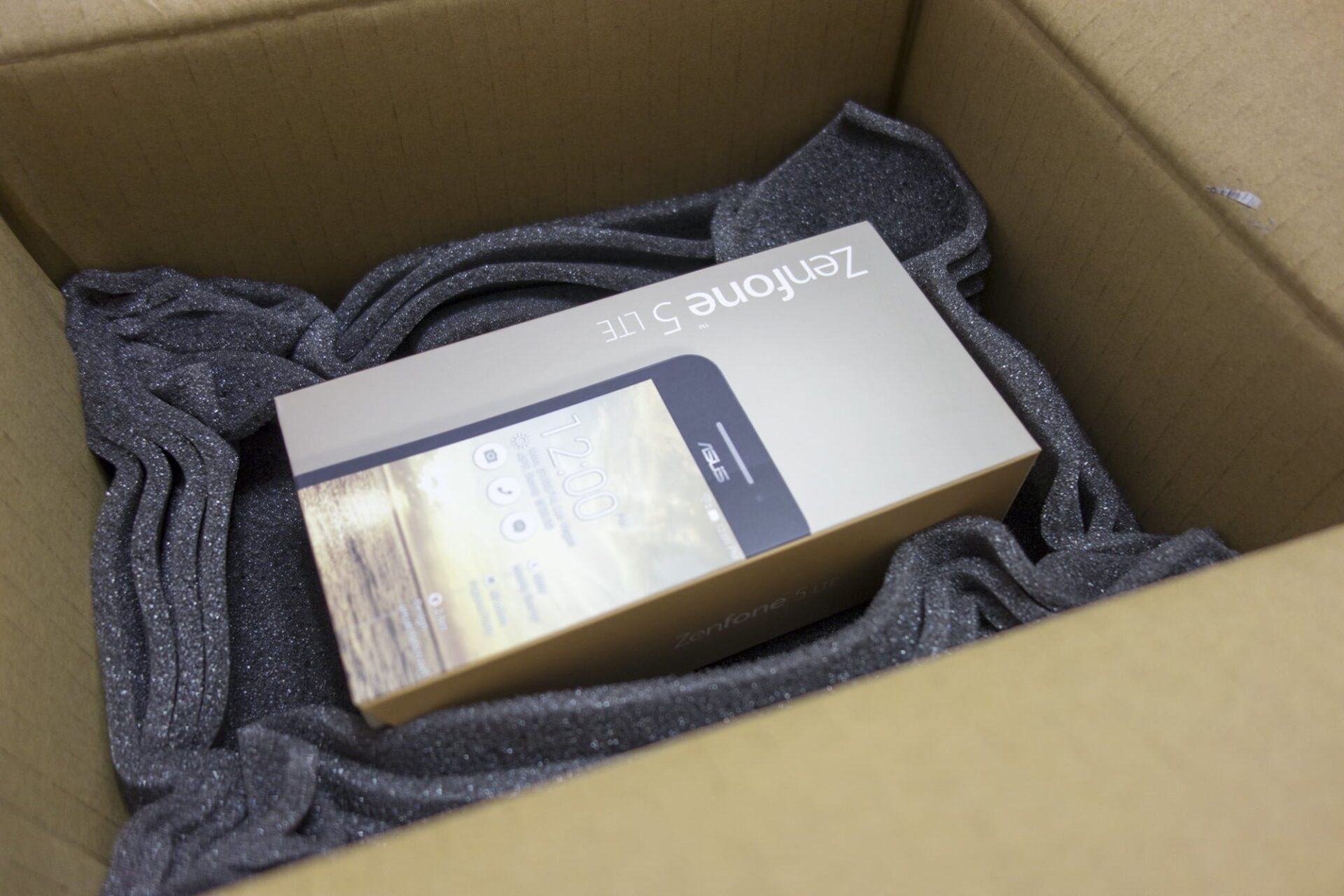
Inside the original box, alongside the phone, was a formal repair sheet detailing the maintenance procedures performed.
According to the sheet, the technician simply flashed the firmware and tested connectivity before declaring the issue resolved, leaving me slightly uneasy about whether the root cause was properly diagnosed.
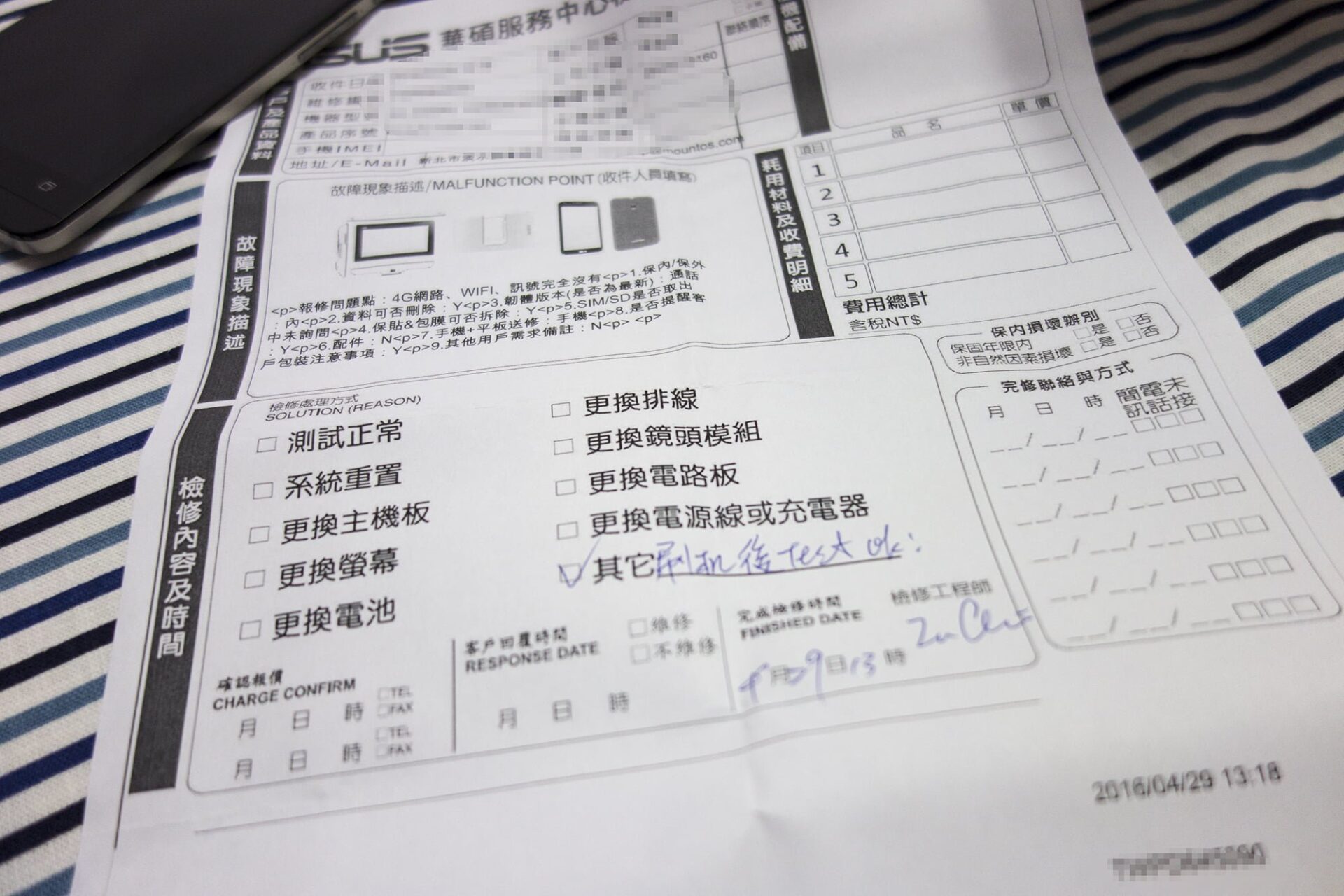
Although re-flashing restored functionality, ASUS’s customer service communication left much to be desired. The phone was sent in precisely because it couldn’t connect, yet both ASUS phone support and the courier kept insisting on my mobile phone number to send SMS updates. How was I supposed to receive SMS texts with a broken phone?
Furthermore, I specifically asked the representative to email me status updates, which she agreed to. Yet not a single progress email arrived—not even a tracking dispatch notification. The courier showed up unannounced while I was away, initially saying I’d have to wait three days for re-delivery (though thankfully he returned later that evening).
Lastly, customer support’s English phonetic comprehension proved surprisingly challenging. When I gave the simple first name “Bevis”, the agent struggled back and forth across B, F, S, M, N, and V. Trying to simplify things, I politely asked her to email my company mailbox at [email protected]. I spelled it letter by letter, pronounced the word “Contact”, and even translated its meaning into Chinese.
Her transcription?
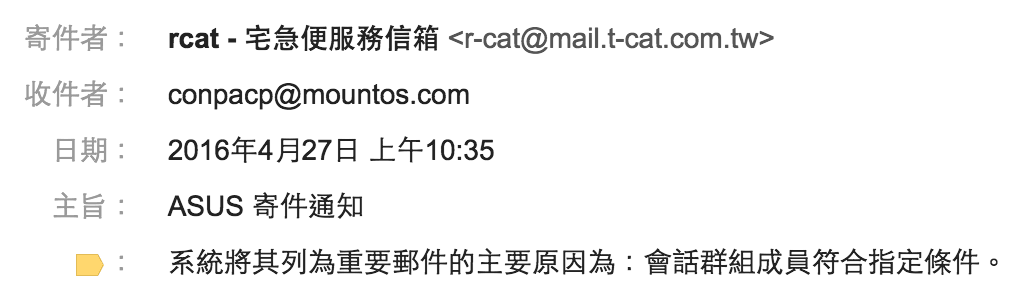
“Conpacp”? Really?!
Further Reading & Notes
- [1] ASUS Smartphone Reset Shortcut: With the phone powered on, press the power button once to bring up the power menu, then press and hold the power button continuously.
- [2] Maintenance Experience: My Bittersweet History with ASUS Computers
- [3] Courier pickup service is restricted to the main island of Taiwan.
- [4] ASUS Taiwan Customer Support Toll-free Line: 0800-093-456.
Support Independent Perspectives & In-Depth Insights
Every thoughtful analysis and candid critique comes from our dedication to truth and quality. We choose not to follow sensational algorithms or clickbait headlines.
Sustaining independent research requires reader support. Make a one-time or monthly contribution, securely processed by Google.
Payments secured by Google · Manage or cancel anytime in your Google Account




Comments