
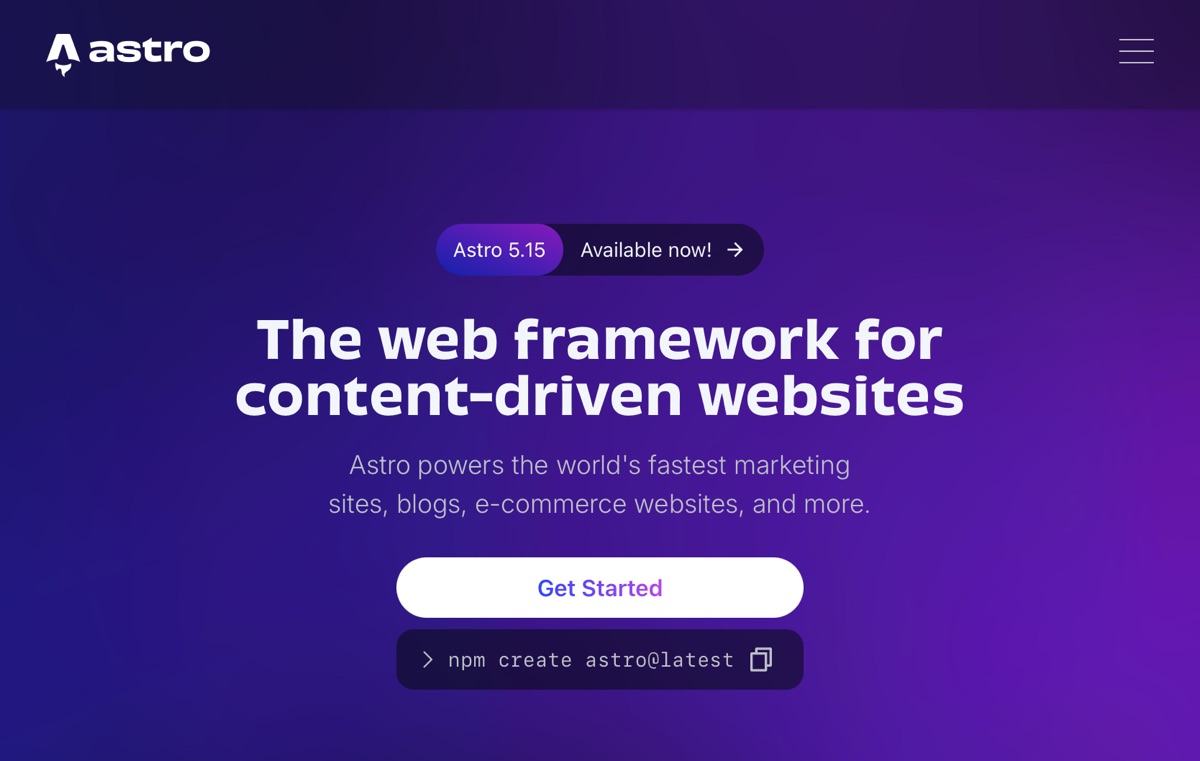
This comprehensive architectural roadmap guides you through building a high-performance content platform using Astro on Cloudflare Pages, integrated with Decap CMS as a Git-based headless backend.
From repository bootstrapping and edge OAuth authentication to dynamic routing and production rendering, each critical milestone is clearly outlined below.
Three-Phase Architecture Overview
To eliminate authentication bottlenecks on serverless platforms and ensure seamless content rendering, the deployment workflow is organized into three distinct phases:
- Structural Initialization: Scaffolding project foundations, Content Collections schemas, and administrative asset paths.
- CMS Integration & GitHub OAuth Gateways: Deploying Cloudflare Pages Functions as an auth proxy to facilitate secure GitHub authentication tokens.
- Content Rendering & Production Delivery: Establishing Astro dynamic routes and templates to consume and display Markdown entries.
Phase 1: Workspace Scaffolding and Schema Definitions
Establish the core directory layout required by Astro and Decap CMS.
1.1 Project and Directory Structure
- Initialize Astro: Run
npm create astro@latestlocally or within GitHub Codespaces. - Admin Public Assets: Create
/public/admin/to host CMS administration entrypoints. - Serverless Functions Path: Create
/functions/to store Cloudflare Pages edge functions.
1.2 Defining Content Collection Schemas
- Objective: Establish type-safe validation schemas for your editorial articles.
- Implementation: Create
/src/content/config.tsusing Astro’sdefineCollectionand Zod to validate fields (such astitle,pubDate,draft,categories), ensuring strict alignment with Decap’sconfig.yml.
Phase 2: Decap CMS Integration and GitHub OAuth (Core Challenge)
The most intricate phase involves enabling Git-backed authentication over Cloudflare Pages without Netlify’s proprietary server infrastructure.
2.1 Configuring the CMS Admin Interface
- Asset Placement: Add
index.htmlandconfig.ymlinside/public/admin/. - Sanitizing Dependencies: Ensure
index.htmlcontains no references tonetlify-identity-widget.jsto avoid provider pollution.
2.2 Registering a GitHub OAuth Application
- Create OAuth App: Navigate to GitHub Developer Settings → OAuth Apps. Generate a Client ID and Client Secret.
- Callback URL Configuration: Set the Authorization callback URL precisely to your Pages Functions endpoint:
https://<your-project>.pages.dev/.netlify/functions/auth
2.3 Cloudflare Environment Variables
- In the Cloudflare Pages project settings, configure
GITHUB_CLIENT_IDandGITHUB_CLIENT_SECRETunder Environment variables to securely store secrets away from client code.
2.4 Deploying Edge Auth Function Handlers
- Place the OAuth proxy logic (e.g.
auth.js/ token exchange handler) inside/functions/. This serverless endpoint manages authorization code redirects and secure access token generation with GitHub API.
2.5 Finalizing config.yml Backend Directives
Configure the backend target to communicate with your Pages proxy:
backend:
  name: github
  repo: Mountos/web
  branch: main
  base_url: https://mountos.pages.dev
  auth_endpoint: /.netlify/functions/auth
2.6 Deployment Pipeline
Execute git add ., git commit, and git push to deploy the CMS assets and activate Cloudflare Pages Functions.
Phase 3: Content Ingestion, Dynamic Routing, and Publishing
Connect the static site generation pipeline so Astro can render content committed by Decap CMS.
3.1 Editorial Verification
- Access
https://<your-project>.pages.dev/admin/and authenticate using GitHub. - Publish a test article and verify that the Markdown file lands in
src/content/blog/within your GitHub repository.
3.2 Blog Index Route
- File:
/src/pages/blog/index.astro - Logic: Fetch all published entries using
getCollection('blog')fromastro:contentto output paginated or chronological post cards.
3.3 Dynamic Post Route Rendering
- File:
/src/pages/blog/[...slug].astro - Logic: Use
getStaticPaths()to map each entry’s slug to a static page, callingawait entry.render()to inject compiled HTML content.
3.4 Verification
Trigger a production build. Verify that published articles are rendered seamlessly across edge nodes, confirming that the end-to-end loop (CMS writing → GitHub storage → Cloudflare edge build → Astro static delivery) is operational.
Support Independent Perspectives & In-Depth Insights
Every thoughtful analysis and candid critique comes from our dedication to truth and quality. We choose not to follow sensational algorithms or clickbait headlines.
Sustaining independent research requires reader support. Make a one-time or monthly contribution, securely processed by Google.
Payments secured by Google · Manage or cancel anytime in your Google Account

Comments