
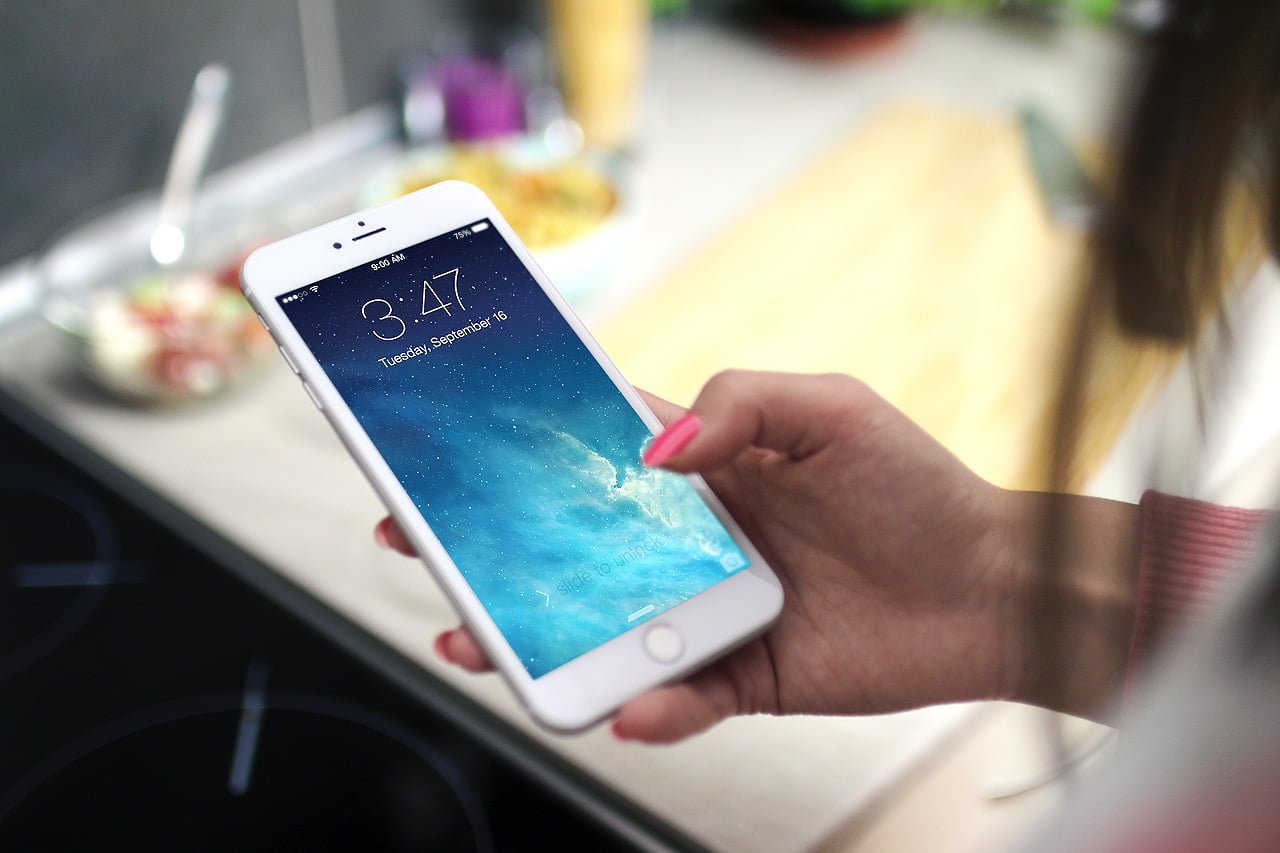
Does your phone battery never last until you get home after a full day of use? Gongzihao has compiled 10 tips to save phone battery, covering everything from concepts to settings.
First, Don’t Download or Install Those So-Called Battery-Saving Apps
Gongzihao puts this first because far too many people make this ironic mistake. Such apps themselves keep running in the background and monitoring system status, which actually consumes more power. Truly effective battery saving relies on system settings and usage habits, not on installing yet another app.
Second, Lower Screen Brightness and Shorten the Auto-Lock Time
The screen is the most power-hungry component of a phone. Lowering the brightness, enabling auto-brightness, and shortening the auto-lock time to 30 seconds or 1 minute can noticeably reduce power consumption.
Third, Turn Off Unnecessary Background App Refresh
Many apps keep updating content in the background even when you’re not using them. Turning off background refresh for non-essential apps can effectively reduce standby power consumption.
Fourth, Turn Off Wi-Fi, Bluetooth, and GPS Location When Not in Use
Wi-Fi, Bluetooth, and GPS keep searching for signals while on, which is quite power-hungry. When you leave a fixed location or don’t need them, turn these wireless functions off.
Fifth, Enable Airplane Mode or Power-Saving Mode
In places with poor signal (such as basements or mountain areas), a phone consumes especially more power trying to search for signal. Enabling airplane mode at such times can save a lot of power; when battery is tight, you can also enable the system’s built-in power-saving mode.
Sixth, Turn Off Push Notifications and Vibration
Every push notification wakes up the screen and the vibration motor. Turning off notifications for unimportant apps and reducing vibration feedback can save quite a bit of power.
Seventh, Avoid Using or Charging in High-Temperature Environments
High temperature is the killer of batteries. Playing high-performance games while charging, or leaving your phone in a car under direct sunlight, will accelerate battery aging and reduce battery life.
Eighth, Use Original or Certified Chargers
Chargers of unknown origin may have unstable voltage, which not only harms the battery but may also pose safety concerns. Using original or certified chargers is the only way to protect battery health.
Ninth, Turn Off Live Wallpapers and Excess Home-Screen Widgets
Live wallpapers and real-time updating home-screen widgets continuously consume resources. Switching to a static wallpaper and reducing the number of widgets can lower power consumption.
Tenth, Develop the Habit of Charging Whenever You Can
Modern lithium batteries are not afraid of “piecemeal charging”; rather, they fear being kept at extremely low charge for long periods. Developing the habit of charging whenever you can, and avoiding waiting until the battery drops below 20% to charge, helps extend battery life.
Summary
There is no shortcut to saving phone battery. The key lies in “reducing unnecessary power consumption” and “protecting battery health.” Rather than installing so-called battery-saving apps, it’s better to start with settings such as screen brightness, wireless functions, and background refresh, and pair them with good charging habits to make your phone battery last longer.
Support Independent Perspectives & In-Depth Insights
Every thoughtful analysis and candid critique comes from our dedication to truth and quality. We choose not to follow sensational algorithms or clickbait headlines.
Sustaining independent research requires reader support. Make a one-time or monthly contribution, securely processed by Google.
Payments secured by Google · Manage or cancel anytime in your Google Account




Comments