
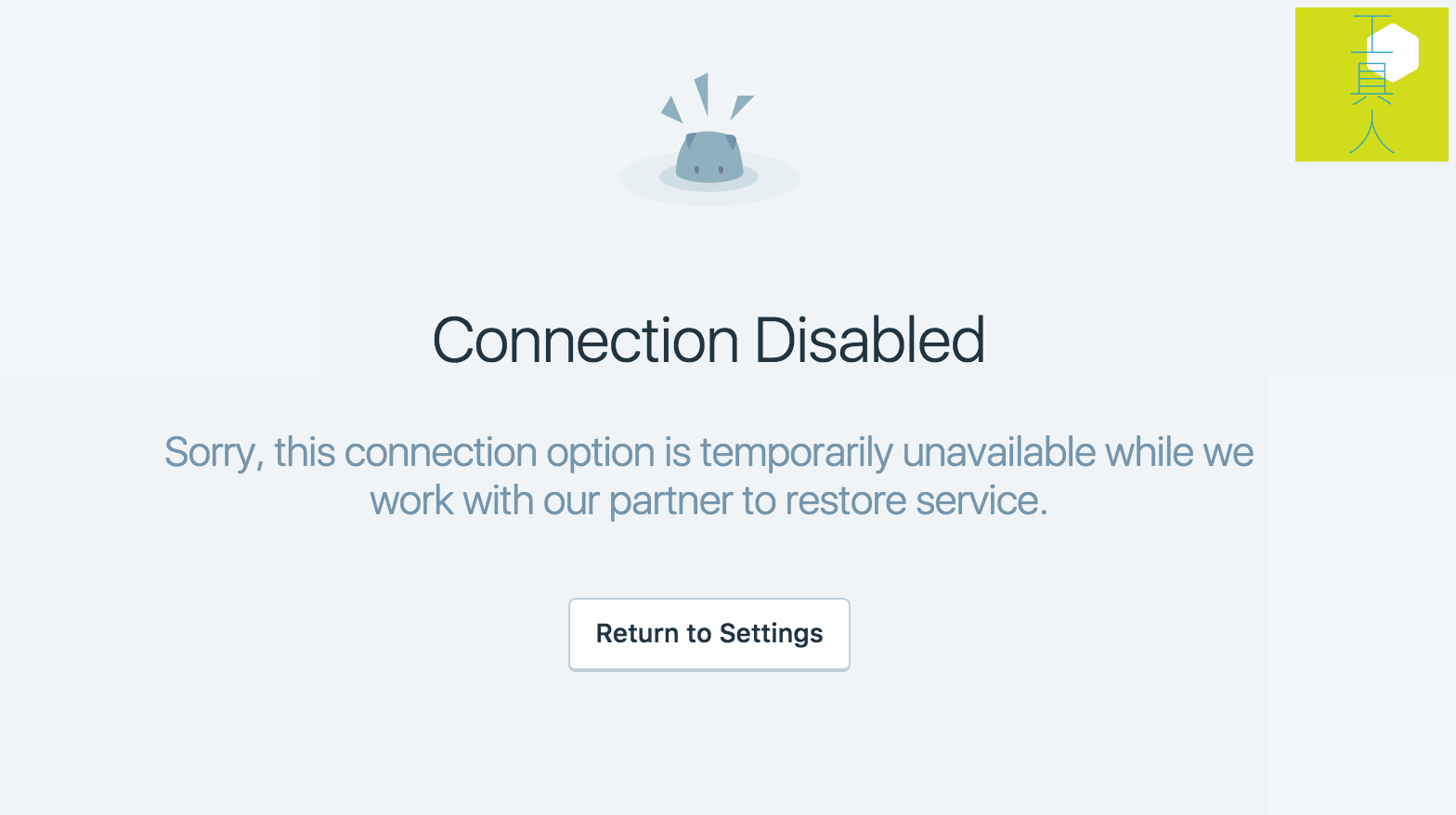
Over the past few days, anyone attempting to configure the built-in Jetpack Sharing feature in the WordPress dashboard to connect with Google+ likely encountered an unwelcome error: “Connection Disabled” (as shown in Figure 2 below).
Referring to Figure 1, the Jetpack Sharing settings page—located under Settings in the WordPress dashboard—allows site owners to connect social platforms like Facebook, Twitter, and Google+.
Once authenticated, Jetpack automatically syndicates and shares published posts across connected social networks, saving you the hassle of manual copy-pasting.
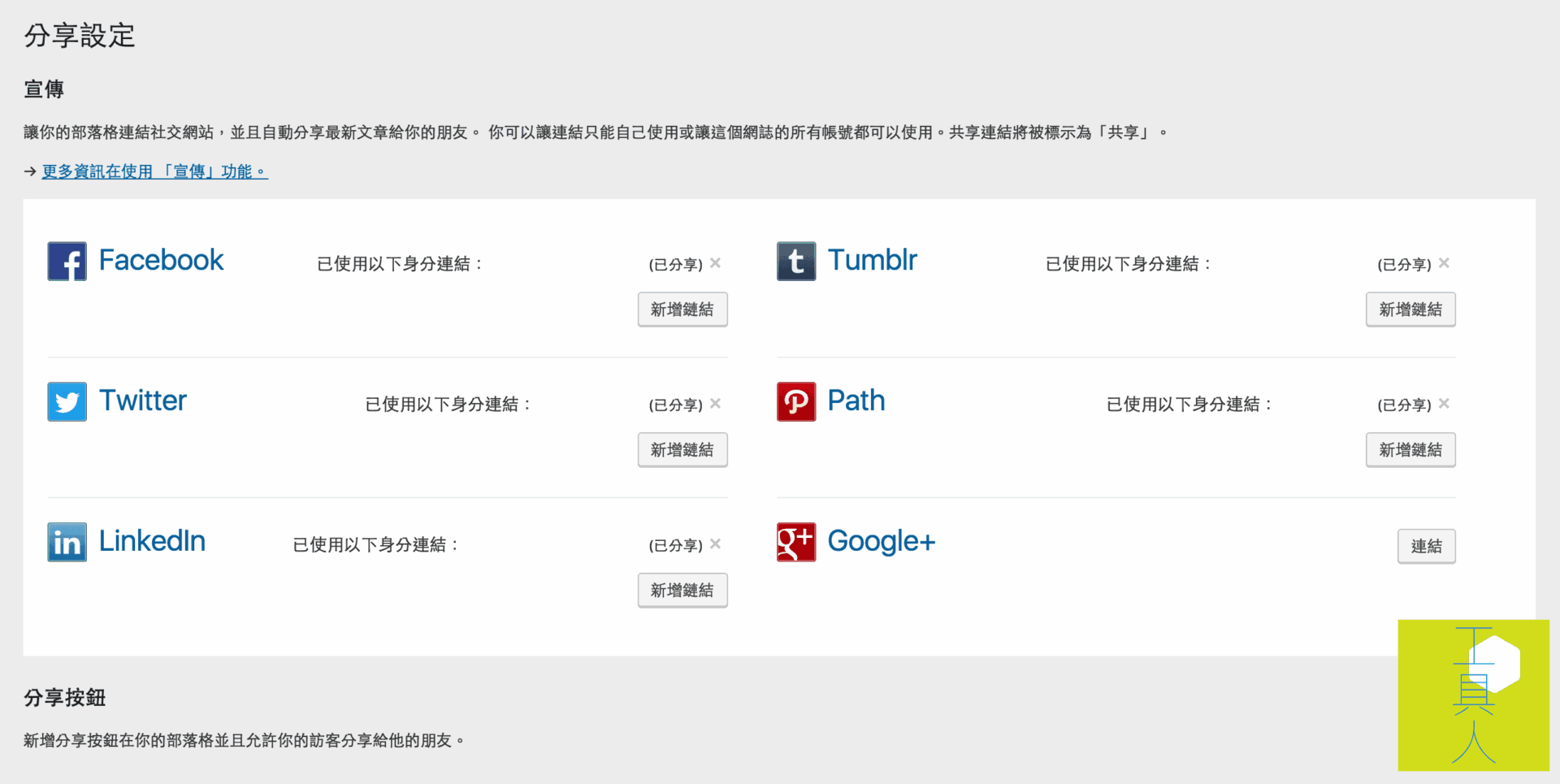 Figure 1: WordPress Jetpack sharing configuration panel.
However, while configuring social automation for a newly launched website, attempting to connect to Google+ triggered an immediate connection error.
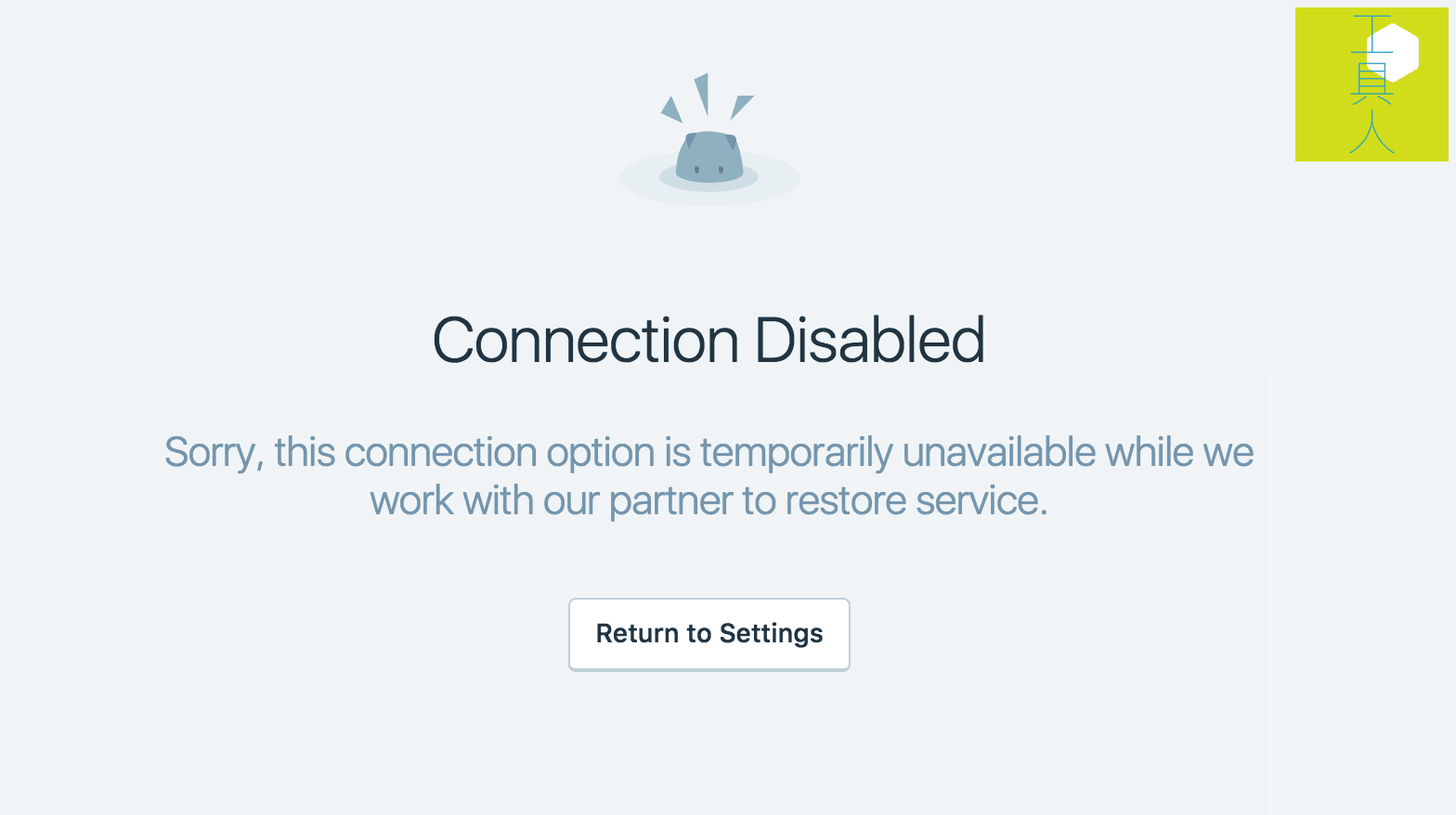 Figure 2: Google+ connection disabled error notification.
Reaching out to the Jetpack development team revealed that the developers had intentionally disabled Google+ connections temporarily, with no definite timeline for restoration.
In fact, an earlier bug had been causing posts shared to Google+ Brand Pages via Jetpack to default to private visibility. As a result, automated shares were invisible to the public, defeating the entire purpose of social broadcast. The Jetpack team disabled the connection module specifically to address this issue while collaborating with Google’s API engineers.
Given cross-platform API adjustments typically require time, users will need to exercise patience and manually cross-post new content to their Google+ pages in the interim.
Support Independent Perspectives & In-Depth Insights
Every thoughtful analysis and candid critique comes from our dedication to truth and quality. We choose not to follow sensational algorithms or clickbait headlines.
Sustaining independent research requires reader support. Make a one-time or monthly contribution, securely processed by Google.
Payments secured by Google · Manage or cancel anytime in your Google Account

Comments