

WordPress content management system administrators should take immediate note: recently, 9 plugins and themes have been discovered with critical-severity security flaws. The embedded PHP files within these affected packages have been altered or abused by attackers, who leverage these vulnerabilities to upload arbitrary files to web servers, thereby hijacking administrative control.
Among the compromised plugins, “WP Symposium” serves as a prime example: dangerous instructions were injected into its server/php/index.php and server/php/UploadHandler.php scripts, enabling malicious actors to upload web shells and trojans to target servers, subsequently executing arbitrary commands to take full control of the host.
Intermediate servers used as launchpads by the attackers have been traced to Columbus and Tulsa in the United States, and even compromised nodes in Mountain View. Additionally, compromised servers have surfaced in North Rhine-Westphalia (Germany), Lund (Sweden), Dubai (United Arab Emirates), and Valenciennes (France).
The attackers first scanned global WordPress servers en masse, systematically launching exploits against these 9 plugins and themes. If your commercial site or personal blog utilizes any of the following software and lacks rigorous security auditing, your WordPress installation may already be compromised or turned into an attacker’s zombie botnet node.
High-Risk WordPress Plugins and Themes
- WP Symposium
- WP Ecommerce Shop Styling
- Candidate Application Form
- Simple Image Manipulator
- WPTF Image Gallery
- Recent Backups
- mTheme Unus
- wp Mobile Detector
Additional affected plugins identified in August 2018:
- UnGallery
- WP Support Plus Responsive Ticket System
Aside from the mTheme Unus theme, the other plugins cover image management, backups, forms, social communities, and styling—demonstrating a deliberate campaign targeting widely deployed components across the user base.
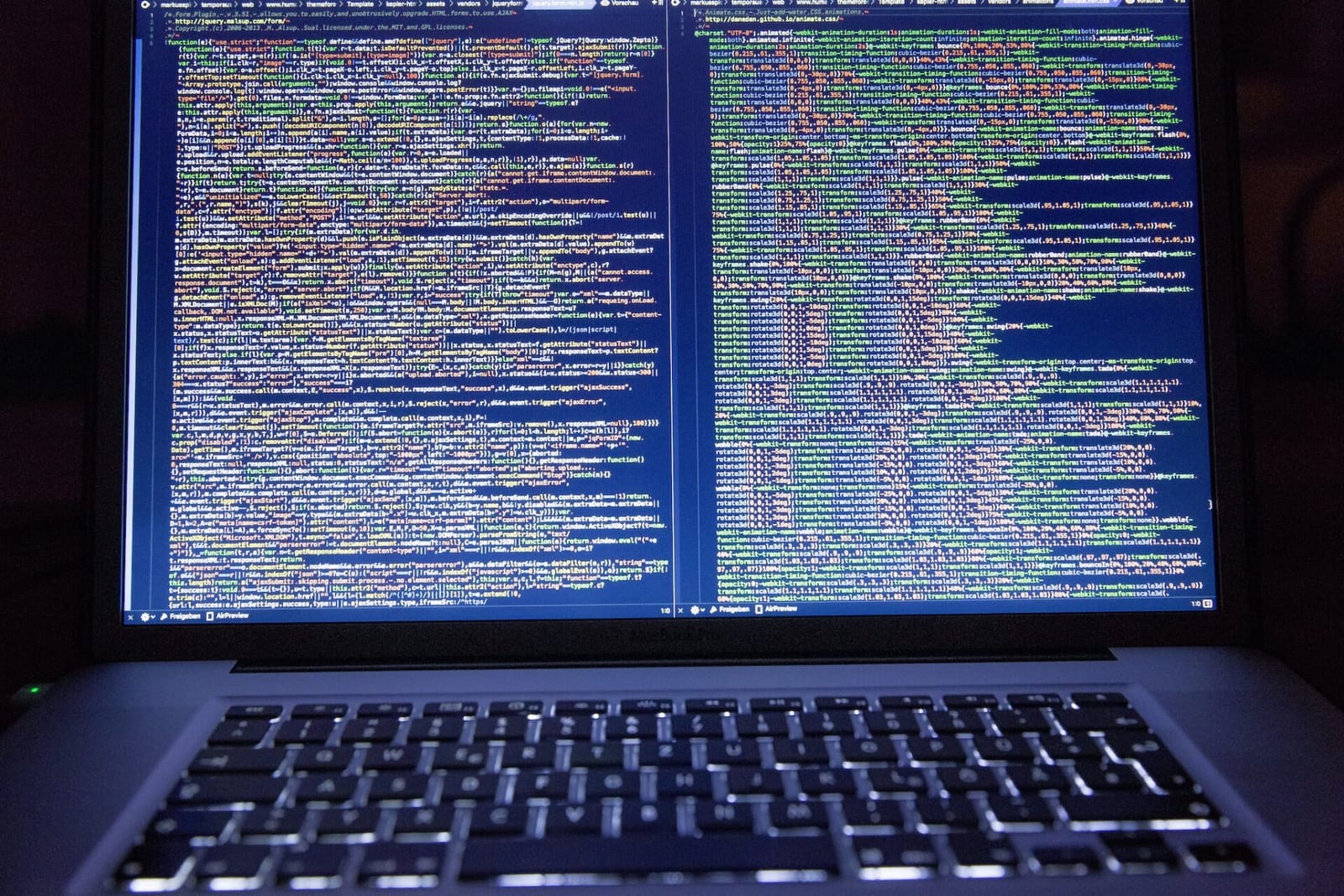
Another vulnerability exploited by black-hat hackers presents even greater concern: it targets WordPress’s native admin-ajax.php file through a well-known Local File Inclusion (LFI) vector. The same attacker leveraged this flaw to exfiltrate wp-config.php, the most critical configuration file of any WordPress installation. If defenses are neglected, database credentials and secret security keys can easily be stolen!
For webmasters and bloggers who may not have the expertise to manually harden a Linux server, installing dedicated WordPress security plugins is essential. Two industry-standard security tools serve as excellent turnkey safeguards:
- Wordfence Security – Firewall & Malware Scan
- iThemes Security (formerly Better WP Security)
On a related note, many bloggers over the past year or two have migrated away from large publishing platforms to self-hosted environments. While deploying a WordPress website is straightforward, ongoing maintenance, patch management, and repelling automated attacks can become a substantial overhead.
For authors wishing to focus purely on writing and content creation, self-hosting requires careful consideration from this operational perspective.
Alternatively, consider managed WordPress hosting plans offered by providers such as Bluehost (USA) or Yuan-Jhen Information (Taiwan, ROC). In addition to cost efficiency and convenience, they offer pre-hardened server environments and automated backup capabilities, presenting a time-saving, hassle-free solution.
Support Independent Perspectives & In-Depth Insights
Every thoughtful analysis and candid critique comes from our dedication to truth and quality. We choose not to follow sensational algorithms or clickbait headlines.
Sustaining independent research requires reader support. Make a one-time or monthly contribution, securely processed by Google.
Payments secured by Google · Manage or cancel anytime in your Google Account



Comments