
In the earlier days of international travel and Working Holiday Visa (WHV) programs, backpackers often met fellow solo travelers in youth hostels or on intercity buses. If you hit it off, you might travel together for a while—and if you were truly charming, you might even bring them home.
Back then, smartphones and cellular mobile networks were nowhere near as advanced as they are today. People frequently had to lug heavy laptops around hostels and train stations just hunting for free Wi-Fi wireless signals.
Mizuc once traveled with an American guy along the New Zealand coastline to visit a scenic attraction. Because we couldn’t immediately locate the exact trail entrance to the secluded beach, we drove into a nearby small town intending to ask the local visitor information center (known as an i-SITE).
Yet before we even found the i-SITE, he had already pulled up all the relevant information on his laptop right inside the car!
When asked, it turned out that while I was pulled over asking for directions, he had sneakily connected to an unencrypted, password-free Wi-Fi access point belonging to a nearby private residence [1].
Many backpackers on working holidays across Australia and New Zealand commute daily along regular routes. Given how inexpensive the local second-hand car market is, most people buy a used car for transport and resell it before heading home.
With the freedom of mobility a car provides, and since budget travelers naturally watch every penny, one often heard tales of them driving around scouting for unwary homeowners who hadn’t set Wi-Fi passwords. Some would even boast to everyone around them about how clever and resourceful they were for scoring free internet.
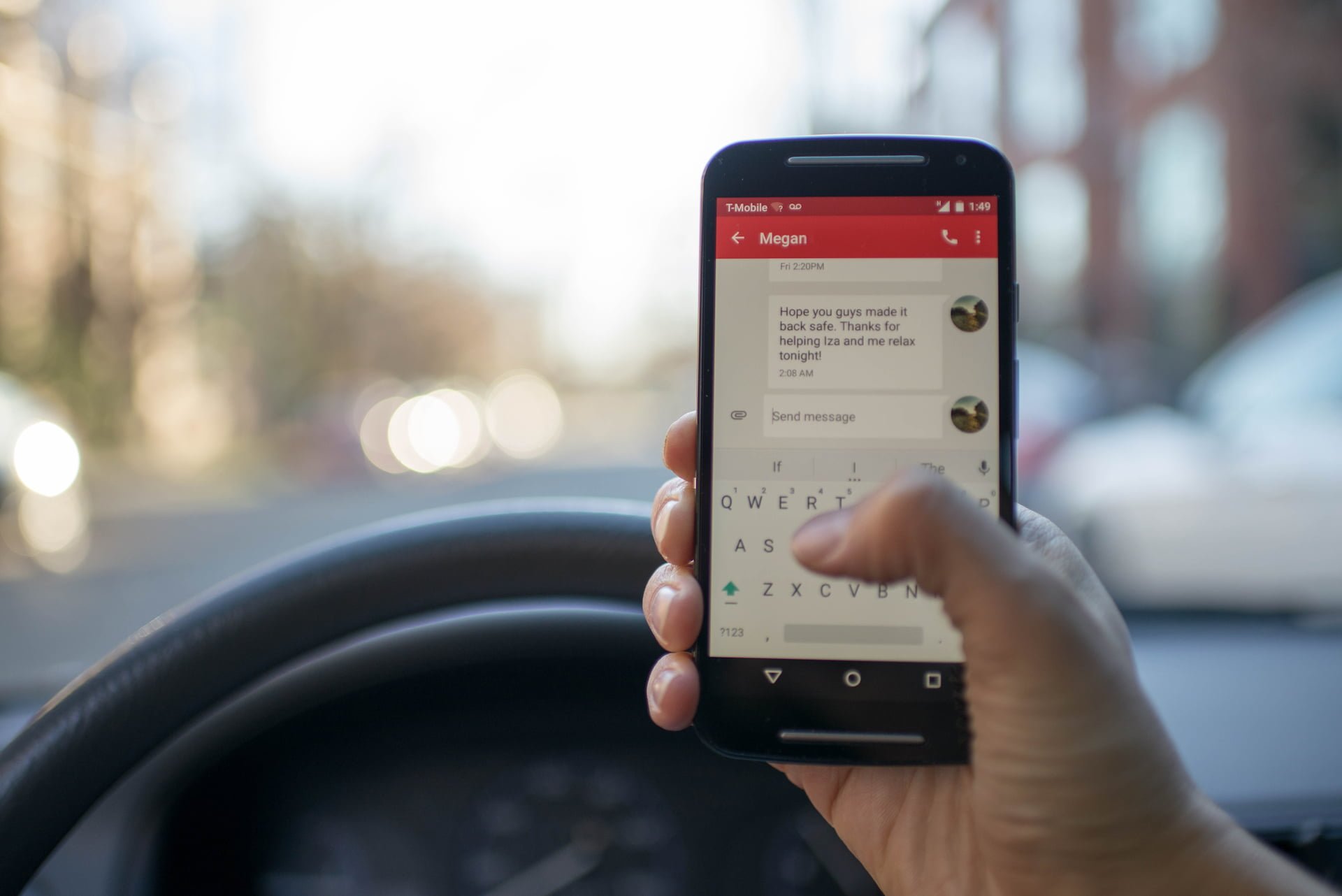
The problem is: while it might be “free” for you, the internet infrastructure in many foreign countries cannot be compared to that of Taiwan, where unlimited high-speed broadband is cheap and ubiquitous. In many countries, data allowances are expensive, and internet service providers enforce strict data caps (not just on mobile networks, but also on ADSL and cable broadband).
If you tap into someone else’s network resources without their explicit consent, you are freeloading at their expense. In foreign jurisdictions, this is treated as theft and can lead to immediate arrest.
A real incident actually occurred: a Taiwanese couple on a working holiday in Australia parked their car on the street right outside someone’s house, shamelessly pirating the household’s Wi-Fi network.
The outcome? The homeowner called the police, and the lovebirds were hauled off in handcuffs.
Citizens of the Republic of China (ROC), rightfully proud of coming from a world-leading technology power, should never engage in such disgraceful behavior! (Inner voice: Pirating bandwidth is bad enough, but getting caught red-handed is humiliating.)
In recent years, the legislative authority of the Republic of China (ROC) has established clear legal frameworks regarding digital devices and electromagnetic records, including Articles 358, 359, and 360 of the Criminal Code. Regardless of whether a Wi-Fi router’s owner has password-protected their equipment [2], unauthorized access or tampering with another person’s wireless network is unlawful.
Furthermore, some individuals intentionally leave their Wi-Fi access points unencrypted precisely because hackers are waiting to intercept the data you transmit over the network.
Considering that threat, would you still dare connect indiscriminately to strange, unsecured networks?

The US FBI issued warnings pointing out that incidents of data theft targeting travelers have climbed steadily in recent years. Travelers typically have their credentials stolen or malware/Trojan programs planted (often via spoofed “software update” prompts) while connected to free Wi-Fi in hotels, airports, conference venues, or business lounges. Upon returning home and reconnecting to workplace systems, they expose their entire corporate cybersecurity environment to catastrophic risks.
Further Reading:
- Setting Up a Dedicated Password When Buying a Wi-Fi Router for Home or Office / Cybersecurity Guide.
- Information Security: Designing Strong Passwords to Protect Your Privacy and Online Safety (Rules & Best Practices).
Support Independent Perspectives & In-Depth Insights
Every thoughtful analysis and candid critique comes from our dedication to truth and quality. We choose not to follow sensational algorithms or clickbait headlines.
Sustaining independent research requires reader support. Make a one-time or monthly contribution, securely processed by Google.
Payments secured by Google · Manage or cancel anytime in your Google Account




Comments