
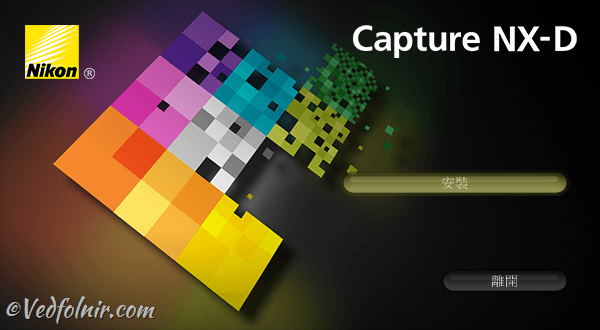
Internationally renowned camera manufacturer Nikon has released version 1.4.6 of its dedicated RAW image processing and management software, “Nikon Capture NX-D”. Photographers can head to Nikon’s official download portal to get the latest release.
This software update is primarily tailored to the release of Nikon’s flagship DSLR, the D850, introducing full system compatibility and support for the D850’s new “Natural Light Auto” white balance option.
Additionally, firmware version C: 1.20 for the professional Nikon D5 was released simultaneously, adding support for Group-area AF (HL) and Group-area AF (VL), as well as enabling color temperature inspection for images shot with Auto White Balance directly in the metadata panel.
Therefore, if you do not yet own either the Nikon D850 or the Nikon D5, updating to this version is not strictly necessary. Given that the installer package exceeds 160 MB, you can save some download time and disk space.
About Nikon Capture NX-D
Capture NX-D photo processing software unlocks the full potential of Nikon digital cameras and lenses, delivering image quality that faithfully realizes the vision of Nikon’s engineers.
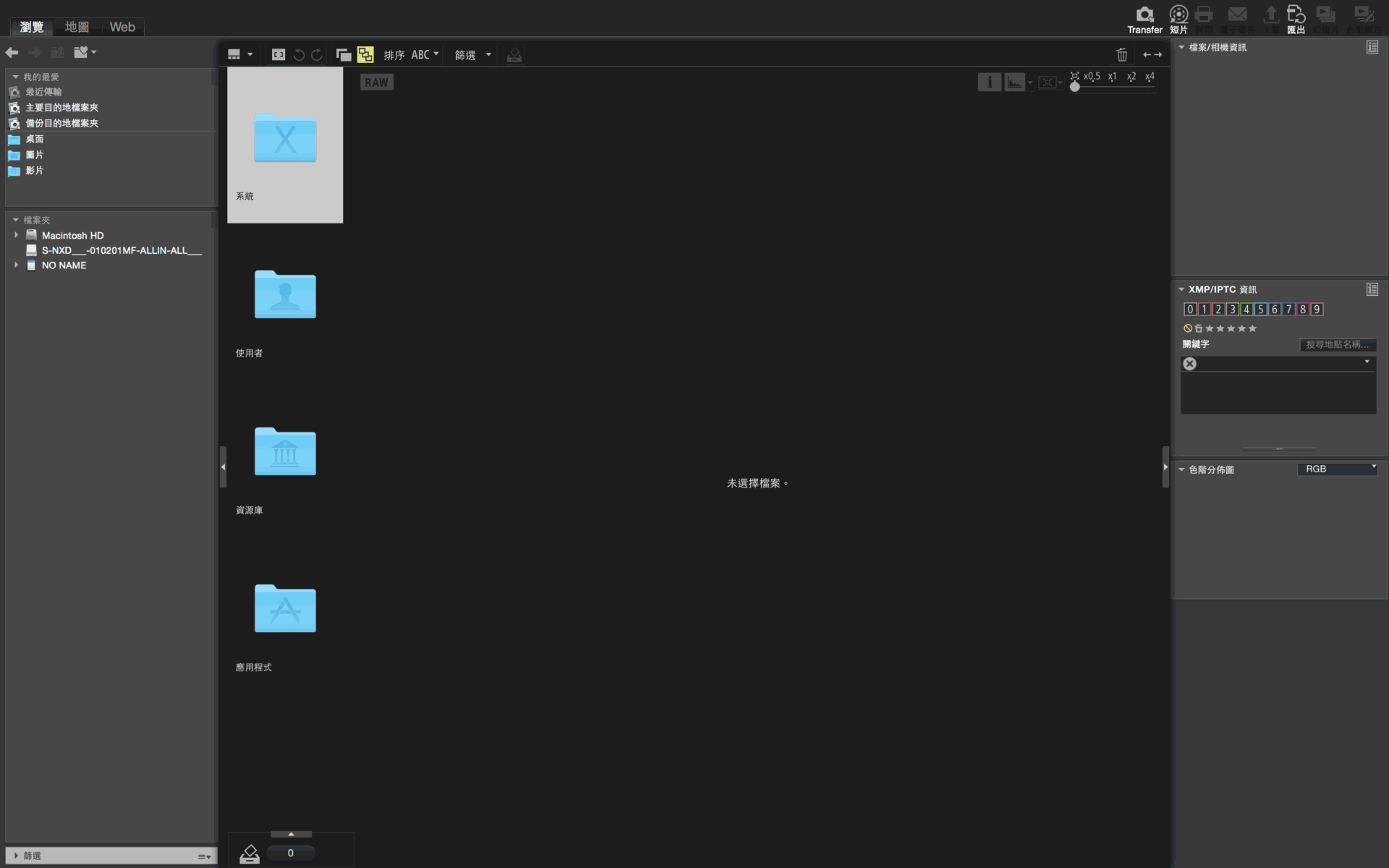
Nikon Capture NX-D offers features specifically tailored for RAW image post-processing presented in an intuitive, accessible interface. Beyond RAW processing, Capture NX-D also enhances JPEG and TIFF images captured on Nikon cameras by adjusting brightness, contrast, tone curves, and more.
Nikon Capture NX-D Quick Tip
When editing photos in Capture NX-D, simply viewing the image at a zoom ratio of 50% or higher allows you to preview image processing adjustments in real time.
Software Download: Nikon Capture NX-D ⏬
Support Independent Perspectives & In-Depth Insights
Every thoughtful analysis and candid critique comes from our dedication to truth and quality. We choose not to follow sensational algorithms or clickbait headlines.
Sustaining independent research requires reader support. Make a one-time or monthly contribution, securely processed by Google.
Payments secured by Google · Manage or cancel anytime in your Google Account


Comments