
The QR Code (Quick Response Code) is a two-dimensional matrix barcode celebrated for high data density and robust error tolerance. Invented in 1994 by Masahiro Hara at the Japanese firm Denso Wave, it has become ubiquitous across retail payments, marketing, event ticketing, and logistics tracking worldwide.
1. Introduction to Two-Dimensional (2D) Barcodes
While traditional 1D barcodes encode alphanumeric sequences along linear horizontal bar widths, 2D matrix symbologies record binary data along both horizontal and vertical axes. Beyond QR codes, 2D symbologies include PDF417, Data Matrix, Aztec Code, and Han Xin Code.
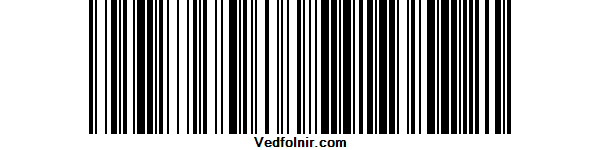
Figure 1: Standard 1D linear barcode (Code 128).
Among 2D formats, stacked linear PDF417 barcodes (shown below) are widely utilized across official identity documents (such as patent filings in the Republic of China and border security credentials in the United States) and airline boarding passes.
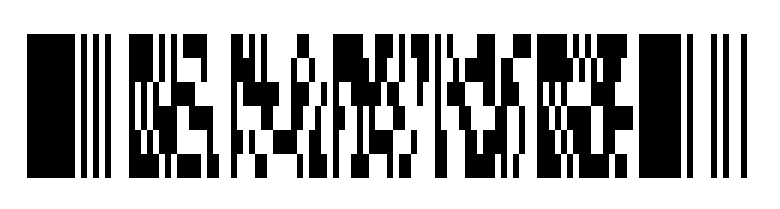
Figure 2: Stacked linear PDF417 2D barcode.
While PDF417 can be read by linear laser scanners and offers error recovery rates up to 50%, the rapid evolution of smartphone cameras equipped with real-time computer vision made standard square QR Codes the runaway consumer favorite.
Historically, PDF417 was invented in late 1992 by Dr. Ynjiun P. Wang (born in the Republic of China) at Symbol Technologies in the US (U.S. Patent No. 5,243,655, granted September 7, 1993, and standardized under ISO 15438).
2. Recommended Free Online QR Code Generator with Logo Support
For users seeking to create clean, branded QR codes, many international generator portals hide logo embedding behind paid monthly subscriptions. However, an excellent free web utility developed in Taiwan—QR Code Generator (qr.ioi.tw)—provides robust features without paywalls.
The clean interface supports generating codes for URLs, GPS map coordinates, vCards, calendar events, Wi-Fi network configurations, SMS, and plain text.
Key configuration parameters include:
- Error Correction Level (ECC): Four tiers: L (7%), M (15%), Q (25%), and H (30%). Selecting Tier H (30%) is recommended when overlaying central logos, as it reserves sufficient undamaged data cells for instant scanning.
- Quiet Zone Margin: Setting a border margin of at least 1 module width prevents background imagery or high-contrast framing from interfering with camera corner position markers.
- Custom Logo Embedding: The standout capability is uploading custom image or text logos directly into the center of the code with precise sizing controls.
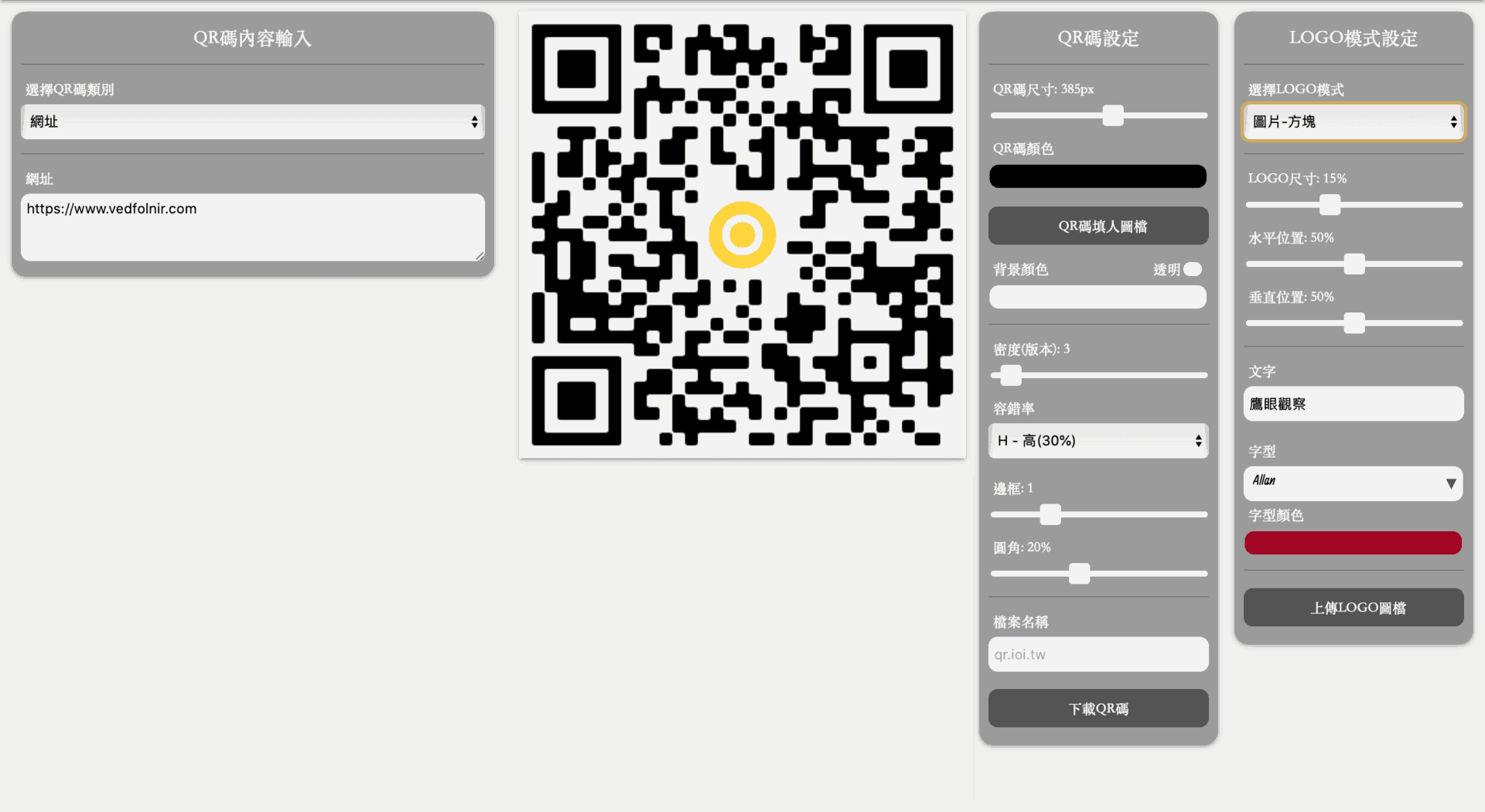
User interface of the free online QR Code generator.
While QR code error correction theoretically permits manually pasting graphics over codes in graphic editors, having an automated generator calculate data displacement natively ensures consistent, reliable scanner decoding.

Figure 3: Generated QR Code with custom logo overlay.
Support Independent Perspectives & In-Depth Insights
Every thoughtful analysis and candid critique comes from our dedication to truth and quality. We choose not to follow sensational algorithms or clickbait headlines.
Sustaining independent research requires reader support. Make a one-time or monthly contribution, securely processed by Google.
Payments secured by Google · Manage or cancel anytime in your Google Account


Comments