
If you rely on the built-in trackpad on an Apple laptop (MacBook, Air, Pro) or the external Apple Magic Trackpad as your primary cursor controller, today we’ll share a clever technique for achieving ultra-precise cursor manipulation.
Standard trackpad operation generally relies on “single-finger movement” and “multi-finger gestures”. Single-finger movement further divides into simply gliding across the surface versus clicking/holding down and moving to draw, select, or drag objects—operations fundamental to file management and graphic illustration alike.
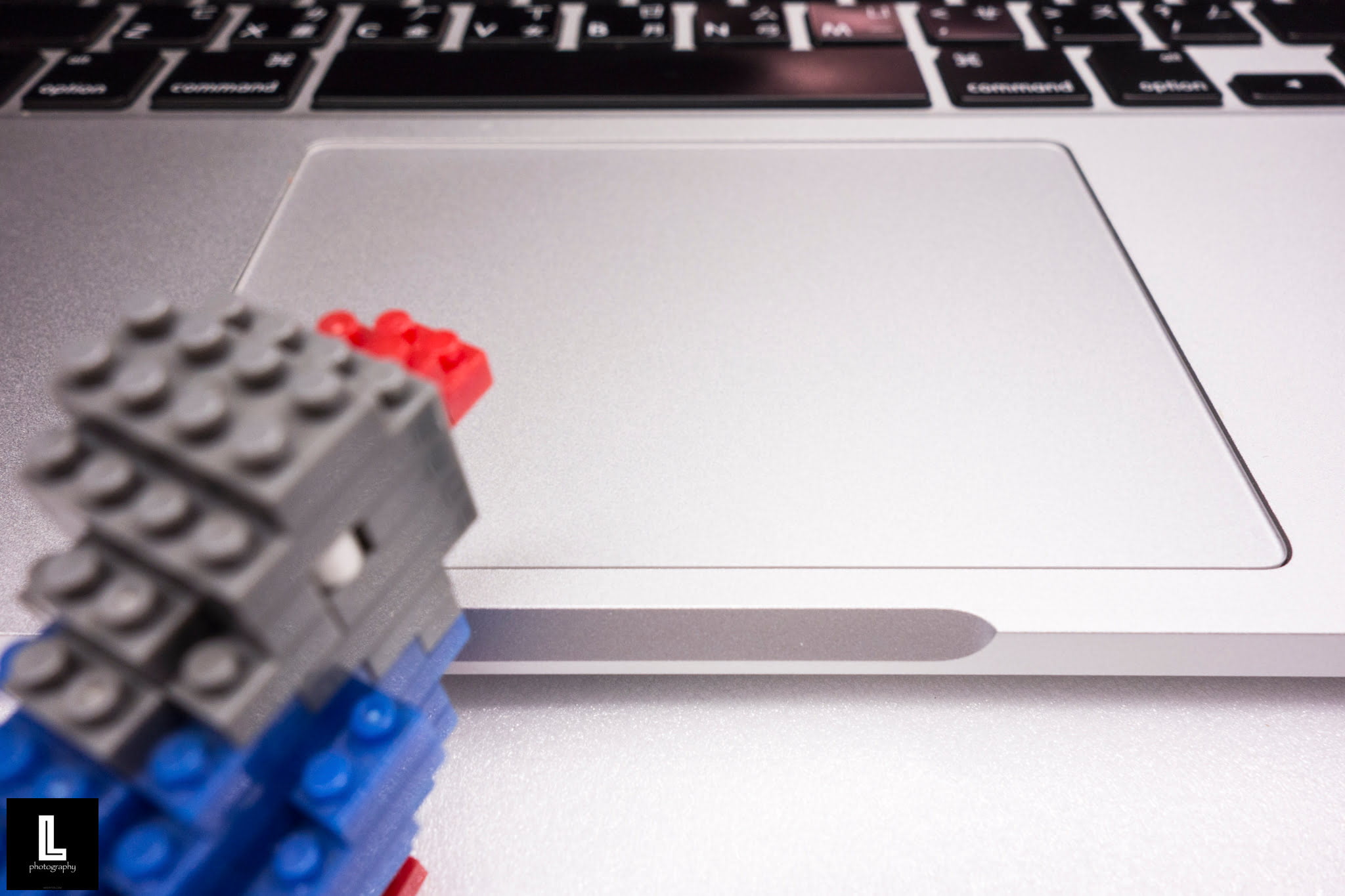
However, neurophysiology explains that layering a secondary action on top of an already engaged muscle movement causes motor signals to accumulate additively, creating natural yet micro-unstable muscular responses. This physiological mechanism is precisely why many people feel a physical mouse or graphics tablet is vastly easier to control than a trackpad. For instance, when you click and hold down the trackpad with one finger and then attempt to drag it across the surface, you may feel an inability to keep that finger’s motion steady and precise.
Therefore, to achieve true precision in cursor translation, we must actively bypass this underlying neuromuscular limitation. The solution lies right within the sophisticated hardware design of modern trackpads.
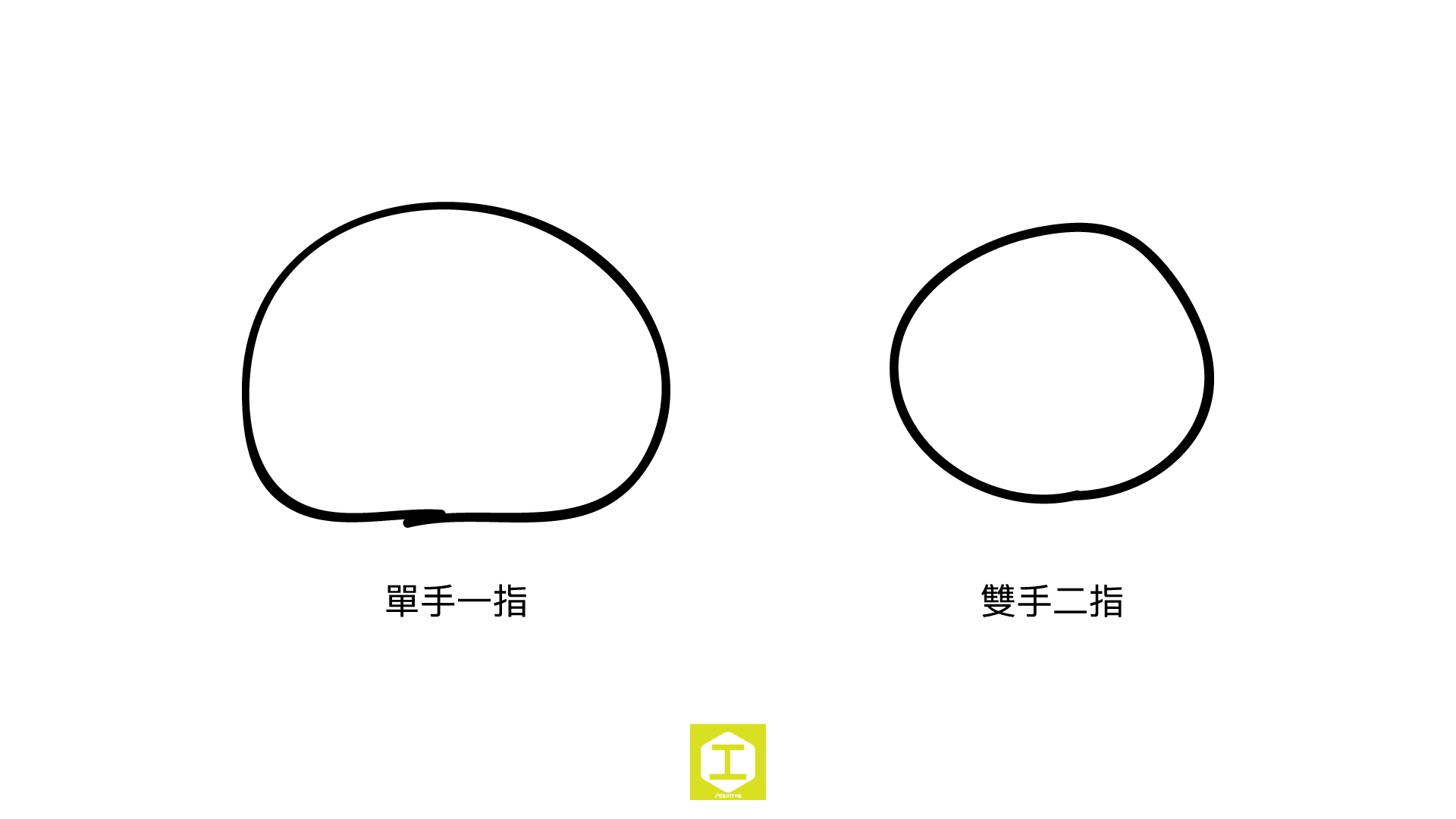
Refer to the illustration above: the circle on the left was drawn using “one finger on one hand”, while the circle on the right was drawn using a “two-handed two-finger” technique. Without dedicated training, the difference in circularity and smoothness is immediately evident.
You can run this experiment yourself on your trackpad. Open a canvas in drawing software (such as Adobe Illustrator). Press and hold down on the trackpad using a finger from your “left hand” without releasing it, and then glide across the trackpad using a finger on your “right hand”. You will instantly notice that cursor motion becomes silky smooth, allowing you to trace paths with pinpoint accuracy. With just a little practice, operating your trackpad with two hands and two fingers will grant you a whole new level of precision!
If you are running Microsoft Windows, we cannot guarantee this precision control technique behaves identically with third-party drivers. If you test it successfully on Windows, please share your findings in the comments below!
Support Independent Perspectives & In-Depth Insights
Every thoughtful analysis and candid critique comes from our dedication to truth and quality. We choose not to follow sensational algorithms or clickbait headlines.
Sustaining independent research requires reader support. Make a one-time or monthly contribution, securely processed by Google.
Payments secured by Google · Manage or cancel anytime in your Google Account

Comments