
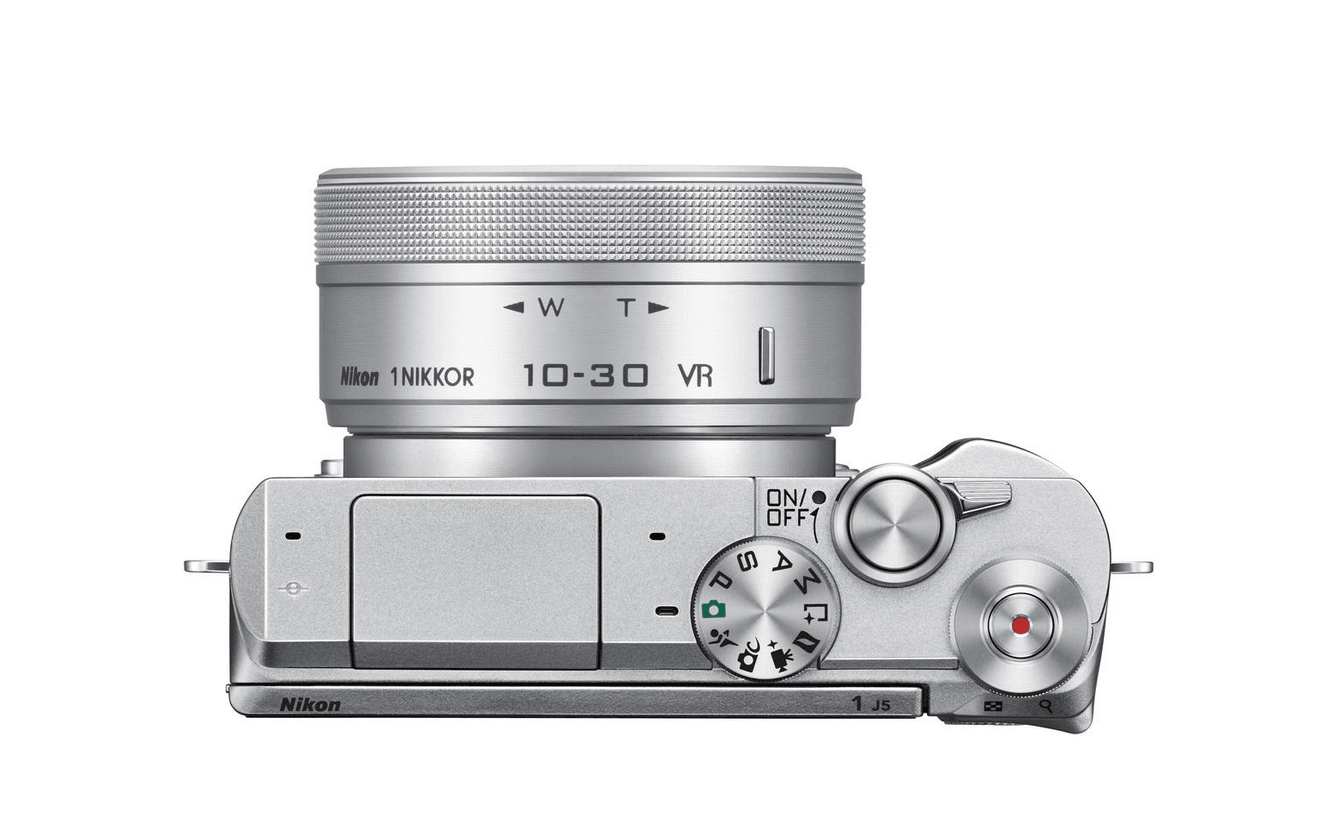
Nikon released firmware version 1.01 in April 2017 for its Nikon 1 J5 mirrorless interchangeable-lens digital camera.
This firmware update resolves a bug on the Nikon 1 J5 where no further deletions could be performed after successively deleting multiple photos taken in a single continuous burst sequence.
If you are a J5 owner encountering this issue, you can visit the official Nikon download center to obtain the latest firmware and update your camera. For users who rarely delete large batches of photos directly in-camera, skipping the update may not immediately hinder daily shooting. However, given that you might need to free up memory card space while traveling, we recommend updating your camera early.
Quick Guide: Updating Nikon 1 J5 Firmware
- Download “F-J5-V101W.exe” (for Microsoft Windows) or “F-J5-V101M.dmg” (for Apple OS X) from the official website;
- Run or extract the downloaded file to generate the camera firmware file “J5_0101.bin”;
- Copy the .bin file to the root directory of a formatted camera memory card;
- Insert the memory card into the camera;
- In the camera setup menu, select “Firmware version” and follow the on-screen instructions to complete the firmware update; once finished, you may safely delete the file from your memory card.
Firmware Download: Official Nikon Download Center (Archive size: 23.41 MB).
Support Independent Perspectives & In-Depth Insights
Every thoughtful analysis and candid critique comes from our dedication to truth and quality. We choose not to follow sensational algorithms or clickbait headlines.
Sustaining independent research requires reader support. Make a one-time or monthly contribution, securely processed by Google.
Payments secured by Google · Manage or cancel anytime in your Google Account


Comments