

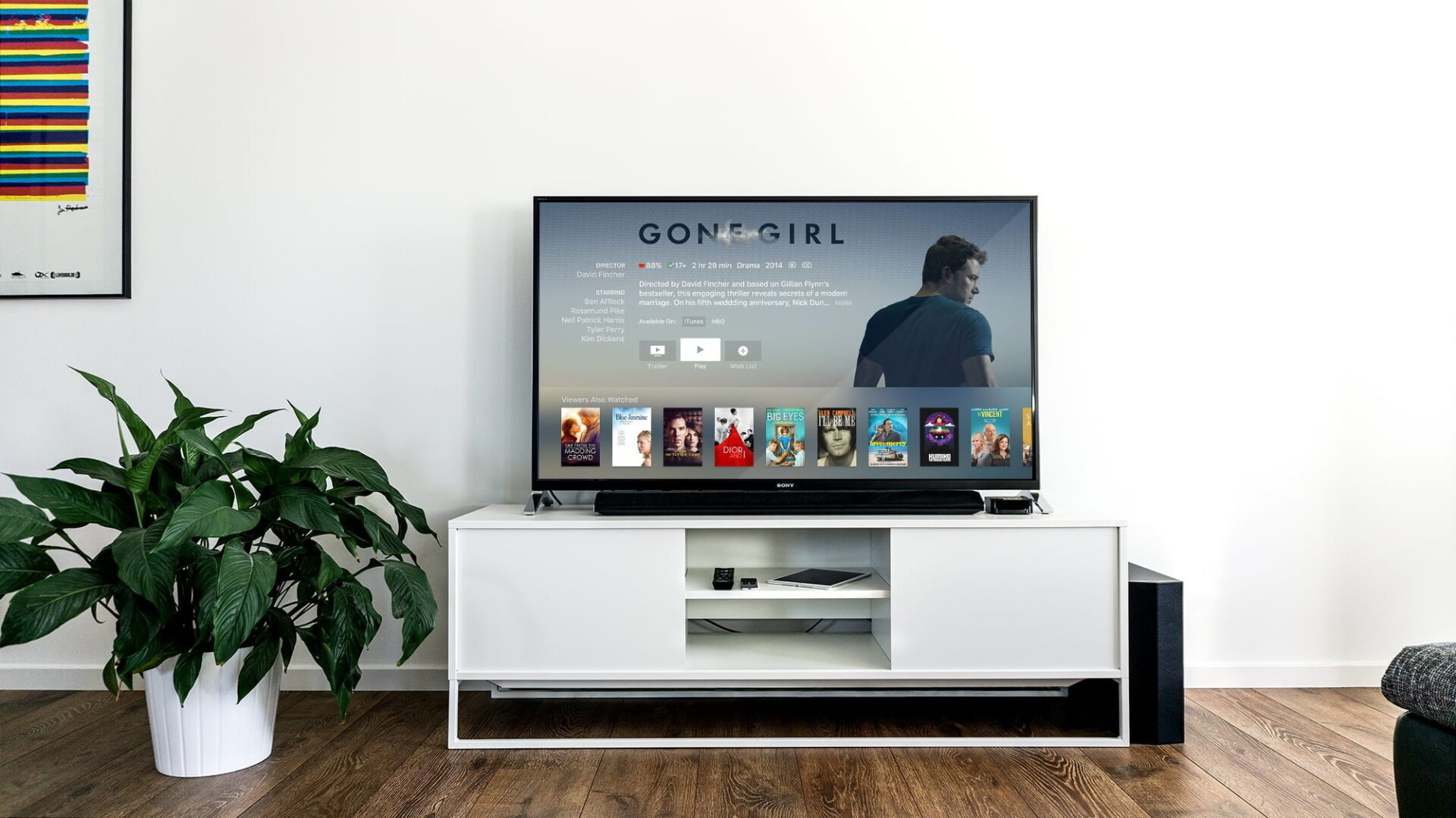
When watching a long Netflix drama or movie, if the playback screen suddenly turns black (black screen) and the TV seems to freeze and stutter, with even the remote control failing to work, you can continue watching normally just by following the solutions below to fix it.
This kind of sudden freezing and black screen situation is actually quite common, so everyone need not panic too much.
Especially when playing certain shows up to a fixed time point, it will first be like the mute button was pressed — the screen is still moving, but the speaker no longer plays sound.
Then, the screen begins to stutter, the remote control also becomes unusable, pressing the exit key does nothing, pressing the HOME 🏠 key ignores you, and even shutting down is impossible.
According to Netflix’s official repair instructions, this symptom is called “Netflix and the device are both frozen.”
How to Fix Netflix and the Device Both Being Frozen
The solution is actually quite simple and blunt: please first turn off the device (TV), then unplug the TV’s power cord.
However, at this point the TV screen is already in a black screen state, so if you are not sure whether the remote control can turn it off normally, you can just directly unplug the power cord.
Please note, there is a very important piece of knowledge here: no matter which appliance’s power cord you unplug, absolutely do not plug the cord straight back in!
Please silently count to 30 in your mind, then plug the cord back into the wall socket.
Then turn on the TV 📺, and log back into Netflix to play that show again.
Netflix Keeps Freezing and Stuttering Continuously
So far, the repair solutions the author has written are actually not very different from those officially released by Netflix.
But they overlooked one thing: this freezing may happen continuously.
No matter how many times you unplug the cord, no matter how you clear system resource usage, as long as you play a specific show up to the same time point, it will freeze on you.
And constantly unplugging the cord directly is still quite destructive to the system lifespan of electrical appliances.
In fact, as long as you notice that Netflix suddenly stops making sound, and immediately press the remote control’s exit key or home screen key, it is still possible to safely exit the Netflix interface without unplugging the cord.
But the time point that causes the freeze still exists, so the author has a simple solution.
We first re-enter Netflix and tap the show to play. At this time, because of the previous system memory, the timeline will be pulled back to a few seconds before the freeze point to continue playing.
At this moment, we immediately operate the remote control’s direction key “➡️” to pull the playback progress directly forward!
As long as we skip the playback time past the segment that freezes, we can avoid the black screen freeze again.
Support Independent Perspectives & In-Depth Insights
Every thoughtful analysis and candid critique comes from our dedication to truth and quality. We choose not to follow sensational algorithms or clickbait headlines.
Sustaining independent research requires reader support. Make a one-time or monthly contribution, securely processed by Google.
Payments secured by Google · Manage or cancel anytime in your Google Account


Comments