
Microsoft’s voice calling service Skype has launched a limited-time 2016 promotional campaign offering free NT$35 call credit vouchers. Organized in collaboration with local partner PChome, Skype users who apply via the official event portal can claim one of 100 sets of free calling credits distributed daily.
Note that existing paid subscribers are not eligible for this giveaway. Additionally, each account may only claim the offer once. Review the guidelines below to ensure a smooth application!
- Eligibility: Users who have never purchased or topped up Skype points, subscriptions, or paid plans through PChome & Skype.
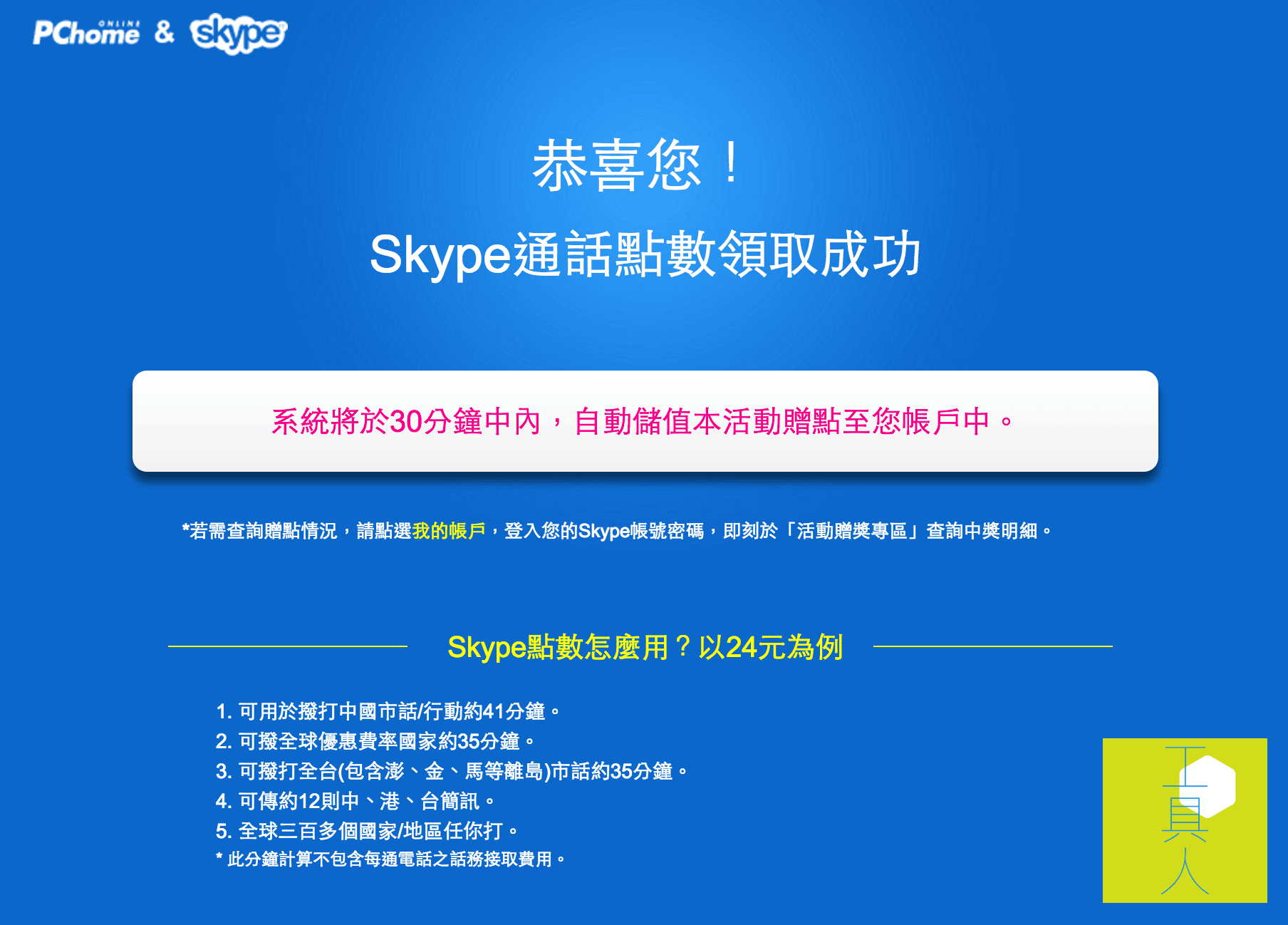
- Gift: 24 Skype points (worth approximately 35 minutes of calls to global discount-rate destinations).
- Promotion Period: From now until December 31, 2016.
Step-by-Step Tutorial to Claim Free Call Credits
Step 1: Visit the official promotion homepage [1].

Step 2: Enter the email address registered with your Skype account, or create a new Skype account.
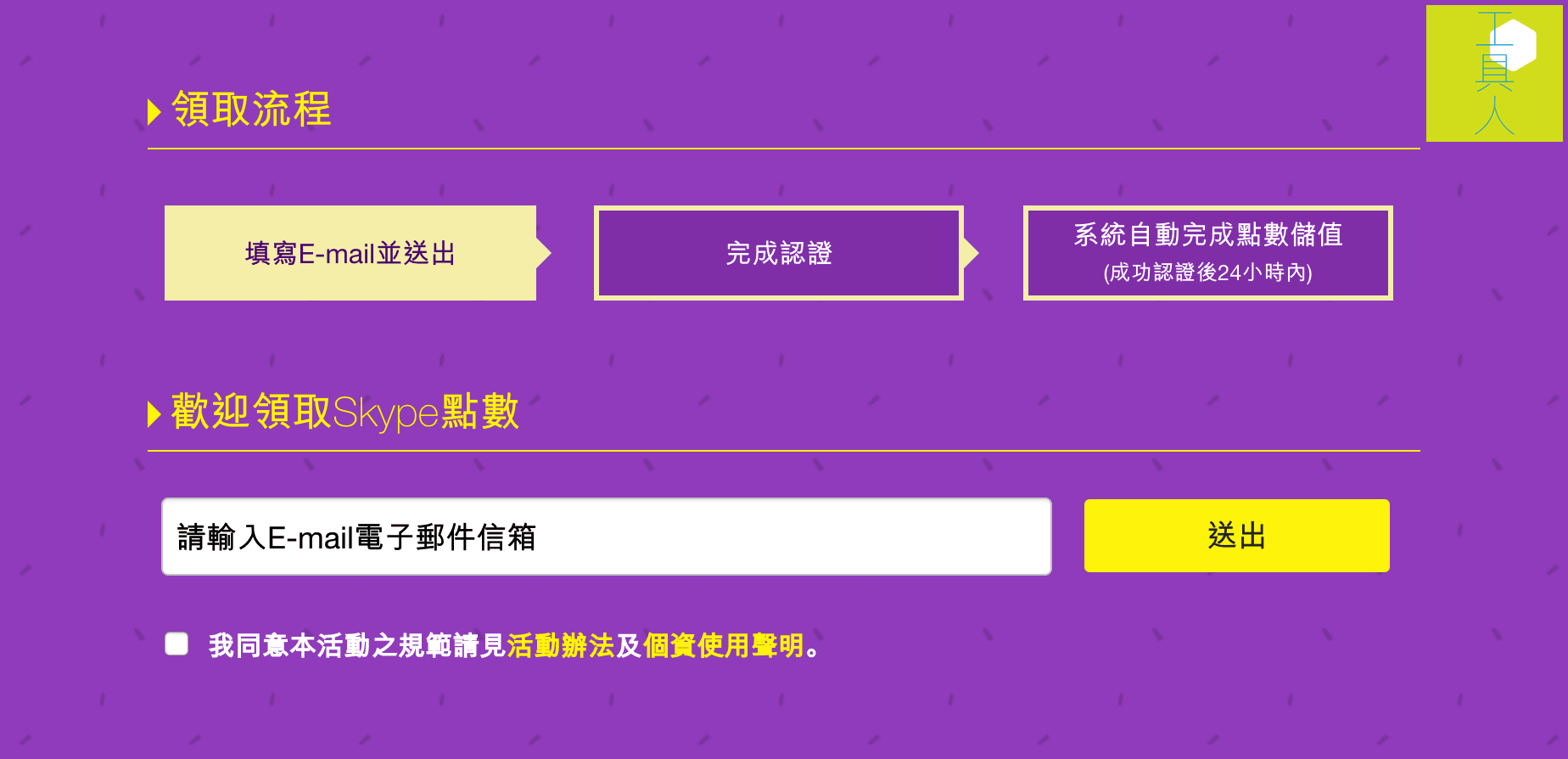
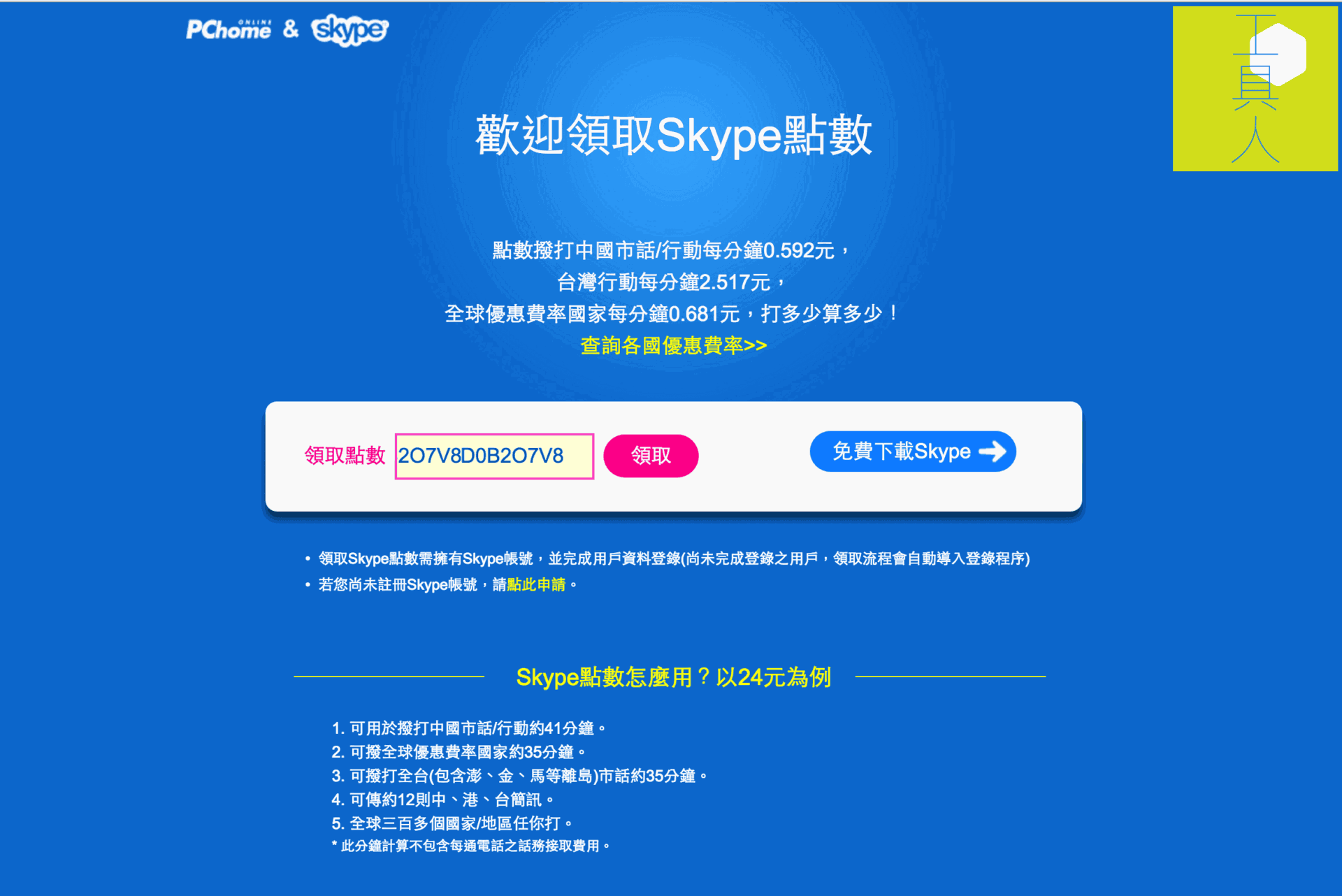
Step 3: Receive the 24-point free call credit voucher, good for roughly 35 minutes of call time.
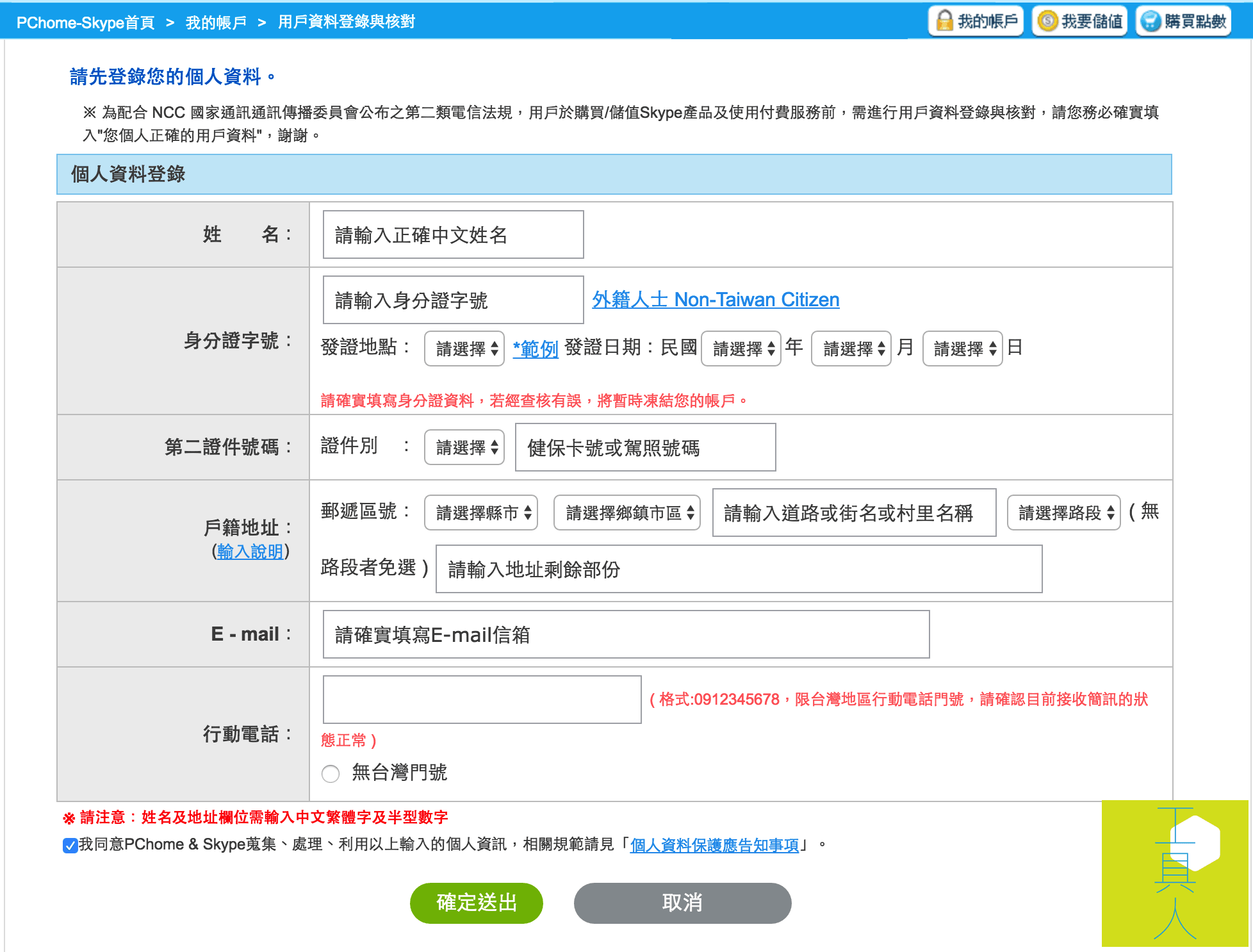
Step 4: Enter personal details for identity verification.
Step 5: Confirm real-name verification via mobile phone SMS.
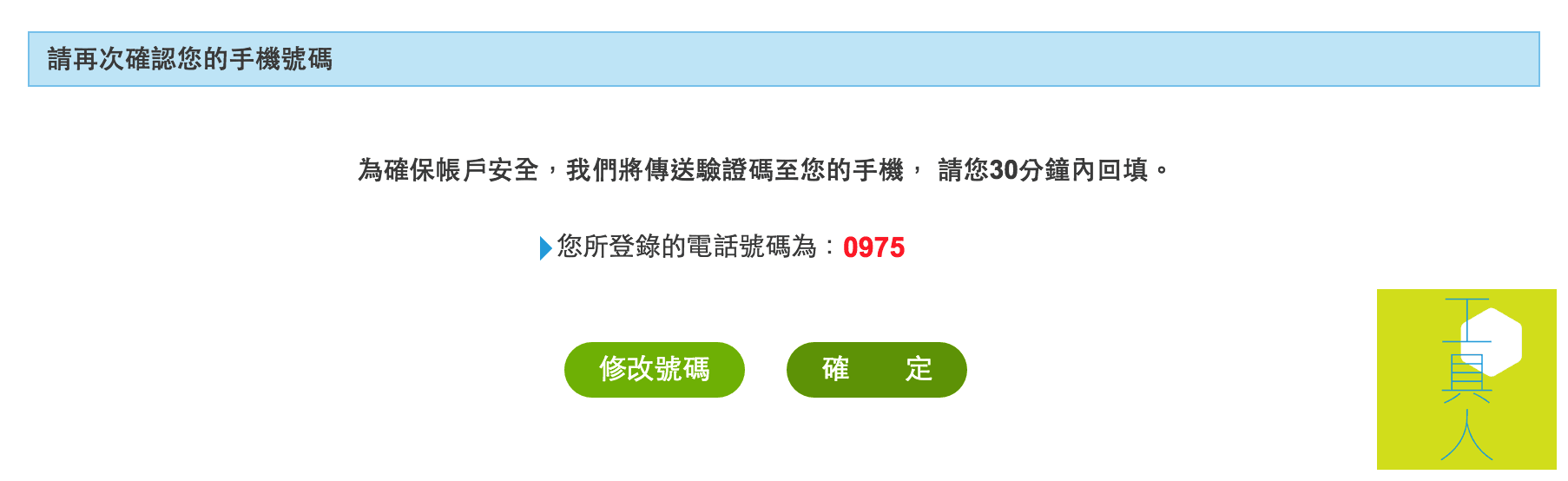
Step 6: Enter the 6-digit SMS verification code received on your mobile phone.
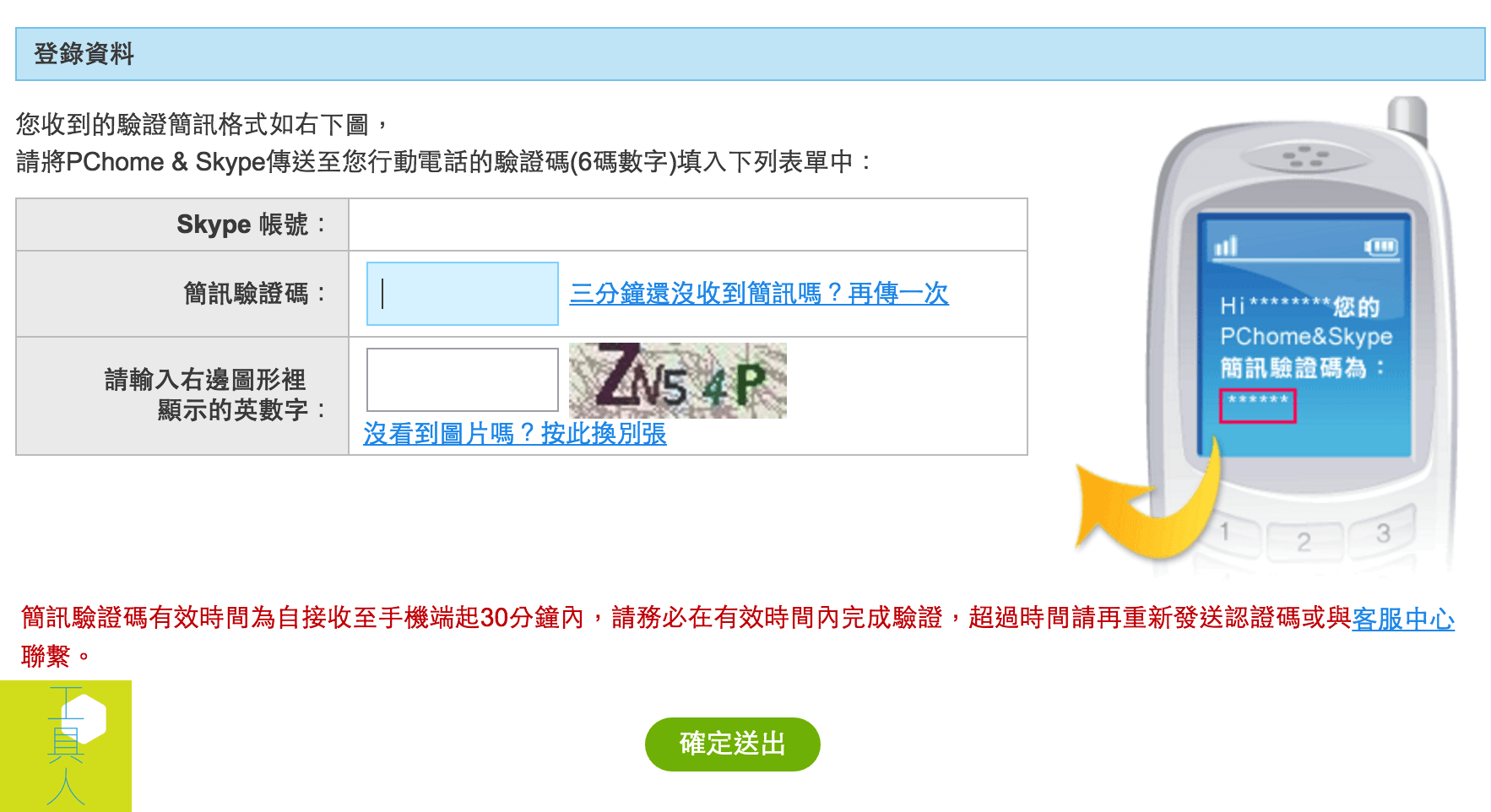
Step 7: The application is now complete. Allow at least 30 minutes for the call credits to be credited to your account.
Promotion Terms & Conditions:
- Redeemed Skype points do not expire and can be used permanently.
- During the promotional period, a daily cap of 100 redemptions applies (00:00–23:59). If the quota is filled for the day, claims reopen the following day.
- Each Skype account may participate only once. Ensure your registered email address is entered correctly.
- Paid subscribers (accounts that previously bought or recharged Skype credit or subscription plans through PChome & Skype) are not eligible.
- Call minute calculations exclude per-call connection fees. In addition to per-minute destination call rates, each connection incurs a standard connection fee.
- To check your credited balance, log in to “My Account” on the Skype portal and view the details in the promotion reward section.
[1] Skype Promotion Link: Skype official site.
Support Independent Perspectives & In-Depth Insights
Every thoughtful analysis and candid critique comes from our dedication to truth and quality. We choose not to follow sensational algorithms or clickbait headlines.
Sustaining independent research requires reader support. Make a one-time or monthly contribution, securely processed by Google.
Payments secured by Google · Manage or cancel anytime in your Google Account




Comments