
In order to deploy a quick messaging form on Lion’s Gate for our readers, I scoured the web and discovered an intuitive online service called “EmailMeForm”.
EmailMeForm offers clean, concise layout templates that are very practical for modest volume needs, all without intrusive advertising. Here is a step-by-step walkthrough of the signup and setup process.
Helpful Tip: This guide is suited for bloggers and site owners who want to embed a web contact form for their visitors.
Because the registration flow resembles most modern web services, let’s take a quick walk through the signup steps and interface, leaving the finer styling touches for you to explore.
Registration & Setup Guide
Step 1: Navigate to the official EmailMeForm homepage (URL provided at the end of this post).
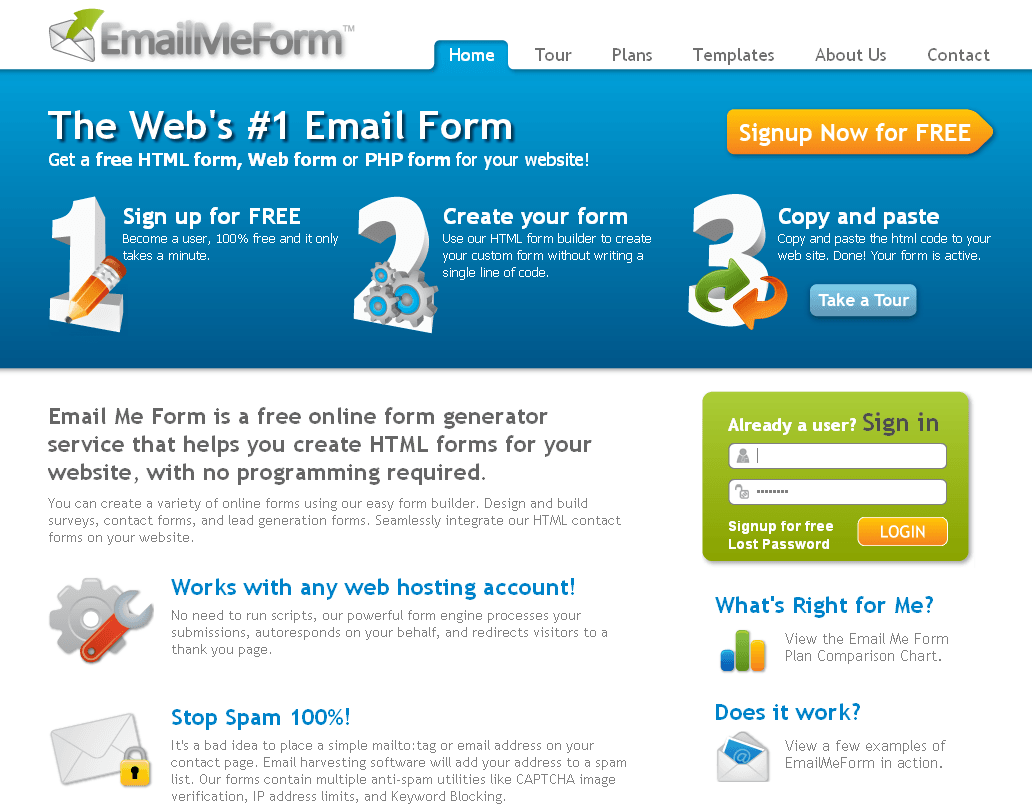 Figure 1: EmailMeForm Official Homepage.
Step 2: Sign up for free. As shown in Figure 2, click on “Signup New for Free” to open the registration form, filling in each required field accordingly.
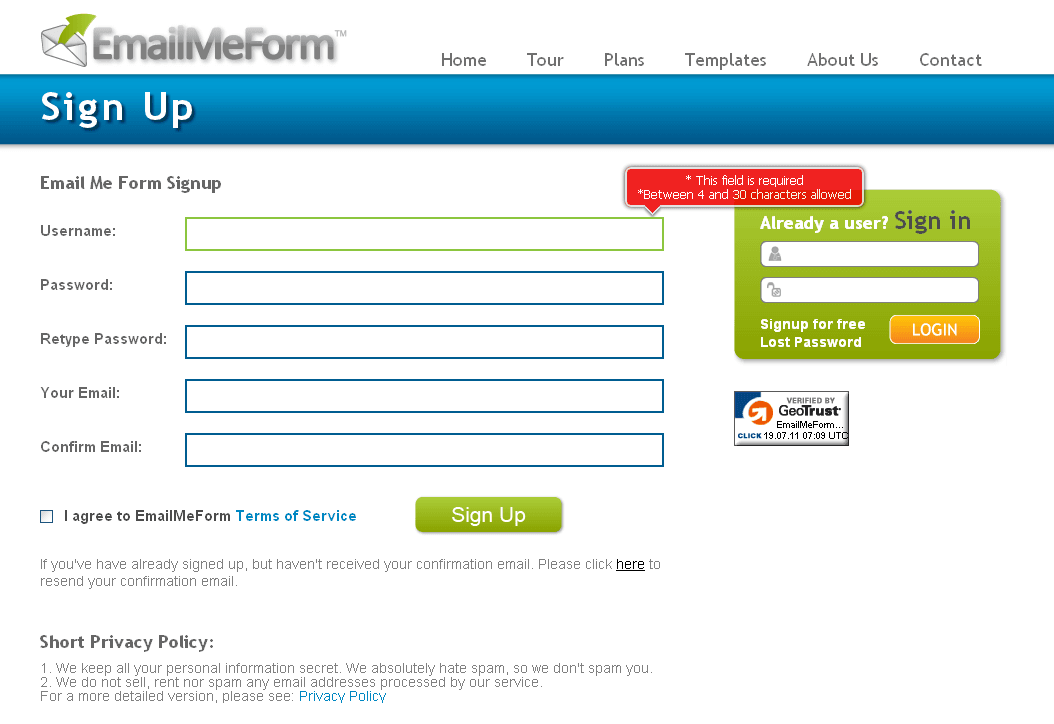 Figure 2: Registration Page.
Step 3: Open your email inbox to verify your account.
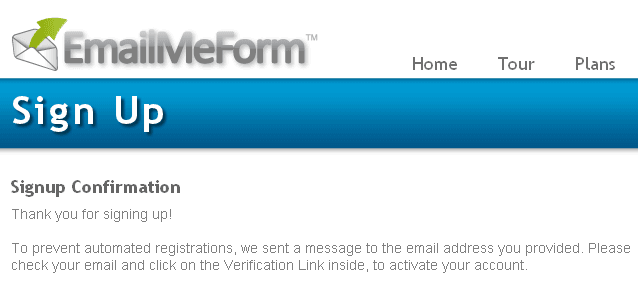 Figure 3: System notification prompting email verification.
Once verified, the following confirmation message will confirm that your setup is complete:
Signup Confirmation
Confirmation successful! Thank you for completing the signup process! Thank you for verifying your account. This validates that you are the owner of the email address. Your EmailMeForm account is ready for use. Please click here to go into your Form Manager.
Now, let’s build our first web form!
Creating a Form on EmailMeForm
Step 1: After finishing registration, go to your administrative dashboard and click “Add Form” to start a new form.
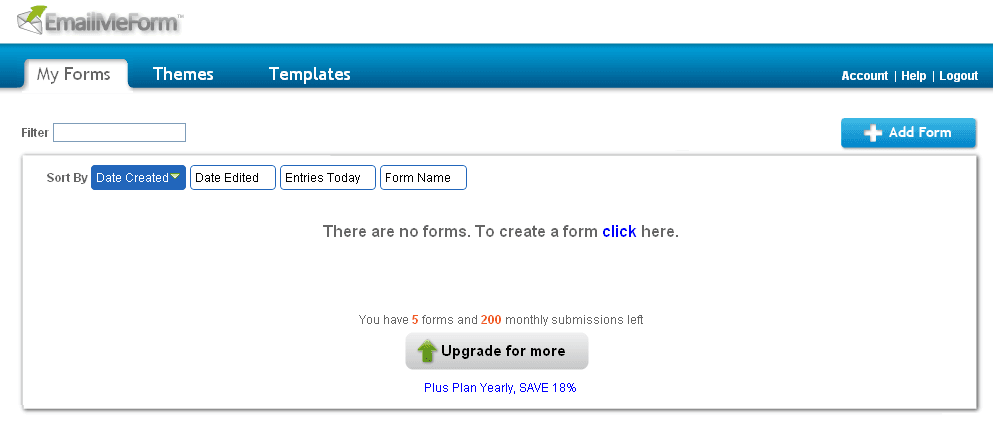 Figure 4: Creating a new form.
Step 2: The prompt will ask whether you wish to start with a blank form or build from an existing template.
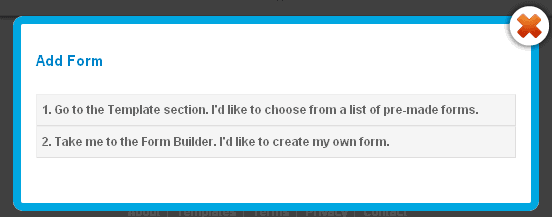 Figure 5: Choosing form creation method.
Step 3: As shown in Figure 6 below, the visual editor lets you drag and add form fields on the left pane while providing an instant preview on the right.
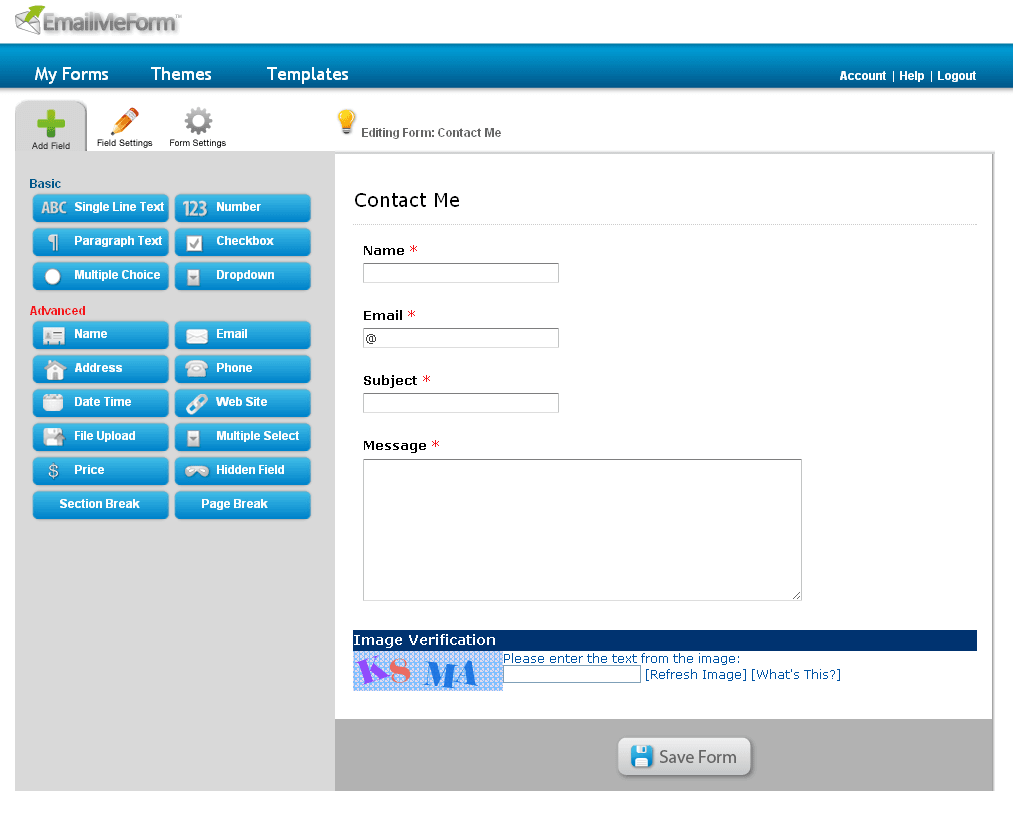 Figure 6: Form editor workspace.
Step 4: Once your form is complete, the service generates an embed snippet that you can easily copy and paste into your website or blog.
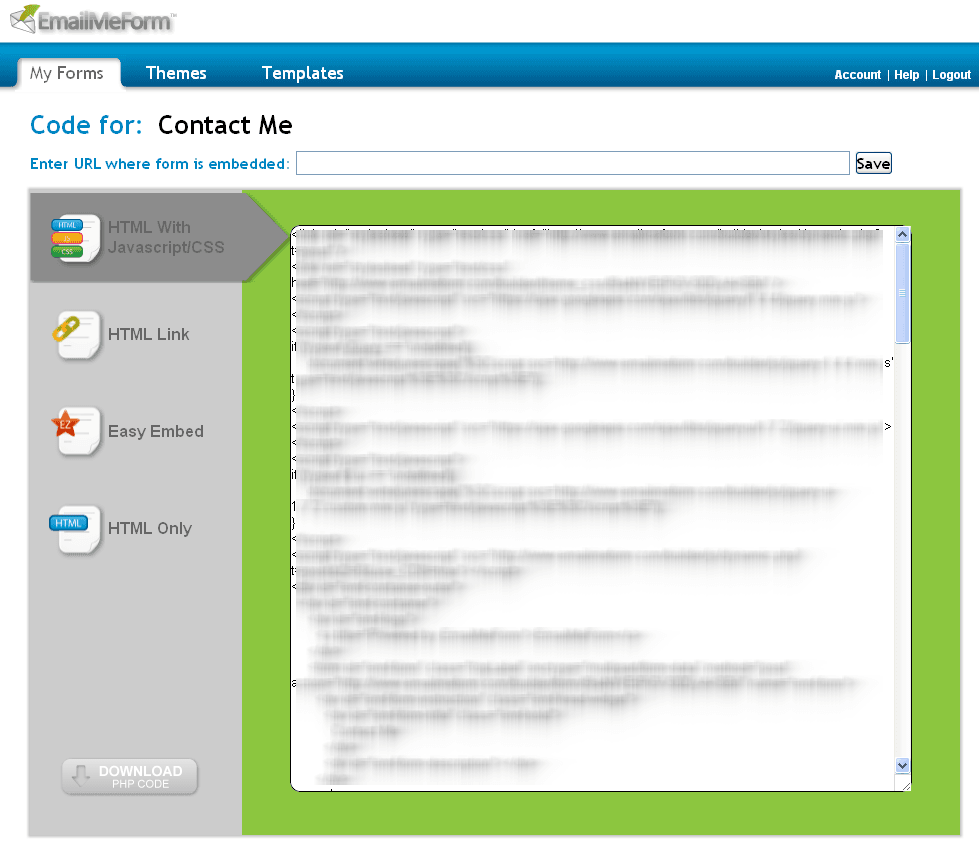 Figure 7: Web embed code.
Helpful Reminder: The free tier allows you to create up to 5 forms and receive up to 200 form submissions per month.
Conclusion
After testing out EmailMeForm, its features prove very reliable and handy for bug reports, job applications, or general inquiries. Wherever you need simple web forms backed by email notifications, this tool makes embedding them effortless.
Official Website: EmailMeForm
Support Independent Perspectives & In-Depth Insights
Every thoughtful analysis and candid critique comes from our dedication to truth and quality. We choose not to follow sensational algorithms or clickbait headlines.
Sustaining independent research requires reader support. Make a one-time or monthly contribution, securely processed by Google.
Payments secured by Google · Manage or cancel anytime in your Google Account




Comments