
The hard drive capacity of my studio computer had finally reached its critical limit, not to mention heaps of unbacked-up RAW photos teetering on the edge of disaster. It had truly become necessary to purchase a new drive for the PC (an inner voice chimes in: just admit you love buying tech gear!).
The drive I picked up this time is the WD 1TB Caviar Blue 3.5” SATA3 (WD10EZEX), a model that has earned a flattering nickname among online DIY PC builders: “the legendary budget build drive”.
I will not be diving into tedious benchmark graphs in this review; I only run brief health diagnostics during initial installation because hard drives are meant to be put to work as long as the hardware operates reliably. Community experts have already performed exhaustive benchmarks (which I usually skim straight to the conclusion of anyway), and their high praise for this Blue model was the deciding factor in my purchase.
Over the years, I have cycled through dozens of mechanical hard drives. My storage drawer still holds drives starting as small as 40 GB (even older drives from my childhood were discarded out of ignorance, though today they would make charming vintage collectibles). Looking back, I cannot even remember the very first hard drive I ever used; like most PC enthusiasts, I simply upgraded incrementally over time.
My earliest memory of personal computing dates back to DOS 3.0 when I was 9 years old, enrolled at a local computer tutoring center where the instructor was an electrical engineering student from Tamkang University. Before that, I was just a kid hanging around my older brother, clamoring for a turn to play games (a scene that mirrors my niece and nephew clamoring to play on tablet screens today).
Returning to hard drives: throughout my entire purchasing history, I had almost exclusively bought Seagate drives. This was not born of fierce brand loyalty, but rather because I simply found their brand name pleasant to pronounce.
Throughout years of relying on Seagate, I never suffered catastrophic failures. Whenever minor quirks surfaced, treating them as troubleshooting puzzles became part of the fun. In all honesty, portable external hard drives are by far the riskiest storage devices.
With the widespread adoption of cloud storage (such as Google Drive and Microsoft SkyDrive) and USB flash drives, I almost never recommend 2.5-inch portable hard drives to friends unless absolutely necessary. Beyond having no fixed mounting point, the frequent USB power-cycling and the physical shocks of being tossed into backpacks are a recipe for mechanical disaster.
In fact, the only hard drive in my life that suffered a complete, unrecoverable crash was a portable external drive. Even after sending it in for RMA and receiving a certified replacement, the replacement drive died shortly thereafter.
This time around, I ordered online and decided to switch away from Seagate, opting for Western Digital (WD) Blue: the WD 1TB Caviar Blue 3.5” SATA3 WD10EZEX.
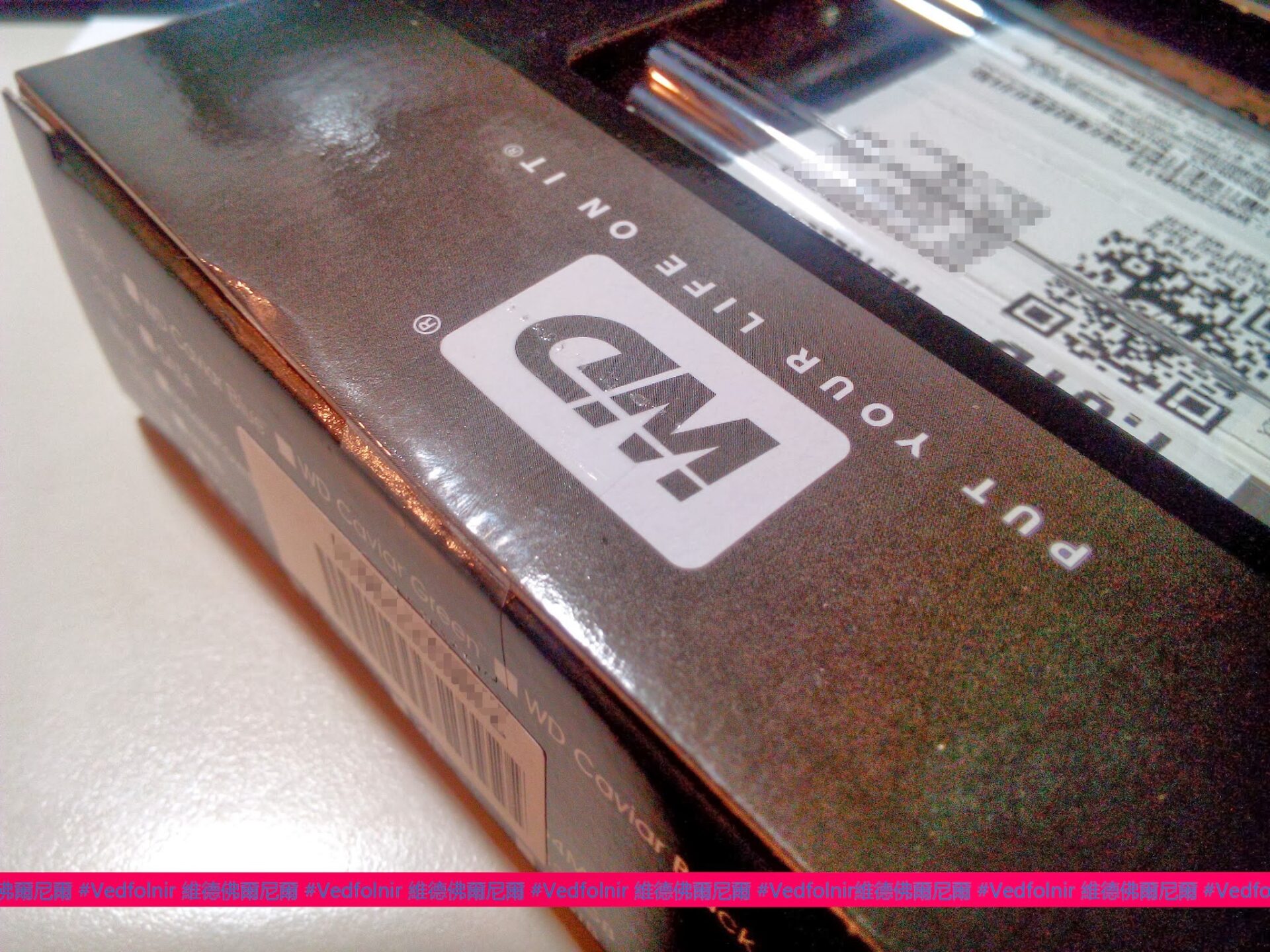
The prominent WD packaging logo
When buying PC components from online shopping hubs, the first thing to check is packaging integrity, as returned open-box items occasionally slip back into inventory.
There is nothing inherently wrong with refurbished or returned goods—we have all returned purchases before—but you can rarely guarantee whether the previous customer or the warehouse return inspection took adequate care to preserve original condition.
I suspect the unit delivered to me had indeed been returned once before. Upon opening the outer box, the internal plastic clamshell meant to cushion the drive was unlatched.
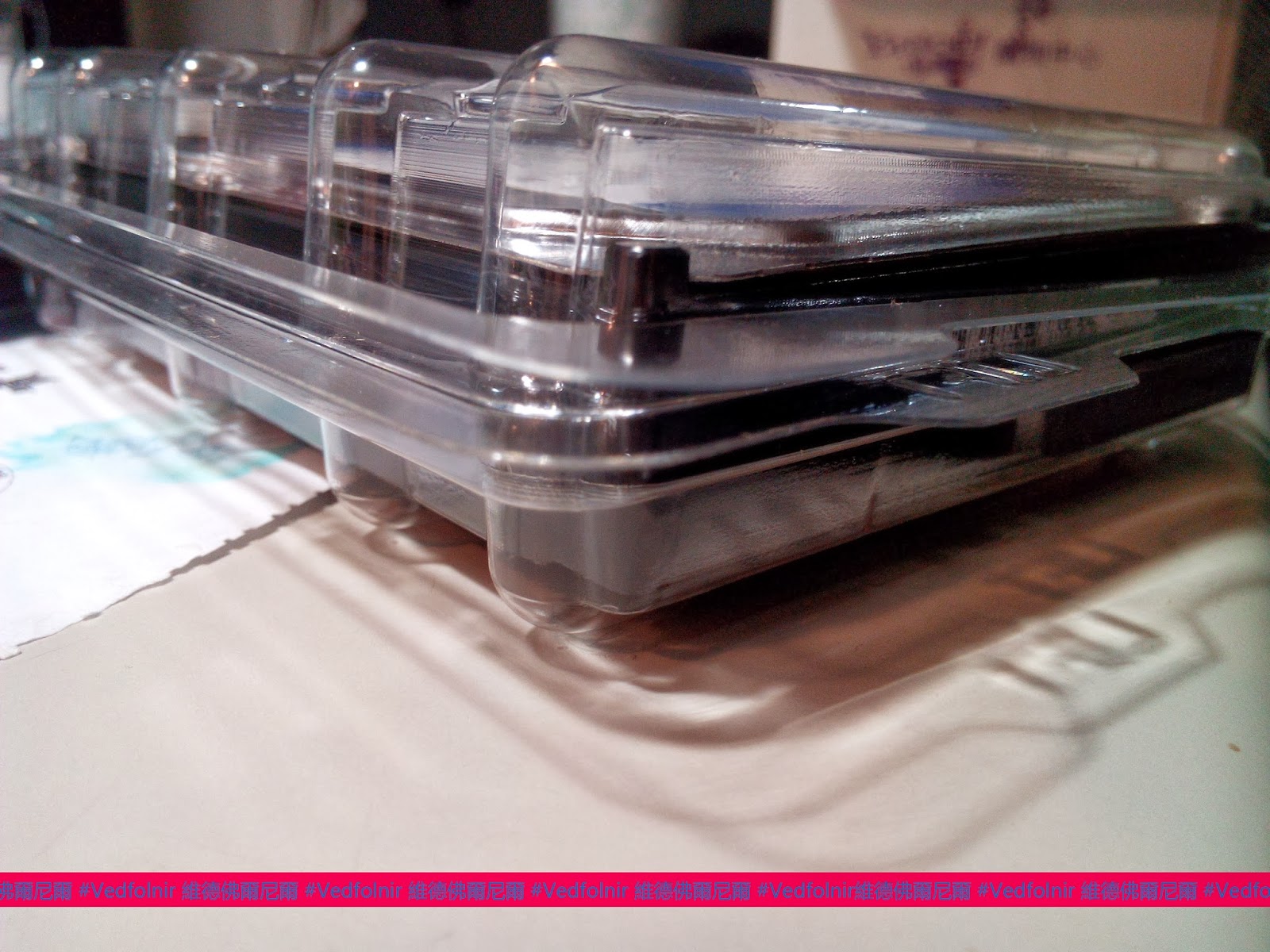
The internal plastic clamshell
Even worse, the shipping parcel from Yahoo Shopping did not include a single air cushion or bubble wrap sheet—not even crumpled newspaper. The hard drive was simply left floating loosely inside a spacious cardboard box.
Such slapdash packaging makes one wonder if retail fulfillment forgot that mechanical drives are delicate precision electronics (more careless than when I ship used hard drives myself).
Furthermore, the retail box showed visible scuffs and creasing around the corners, as seen below:
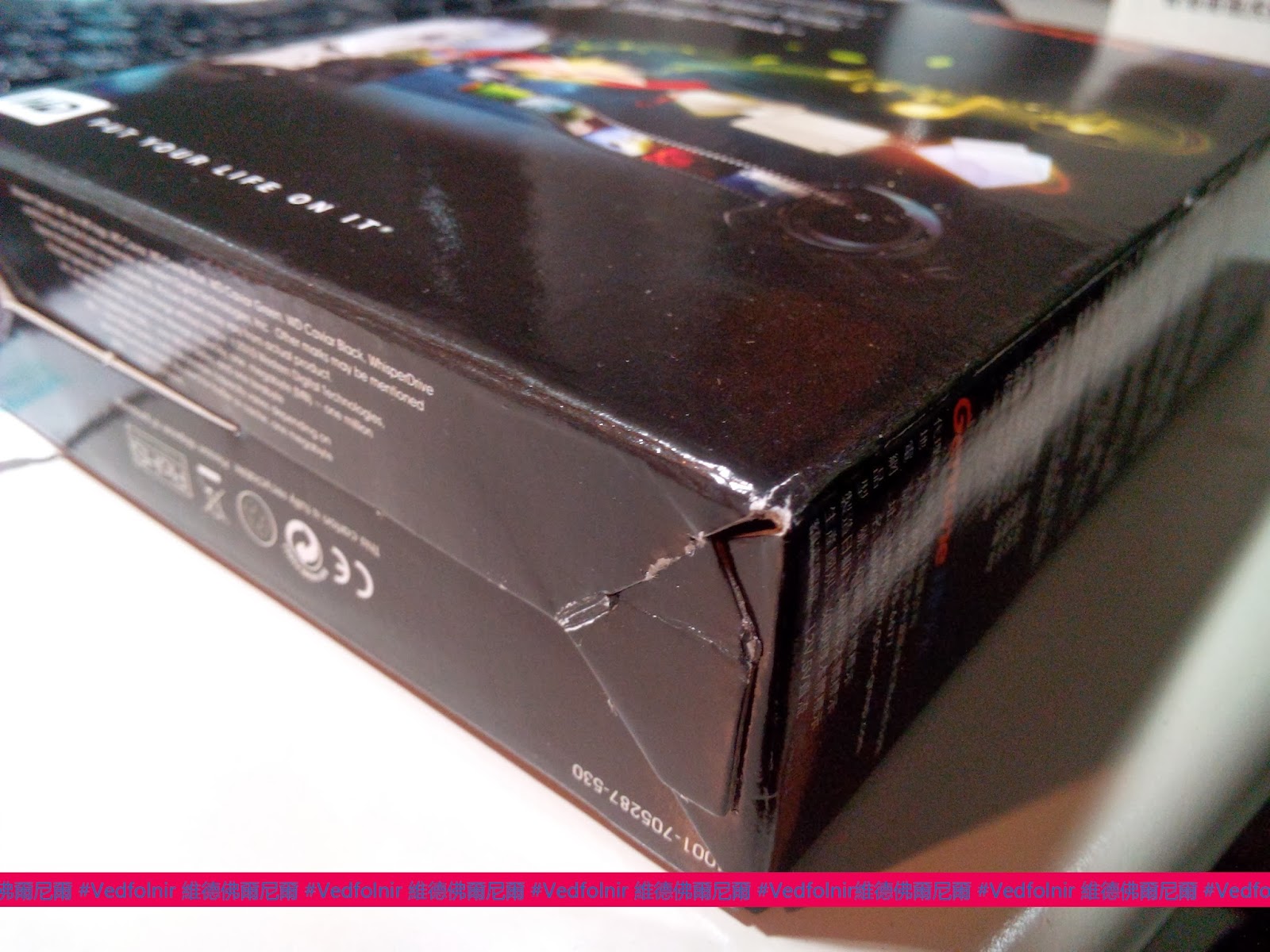
Outer retail packaging
Before buying, I debated whether to choose a WD Black or WD Blue drive as my primary system drive.
It turns out this refreshed WD Blue is a modern single-platter design boasting 1000 GB capacity and a generous 64 MB buffer cache. Detailed hardware benchmarks by hardware communities revealed that both its sustained read/write rates and access latencies closely match older WD Black drives.
Meanwhile, the available WD Black units were still based on the older architecture while commanding a premium of nearly NT$700 more.
Balancing optimal performance against budget economics made the single-platter WD Blue an easy choice, and it is a drive I readily recommend for mainstream desktop builds.
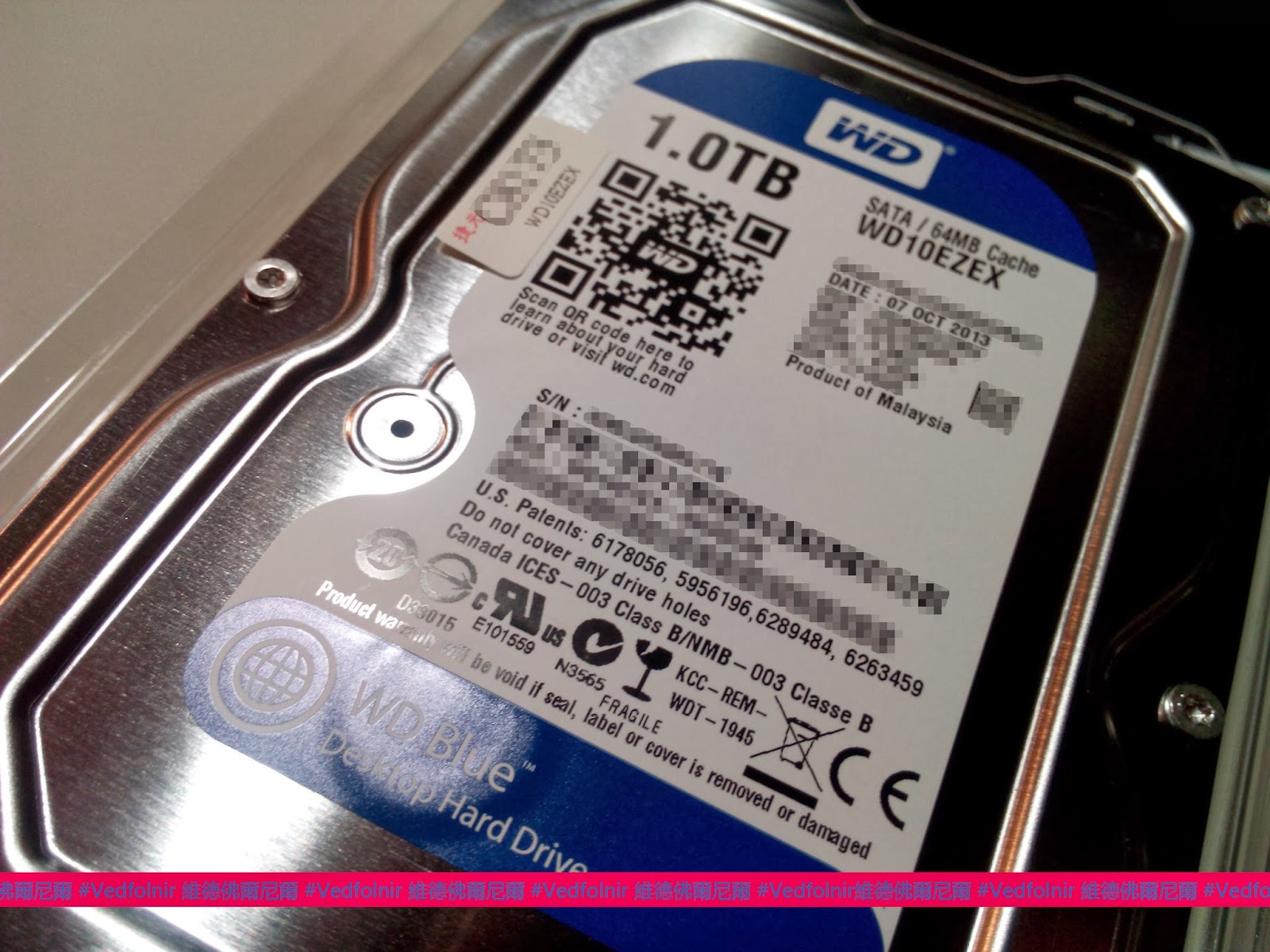
Manufacture date stamped October 07, 2013—evidence of rapid inventory turnover.
After installing and initializing the WD10EZEX, diagnostic utilities reported pristine SMART attributes and power-on hours confirming brand-new status. It has performed flawlessly across initial stress tests, securing its place in my daily workstation.
WD Blue 1TB Specifications (WD10EZEX)
- Model: WD10EZEX
- Form Factor: 3.5-inch
- Capacity: 1 TB (1000 GB)
- Interface: Serial ATA III (SATA 6 Gb/s)
- Rotational Speed: 7200 RPM
- Buffer Cache: 64 MB
- Internal Transfer Rate: Up to 126 MB/s (peak)
- Interface Bus Speed: SATA III 6 Gb/s
- Average Seek Time: 8.9 ms
- Non-Operating Shock Tolerance: 250G
Further Reading
- Operating System: Installing Microsoft Windows 8.1 with Me
- WD 1TB Caviar Blue 3.5” SATA3 WD10EZEX
Support Independent Perspectives & In-Depth Insights
Every thoughtful analysis and candid critique comes from our dedication to truth and quality. We choose not to follow sensational algorithms or clickbait headlines.
Sustaining independent research requires reader support. Make a one-time or monthly contribution, securely processed by Google.
Payments secured by Google · Manage or cancel anytime in your Google Account


Comments