
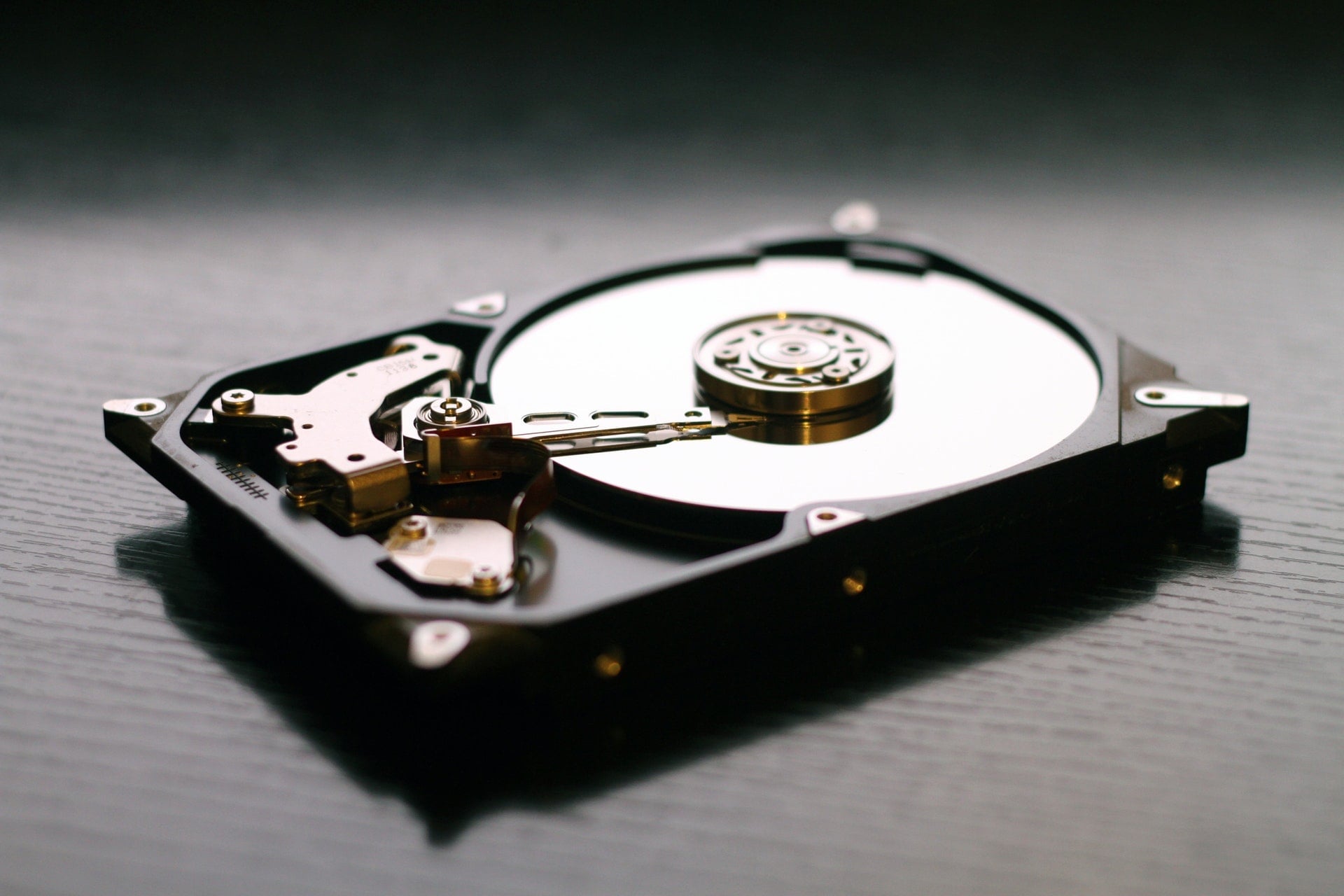
When your hard drive fails, your first instinct is likely to purchase a new, higher-capacity drive immediately to restore data, resume work, or retrieve entertainment collections.
Yet while you enthusiastically compare specs, capacity tiers, and prices, have you thought about how to handle the decommissioned drive? Toss it into household trash? Sell it as spare parts? Or just stash it in a drawer indefinitely?
In reality, failed drives often still harbor sensitive personal records, work documents, and private photos. Improper disposal can expose you to alarming cybersecurity and privacy risks.
Today, let’s look at how to dispose of damaged or retired hard drives safely and responsibly, giving you complete peace of mind when upgrading to new storage!
Why You Must Never Casually Toss an Old Hard Drive
First, understand that even when a hard drive suffers mechanical or logical failure, the magnetic platters or flash cells rarely lose their data completely. Technicians and malicious actors can deploy specialized forensic utilities to reconstruct fragmented data—including photos, tax returns, and credentials.
Studies estimate that millions of hard drives are discarded annually, a significant portion of which become prime sources of data leaks. Furthermore, storage hardware represents electronic waste (e-waste); improper dumping introduces hazardous substances into landfills. Managing old drives responsibly protects both your personal privacy and the ecosystem.
How to Dispose of Old Hard Drives Safely
Depending on the drive’s operating condition and your security requirements, choose among the following approaches:
- Verify if Data Needs to Be Backed Up: If the disk spins up and is marginally readable, attempt to recover critical files using data recovery software (such as Recuva or EaseUS) before proceeding.
- Thoroughly Sanitize and Destroy Data: Data sanitization is paramount. Standard formatting is insufficient because unallocated blocks can still be scraped. Common sanitization methods include:
- Software Erasure: Utilities such as DBAN (Darik’s Boot and Nuke) or dedicated disk shredding tools overwrite sectors repeatedly with pseudorandom passes, making data irrecoverable.
- Physical Destruction: If the drive is completely dead and unbootable, unscrew the enclosure with Torx drivers, shatter the platters with a hammer, or drill holes clean through the casing and platters. While crude, it ensures physical illegibility. Handle sharp metallic shards with care.
- Professional Destruction Services (Recommended): If handling hazardous fragments or complex erasure tools feels daunting, or if you manage multiple retired drives, delegating to a specialized vendor is the safest route. For instance, the “Mountos Data Destruction Service” provides trusted sanitization. They utilize enterprise equipment complying with international erasure standards, guaranteeing unrecoverable data erasure along with verifiable destruction certificates—ideal for organizations and privacy-conscious users.
- Recycling or Donation: If the drive has been securely scrubbed and remains functional, consider donating it or taking it to an certified e-waste recycling depot where materials are reclaimed responsibly.
Bid Farewell to the Old Drive and Welcome the New
When shopping for replacement drives, attention naturally gravitates toward capacity (2TB or 16TB?), speed (NVMe SSD or mechanical HDD?), and brands (Western Digital, Seagate, Toshiba, or Samsung). Remember, however, that every storage device has a finite lifecycle and will eventually need to be retired. Establishing secure sanitization habits now protects your privacy indefinitely.
A broken hard drive requires more than just replacing hardware; securely handling the retiring disk is equally crucial. Whether taking the DIY physical destruction route or engaging the professional team at “Mountos Data Destruction Service”, make sure your data vanishes permanently. Once sanitized, you can embrace your new storage drive without lingering security worries!
Support Independent Perspectives & In-Depth Insights
Every thoughtful analysis and candid critique comes from our dedication to truth and quality. We choose not to follow sensational algorithms or clickbait headlines.
Sustaining independent research requires reader support. Make a one-time or monthly contribution, securely processed by Google.
Payments secured by Google · Manage or cancel anytime in your Google Account


Comments