
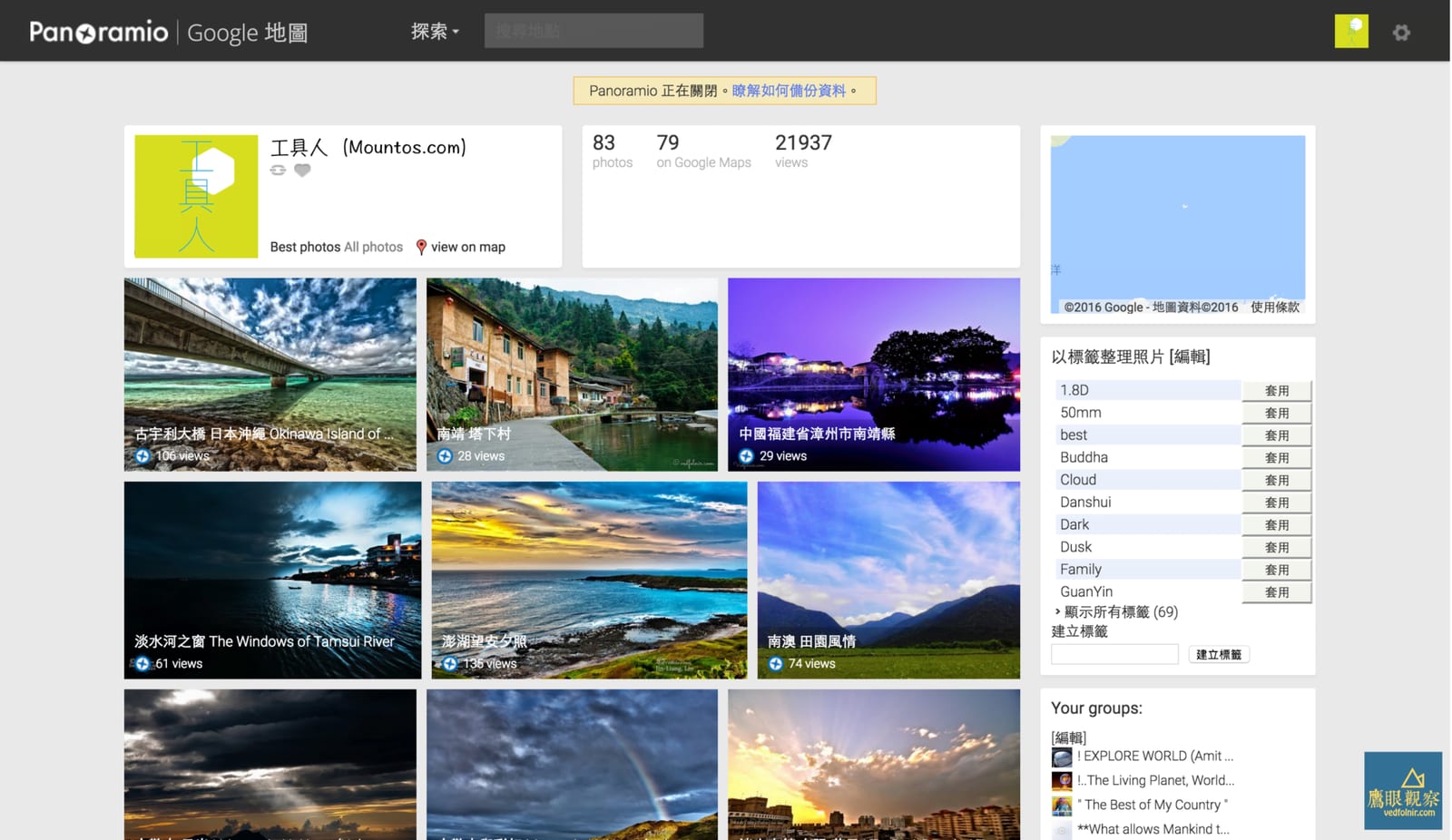
Among Google’s many image and geospatial services, Panoramio holds a special place. Panoramio is a location-based photography sharing platform where users can upload and geotag photos. These images are showcased on Google Earth and Google Maps, allowing users across the globe to explore specific locations through the eyes of others.
Originally founded in 2005 and acquired by Google in 2007, Panoramio experienced explosive growth, integrating deeply with Google Maps and Google Earth. Many anticipated it would eventually merge with emerging 360-degree camera technologies to offer an even broader perspective to worldwide users.
However, over the past six months, Google has been aggressively promoting “Local Guides” and its native photo contribution tools. In recent days, Google officially announced that Panoramio will cease public operations on November 4 of this year. Photo uploads, comments, and ratings will be disabled first, accompanied by a one-year grace period for users to back up their files before the service is permanently shuttered on November 4, 2017.
 Google Panoramio
How to Handle Your Existing Panoramio Photos?
Over the coming year, there are four solutions to manage your existing Panoramio portfolio:
Method 1: Use Google’s “Takeout” service to download an archive file (ZIP archive) containing your data.
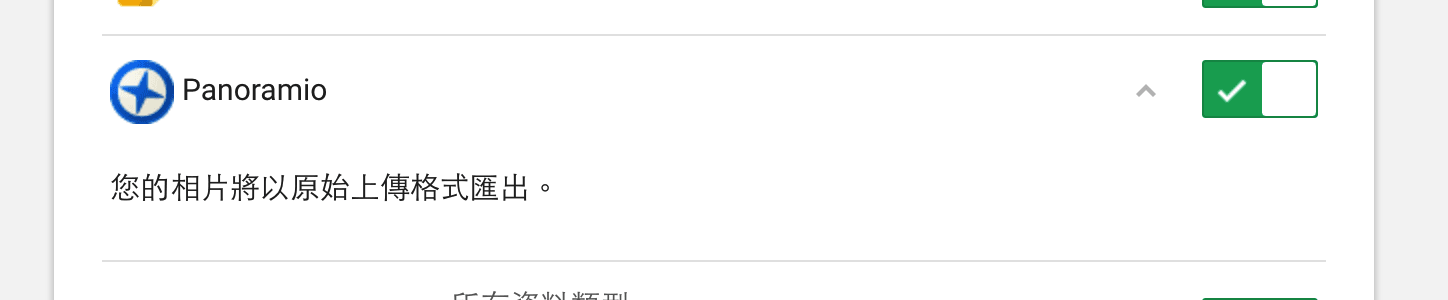 Download Panoramio archive file.
Method 2: If you prefer not to download your Panoramio collection manually, Google will automatically migrate all your existing data to the “Album Archive” area, allowing you to decide how to handle them later.
Method 3: Similarly, without manual downloads, simply join Google’s new “Local Guides program”, and your original Panoramio photos will automatically transfer over to the new system. Within Local Guides, contributors can continue sharing local photos, improving geographic metadata, helping others explore new places, and earning points toward future benefits.
Method 4: If you prefer not to participate in future Google programs, you can choose to delete your photos and account manually. To do this, log in to the Panoramio website, navigate to the “Settings” page, and select “Delete your account”.
Support Independent Perspectives & In-Depth Insights
Every thoughtful analysis and candid critique comes from our dedication to truth and quality. We choose not to follow sensational algorithms or clickbait headlines.
Sustaining independent research requires reader support. Make a one-time or monthly contribution, securely processed by Google.
Payments secured by Google · Manage or cancel anytime in your Google Account



Comments