

Facebook’s new GIF animation feature lets you spice up Messenger chats with friends using ever-changing animated stickers for richer, livelier conversations.
The built-in GIF animation library in Facebook not only houses a massive collection of diverse animations that accurately express moods across different situations and settings, but it is also completely free. Unlike LINE stickers, which often cost tens of dollars, this is truly a killer feature for Facebook Messenger.
Boasting numerous advantages, the newly launched GIF feature initially only supported English locales (including UK, US, OZ, and NZ), requiring English keywords to search the animation library (as shown in Figure 2). For those who wanted early access, switching language preferences to English in Facebook’s Account Settings was required.
Update Note: Chinese language systems are now fully supported.
Facebook Animated GIF Messages Tutorial
As seen in Figure 1 below, a new “GIF” button appears in the revamped Facebook Messenger right next to the “Choose a sticker or emoji” button. Using GIF stickers is just like using traditional stickers—simply left-click with your mouse.
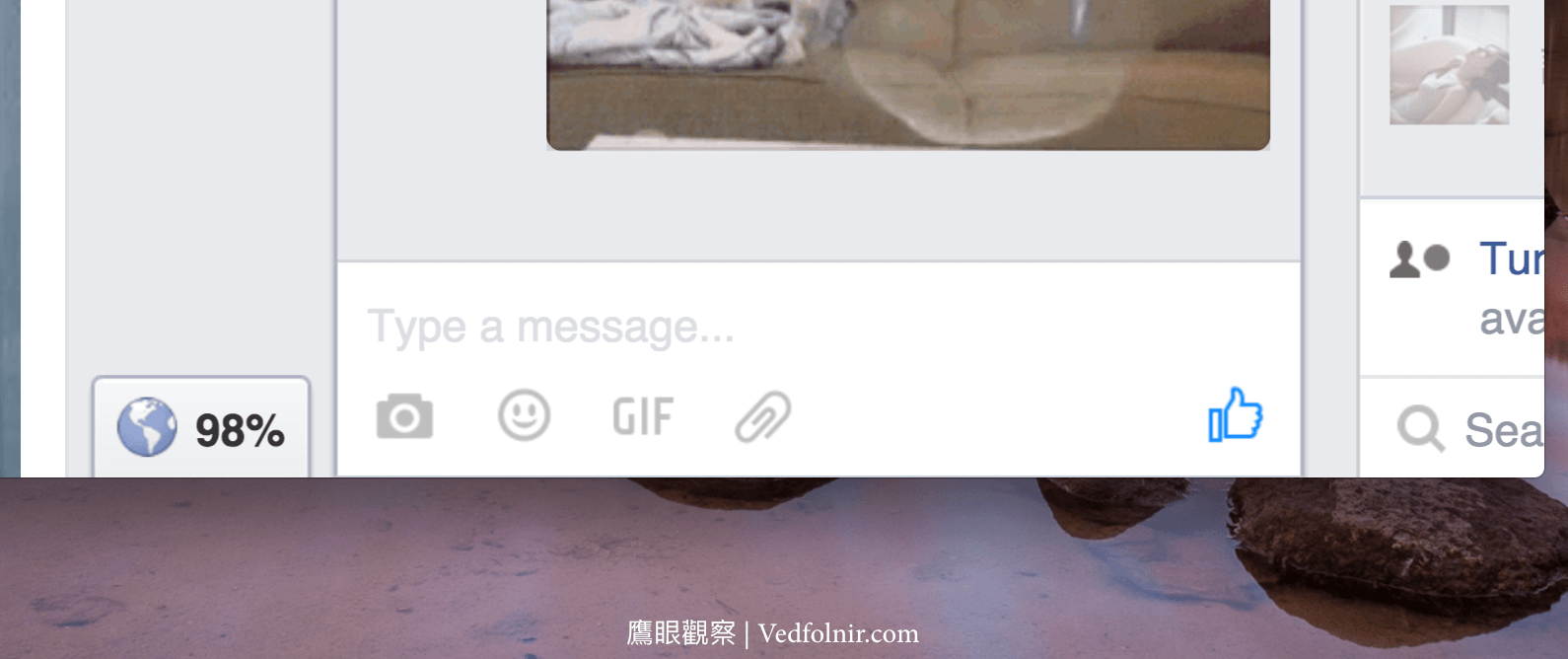 Figure 1: Animated message button.
After clicking the “GIF” button, a “Search List” popup appears within the original chat window (outlined in red in Figure 2). Enter a keyword or phrase into the text field to search the animation library and display matching results.
If a large volume of relevant animations is found, you can continue browsing effortlessly via Infinite Scroll.
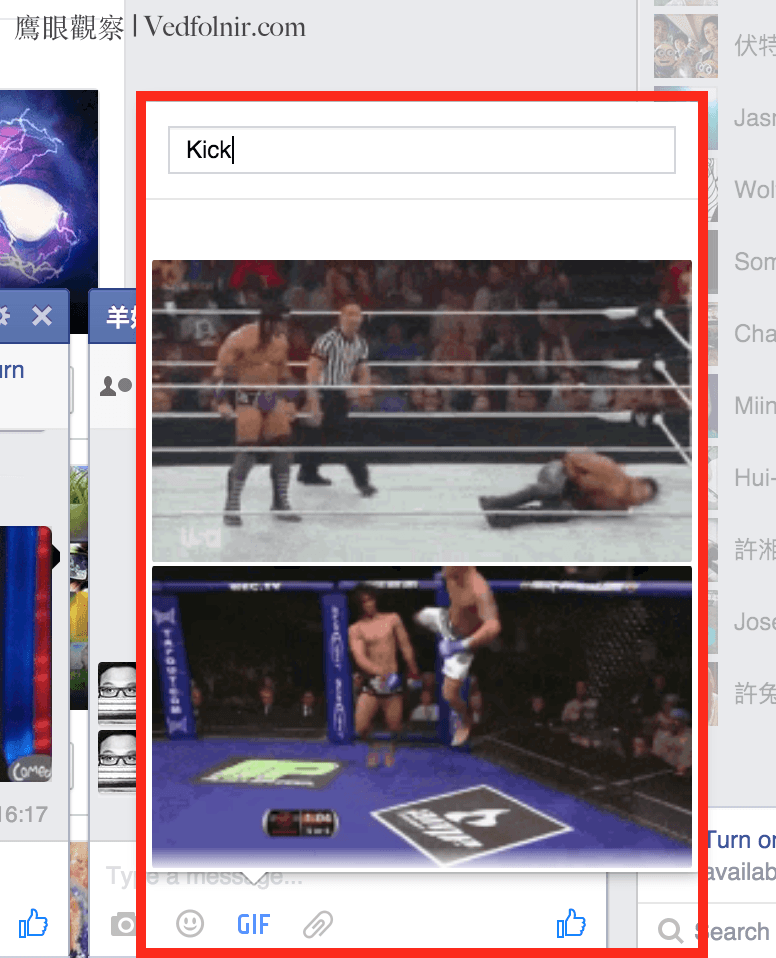 Figure 2: Animated message search list.
Take a look at the use case example in Figure 3. For many complex topics, relying solely on static stickers can sometimes feel bland. Now we can respond with much more expressive (and dramatic) reactions to capture our genuine feelings (screenshot from a head-clutching wail animation).
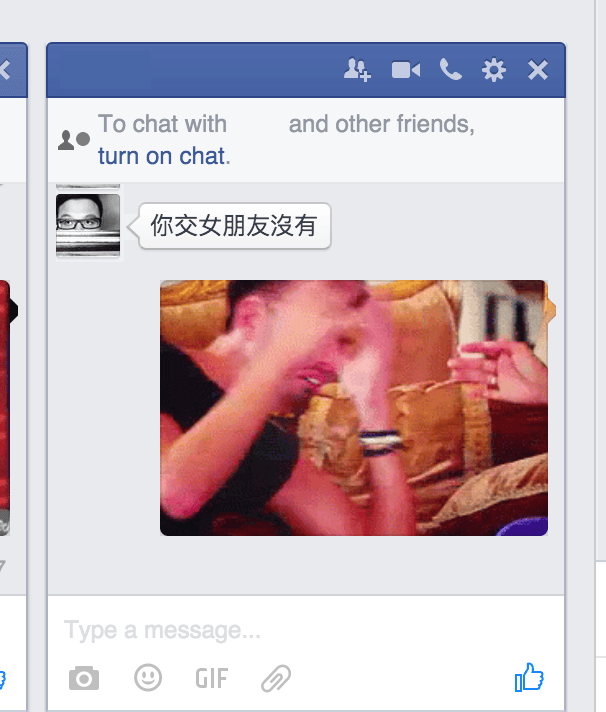 Figure 3: GIF animation sticker use case.
Additionally, the Facebook Messenger app on Apple iPad & iPhone also supports sending GIF stickers directly. However, it isn’t quite as convenient as the desktop version, requiring you to scroll left and right through thumbnail samples at the bottom of the screen (each sticker has an icon on the bottom left allowing you to install companion apps that provide stickers, though I prefer keeping my device tidy without installing extraneous software).
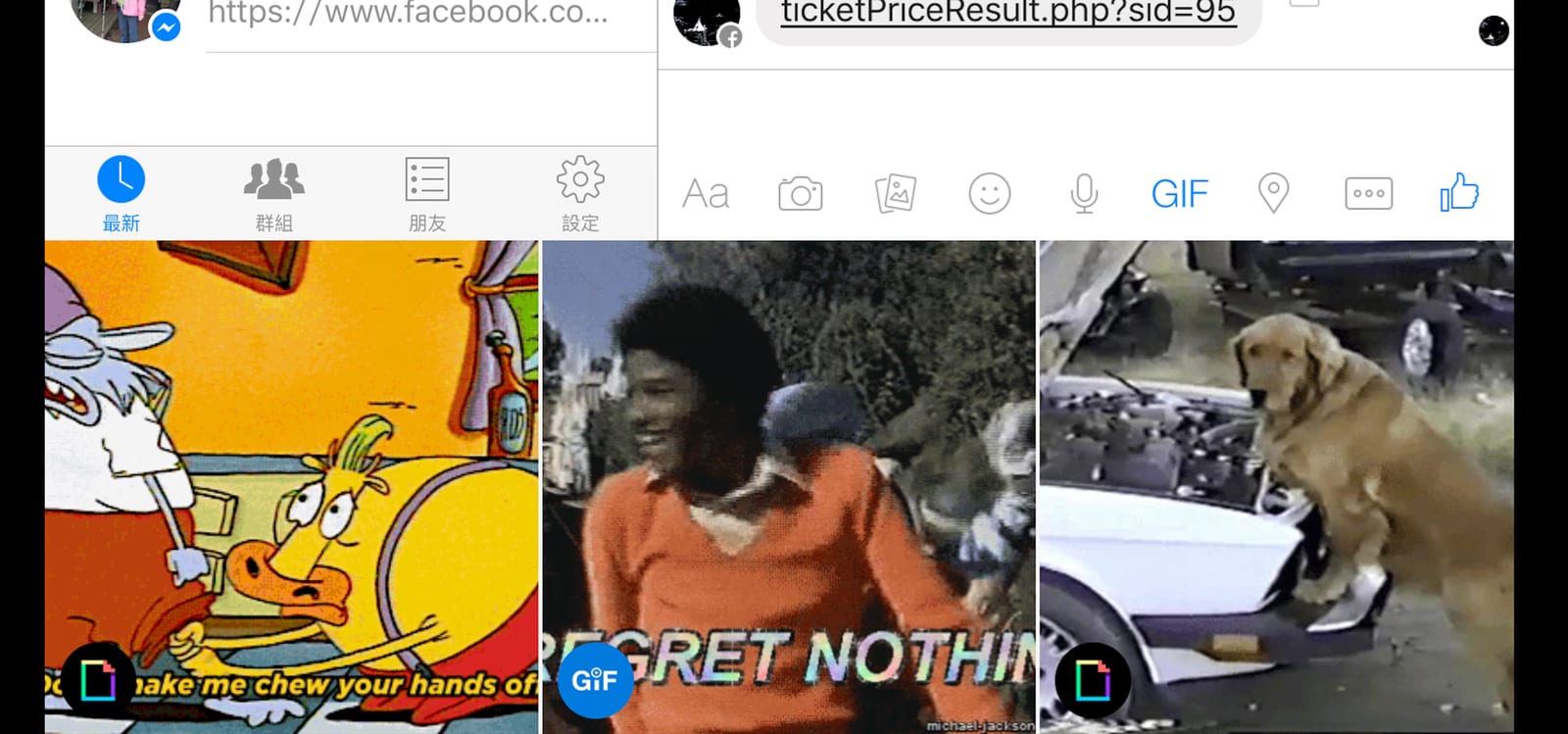 Figure 4: Facebook Messenger app.
In my view, the greatest benefit of using animated GIF stickers is that they bring immense energy and fun to every conversation.
Even when you do not feel like typing a reply, conversations no longer feel dull or stagnant like they used to when reusing the same static stickers over and over, which often made people feel you were merely replying out of polite obligation.
Ever since adopting Facebook’s animated GIF stickers, I have hardly ever sent the exact same sticker twice—the database is simply so vast that finding the same one again can even be a challenge (sips hot tea).
Support Independent Perspectives & In-Depth Insights
Every thoughtful analysis and candid critique comes from our dedication to truth and quality. We choose not to follow sensational algorithms or clickbait headlines.
Sustaining independent research requires reader support. Make a one-time or monthly contribution, securely processed by Google.
Payments secured by Google · Manage or cancel anytime in your Google Account

Comments