

A student surnamed Li from Mackay Junior College of Medicine, Health Care and Management in Sanzhi District, New Taipei City reached out through our mutual friend Ade, asking if I could help repair her computer. Since Ade offered to handle round-trip transportation (and buy dinner afterward), I gladly agreed to take on the job.
In fact, this was my first time heading out to the coastal township of Sanzhi for on-site computer maintenance (ducks for cover). Truth be told, Sanzhi offers scenic greenery, fresh air, and decent transportation links—quite an idyllic living environment. However, the coastal breeze carries noticeable salinity and humidity, which can accelerate corrosion and wear on computer components.
Come to think of it, this isn’t the first time I’ve acted as the hands-on technician behind our workshop (laughs).
PC Repair Log: Mackay College, Sanzhi
Client: Student Li
Location: Sanzhi District, New Taipei City
Fault Symptoms: The dorm desktop PC worked completely fine on Friday before she went home for the weekend. When she returned to the dorm on Sunday evening, however, the PC powered on but showed no display output, and she could not identify the failure point.
Troubleshooting Log:
- Reached out via phone first, but diagnosing remotely proved impossible since the client couldn’t provide specific hardware feedback. Decided to inspect the machine on-site;
- Power check: System fans and motherboard powered on, but the monitor showed “No Signal,” remaining stuck on a black screen;
- Power supply voltages measured normal; USB ports failed to initialize; the hard drive showed no OS activity; no BIOS beep codes triggered;
- Reseated all external rear I/O connectors, but the black screen remained;
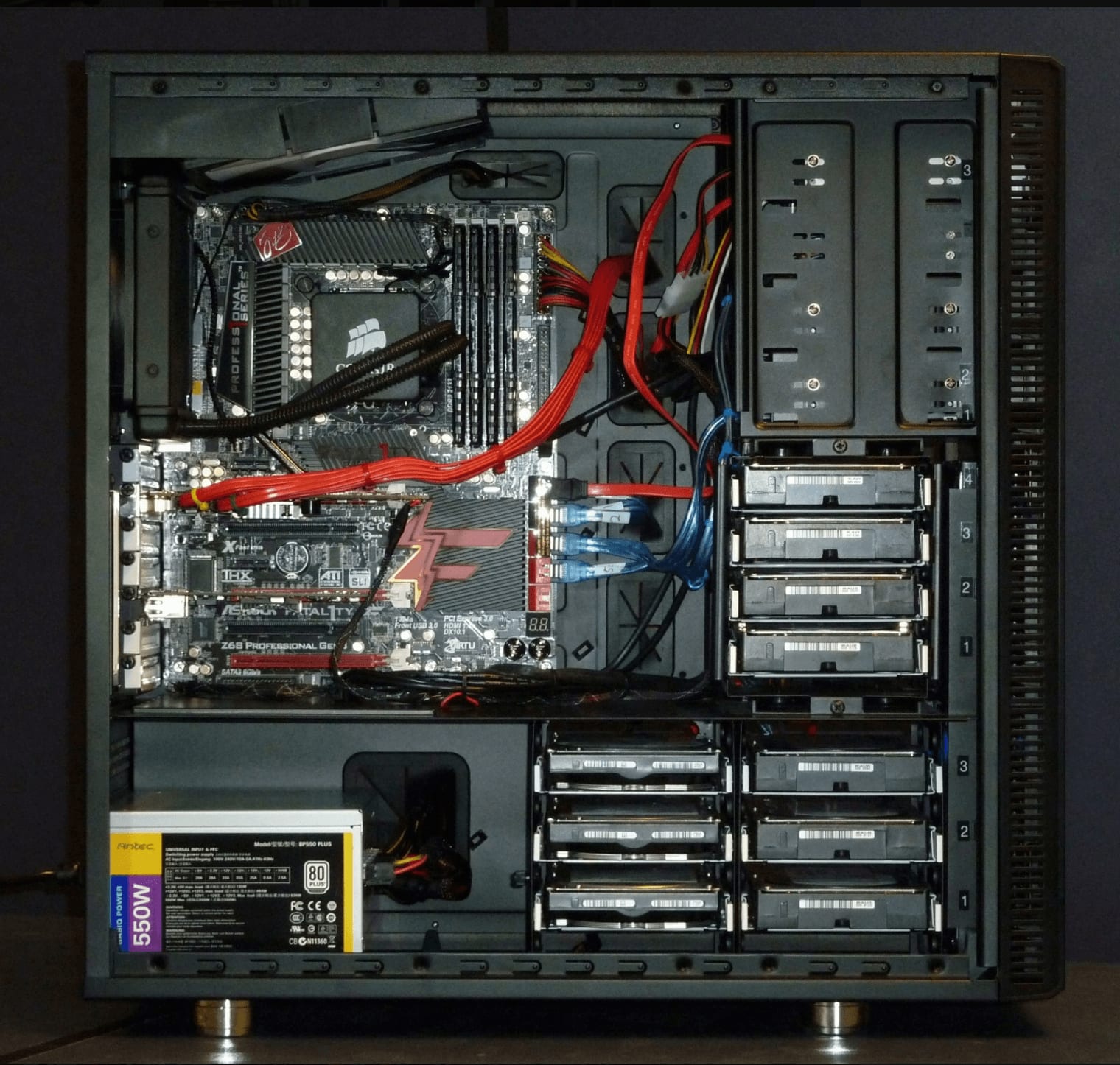
- Opened the chassis, removed the dedicated graphics card, cleaned the contacts, and firmly reseated it in the PCIe slot—system posted immediately and booted smoothly;
- Took the opportunity to blow out dust from heatsinks, re-routed internal cables, and mitigated dust buildup that could cause thermal failure;
- Packed up tools, called Ade, and headed over to Master Chang at Fuji Fishing Port for some celebratory fresh sashimi (smirks).
Note: The original system builder used a very short IDE ribbon cable shared tightly between the optical drive and the legacy secondary hard drive. If any disk or cable connection issues occur down the line, replacing it with a longer ribbon cable would be recommended.
Support Independent Perspectives & In-Depth Insights
Every thoughtful analysis and candid critique comes from our dedication to truth and quality. We choose not to follow sensational algorithms or clickbait headlines.
Sustaining independent research requires reader support. Make a one-time or monthly contribution, securely processed by Google.
Payments secured by Google · Manage or cancel anytime in your Google Account


Comments