
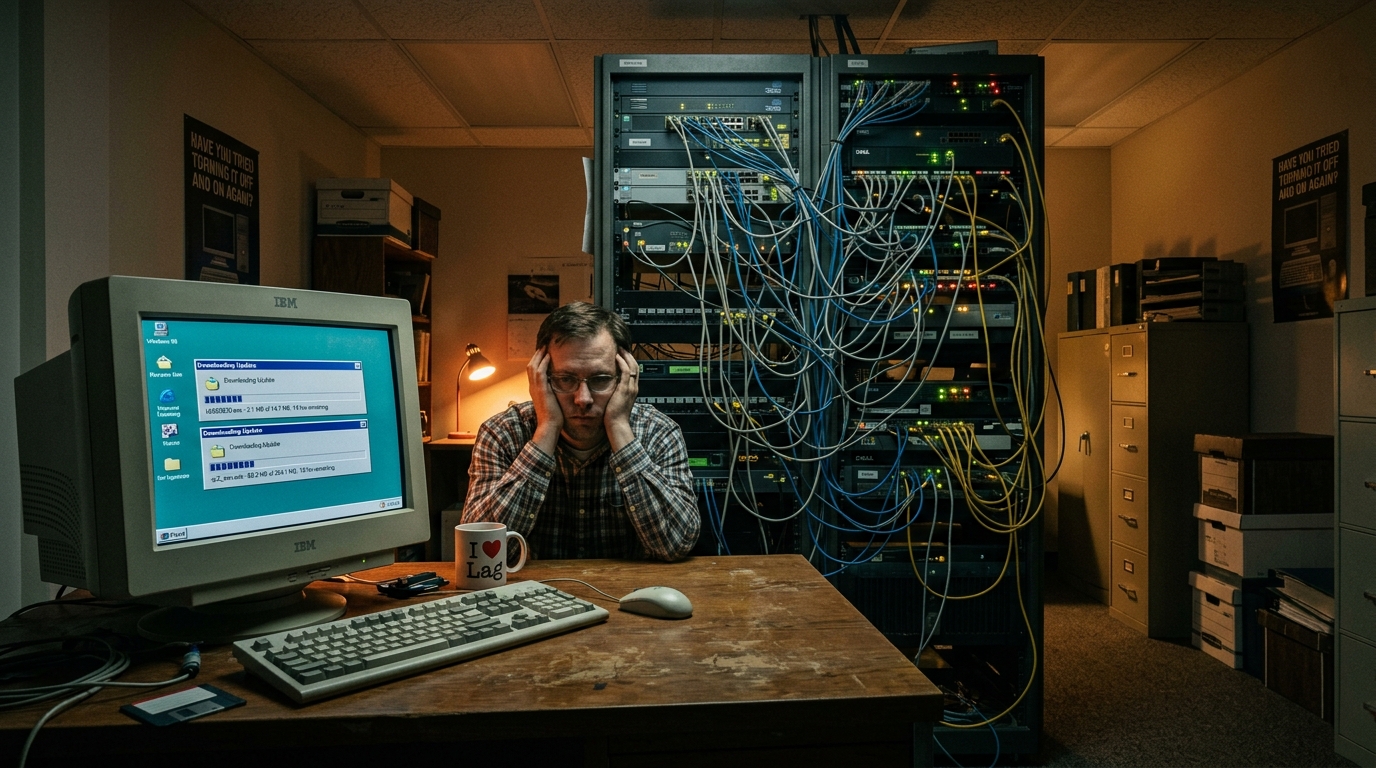
Since my own background is in electronic engineering and medical engineering, I’ve dabbled a bit in computer systems, network communications, and low-level hardware and software architecture. So when I first entered the workforce and worked at several companies, although my nominal job title had nothing to do with information technology, whenever the company’s computer systems had tricky problems or the server room needed tidying up, these miscellaneous “part-time network admin chores” always seemed to naturally fall on me.
Once I joined a new company (as if I job-hop often), and not long after starting, I discovered: The company’s network quality sometimes became even more miserable than the 56K/96K bps modem dial-up era!
You should know that at the time, the company had already applied to Chunghwa Telecom for a pricey enterprise-grade “ADSL line.” Logically, to rule out this snail-speed situation, besides the possibility that Chunghwa Telecom or the ISP’s own backbone server room line had dropped, the remaining cause was usually the company’s internal local area network (LAN) environment or some terminal computer itself being infected with a Trojan virus and frantically broadcasting junk packets outward.
Not long after, the big boss noticed that I seemed to have a knack for computer hardware and software technology (since my daily work was actually unrelated to fixing computers, I always kept a low profile and never specifically revealed that I knew these things), and began gradually handing various internal computer problems to me to solve, eventually even dumping the management permissions for the servers and network equipment in the server room onto me.
The Zen Network Admin Mindset: Never Work Overtime for Something a Reboot Can Fix
But honestly, at the time I didn’t put much effort into investigating why the company’s network speed mysteriously slowed down.
On one hand, without a major special reason during work hours, you absolutely must not arbitrarily interrupt the company’s core network, or it would seriously delay the business execution of all colleagues (Ask me to stay after work to capture packets for free? Don’t be silly!); on the other hand, although the network speed was often annoyingly slow, as long as it could barely send and receive emails and open internal systems, it wasn’t enough to completely affect actual work output (at most, when I was driven to the brink of reason by the slowness, I’d secretly slip into the server room to unplug and reset the ADSL modem… hey!).
After all, the company leased a decent-quality commercial line from Chunghwa Telecom, so although I often grumbled that the network environment was so frustrating it made me want to resort to violence, it ultimately wasn’t a 24-hour constant abnormal collapse. If I recklessly messed with the existing network routing and switch architecture and accidentally took down the entire subnet, I’d have to spend even more after-work time firefighting — pure self-inflicted suffering.
The Boss’s Expensive Misjudgment: Upgrading to Brand-New IBM Servers and ASUS Computers in One Go
Things went on peacefully like this for a while, until the big boss himself was frequently driven to irritability and depression by the snail-paced network.
After a certain important presentation froze while opening a file, the big boss decisively concluded: “This is absolutely because our company’s servers are too old and the hardware performance can’t keep up!”
The boss immediately ordered me to find a system integration vendor to draw up hardware specs for a brand-new “IBM enterprise-grade server,” and to quickly complete the quote for purchasing the new machine, configuring the array, and migrating the old data. (Incidentally, the retired old server host was later naturally salvaged by me for reuse; over time I replaced its capacitors and second-hand components, and unexpectedly it served as a personal test machine for nearly eight more years.)
Since the company spent big money to buy the top-of-the-line IBM blade server, did the network latency and lag that had plagued everyone for so long get cured and go smoothly from then on?
The answer is: half and half.
Overall computer resources and the internal computing environment — because the IBM server was replaced at the same time and all employees’ old desktop computers were uniformly replaced with “ASUS” business bundle hosts — did see daily file-opening and software-execution efficiency improve quite a bit. However, every few days, that maddening, ghost-story-like “cliff-edge network latency” would still arrive on schedule without warning.
The big boss was thoroughly enraged. The company even specially invited the IBM factory senior system engineer who had originally built our new server system — reputedly having “spent over NT$500,000 on various advanced international network certifications at cram schools” — to the site to troubleshoot.
That senior engineer in a crisp suit squatted in the server room all day with his professional laptop, repeatedly checking switch ports, routing gateways, DNS packets, and server logs. After a long struggle, he too scratched his head in bewilderment, completely unable to find why this intermittent network congestion occurred.
The Big Twist: While the Supervisor Is on a Business Trip, the Big Boss Urgently Needs a Contract
You thought the story ended here as a “case of the century”?
No no no (wags finger)! Because this long-unsolved time bomb was later unexpectedly defused by me!
One afternoon, a department supervisor who usually cut an imposing figure in the office happened to be away on a business trip negotiating a project. As luck would have it, the big boss was hopping mad in the office, because a client suddenly demanded confirmation of an important project quotation contract, and the only original electronic file was stored on the traveling supervisor’s personal office computer.
As the part-time network admin, the big boss immediately called me into his office and issued an urgent order: “Go to the supervisor’s seat, find a way around the computer password, and find that contract file and print it for me!”
I pulled out the chair and sat down at the supervisor’s seat, booted up and logged into the Windows desktop. However, just as I gripped the mouse and was about to open File Explorer, my eye
Support Independent Perspectives & In-Depth Insights
Every thoughtful analysis and candid critique comes from our dedication to truth and quality. We choose not to follow sensational algorithms or clickbait headlines.
Sustaining independent research requires reader support. Make a one-time or monthly contribution, securely processed by Google.
Payments secured by Google · Manage or cancel anytime in your Google Account




Comments