
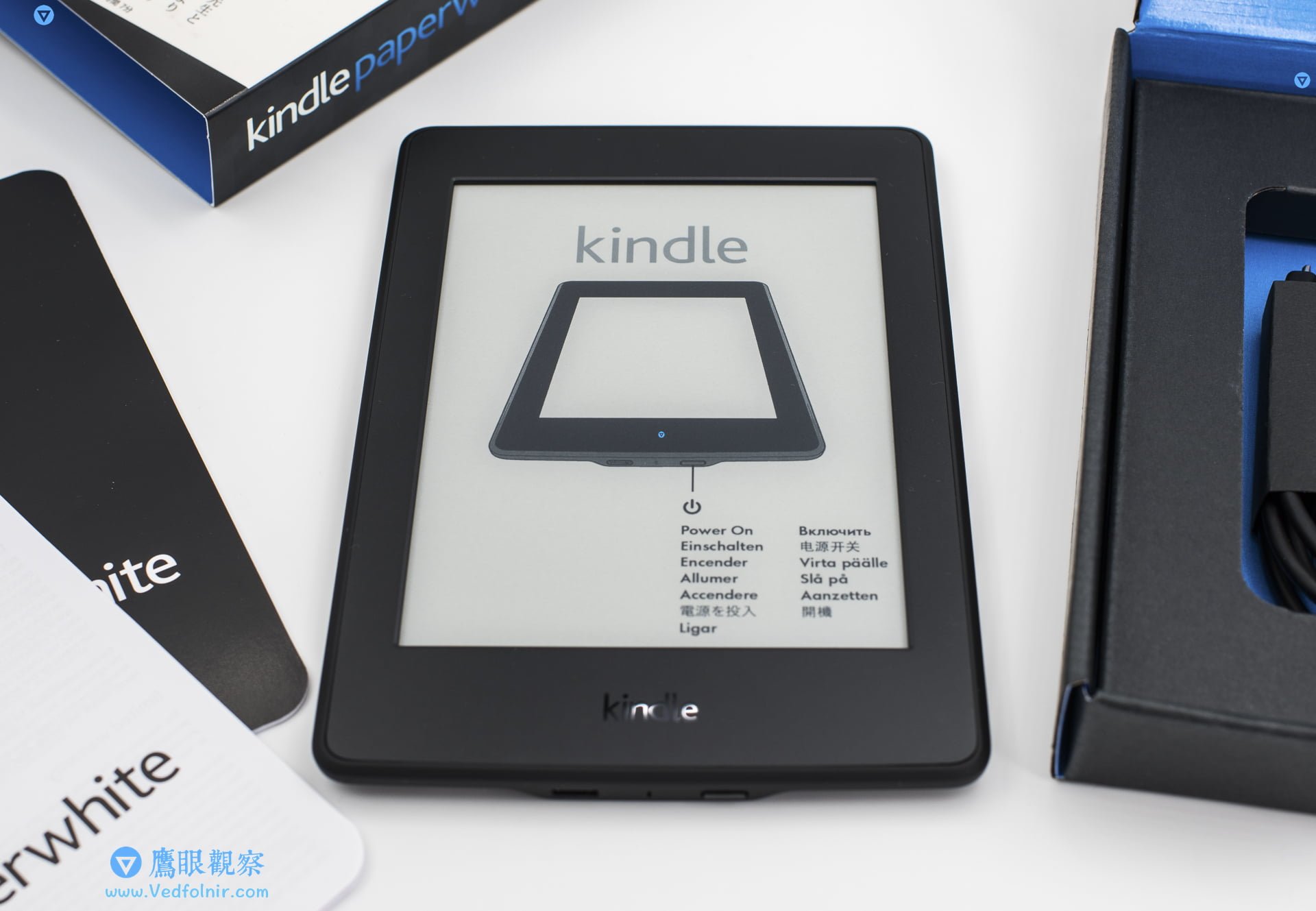
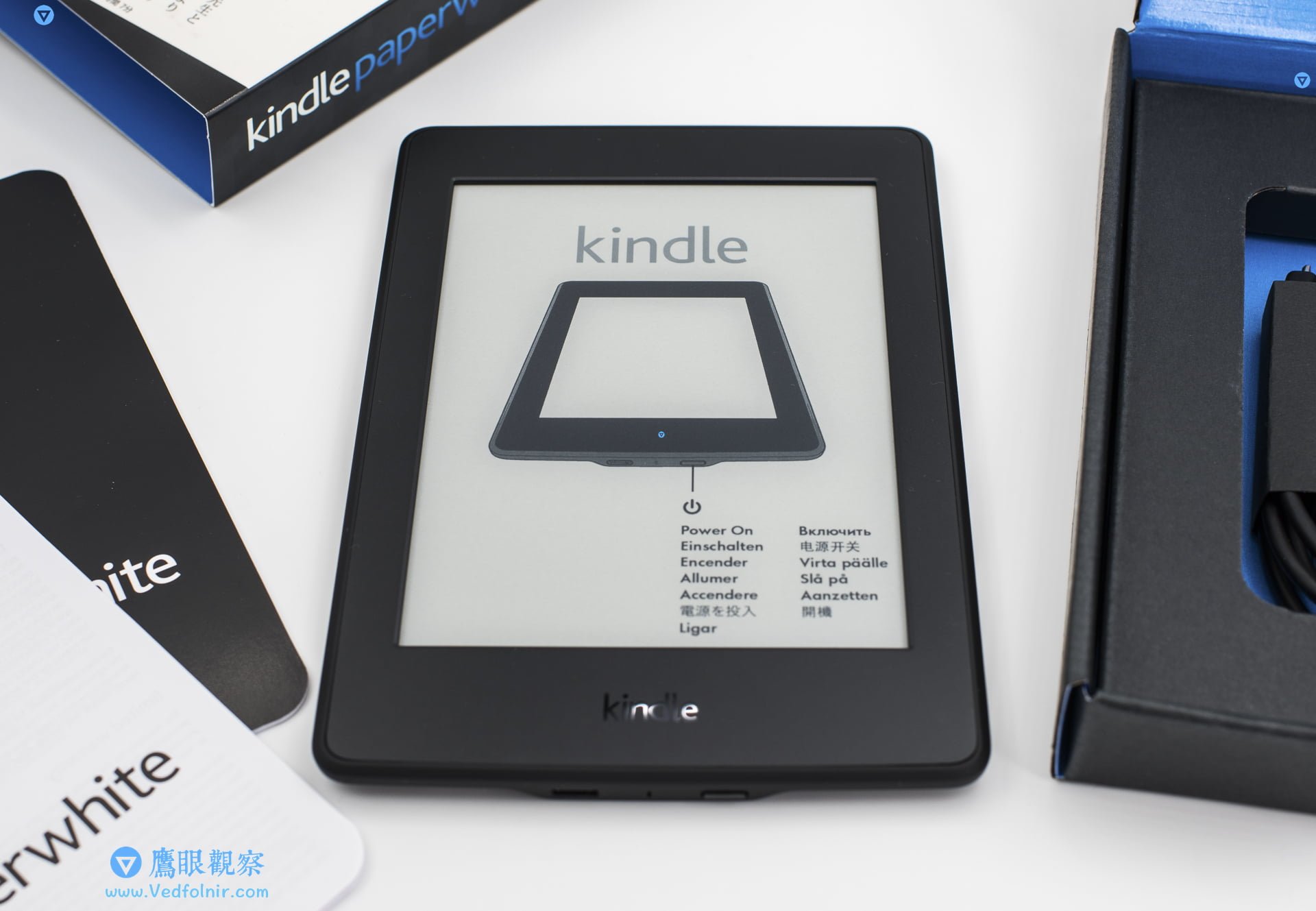
The Amazon Kindle e-reader is an exceptional tool for focused, distraction-free reading. However, maintaining its specialized Electronic Ink (E-Ink) display requires far gentler care than smartphones or tablets equipped with heavy Gorilla Glass or sapphire crystal covers.
Because Kindle screens lack a hardened glass top sheet, aggressive cleaning solvents or coarse wiping cloths can cause permanent optical haze or micro-scratches.
Understanding the Kindle Screen Architecture
Kindle displays consist of three specialized structural layers:
- Microencapsulated E-Ink Core: The bottom electrophoretic particle display layer.
- Capacitive Touch Grid: Mid-layer transparent electrode matrix.
- Nanoimprinted Light Guide: Amazon’s patented surface layer that routes LED front-light evenly across the page.
Because the outer surface is an optical polymer rather than tempered glass, harsh alcohol wipes or excessive pressure can permanently fog the light guide layer.
5 Essential Cleaning Rules for Kindle Devices
- Dust First with an Air Blower: Use a camera lens air bulb blower to dislodge abrasive grit, sand, and dust motes before applying any cloth to the surface.
- Never Use Paper Towels or Facial Tissues: Wood pulp fibers in paper tissues act like microscopic sandpaper on plastic light guide layers. Always use a clean, lint-free optical microfiber cloth (such as 3M microfiber).
- Moisten with Distilled Water Only: Lightly dampen the cloth with clean water (damp, never wet or dripping). Avoid spraying liquid directly onto the screen.
- Avoid Household Alcohols and Window Sprays: Denatured ethanol and chemical detergents can dissolve optical anti-glare coatings. If stubborn grease spots require removal, use dilute, optical-grade isopropyl alcohol (IPA) lens wipes tested on an inconspicuous corner first.
- Wipe in Gentle Concentric or Unidirectional Strokes: Wipe lightly without aggressive back-and-forth scrubbing to prevent grinding trapped dust particles into the optical surface.
For long-term protection, pairing your Kindle with a lightweight folio cover protects the exposed polymer screen against accidental key scratches inside commuter bags.
Support Independent Perspectives & In-Depth Insights
Every thoughtful analysis and candid critique comes from our dedication to truth and quality. We choose not to follow sensational algorithms or clickbait headlines.
Sustaining independent research requires reader support. Make a one-time or monthly contribution, securely processed by Google.
Payments secured by Google · Manage or cancel anytime in your Google Account



Comments