
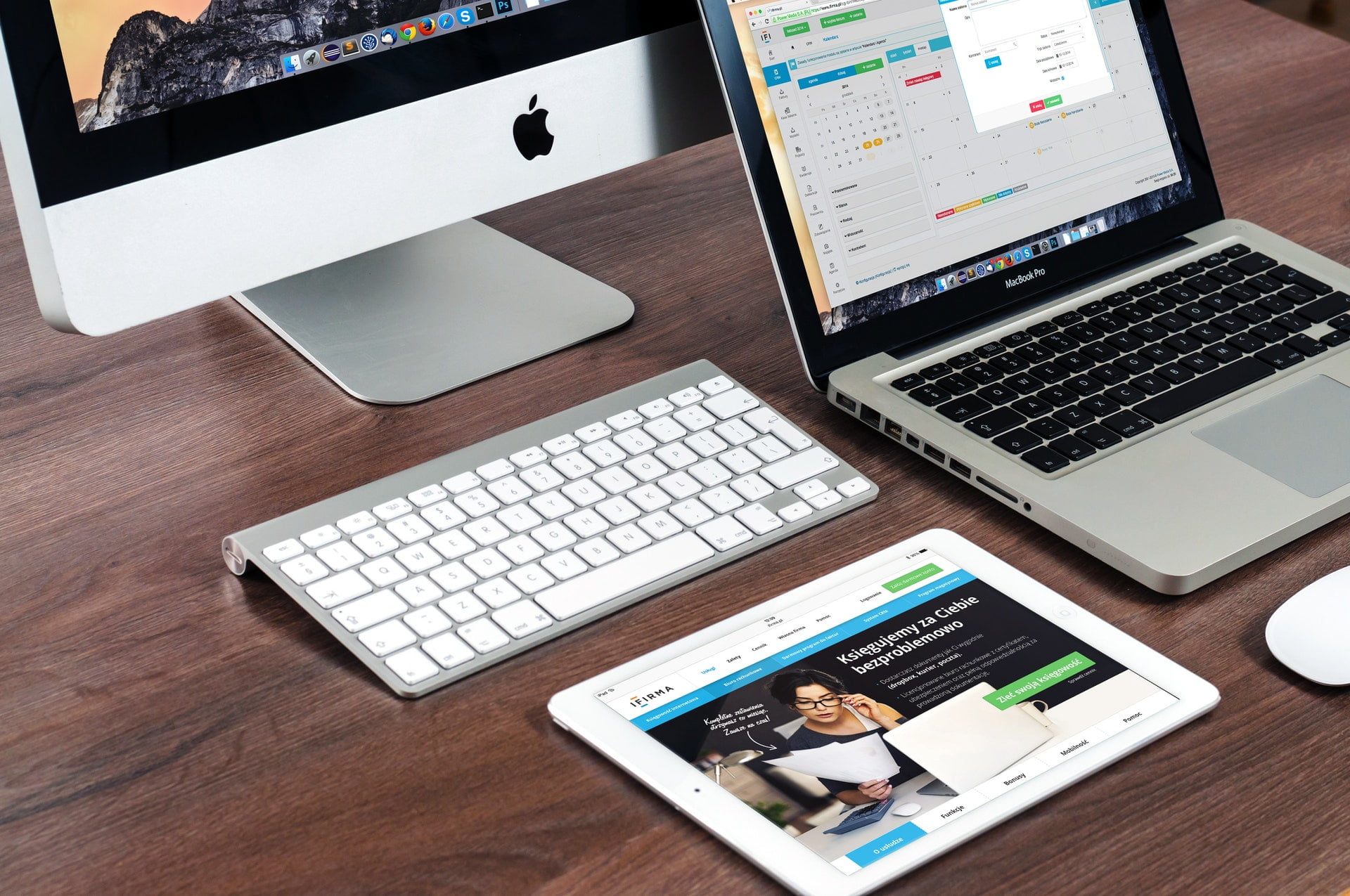
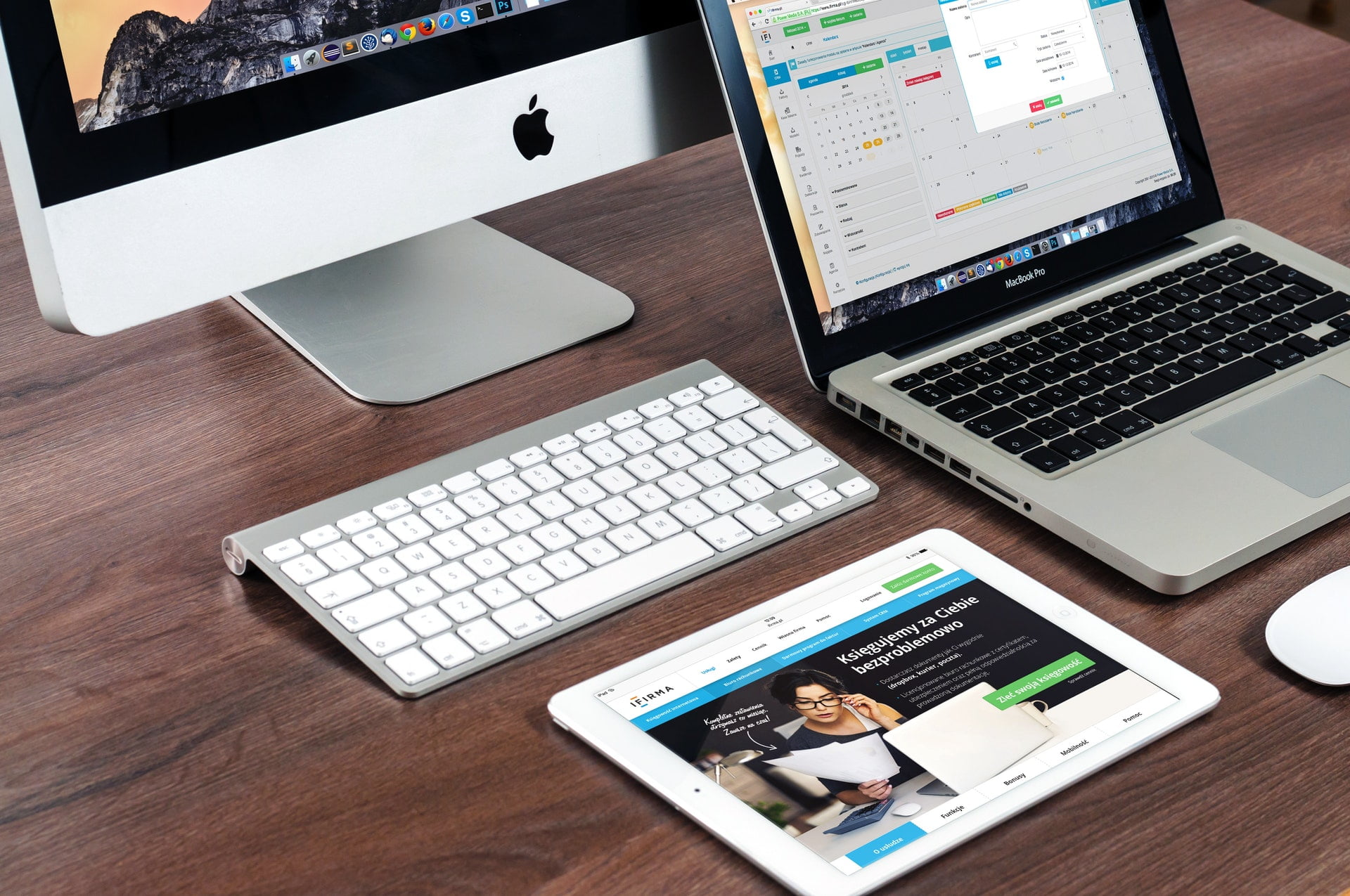
Apple’s desktop computers (Apple iMac, Mac Mini, Mac Pro) and laptops (Apple MacBook) can use a technology called “Sidecar” to turn the screens of tablets such as iPad Air and iPad Pro into a second display, extending or mirroring the Mac desktop via AirPlay, and even turning into a drawing workstation with the Apple Pencil.
**
Note: When the iPad is used as a second screen, the apps inside the iPad cannot be used! However, you can run an app and let the system automatically pause the “Sidecar” working state.
To use Apple’s “Sidecar,” there are minimum hardware specification conditions and system requirements**. Below, the required hardware versions for the two major operating systems, Apple macOS and iPadOS, that can normally use the “Sidecar” work-sharing screen, are listed in detail.
Hardware Specifications for Apple Mac and MacBook to Normally Use the Display Sidecar Function
For the Mac OS of models such as Apple iMac, Mac Mini, Mac Pro, MacBook Pro, and Air, the operating system needs to be upgraded to “macOS Catalina” or later, and the computer hardware specifications must meet the following list, including:
- MacBook Pro (models released in 2016 or later)
- MacBook (models released in 2016 or later)
- MacBook Air (models released in 2018 or later)
- iMac (models released in 2017 or later), and iMac (Retina 5K, 27-inch, late 2015)
- iMac Pro
- Mac mini (models released in 2018 or later)
- Mac Pro released in 2019
Hardware Specifications for Apple iPad to Normally Use the Sidecar Function
For the iPad OS of models such as Apple iPad Pro, mini, and Air, the tablet needs to be updated to the operating system “iPadOS 13” or later, and the hardware specifications must meet the following list, including:
- iPad Pro: All models
- iPad (6th generation) or later models
- iPad mini (5th generation)
- iPad Air (3rd generation)
Other Requirements for Using “Sidecar”
- Both devices must be signed in to iCloud with the same Apple ID, and two-factor authentication must be used.
- To use “Sidecar” wirelessly, the two devices must be within 10 meters (30 feet) of each other, and both must have Bluetooth, Wi-Fi, and “Handoff” enabled.
- When using Sidecar, the iPad does not share a mobile data connection, and the Mac does not share an Internet connection.
- To use “Sidecar” via USB, make sure the iPad is set to trust your Mac.
Support Independent Perspectives & In-Depth Insights
Every thoughtful analysis and candid critique comes from our dedication to truth and quality. We choose not to follow sensational algorithms or clickbait headlines.
Sustaining independent research requires reader support. Make a one-time or monthly contribution, securely processed by Google.
Payments secured by Google · Manage or cancel anytime in your Google Account



Comments