
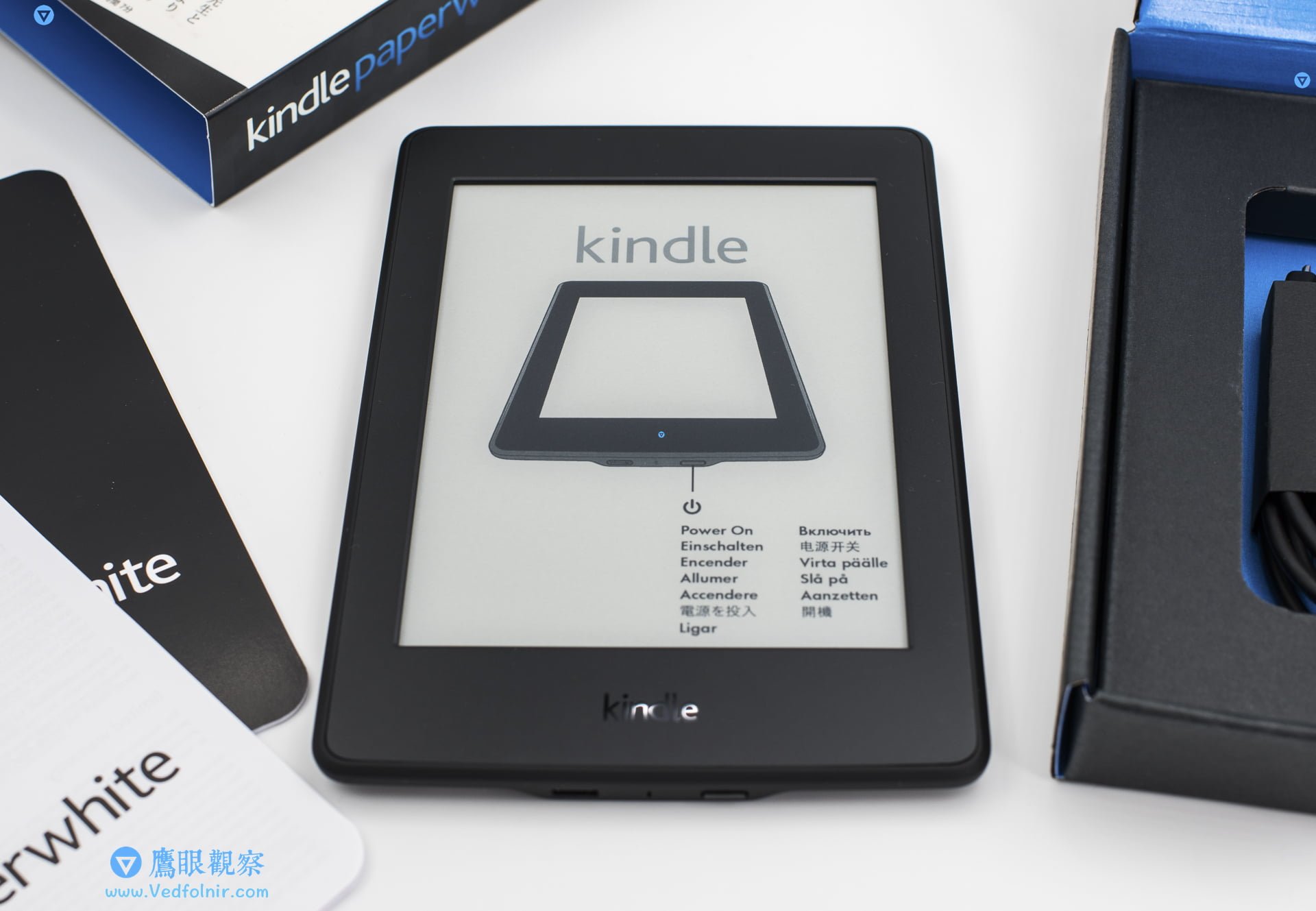
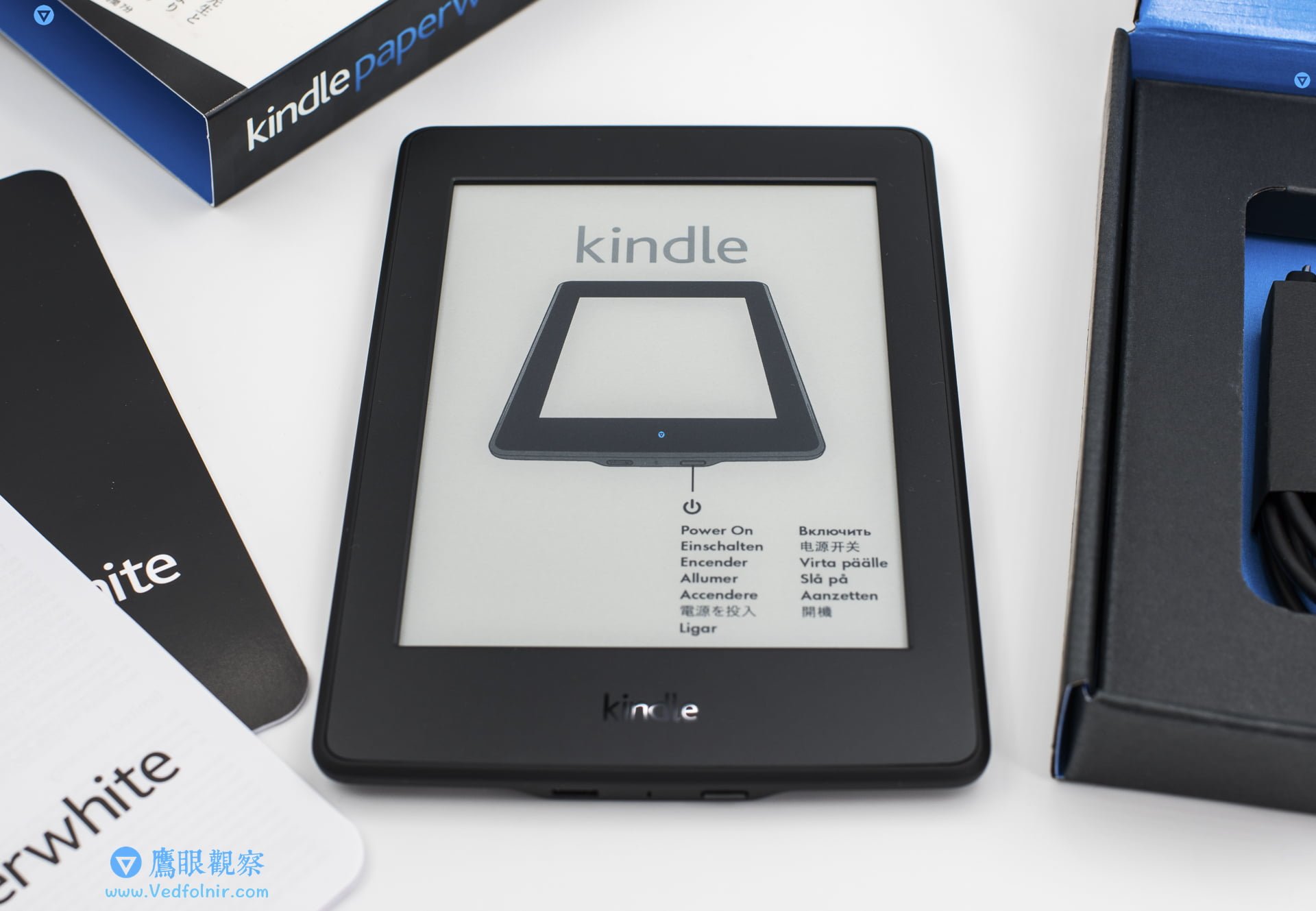
Over the weekend, I spent some time tinkering with my newly arrived Amazon Kindle e-reader. For shipping convenience, I purchased the Amazon Kindle[1] on eBay from a seller based in Japan who offered direct international shipping, which saved a lot of hassle and arrived much faster than shipping from across the Pacific in the United States. As a result, the Kindle I received is the Japanese edition.
As widely known, Amazon Kindle models are divided into the Standard Edition, Paperwhite, Voyage, and the flagship Oasis. This time, I bought the Paperwhite, which offers an excellent balance between price and performance.
🔥 Black Friday Sale! See Appendix item 5: Amazon US has launched a Black Friday shopping festival deal with Kindles starting as low as $49!
If you intend to purchase the original US version of the Kindle[2], you can refer to the official US Amazon “Amazon.com” link. However, Amazon.com does not offer direct shipping of this product to Taiwan, meaning you’ll need to use a freight forwarding service. Alternatively, you can buy from the official Mainland China storefront[2] via “Amazon.cn”, or check Amazon Japan (“Amazon.co.jp”), which also provides direct shipping services for certain items.
In reality, it doesn’t matter much which country you buy your Amazon Kindle from, because the system natively supports a multilingual interface.
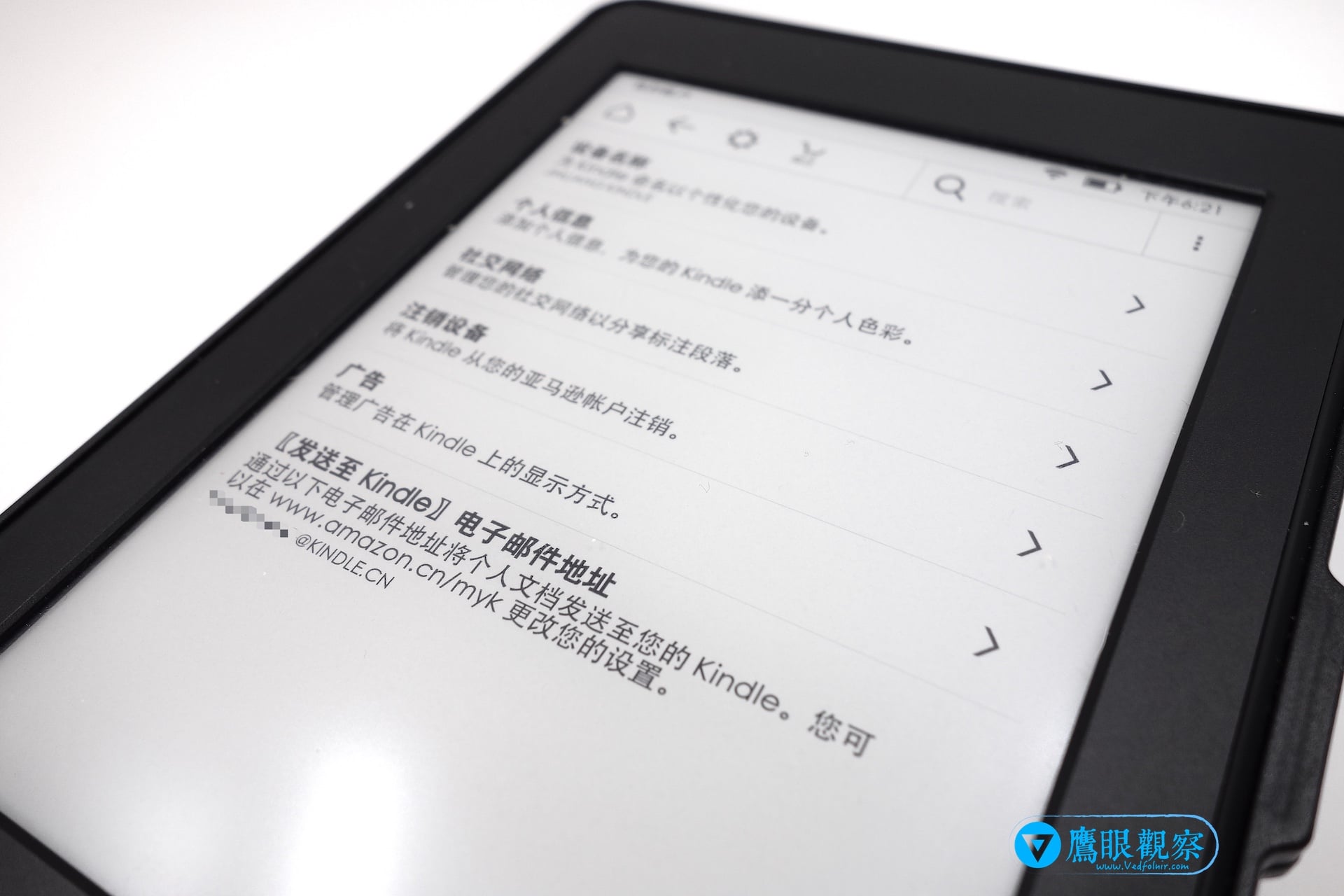
For example, on a device purchased in the United States, during initial setup you can directly configure it with a Simplified Chinese interface. When you do so, the Kindle’s background system links up with China’s Amazon.cn. In other words, selecting a Japanese or English interface connects correspondingly to Amazon Japan (Amazon.co.jp) or Amazon US (Amazon.com).
While interface language is never an issue, the Kindle’s built-in bookstore search system indexes and shops exclusively against the official database of the country corresponding to your initially selected language. For instance, Simplified Chinese primarily queries books from Mainland China. Unless your aim is to target English or Japanese book markets, choosing Simplified Chinese from the start is recommended.
Of course, regardless of which language you initially select, you can always switch your primary interface language in the system settings at any time.
For example, if you enjoy Western books and magazines, you can initially select English, and later switch back to your familiar Chinese interface; search results will continue to draw primarily from the US catalog database. In the worst-case scenario, Kindle system settings allow you to reset the device to factory defaults, letting you freely reselect your preferred Amazon database whenever you like.
However, please be reminded that each country’s Amazon platform operates as an independent system. If you plan to switch to a different national storefront, you must register a separate account on that respective regional website. This also directly affects certain subscription perks; for instance, the monthly subscription reading service “Kindle Unlimited” is restricted to a single country’s storefront server (though you can still search for foreign books within it). Therefore, we recommend simply choosing the primary language that best matches your reading habits.
Choosing your native language interface has another benefit: upon initialization, the device comes preloaded with translation dictionaries tailored to that language. Selecting Simplified Chinese primarily provides English-to-Chinese dictionaries, while Japanese provides English-to-Japanese. If you intend to use it for foreign language learning, choosing the appropriate primary language ensures you don’t miss out on Kindle’s powerful vocabulary tools.
Incidentally, the Chinese input method on the Simplified Chinese interface only supports Pinyin. If you are not proficient with Pinyin input, you can use a mobile translation app (such as Google Translate) to look up the pinyin for any Chinese character.
 Amazon Kindle
Additionally, when purchasing consumer electronics like this, post-sale customer support is an unavoidable consideration. If you run into operational questions down the road and want to contact online customer service, the country where you purchased the device becomes critically important. Because regional Amazon systems are completely independent, if your Kindle is a Japanese unit, you can only consult Amazon Japan’s customer support—regardless of your interface language!
Finally, I’d like to highlight two more differences to keep in mind when choosing between US, Mainland China, and Japanese editions: 3G connectivity and hardware specifications.
Regarding the first point: while Kindle’s free global 3G cellular service is widely admired, the official Chinese Amazon store does not offer models with Free 3G + Wi-Fi dual networking at all; local Chinese models are strictly Wi-Fi only.
Note: The unit I purchased this time is the Japanese 3G + Wi-Fi Kindle model, but it currently cannot connect to 3G networks. I am still inquiring with customer service. Once tested successfully, I will write a dedicated follow-up article. Those interested in the results can follow our fan page “Hawkeye Insight” for the latest updates[5].
As for the second point, the difference is subtler: Japan released a unique hardware variant with enhanced storage, the “Kindle Paperwhite Manga Model”, which jumped from standard 4GB storage to 32GB. Its primary target market is naturally Japan’s massive manga readership, as graphics-heavy comic files demand considerably more storage space than plain text e-books.
Related Reading
- eBay: Amazon Kindle.
- Amazon US Official: Amazon.com.
- Chinese Amazon E-Book Subscription: “Kindle Unlimited”.
- Amazon Kindle Global Free 3G Cellular Service: Buyer’s Guide and Pitfalls to Avoid!
- Amazon Kindle E-Reader on Sale for Just $49: Black Friday Promotion Special!
Support Independent Perspectives & In-Depth Insights
Every thoughtful analysis and candid critique comes from our dedication to truth and quality. We choose not to follow sensational algorithms or clickbait headlines.
Sustaining independent research requires reader support. Make a one-time or monthly contribution, securely processed by Google.
Payments secured by Google · Manage or cancel anytime in your Google Account

Comments