
![[Study Notes] Web Audio Processing & Waveform Visualization: wavesurfer.js Guide](/wavesurfer-js-audio-sound-processing/pexels-photo-257904.jpeg)
With the explosive popularity of podcasts, short videos, and multimedia web applications, audio playback and sound engineering have become integral parts of modern front-end development.
Today’s study note focuses on “wavesurfer.js”—a web-based audio visualization and processing library. Built on the HTML5 Canvas element and the Web Audio API, it allows developers to effortlessly load audio tracks, render interactive waveforms in real time, and incorporate advanced sound processing features (such as the custom multi-band equalizer shown in Figure 1). For developers building audio editing, streaming, or sound synthesis apps, it is an indispensable tool.
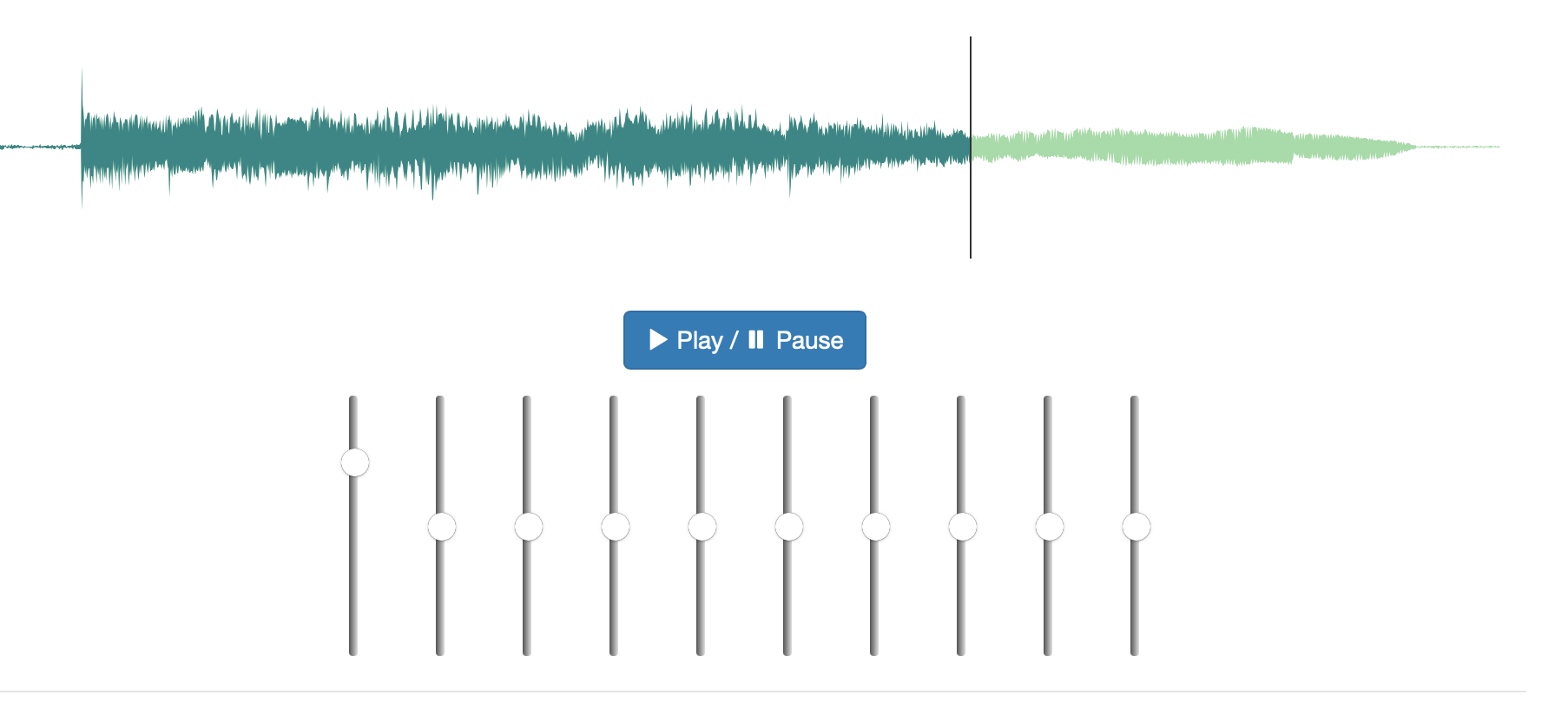 Figure 1: Custom equalizer built with wavesurfer.js.
Below is an overview of core features, syntax examples, and plugin extensions provided by wavesurfer.js.
Core Features of WaveSurfer.js
1. Loading Audio Files & Rendering Waveforms
WaveSurfer.js makes loading audio tracks straightforward and draws the visual waveform automatically. You initialize an instance by defining a container selector and passing styling properties, then load the sound file:
var wavesurfer = WaveSurfer.create({
    container: '#waveform',
    waveColor: 'violet',
    progressColor: 'purple'
});

wavesurfer.load('/path/to/my/audio/file.mp3');
In this snippet, container specifies the DOM element where the Canvas waveform will render, while waveColor and progressColor configure the pre-playback and played waveform shades. Once the file finishes decoding, the interactive player appears on the webpage, as illustrated in Figure 2.
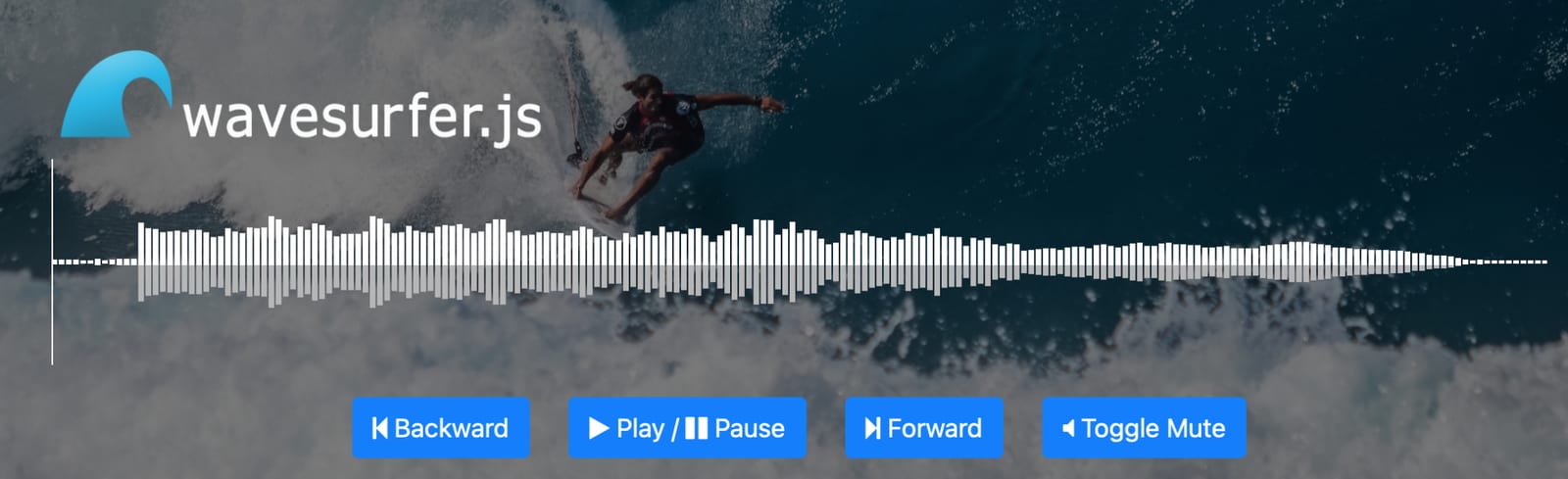 Figure 2: Interactive playback interface generated by WaveSurfer.js.
2. Audio Playback and Control
The library provides intuitive methods to handle common media operations:
- Volume adjustment
- Play and pause toggling
- Seeking (fast forward and rewind)
- Loop playback
- Mute / unmute
- Playback rate (speed) modification
For instance, toggling playback or configuring continuous looping requires just a couple of lines:
wavesurfer.playPause(); // Toggle play and pause
wavesurfer.setLoop(true); // Enable continuous loop playback
3. Customizing Waveform Aesthetics
WaveSurfer.js provides rich customization options, enabling developers to fine-tune canvas dimensions, colors, bar widths, and render styles to match brand design systems:
var wavesurfer = WaveSurfer.create({
    container: '#waveform',
    waveColor: 'violet',
    progressColor: 'purple',
    height: 200
});
Supported Plugins and Extensions
Beyond basic playback, wavesurfer.js includes an extensive plugin ecosystem that unlocks specialized audio editing and analysis capabilities:
- Timeline: Adds a synchronized timecode scale along the top or bottom of the waveform, facilitating precise scrub navigation and audio editing.
- Regions: Enables users to mark, drag, and select specific time segments on the waveform. Selected regions can be looped, trimmed, tagged, or enhanced with unique audio filters.
- Spectrogram: Generates a fast Fourier transform (FFT) spectrogram representation of the audio signal (see Figure 3), allowing visual inspection of frequency distribution over time.
- Minimap: Renders an overview mini-waveform thumbnail below the main zoomed display, allowing users to quickly navigate lengthy recordings with a draggable viewport slider.
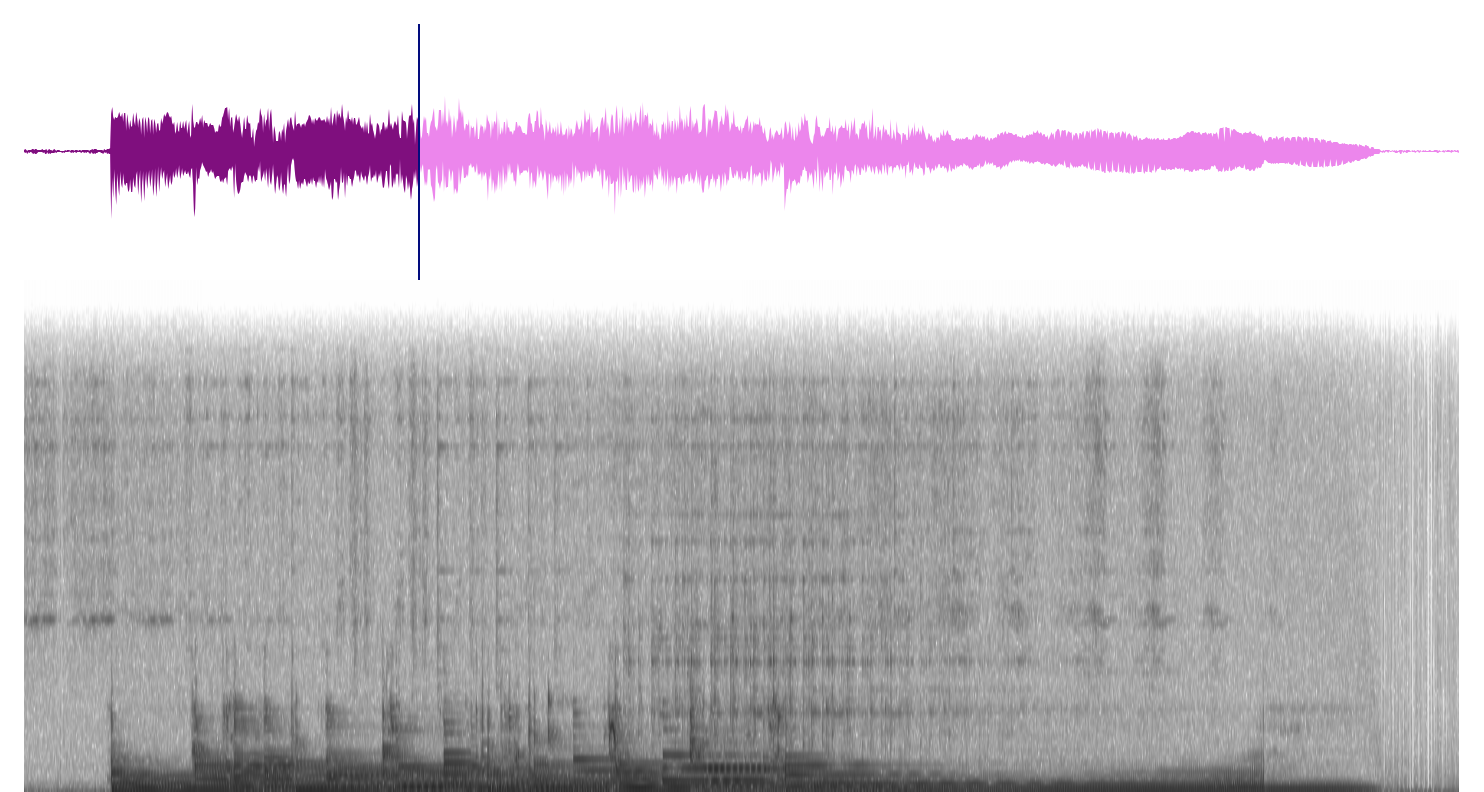 Figure 3: Audio spectrogram visualization rendered via the official plugin.
Additional plugins support microphone recording, cursor tracking, and editable cue points, giving front-end engineers full flexibility to assemble professional web-based digital audio workstations (DAWs).
References
- Official Website and Documentation: wavesurfer.js
Support Independent Perspectives & In-Depth Insights
Every thoughtful analysis and candid critique comes from our dedication to truth and quality. We choose not to follow sensational algorithms or clickbait headlines.
Sustaining independent research requires reader support. Make a one-time or monthly contribution, securely processed by Google.
Payments secured by Google · Manage or cancel anytime in your Google Account




Comments