

Termius is a popular SSH client on Apple iOS and iPhone, allowing us to easily connect to servers via SSH for management and file editing.
In Termius, in order to connect to servers such as GCP and Bluehost, you first need to create a key in the device key feature (Key Chain). At this point, two function settings appear: New Identity and Add Key.
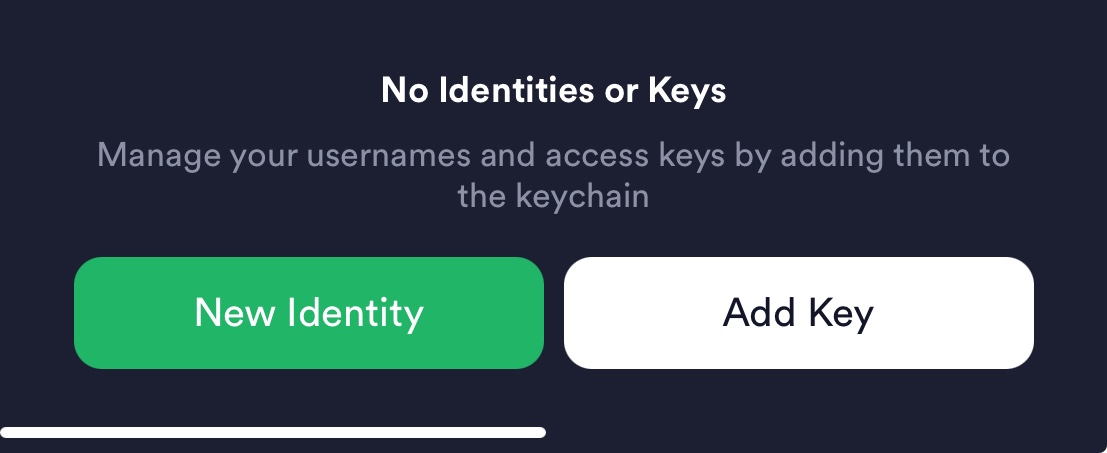
Termius New Identity & Add Key
Their uses serve different purposes, including:
- New Identity:
- Purpose: Used to create an identity, which can contain information such as username, password, and SSH key.
- Function: You can assign this identity to multiple hosts, so that when connecting to different hosts, you do not need to enter the same credential information each time.
- Applicable Scenario: When you have multiple hosts using the same credentials, creating an identity simplifies management.
- Add Key:
- Purpose: Used to add an SSH key.
- Function: You can assign this key to a specific host and use this key for authentication when connecting to that host.
- Applicable Scenario: When you need to set up an SSH key for a specific host, use Add Key to add and manage these keys.
To summarize, New Identity is suitable for managing credentials for multiple hosts, while Add Key focuses on managing the SSH key for a single host. General users only need to use Add Key.
Support Independent Perspectives & In-Depth Insights
Every thoughtful analysis and candid critique comes from our dedication to truth and quality. We choose not to follow sensational algorithms or clickbait headlines.
Sustaining independent research requires reader support. Make a one-time or monthly contribution, securely processed by Google.
Payments secured by Google · Manage or cancel anytime in your Google Account




Comments