

Lately, beyond seeking ways to boost its monetization structure (such as the ad delivery systems that have drawn complaints from e-commerce merchants), Facebook has rolled out a completely revamped design for its Notes feature. Historically, Notes felt like a neglected afterthought: sluggish performance, barebones formatting options, and a clunky editing experience that could practically freeze your browser if a document grew too long, underscoring how resource-heavy the legacy editor once was.
However, the cumbersome flaws that once caused users to abandon Notes appear to be actively addressed in this latest overhaul. This revamp signals Facebook’s potential ambition to peel away users from Blogger and Tumblr. (For casual writers, switching costs are relatively low; serious publishers, however, are still best served by standalone WordPress setups on hosting providers like Bluehost for true long-term scalability).
As shown in Figure 1 below, Facebook’s redesigned Notes editing interface employs a modal lightbox layout (Fancybox style). The canvas is clean, minimalist, and stripped-down, aligning neatly with contemporary web typography trends (in stark contrast to the legacy editor, which resembled something from the Windows XP era, as shown later).
The updated workspace organizes fundamental publishing elements: a top cover image area, headline field, author and timestamp metadata, and a main body text block, paired with familiar action buttons at the bottom: Delete, Privacy Selector (Public / Friends), Save Draft, and Publish.
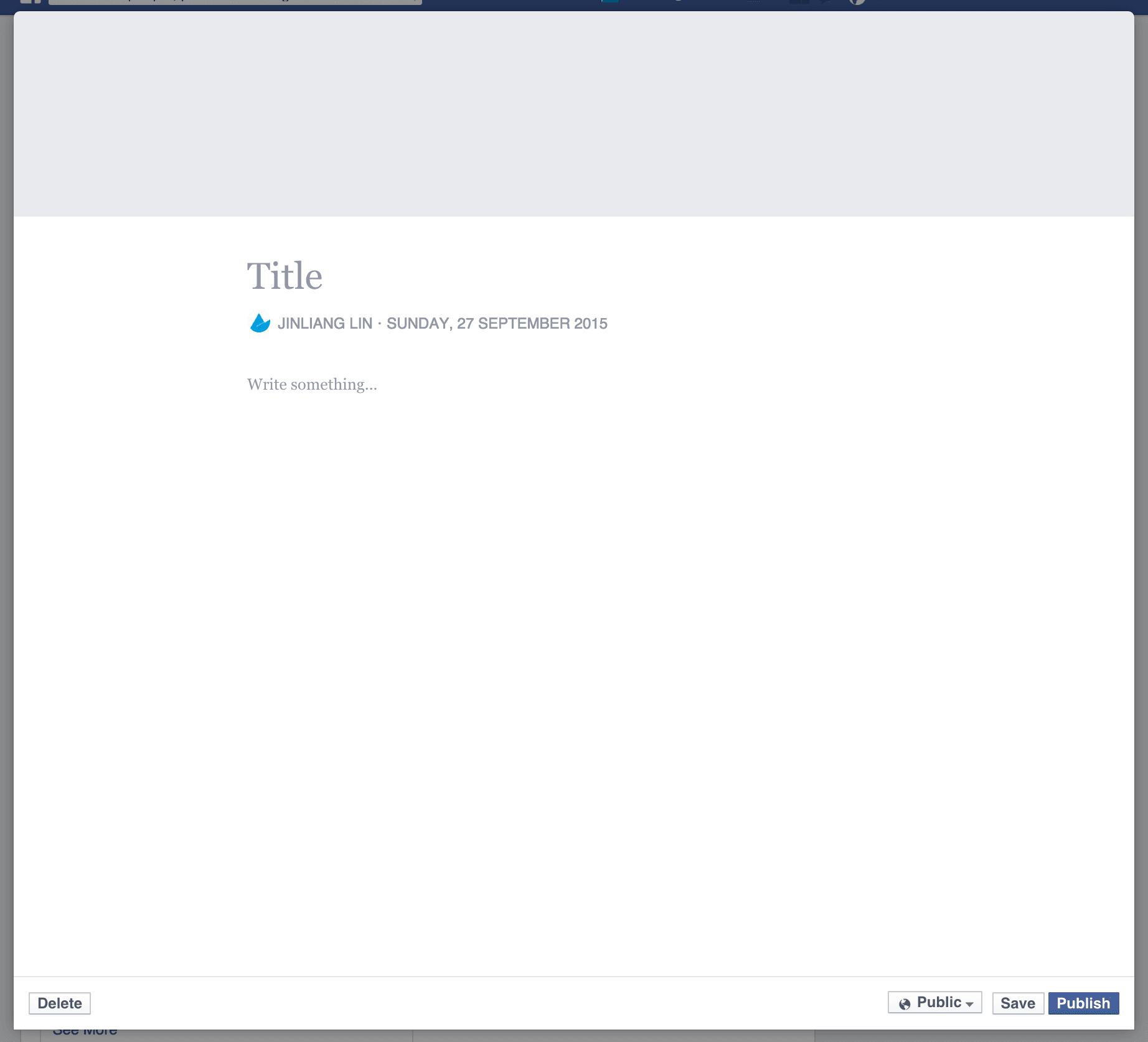 Figure 1: Redesigned Notes editor interface.
Turning to Figure 2, clicking within the body canvas allows writers to easily insert images and configure rich-text styling: H1 and H2 subheadings, bulleted lists, numbered lists, blockquotes, and preformatted code blocks. This covers virtually all core formatting essentials modern bloggers require.
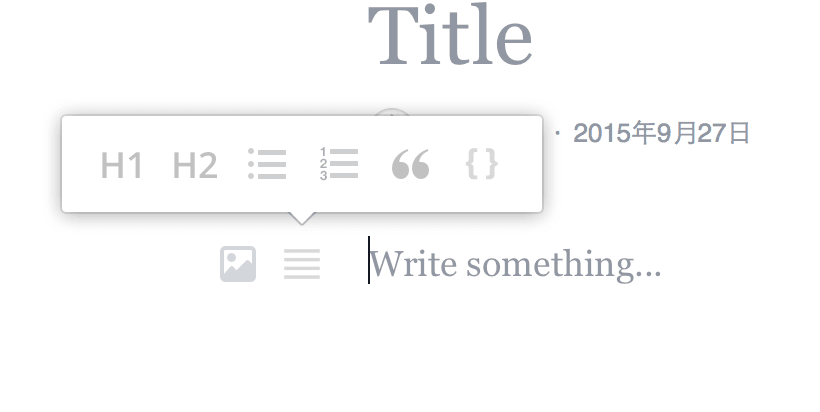 Figure 2: Text formatting attributes in Notes.
As illustrated in Figure 3, selecting the image tool allows uploaded photos (or images pulled from existing Facebook albums) to render directly inside the content block with dedicated layout controls: Alignment (left, center, right), Remove, and Caption.
Selecting the default center alignment displays the photo full-width across the article container, whereas left or right alignment scales down the image block and automatically wraps adjacent text, accommodating diverse editorial layouts.
 Figure 3: Image insertion and alignment attributes.
After completing content edits and attaching a cover header, the finished article appears in the layout shown in Figure 4 for Facebook readers.
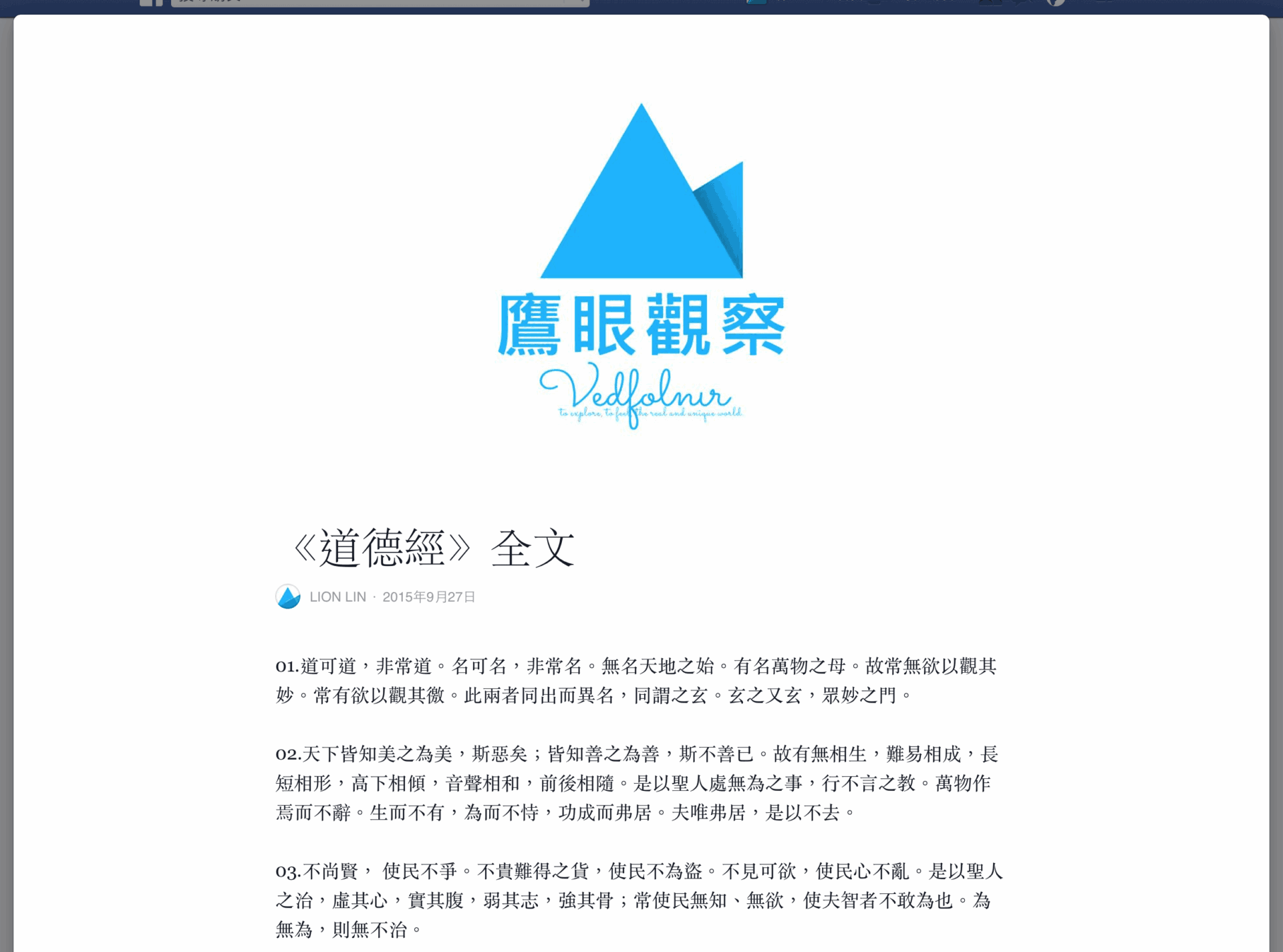 Figure 4: Complete article presentation with cover image.
Furthermore, as seen in Figure 5, once you hit Publish, a confirmation dialog pops up indicating the note is live. A companion preview card simultaneously populates onto your personal Facebook Timeline, demonstrating seamless integration between Notes and the primary News Feed ecosystem.
 Figure 5: Post-publication confirmation notice.
Currently, desktop and laptop web browsers (across Apple macOS and Microsoft Windows) provide this upgraded layout. Mobile web browsers on smartphones and tablets do not yet support the new components and temporarily fall back to the legacy editor pictured below.
Before long, Facebook may very well spin off Notes into a standalone dedicated mobile app (similar to Messenger). If paired with workable creator monetization models, such an offering could exert real disruptive pressure across the blogging landscape.
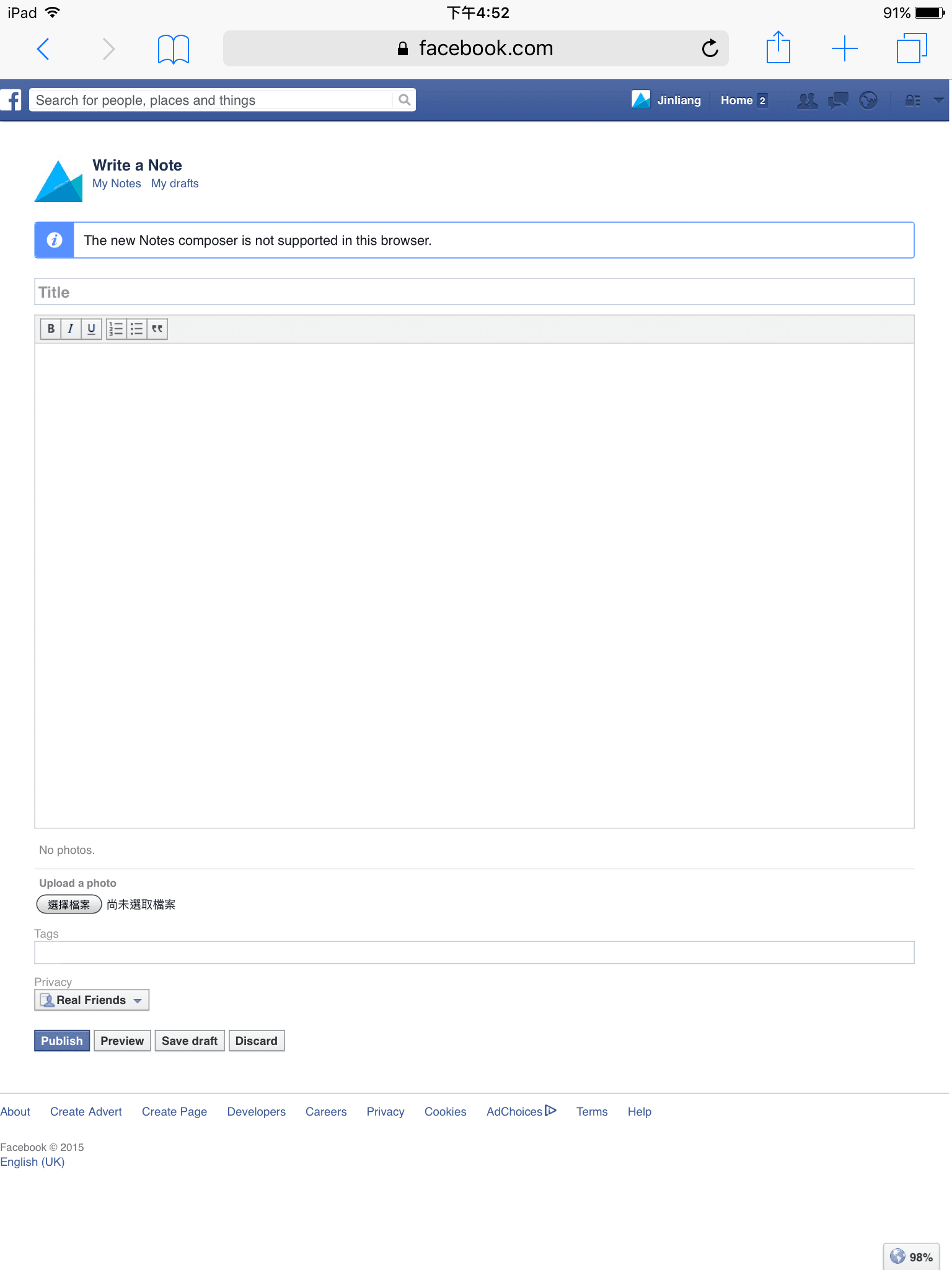 Figure 6: Legacy Notes editing interface on mobile browsers.
Further Reading
- Facebook Notes.
Support Independent Perspectives & In-Depth Insights
Every thoughtful analysis and candid critique comes from our dedication to truth and quality. We choose not to follow sensational algorithms or clickbait headlines.
Sustaining independent research requires reader support. Make a one-time or monthly contribution, securely processed by Google.
Payments secured by Google · Manage or cancel anytime in your Google Account




Comments