
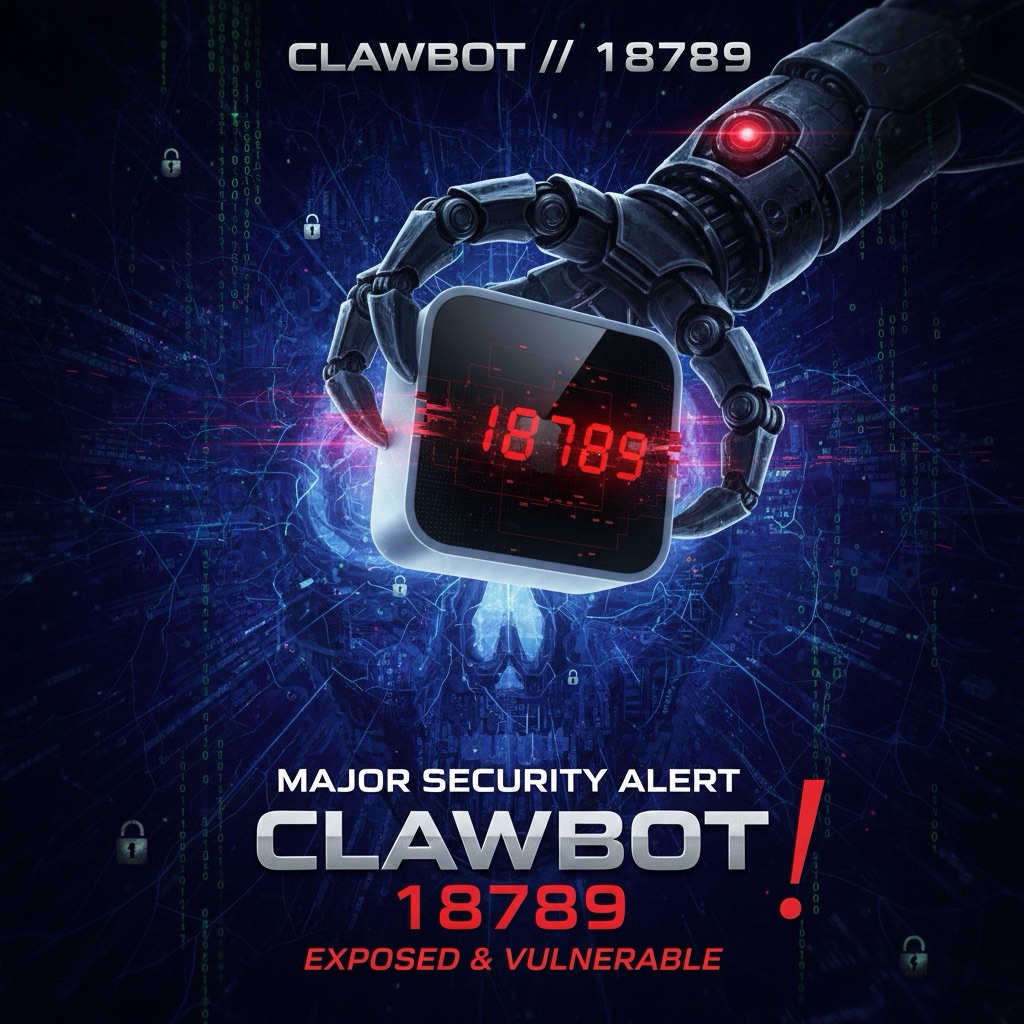
With an increasing number of developers utilizing local hardware like the Mac mini to self-host Clawdbot automation workflows, a critical operational security hazard has quietly surfaced.
Global cyberspace reconnaissance scans confirm that thousands of self-hosted Clawdbot instances currently sit entirely unprotected, directly exposing core daemon interfaces to the open web.
The Lethal Default: Port 18789 and Zero Authentication
The primary security vulnerability stems from an insecure default configuration: upon initialization, the daemon binds by default to all network interfaces on port 18789 without requiring any baseline authentication.
This is not an isolated edge-case misconfiguration, but an architectural failure of “Security by Default.” Threat actors utilizing automated OSINT port scanners like Shodan or Censys can easily identify exposed instances and gain administrative control with zero exploitation threshold.
Threat Vector Analysis: Are You at Risk?
If your Clawdbot installation maintains default settings, an unauthenticated remote adversary can:
- Execute Remote Operations: Intercept and issue rogue automated workflows and terminal commands.
- Harvest Credentials: Exfiltrate environment secrets, upstream LLM API keys, and database credentials stored in memory or local configuration files.
- Snoop Private Chat Data: Read complete historical prompt logs, generated scratchpads, and proprietary context documents.
Emergency Remediation Guide: 3 Steps to Lock Down Your Host
If you currently maintain an active Clawdbot instance, apply these hardening controls immediately:
Step 1: Restrict Interface Binding and Mandate Token Auth
Open your deployment configuration file and enforce local loopback binding alongside token verification:
- Restrict Network Binding:
gateway.bind: "loopback" - Enforce Token Authentication:
gateway.auth.mode: "token"
Step 2: Contract Exposure on Auxiliary Endpoints
To ensure complete perimeter isolation, verify that all auxiliary Control UIs, Webhook Serve Endpoints, and virtual mesh overlay networks (such as Tailscale or ZeroTier) explicitly listen only on 127.0.0.1 (localhost).
Step 3: Service Restart
After saving your configuration changes, restart the Clawdbot daemon immediately to enforce the updated binding sockets and authentication policies.
Conclusion
In the pursuit of AI automation speed, operational security must never be compromised. Inspect your port 18789 listeners immediately and ensure your local Mac mini or server does not become an open playground for opportunistic scanners.
Support Independent Perspectives & In-Depth Insights
Every thoughtful analysis and candid critique comes from our dedication to truth and quality. We choose not to follow sensational algorithms or clickbait headlines.
Sustaining independent research requires reader support. Make a one-time or monthly contribution, securely processed by Google.
Payments secured by Google · Manage or cancel anytime in your Google Account



Comments